Characters you can create
Design AI characters in three steps
- 01
Open Morphic
Sign up and start creating on a free-flowing, infinite visual canvas.
- 02
Describe the character
Face, hair, outfit, pose, mood, art style. Be specific.
- 03
Generate and iterate
Lock the look you love. Carry the same character into new shots on the Canvas.
Use cases
Any character, any genre
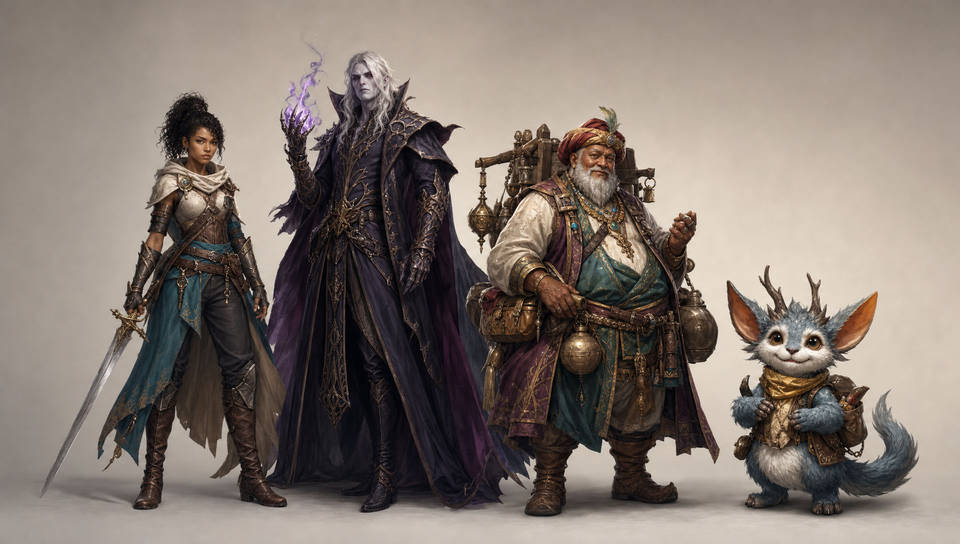
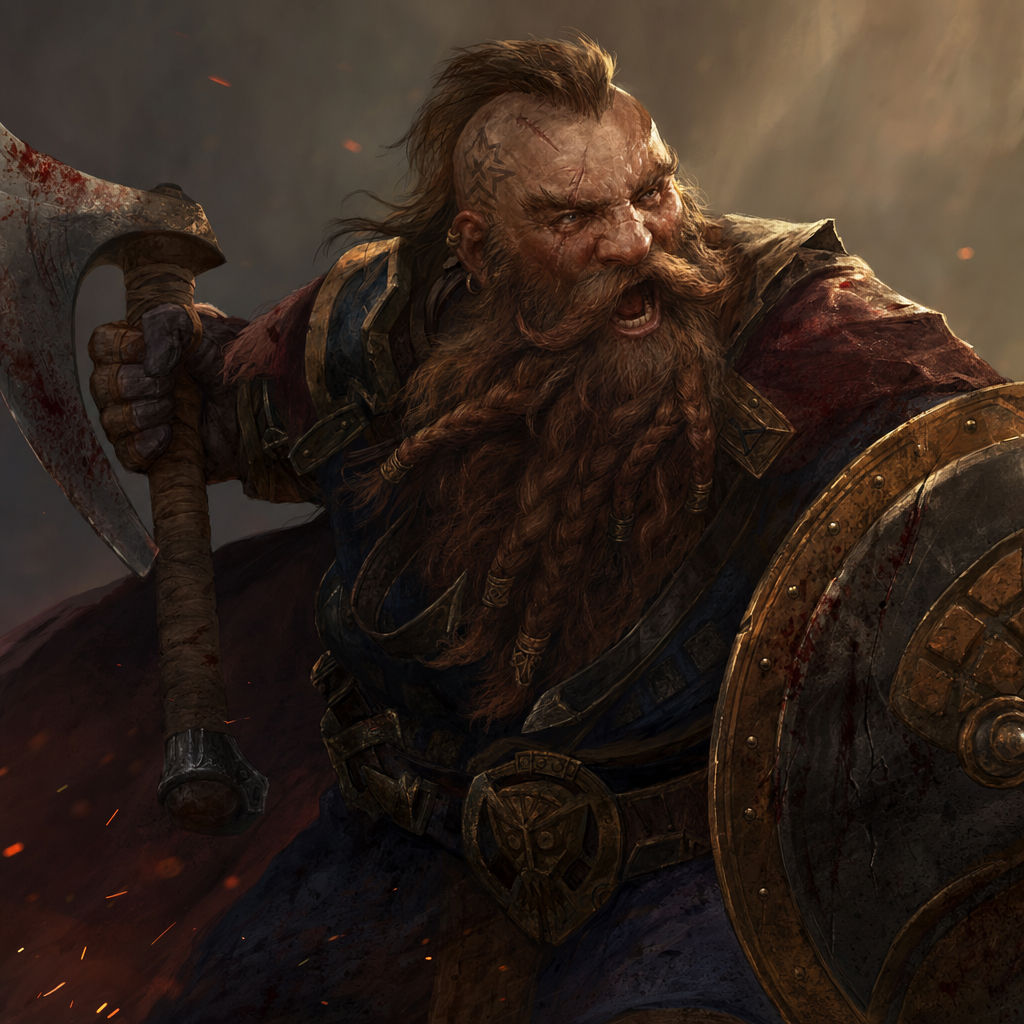
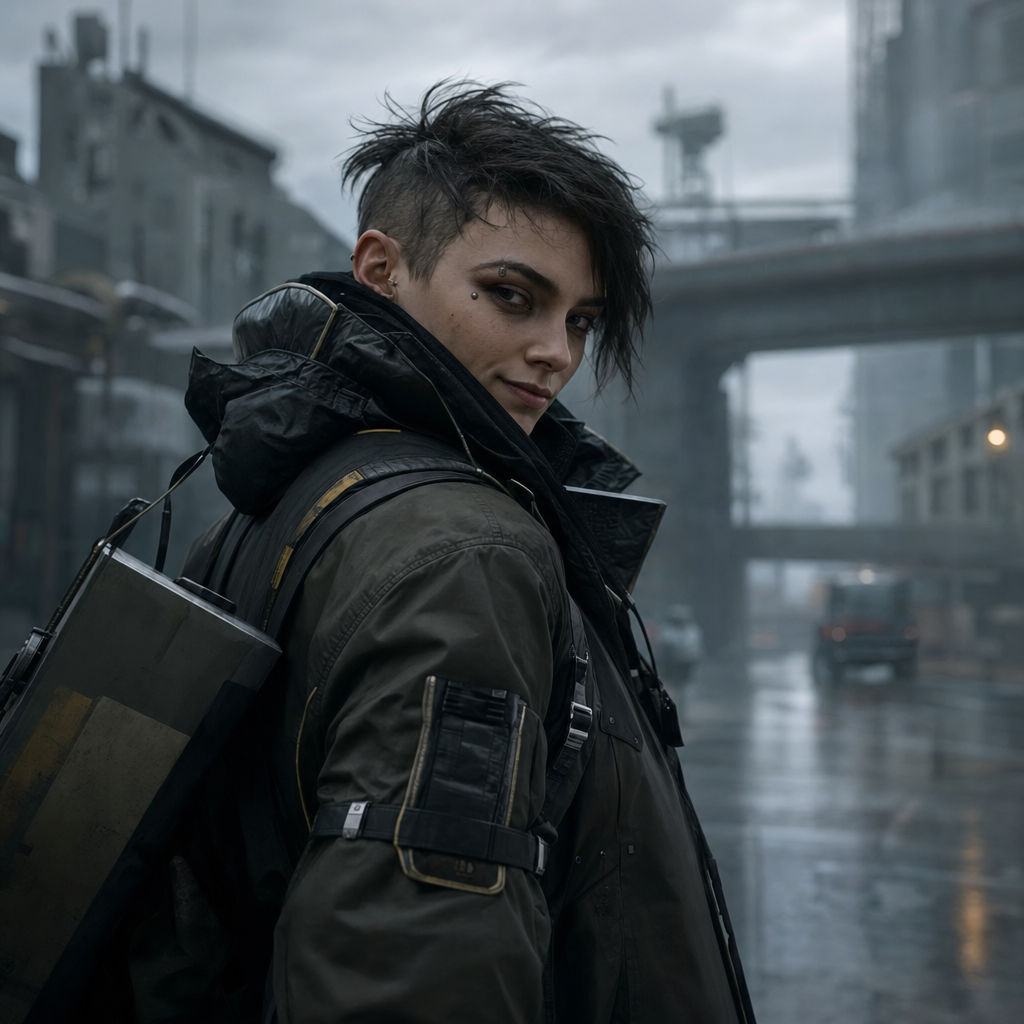
Heroes, villains, NPCs, mascots, creatures. Design leads for a story, a game, or a campaign, and a whole ensemble that stays visually distinct. Different faces, ages, and builds, all in one session.
Every art style
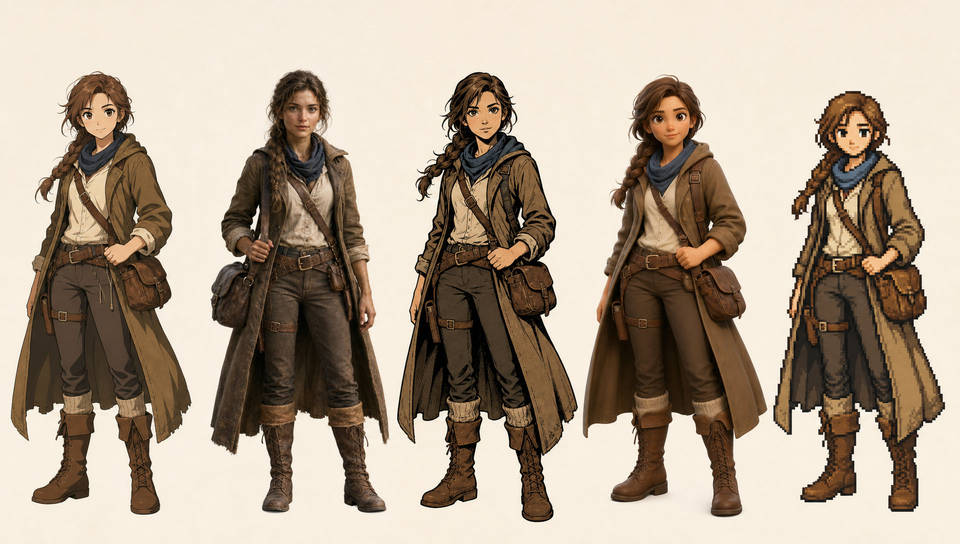
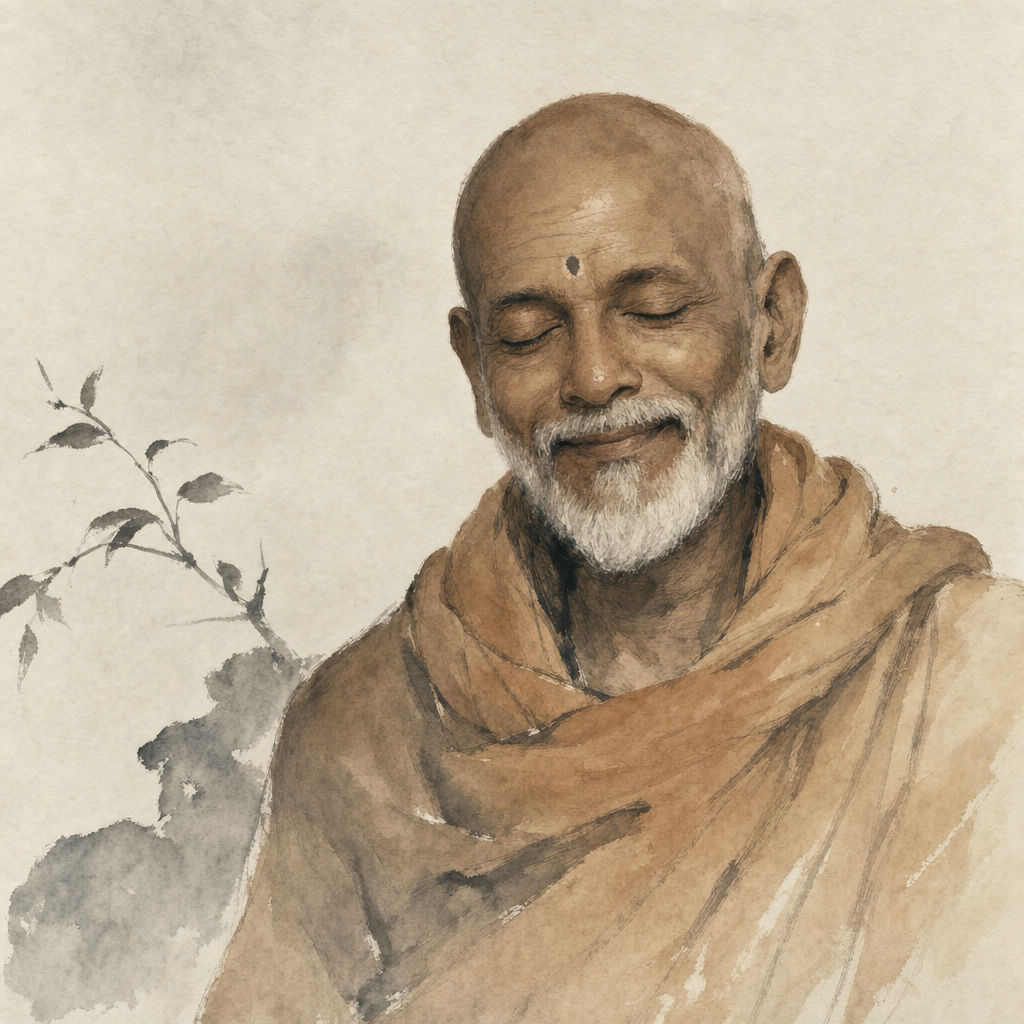
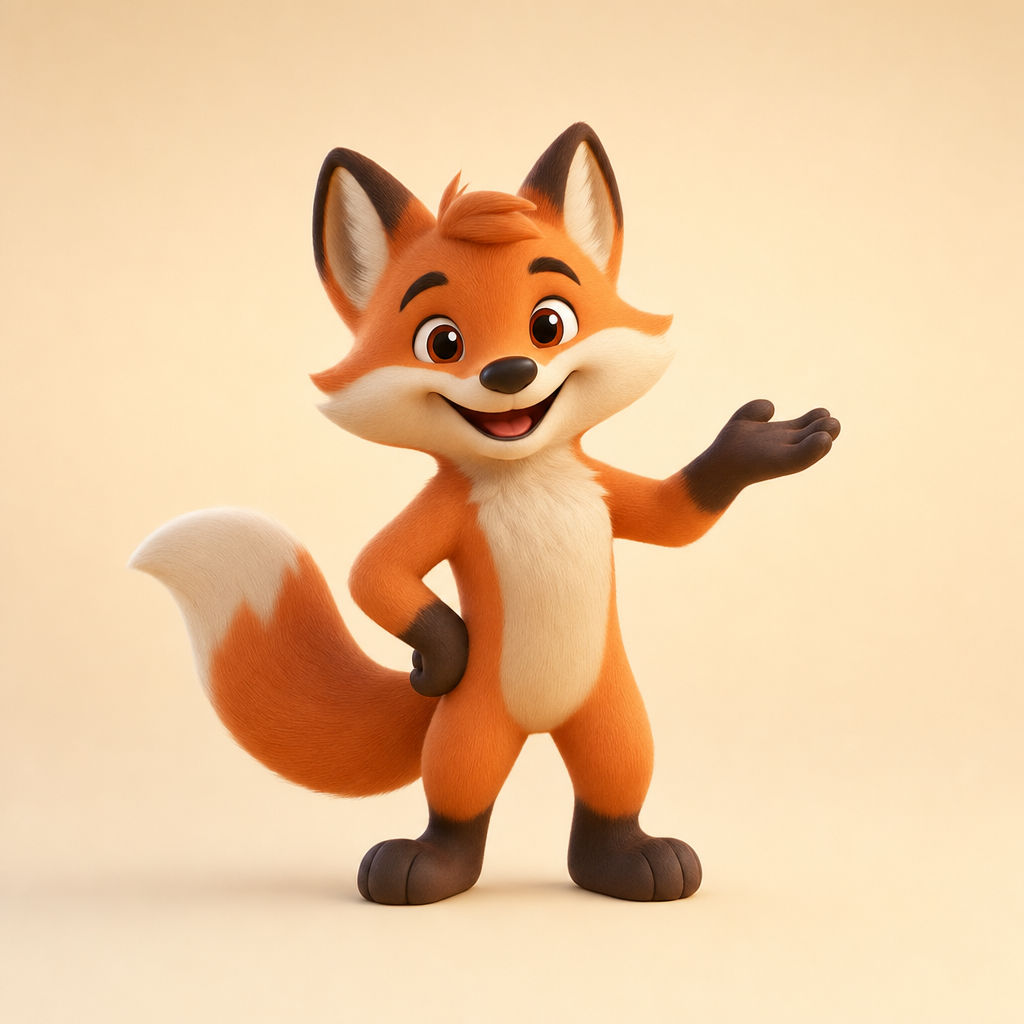
Render the same idea as anime, photoreal portrait, comic book, 3D mascot, pixel art, claymation, or editorial fashion. Name the style in the prompt or pick a model tuned for that look, and switch medium without starting over.
Expressions and emotion
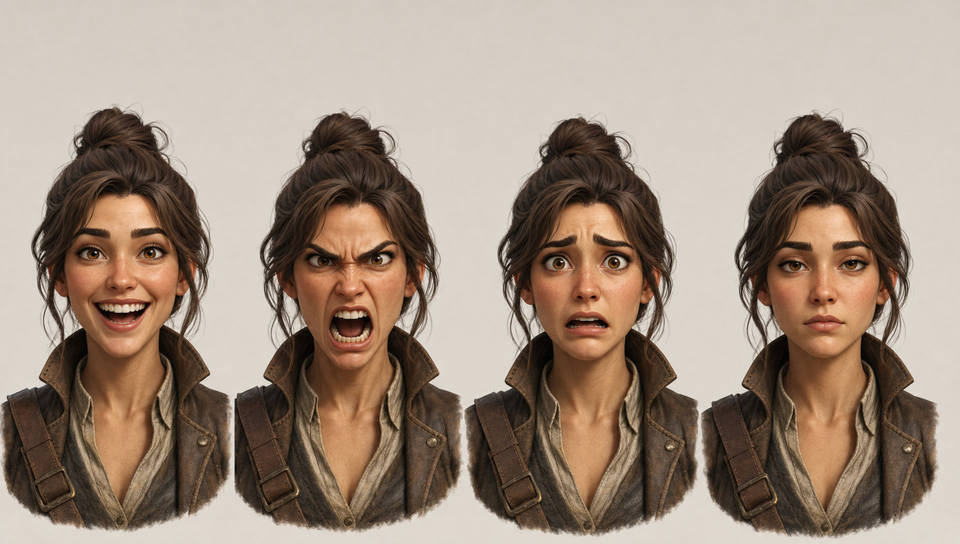
Push the performance, not just the pose. Generate the same character joyful, furious, fearful, or deadpan, and dial in the exact look you need for a panel, a poster, or a key frame.
Consistent characters
When you do need the same face to hold, train a Character from a handful of references and call it back on every shot, from storyboard to key art to final film.
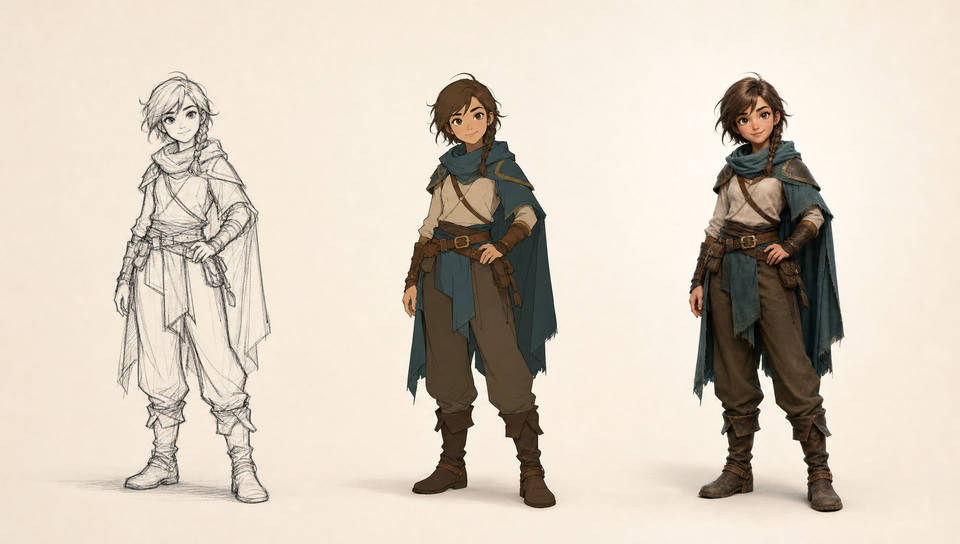
Characters you can create
Different people, styles, and expressions. Open any prompt to tweak it and generate your own.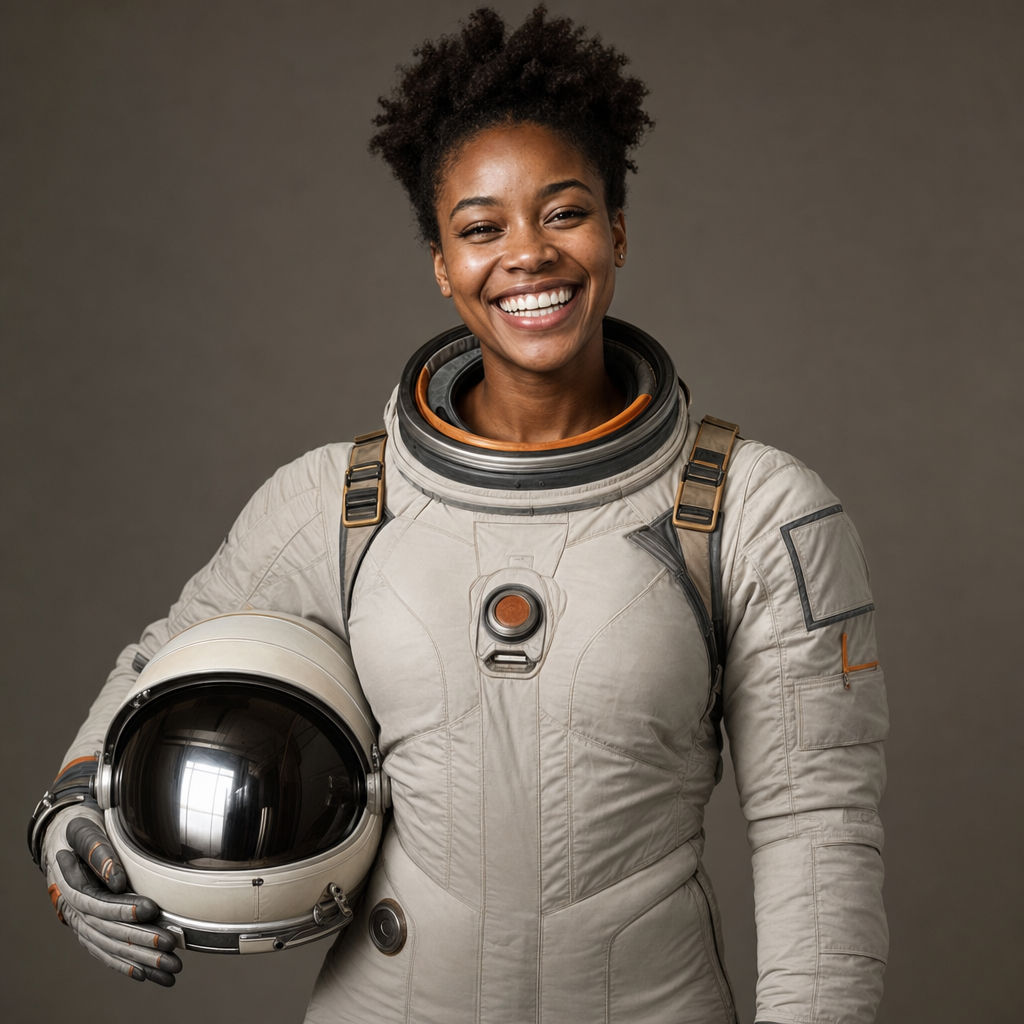
Joyful astronaut
Young Black woman astronaut, beaming grin, photoreal portrait, soft studio key light
Edit prompt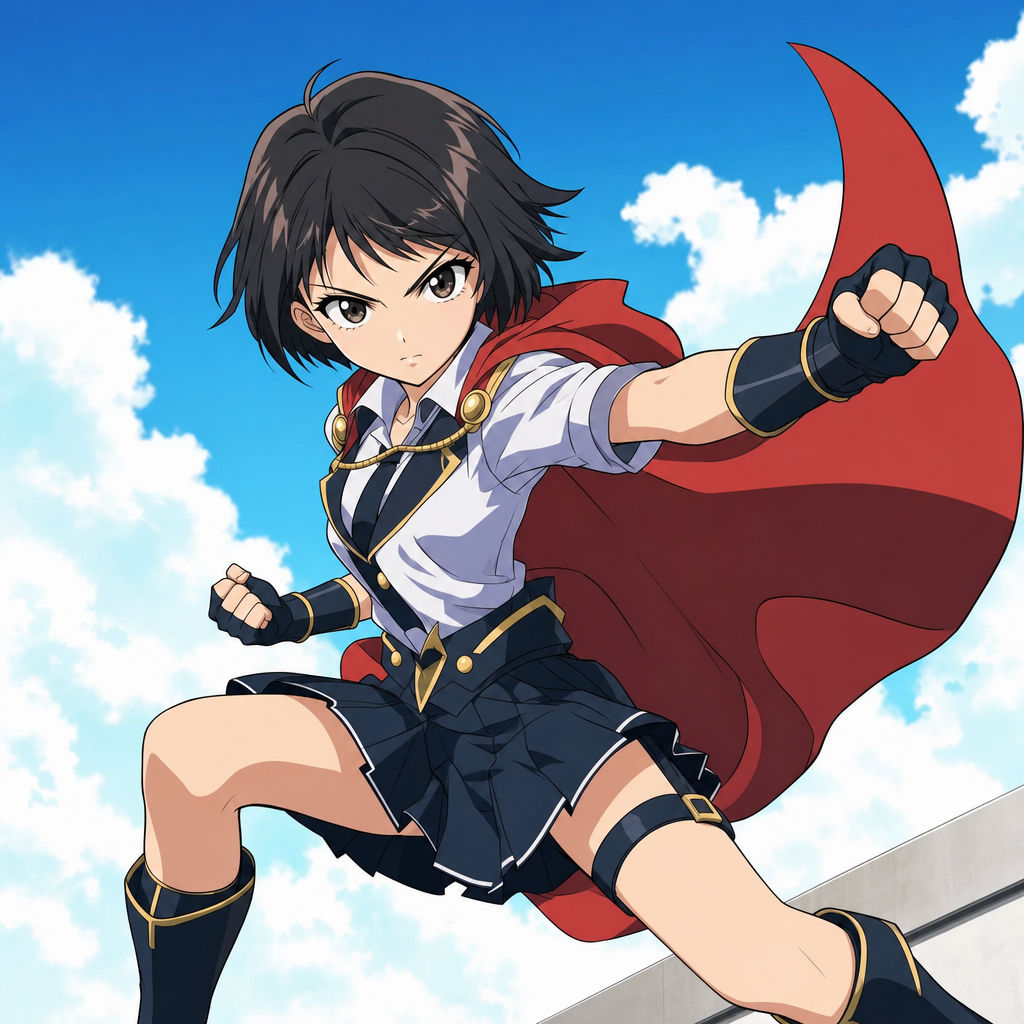

Chibi sprite animation
Turn any photo or description into an animated chibi sprite. Dance, jump, wave, attack, and more.

Expressions
Take any character image and generate 6 distinct facial expressions on a single reference sheet.

Cinematic storyboard
Share a scene description with character references. Get a full storyboard with shot angles and mood.

Anime style transfer
Pick any anime illustration as your style guide. Apply its look to any image.

Messages to cinematic scene
Dramatize any text conversation into a cinematic multi-shot video.
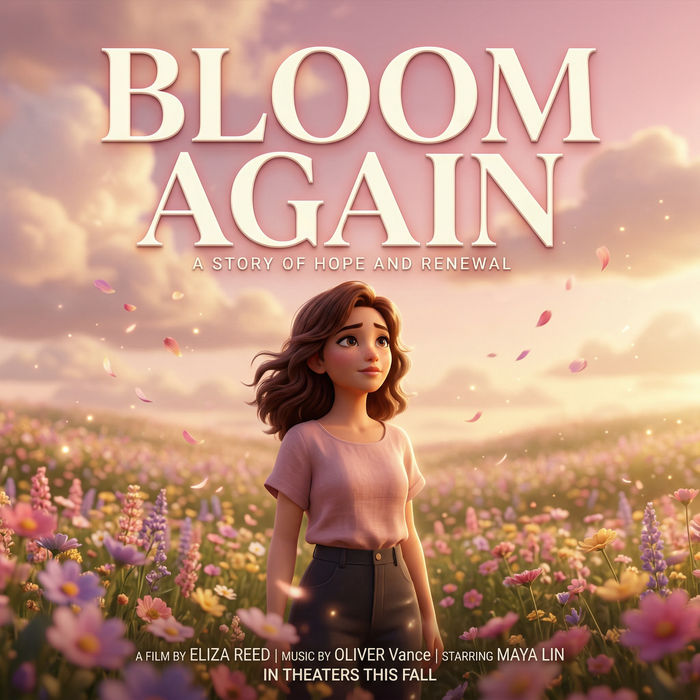
Title sequence
Generate a professional film title card from scratch, with optional cinematic animation.
All on Morphic
Your complete character stackModels
GPT Images 2.0, Nano Banana Pro, Seedream 5.0, Flux 2 Pro, Recraft V4 Pro, Z-Image Turbo, and more. Pick the model that fits the style and swap mid-project, all in one place.
Change style
Generate the same character in five looks at once: watercolor, oil paint, anime, cinematic, pixel art. Same face, same outfit, same pose. Different medium for every variant. One prompt, one click, a full style sheet.
Inpainting and outpainting
Edit one part of the character without rerolling the whole image. Inpaint to swap the hair, the jacket, or the expression. Outpaint to extend the frame and open up the scene around the design.
Workflows
Turn any repeatable task into a one-click rerun. Convert a finished design into a Workflow, run it again right away, share the link with your team, or favorite it for fast reuse. The same recipe, every batch.
