Clothing shots you can create
Shoot clothing photos in three steps
- 01
Open Morphic
Sign up and start creating on a free-flowing, infinite visual canvas.
- 02
Add your garment photo
Drop in a photo of your real piece, a flat-lay, a hanger shot, or a plain shot.
- 03
Generate the shot
Describe the model, pose, and setting. Your exact garment stays consistent while the scene changes.
Use cases
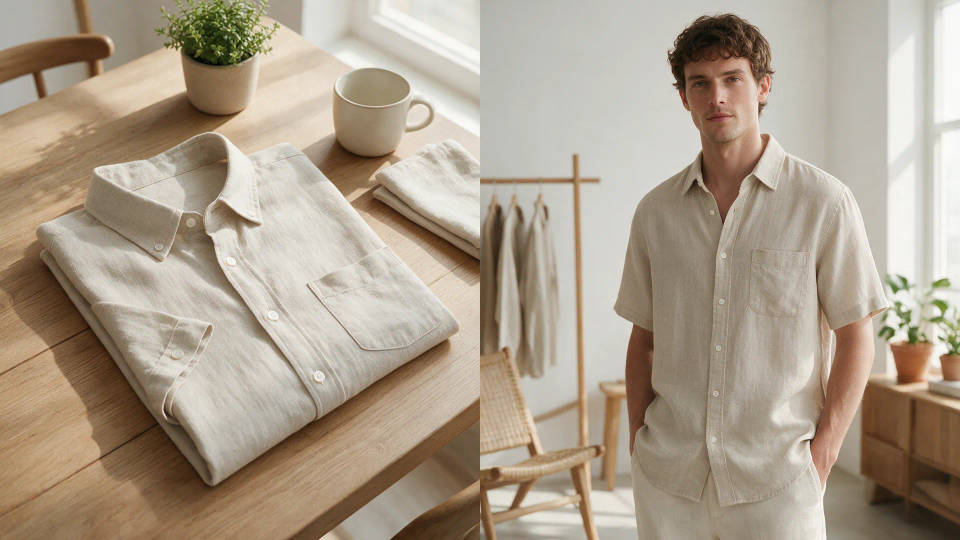
Flat garment to on-model shot
Start from a flat-lay or hanger photo and get a natural on-model shot. Your exact piece keeps its color, print, and cut while a model wears it in a pose you describe.
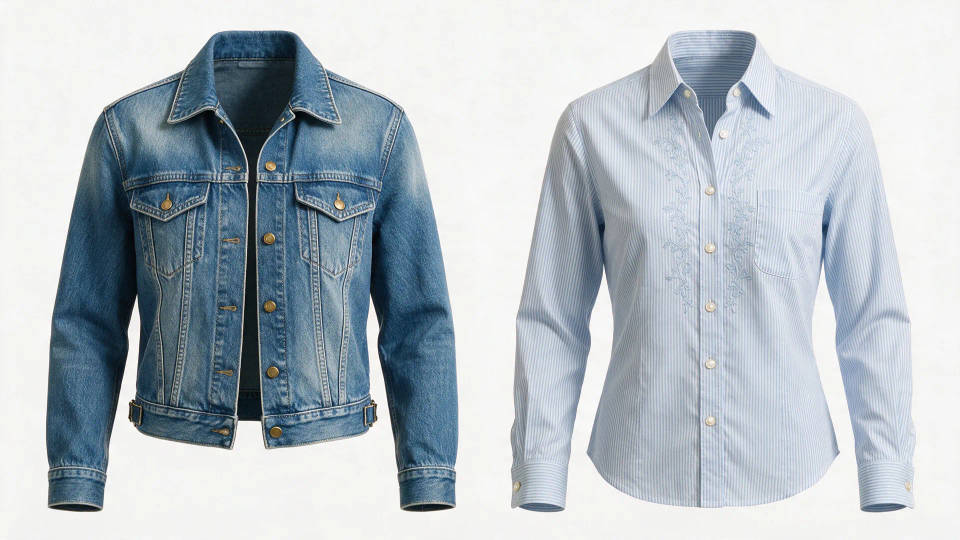
Ghost-mannequin catalog set
Turn a single garment photo into a clean ghost-mannequin product shot. The piece holds its shape with no visible model, ready for marketplace listings on white or a soft gradient.
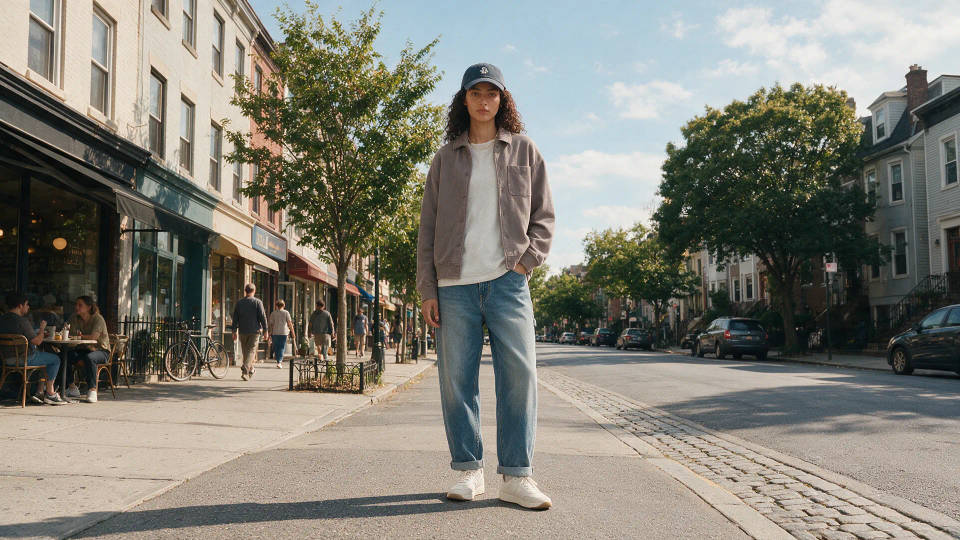
Lifestyle scenes without a shoot
Describe a setting and your garment drops right in on a model. Streetwear on a city block, activewear in a park, lifestyle apparel photos for ads and social without a location or crew.
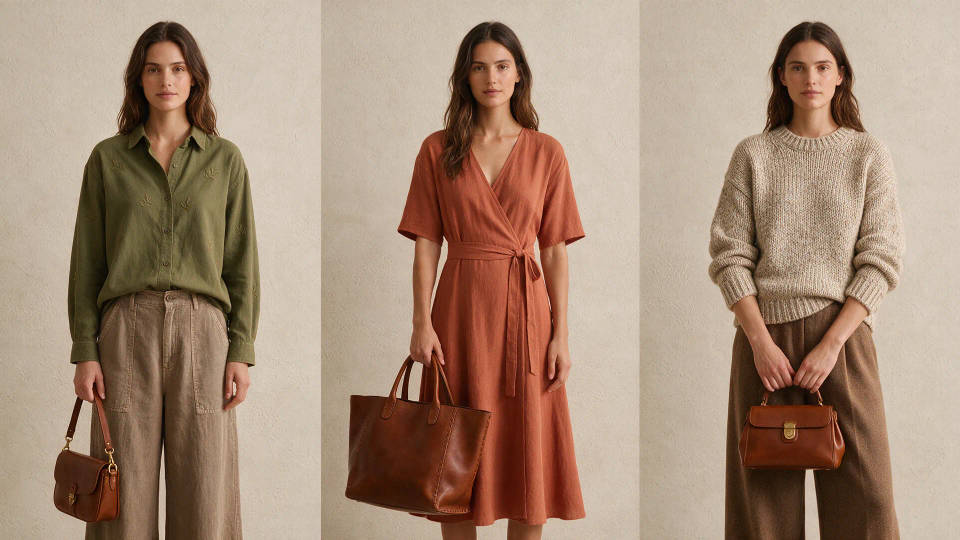
One consistent catalog style
Pick a look once and generate every piece in it. Turn it into a Workflow so the whole collection shares one visual identity, piece to piece across the lookbook.
Clothing shots you can create
Different models, scenes, and lighting. Open any prompt to tweak it and generate your own.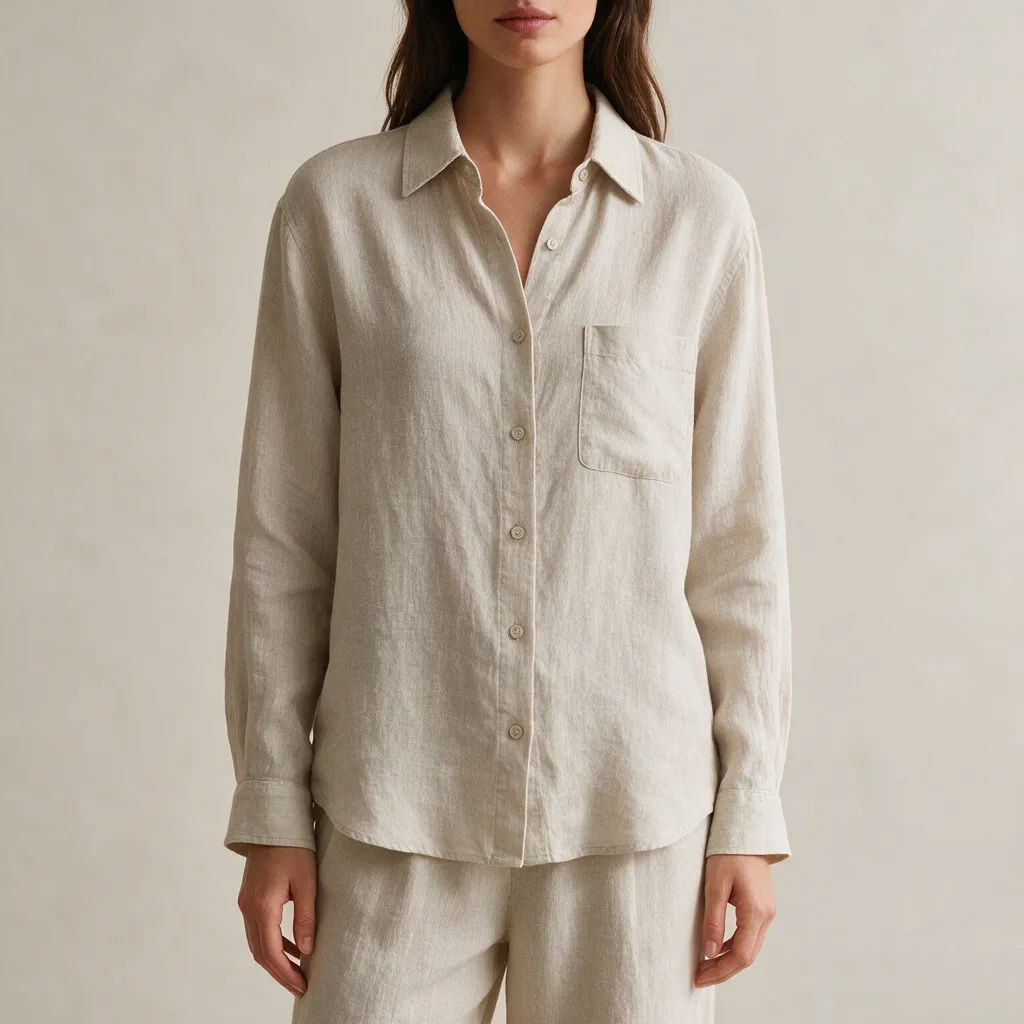
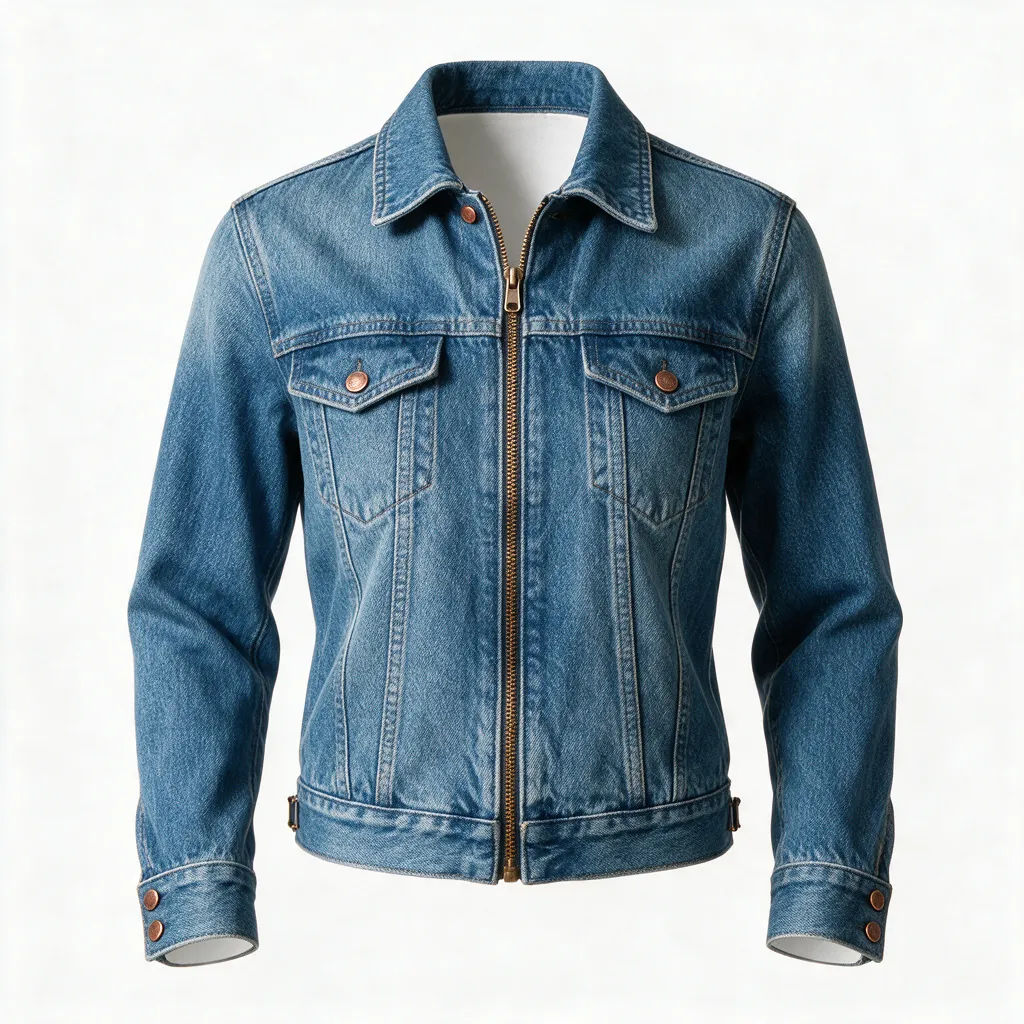
Ghost mannequin
Denim jacket as a ghost-mannequin product shot, hollow shape, clean white background
Edit prompt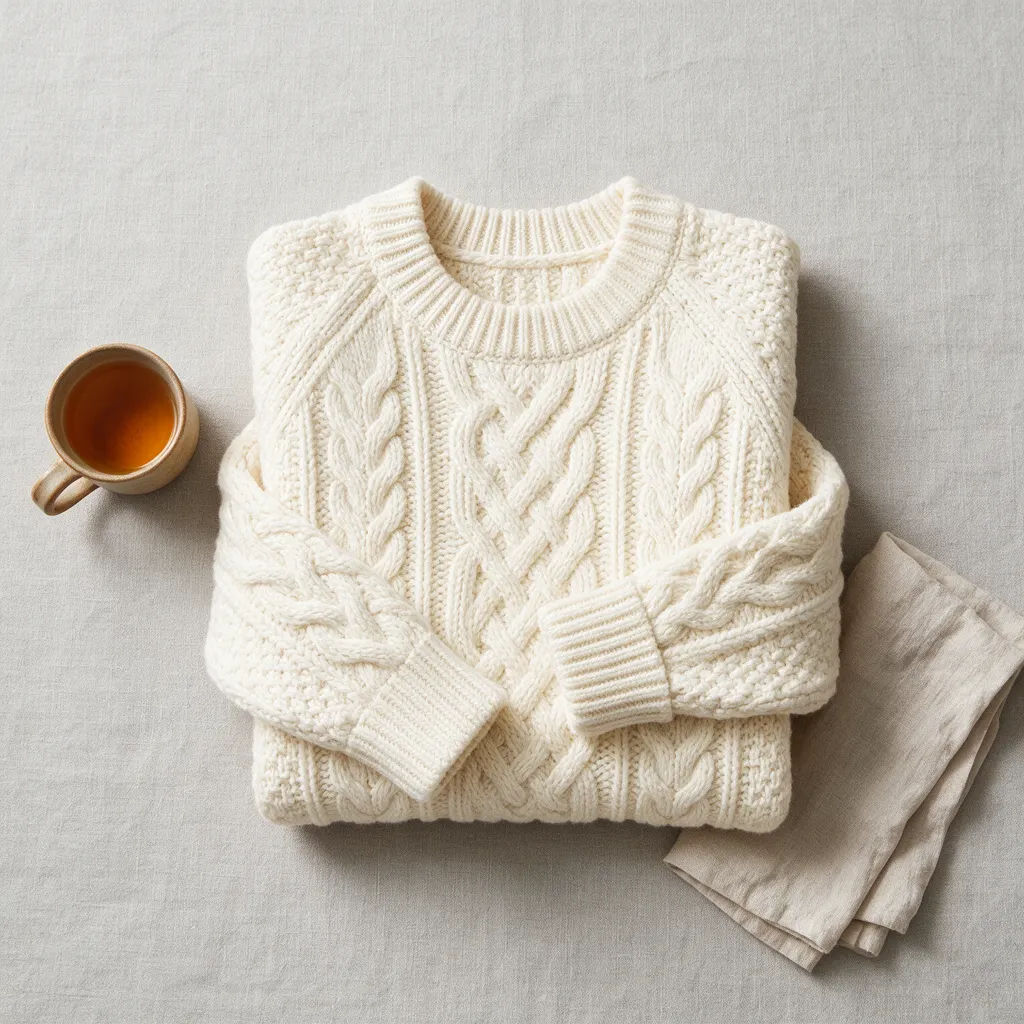
Flat-lay layout
Knit sweater in a tidy flat-lay, top-down view, even studio light, minimal props
Edit prompt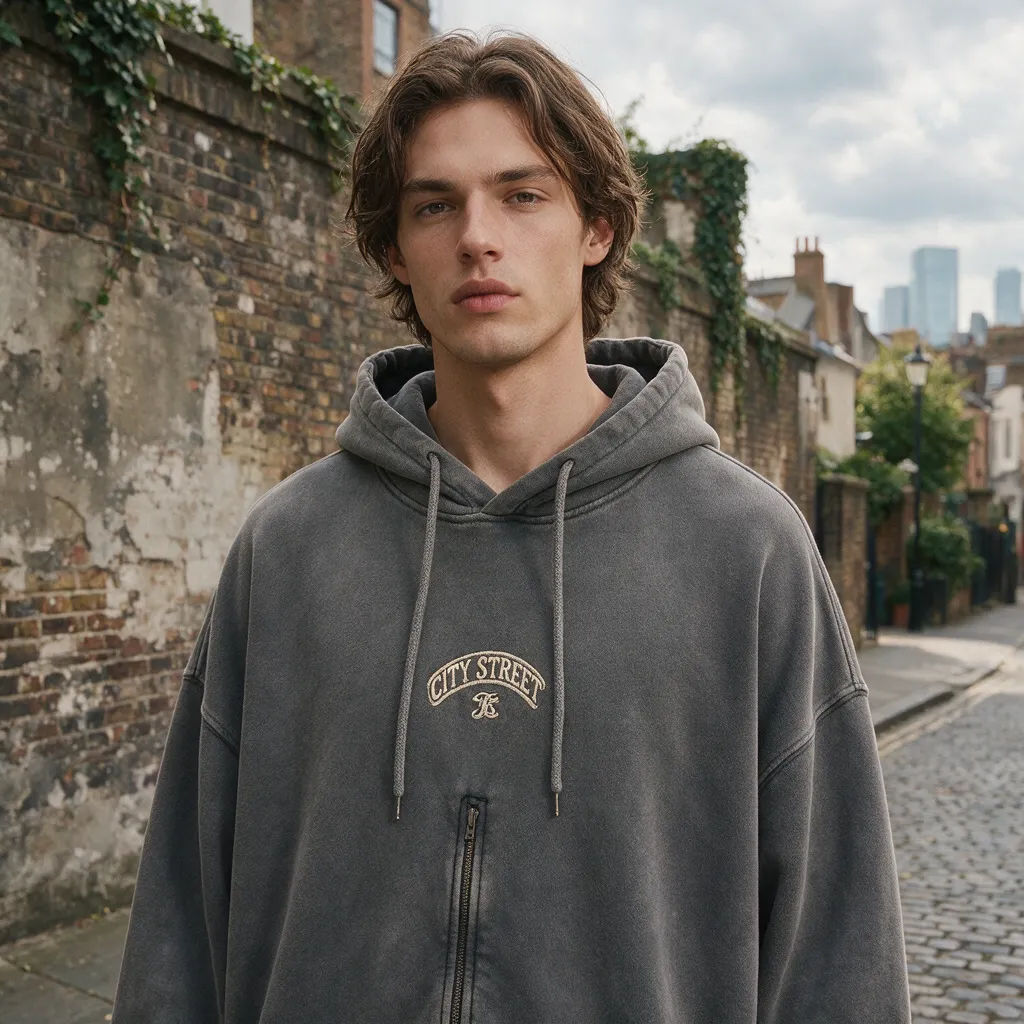
Streetwear editorial
Oversized hoodie on a model against a city wall, overcast light, editorial mood
Edit prompt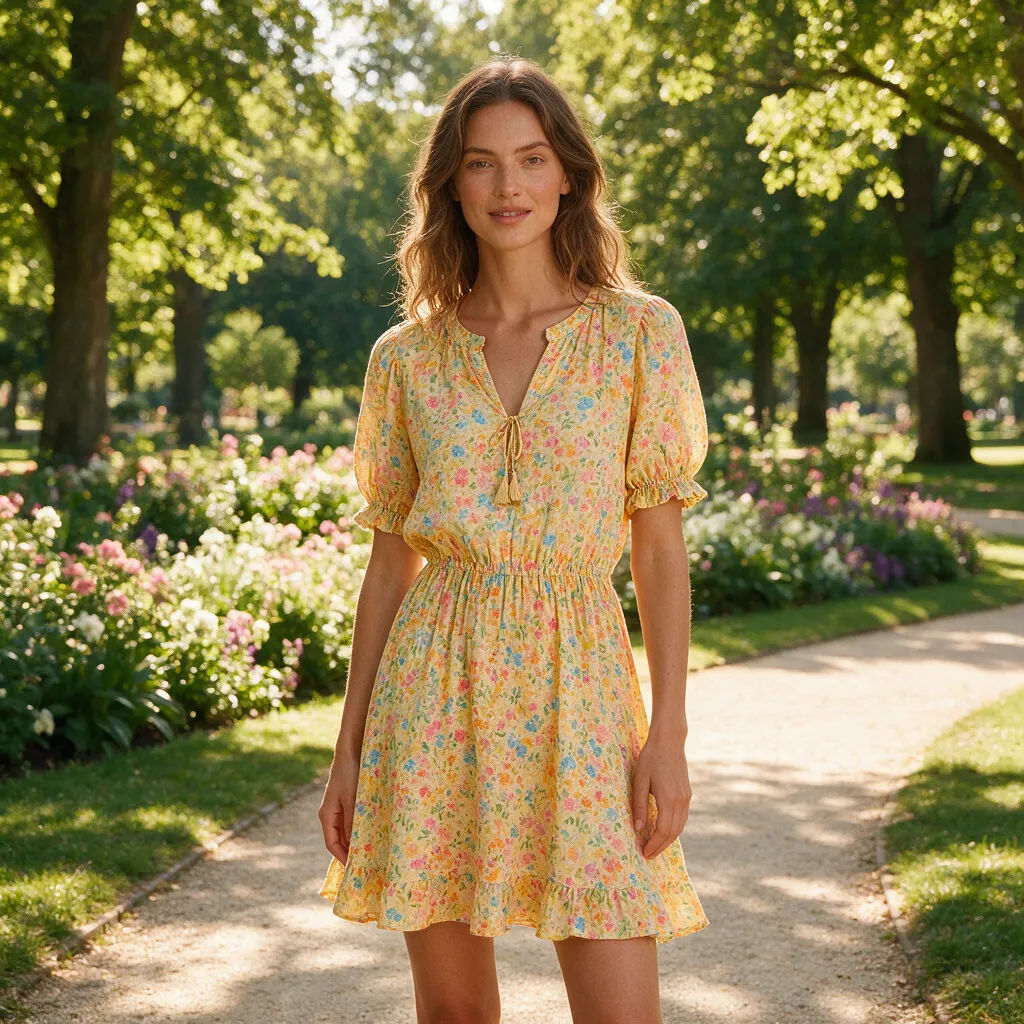
Lifestyle outdoor
Summer dress on a model in a sunlit park, warm golden light, natural lifestyle scene
Edit prompt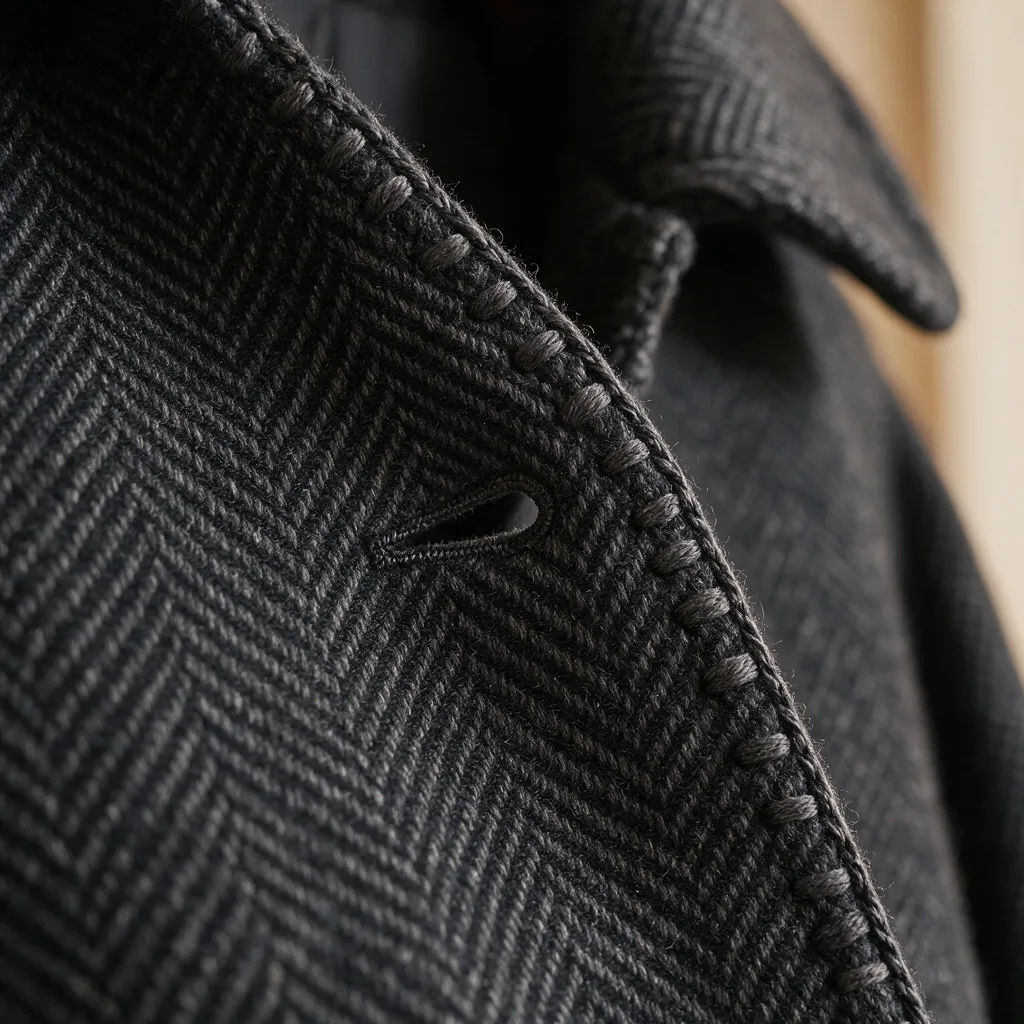
Fabric detail
Close-up of a wool coat, macro texture on the weave and stitching, soft directional light
Edit prompt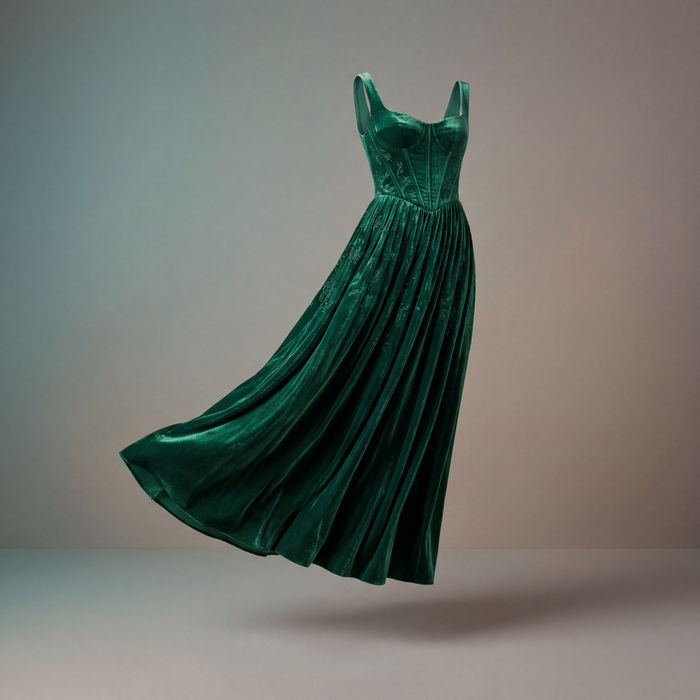
Clothing catalogue
Generates 4 catalogue shots from one garment photo — fabric close-up, front, back, and model wearing it.

Cinematic storyboard
Share a scene description with character references. Get a full storyboard with shot angles and mood.

Chibi sprite animation
Turn any photo or description into an animated chibi sprite. Dance, jump, wave, attack, and more.

Messages to cinematic scene
Dramatize any text conversation into a cinematic multi-shot video.

Title sequence
Generate a professional film title card from scratch, with optional cinematic animation.
Runway walk
Get a runway walk video clip with virtual try-on built in from a garment photo and a model photo.
All on Morphic
Your complete clothing-photo stackModels
Nano Banana 2, Flux 2 Pro, ChatGPT Images 2.0, Grok Imagine, Recraft V4 Pro, Seedream 5, and more. Pick the look and swap mid-project.
Same garment held consistent
Generate from a photo of your real piece with image-to-image. Color, print, and cut stay recognizable from on-model shot to ghost-mannequin listing.
Models, poses, and scenes
Swap the setting without a reshoot. Flat-lay to on-model, plain shot to sunlit park, hanger to studio. Same garment, new scene every time.
Workflows
Save a clothing-shot recipe as a Workflow. Rerun it, share the link, or favorite it. The same style, every piece.
