Old photos brought to colour
Colourise a photo in three steps
- 01
Open Morphic
Sign up and start creating on a free-flowing, infinite visual canvas.
- 02
Add your old photo
Drop in a black-and-white, sepia, or faded photo you want in colour.
- 03
Add natural colour
Ask for realistic colour. The real faces and detail hold while believable tones fill the frame.
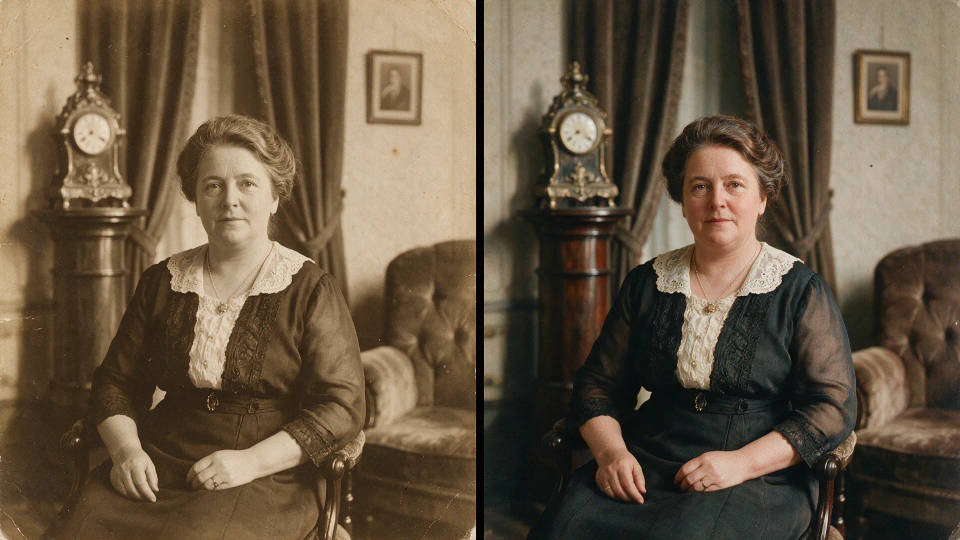
Black and white to colour, before and after
 Colourised
 Black and white
Use cases
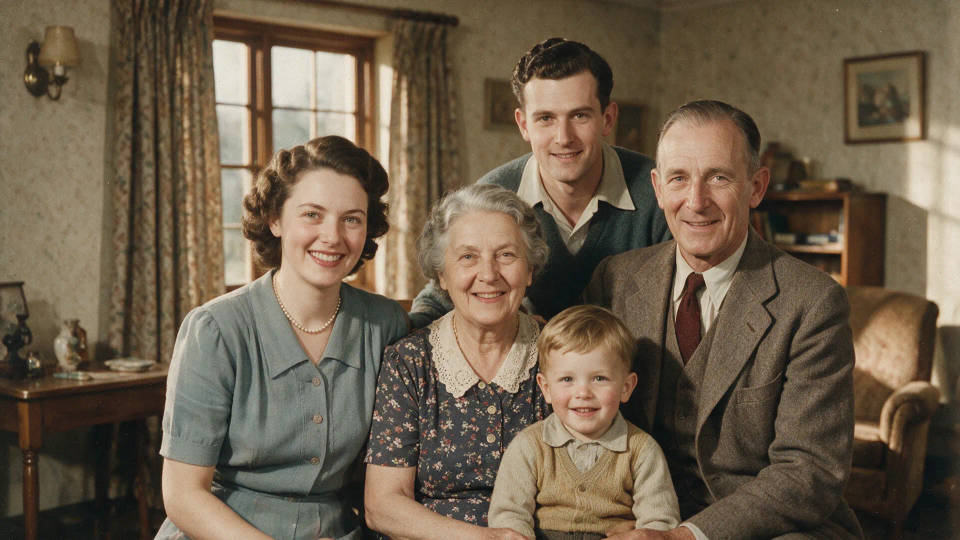
Old family photos in colour
Bring black-and-white family portraits to life. Faces, expressions, and detail stay exactly as they were, while natural skin tones and colours fill in around them.
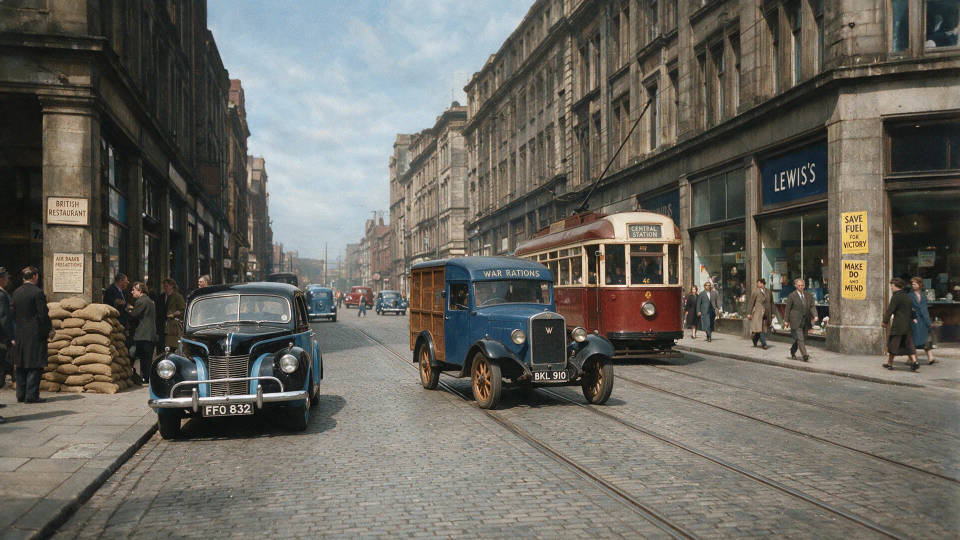
Colourise a historical archive
Add period-appropriate colour to wartime, street, and archive photos. The original composition and grain hold, so a historical record reads clearly without losing its authenticity.
Sepia into natural colour
Turn a warm sepia print into fuller, truer colour. The tool reads the tones that remain and rebuilds a natural palette while the faces and setting stay intact.
A whole box, one look
Colourise an entire box of old photos in one consistent treatment. Save the recipe as a Workflow and rerun it, so the full set shares one natural, even colour.
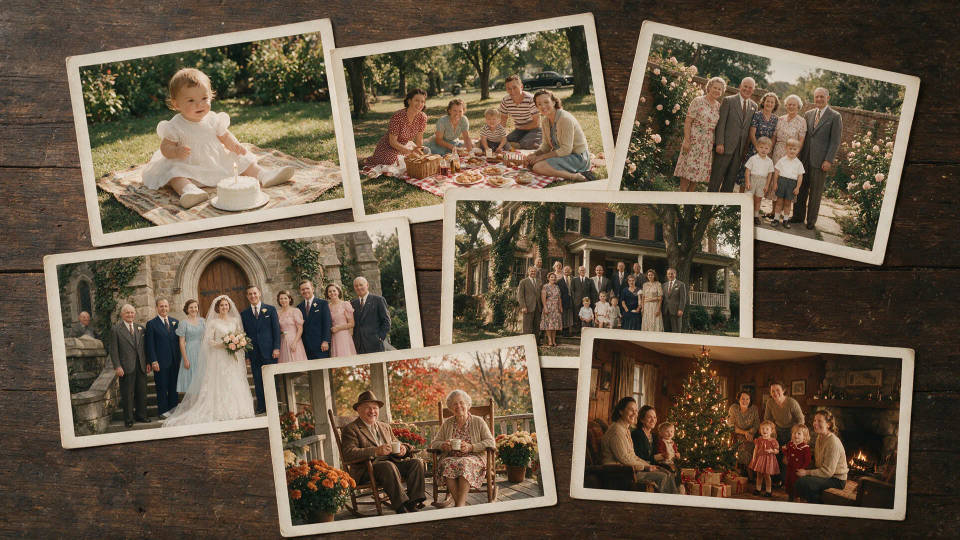
Photos you can colourise
Different eras, subjects, and light. Open any prompt to tweak it and colourise your own.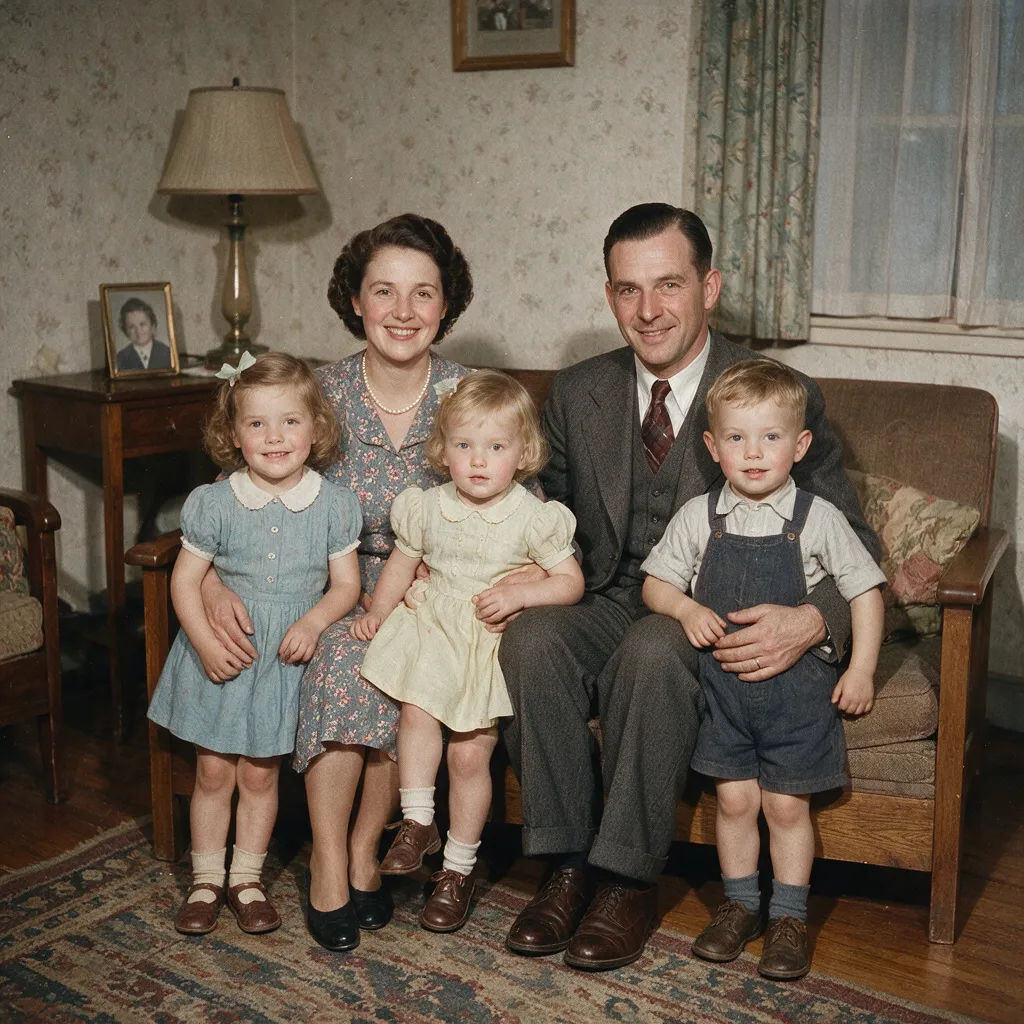
Family portrait
Colourise this 1950s black-and-white family portrait with natural skin tones and warm indoor light
Edit prompt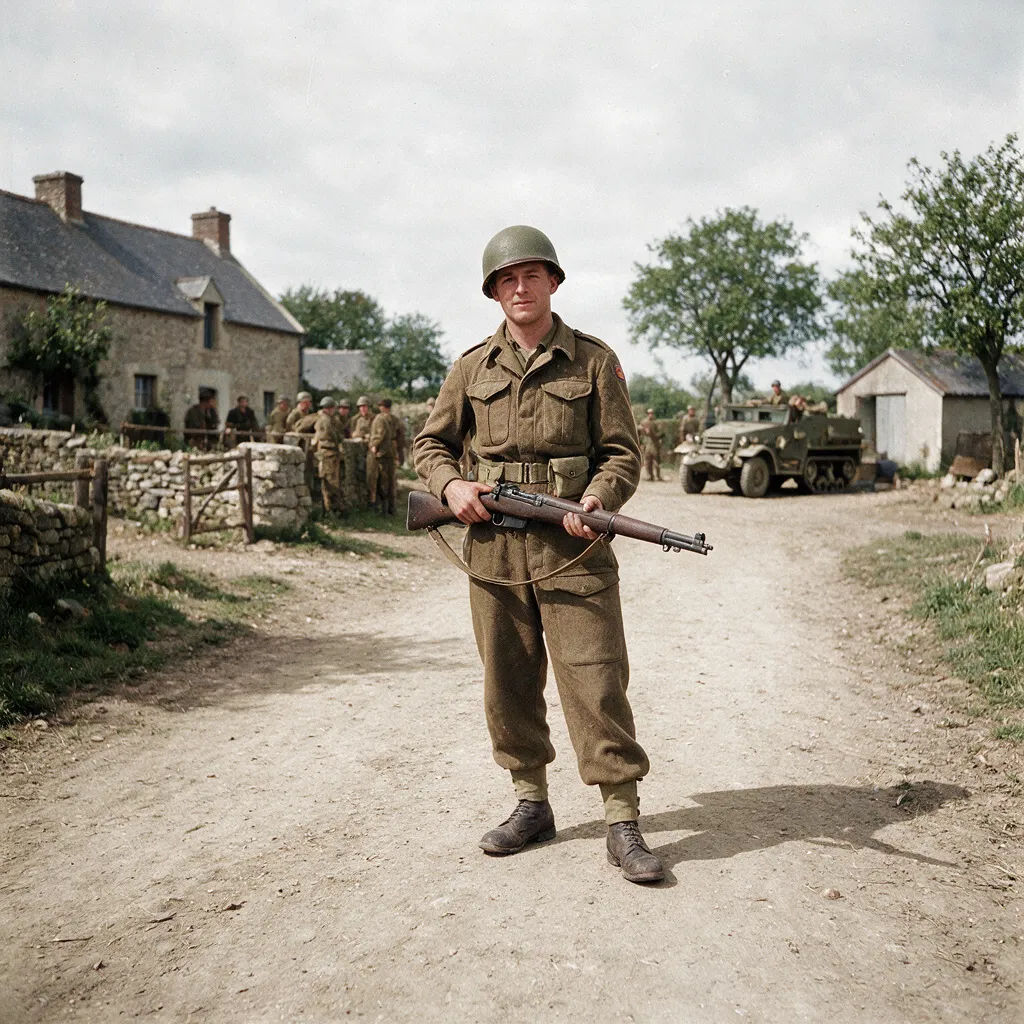
Wartime photo
Add believable colour to this wartime soldier photo, muted period tones, keep the original detail
Edit prompt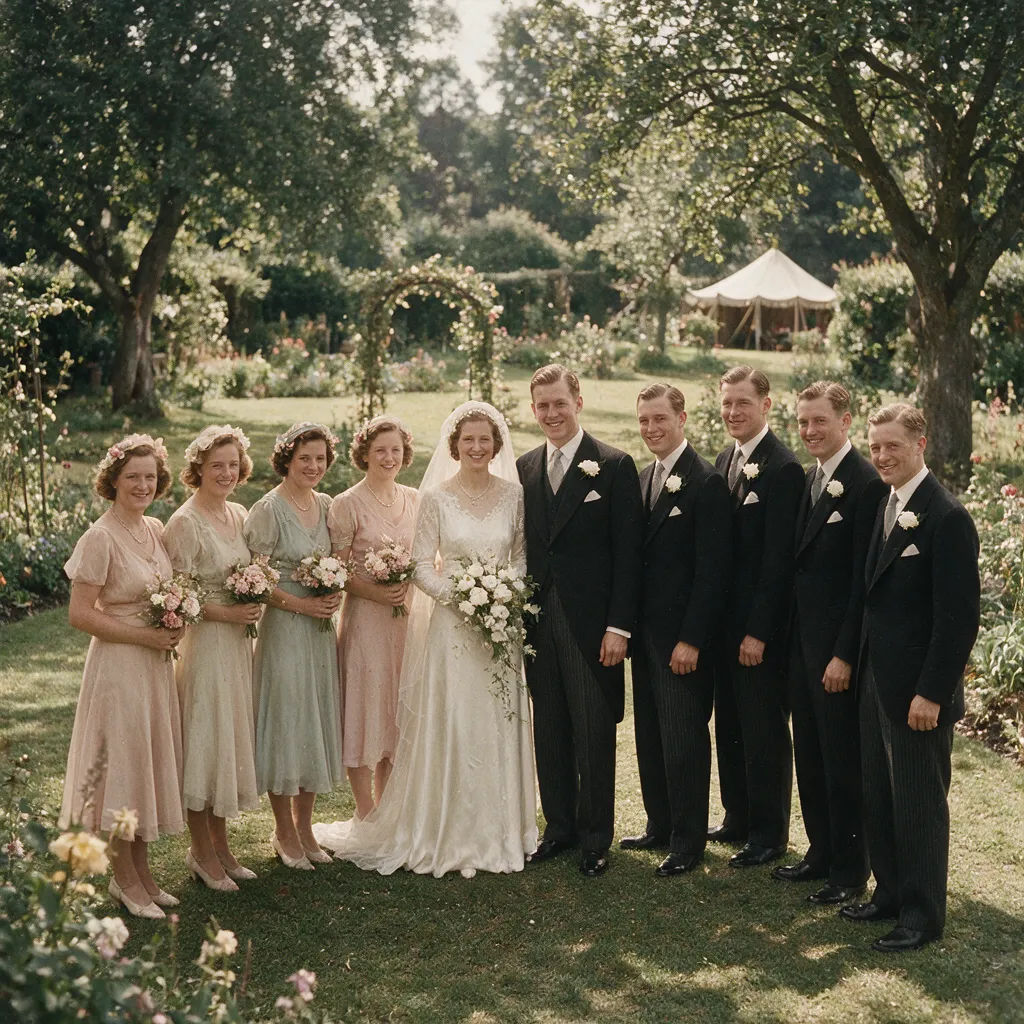
Sepia wedding
Turn this faded sepia wedding photo into natural colour, soft daylight, gentle skin tones
Edit prompt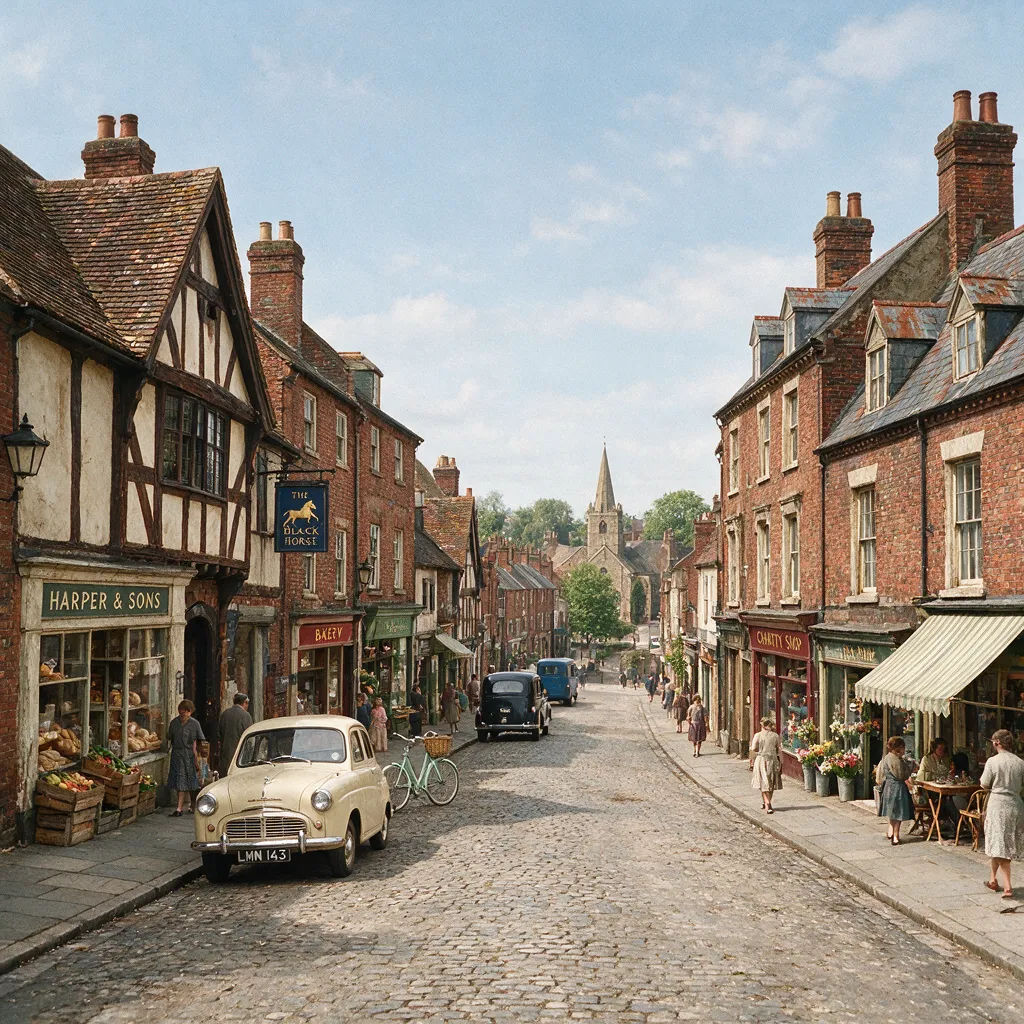
Vintage street
Colourise this old street scene with realistic colours, weathered buildings and daylight sky
Edit prompt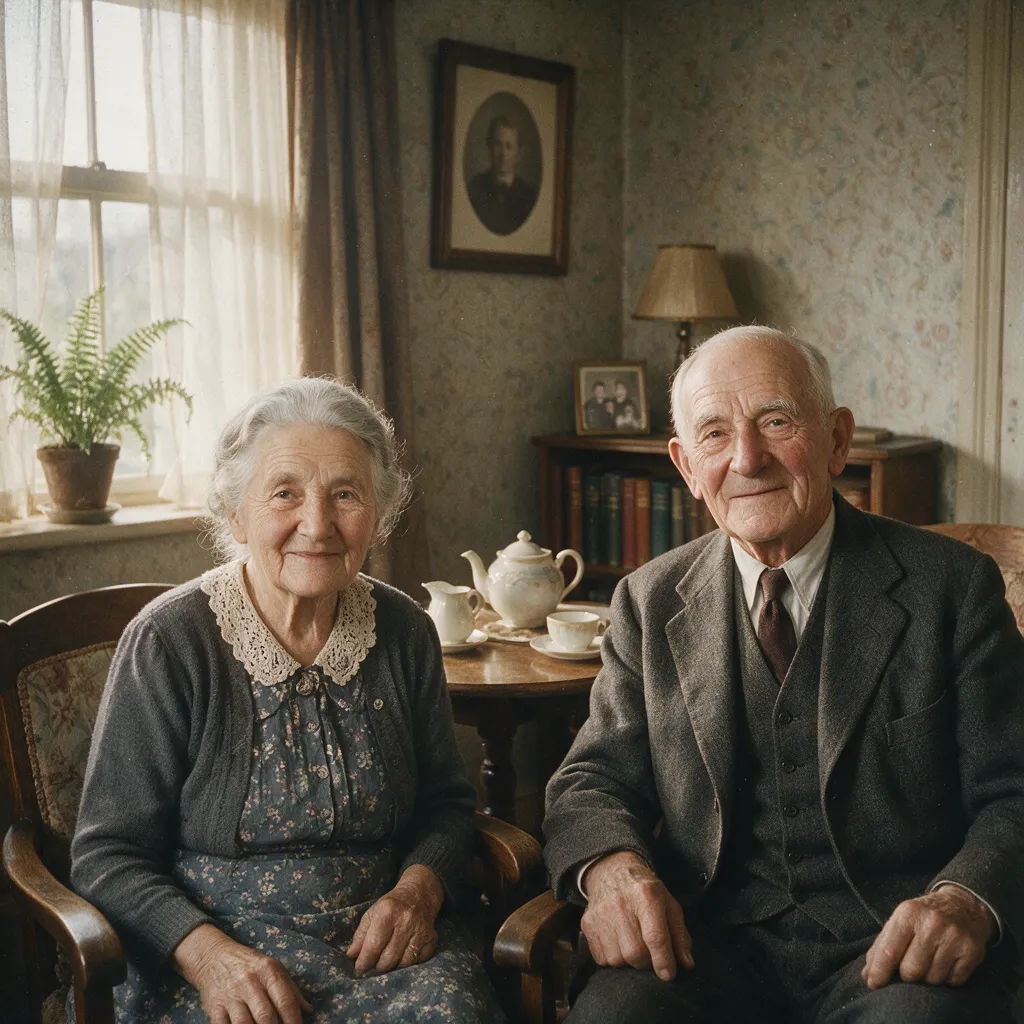
Grandparents
Add natural colour to this faded grandparents portrait, warm skin tones, keep the real faces
Edit prompt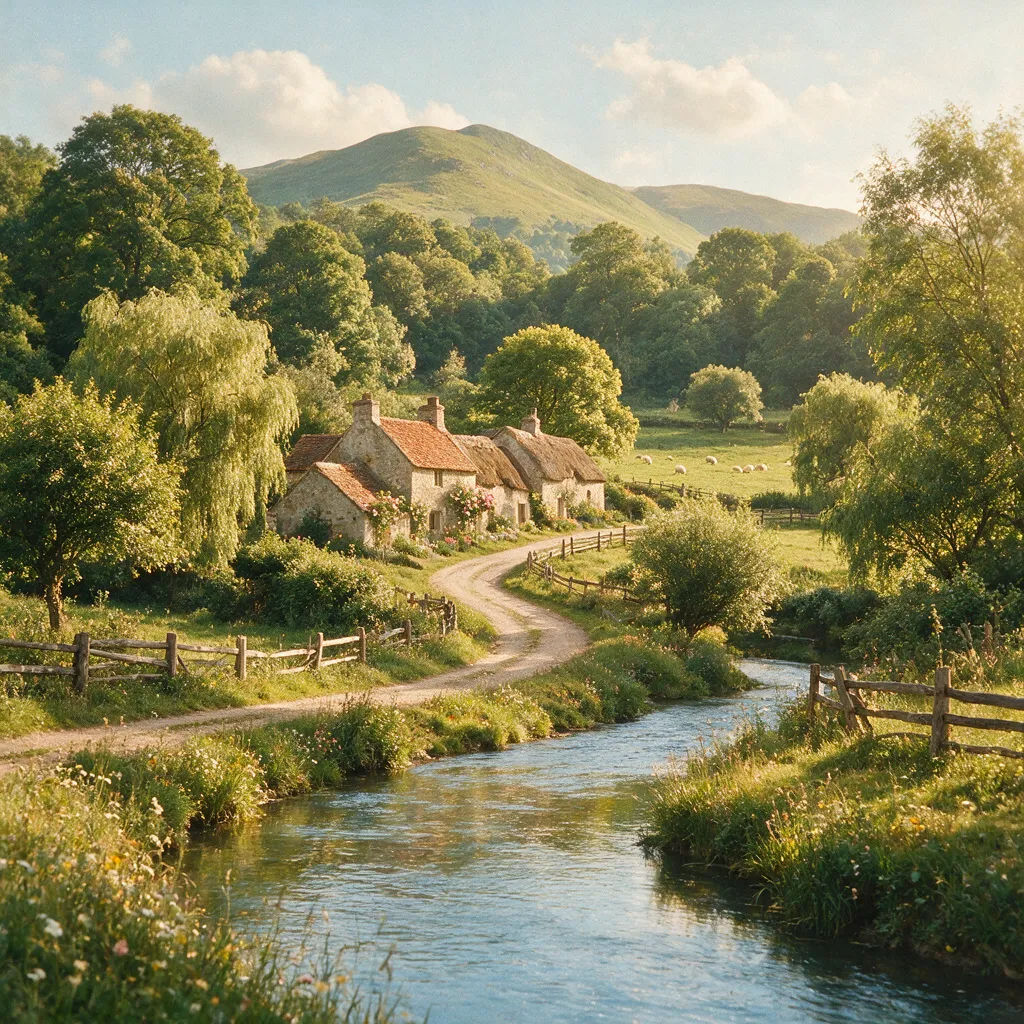
Antique landscape
Colourise this antique landscape photo, green foliage and soft blue sky, gentle natural light
Edit prompt
Cinematic storyboard
Share a scene description with character references. Get a full storyboard with shot angles and mood.

Chibi sprite animation
Turn any photo or description into an animated chibi sprite. Dance, jump, wave, attack, and more.

Messages to cinematic scene
Dramatize any text conversation into a cinematic multi-shot video.

Title sequence
Generate a professional film title card from scratch, with optional cinematic animation.

3x3 storyboard
Feed in a single image. Get 9 cinematic beats laid out as a 3x3 storyboard grid.

Expressions
Take any character image and generate 6 distinct facial expressions on a single reference sheet.
All on Morphic
Your complete photo-colourising stackModels
Nano Banana 2, Flux 2 Pro, ChatGPT Images 2.0, Grok Imagine, Recraft V4 Pro, and Seedream 5. Pick the look and swap mid-project.
Real detail held intact
Colourise with image-to-image, so the faces, grain, and composition of your original photo stay recognizable. It adds colour, never a new person.
Natural, period tones
Add believable colour that suits the era, from muted wartime shots to warm family portraits. A plausible reconstruction that reads true to the photo.
Workflows
Save a colourise recipe as a Workflow. Rerun it, share the link, or favorite it. One even look across a whole box of old photos.
