Amaterasu at the heavenly loom
Before the violence, Amaterasu sits at the silk loom of Takamagahara, weaving the rhythm of the sun. Heavenly maidens at her side, gold thread in soft morning light.
Edit prompt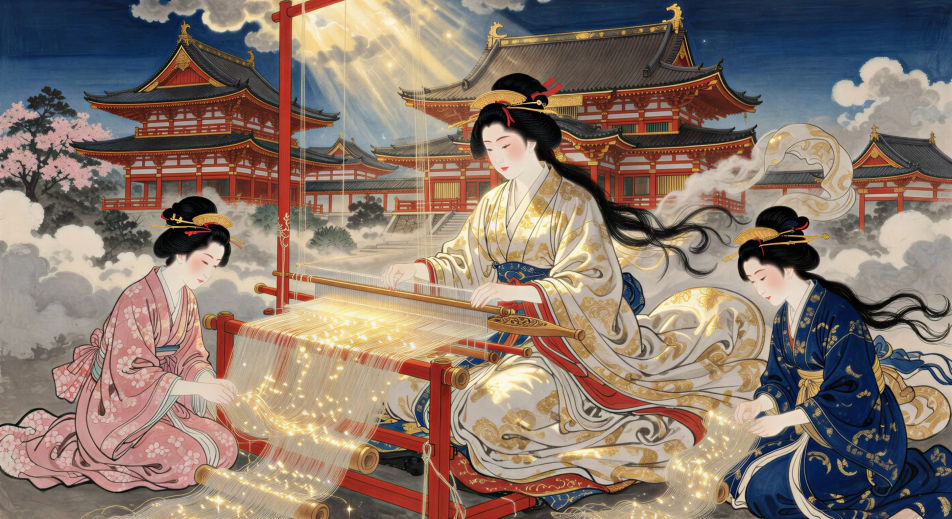
Direct the Shinto sun goddess in your browser with Morphic's Amaterasu AI video generator. Generate Uzume on the overturned tub or the Yata no Kagami at the cracked cave door, chant the Kojiki with Speech and Music, and stitch a Shinto mythology episode.
Before the violence, Amaterasu sits at the silk loom of Takamagahara, weaving the rhythm of the sun. Heavenly maidens at her side, gold thread in soft morning light.
Edit promptAfter Susanoo’s violence on the loom, Amaterasu walks into Ame-no-Iwato. The boulder rolls shut behind her. The world dims to grey.
Edit prompt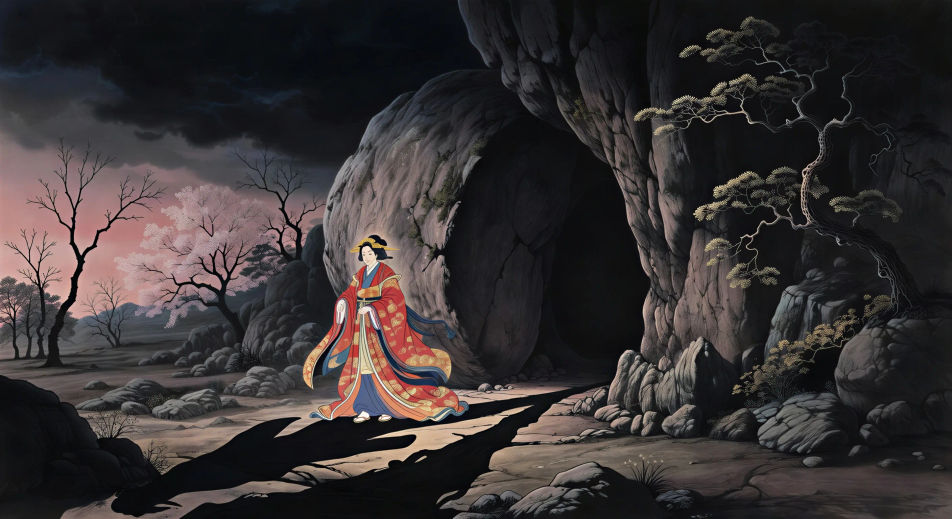
Eight hundred gods gather outside the cave. Uzume stamps on an overturned tub, dancing for laughter. Cocks crow, drums beat, lanterns burn against the dark.
Edit prompt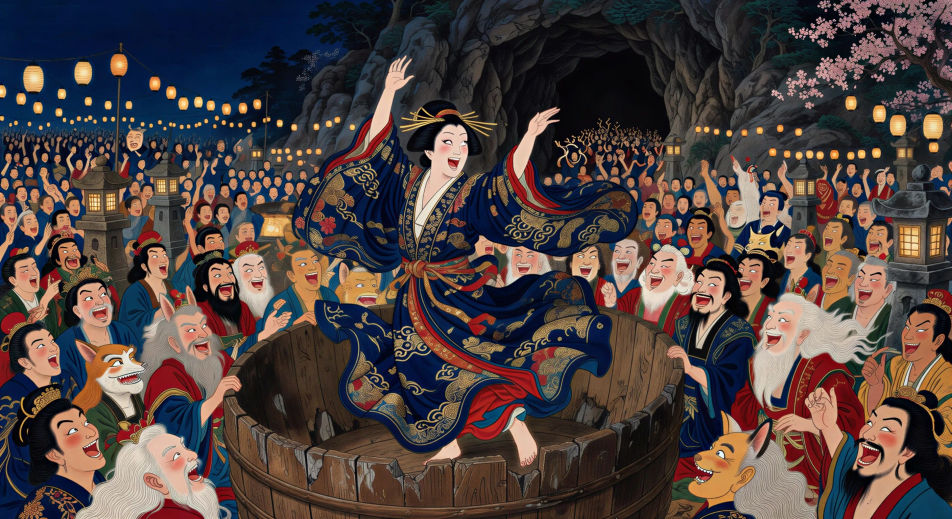
Amaterasu cracks open the door of the cave. The gathered gods raise the Yata no Kagami so she sees her own face for the first time, brilliant and unfamiliar.
Edit prompt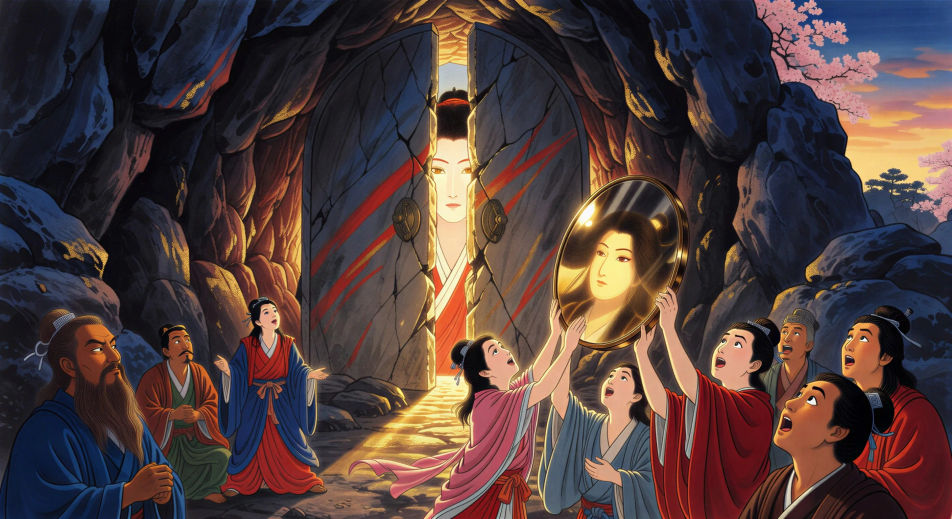
Write the Amaterasu scene you want, in plain words.
Morphic generates a cinematic, frame-ready clip on your canvas in seconds.
Tweak the prompt, regenerate variations, then download or share the shot.

Share a scene description with character references. Get a full storyboard with shot angles and mood.

Feed in a single image. Get 9 cinematic beats laid out as a 3x3 storyboard grid.
One image to a 9-scene cinematic video.

Take any character image and generate 6 distinct facial expressions on a single reference sheet.
Cinematic time-freeze short film for any scene
Drop in a photo of yourself. Get a 12-second cinematic movie with animation and a matched soundtrack.
Japanese mythology AI Videos
Create Japanese mythology scenes, Shinto deity portraits, and yokai shorts with Morphic. Generate, narrate, and score full episodes from a single prompt.
Susanoo AI Videos
Create Susanoo storm god scenes and the Yamata no Orochi battle in full Shinto episodes with Morphic. Generate, narrate, and score videos from a prompt.
Raijin AI Videos
Create Raijin thunder god scenes: the drum halo, storm pantheon, Shinto episodes. Generate, narrate, and score Raijin videos from a prompt with Morphic.
Ryujin AI Videos
Create Ryujin dragon king scenes and the Ryugu-jo coral palace with Morphic. Generate, narrate, and score Ryujin sea god videos from a single prompt.
Get started for free today, with the option to upgrade or cancel anytime.
Basic
2400 monthly credits
1 user only
All models
Workflows
Standard
3625 monthly credits
1 user only
All models
Workflows
Pro
6350 shared monthly credits
1 user
All models
Workflows
Max
24650 shared monthly credits
1 user
All models
Workflows
Enterprise
For higher limits
Custom
pricing and billing terms

Free
For playing around
$0
forever free