Raijin above the storm clouds
Raijin stands on a thunderhead, drums arranged in a halo around his shoulders, hammers raised. The first lightning forks below his feet.
Edit prompt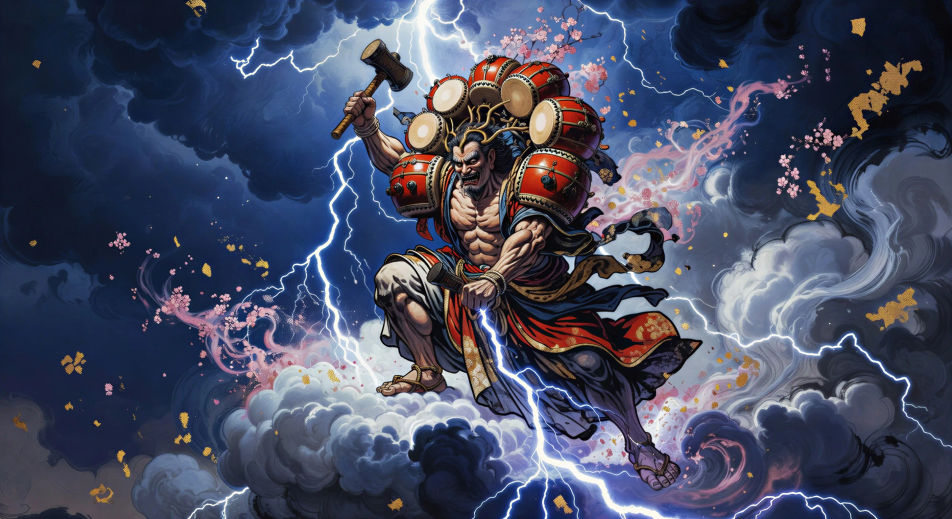
Direct the thunder god in your browser with Morphic's Raijin AI video generator. Generate Raijin haloed in taiko drums or the beast Raiju leaping cloud to cloud, chant invocations with Speech and Music, and stitch the storm into a Japanese mythology episode.
Raijin stands on a thunderhead, drums arranged in a halo around his shoulders, hammers raised. The first lightning forks below his feet.
Edit promptOn either edge of the sky, Raijin with his drums and Fujin with his wind bag lean toward each other, the storm widening between them.
Edit prompt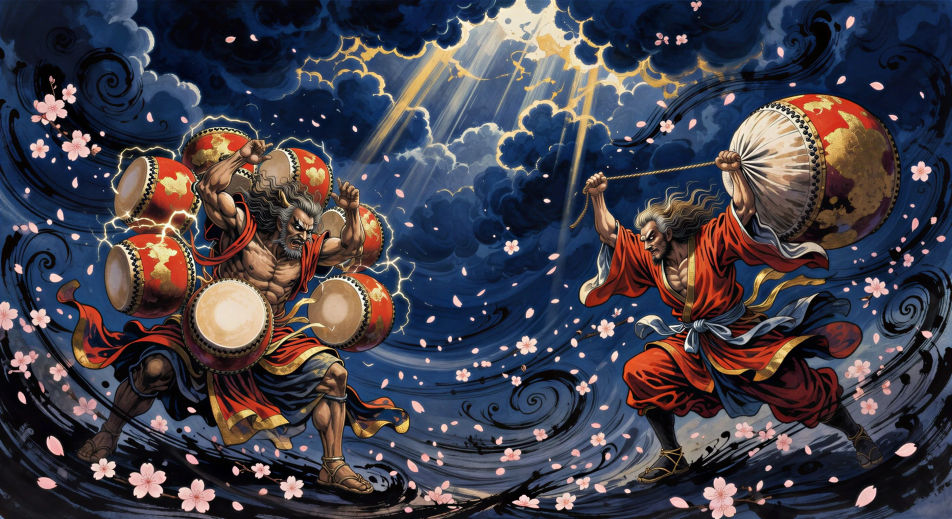
The lightning beast Raiju leaps from cloud to cloud, body crackling with white spark, Raijin’s drum halo distant in the upper frame.
Edit prompt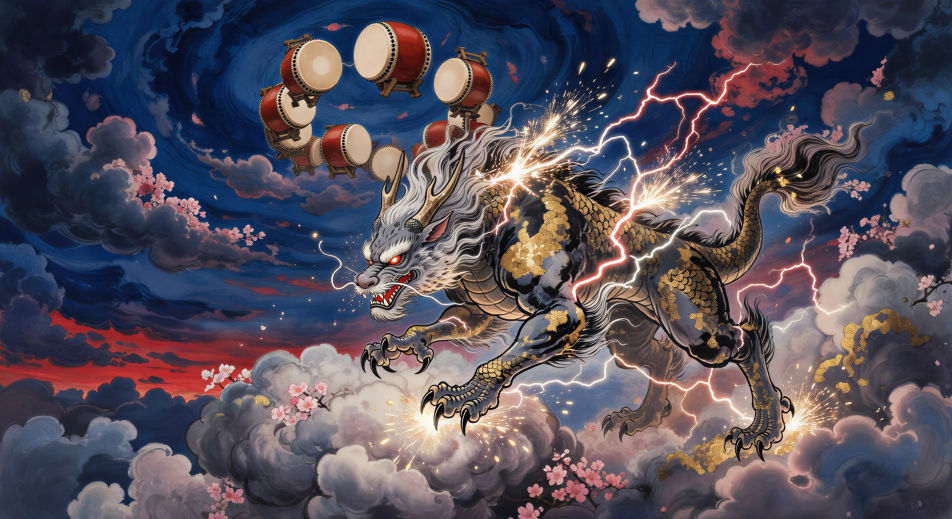
Close on Raijin’s hand bringing the hammer down. The drum face flares white. Lightning crawls out of the rim and into the cloud below.
Edit prompt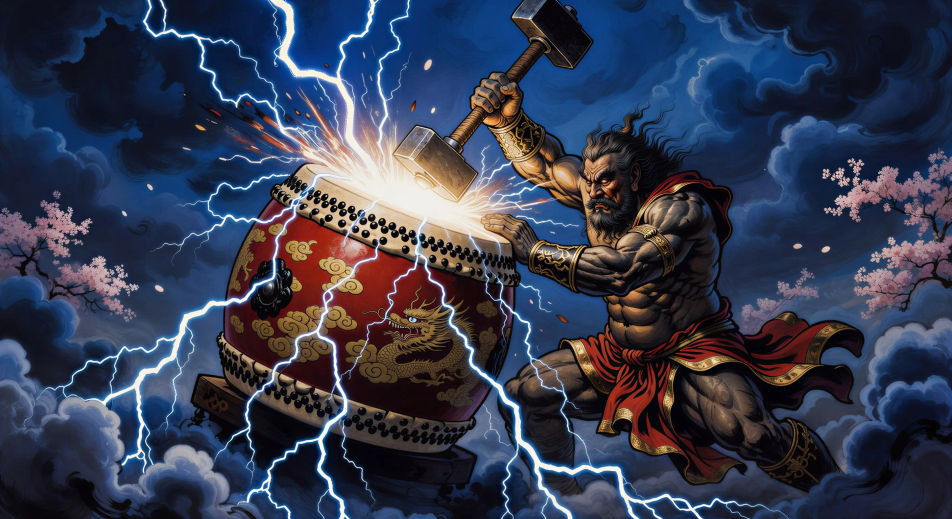
Write the Raijin scene you want, in plain words.
Morphic generates a cinematic, frame-ready clip on your canvas in seconds.
Tweak the prompt, regenerate variations, then download or share the shot.

Share a scene description with character references. Get a full storyboard with shot angles and mood.

Feed in a single image. Get 9 cinematic beats laid out as a 3x3 storyboard grid.
One image to a 9-scene cinematic video.

Take any character image and generate 6 distinct facial expressions on a single reference sheet.
Cinematic time-freeze short film for any scene
Drop in a photo of yourself. Get a 12-second cinematic movie with animation and a matched soundtrack.
Japanese mythology AI Videos
Create Japanese mythology scenes, Shinto deity portraits, and yokai shorts with Morphic. Generate, narrate, and score full episodes from a single prompt.
Susanoo AI Videos
Create Susanoo storm god scenes and the Yamata no Orochi battle in full Shinto episodes with Morphic. Generate, narrate, and score videos from a prompt.
Amaterasu AI Videos
Create Amaterasu sun goddess scenes and the cave-of-withdrawal myth with Morphic. Generate, narrate, and score full Shinto episode videos from one prompt.
Ryujin AI Videos
Create Ryujin dragon king scenes and the Ryugu-jo coral palace with Morphic. Generate, narrate, and score Ryujin sea god videos from a single prompt.
Get started for free today, with the option to upgrade or cancel anytime.
Basic
2400 monthly credits
1 user only
All models
Workflows
Standard
3625 monthly credits
1 user only
All models
Workflows
Pro
6350 shared monthly credits
1 user
All models
Workflows
Max
24650 shared monthly credits
1 user
All models
Workflows
Enterprise
For higher limits
Custom
pricing and billing terms

Free
For playing around
$0
forever free