How to make cartoon videos with AI

Cartoons cover an enormous spread: classic 2D squash-and-stretch shorts, modern 3D feature looks, soft storybook illustration brought to motion, and the flat vector aesthetic that lives all over modern brand explainer videos. The medium has to work for kids, adults, classrooms, and ad campaigns at the same time.

Until recently, making one meant either a studio rig or a steep learning curve in Toon Boom or After Effects. AI video has changed which of those you actually need to own. The hard part is no longer the drawing, it is the directing.

Cartoons are still the easiest way to make a kid laugh, an idea stick, or a brand feel friendly. Morphic puts the toolkit, from style choice to character consistency to soundtrack, in your browser. Pick a character, a scene, or a workflow below and start now.

Cartoon characters you can create

Cartoon scenes you can direct

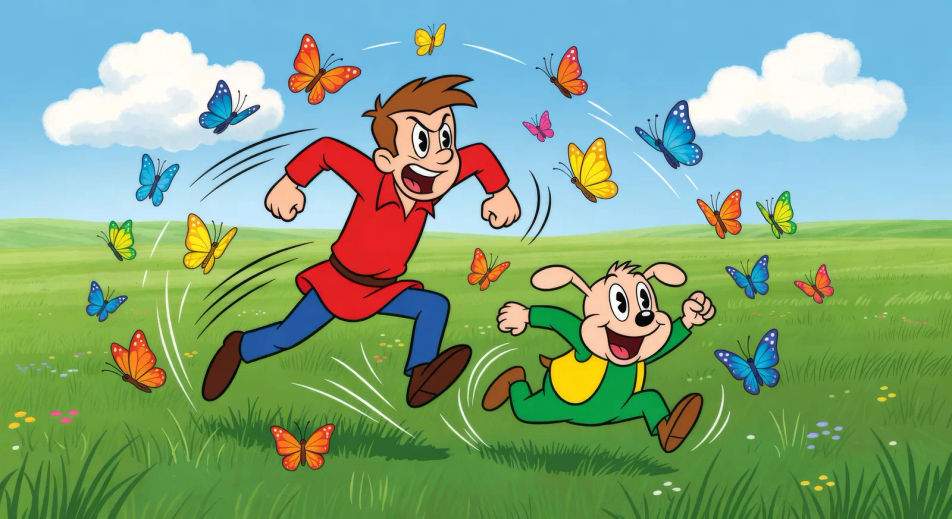
Sunny meadow chase under bright clouds

A wide green meadow under puffy clouds, hero and sidekick mid-sprint trailed by squash-and-stretch motion lines, butterflies scattering.

Try this prompt

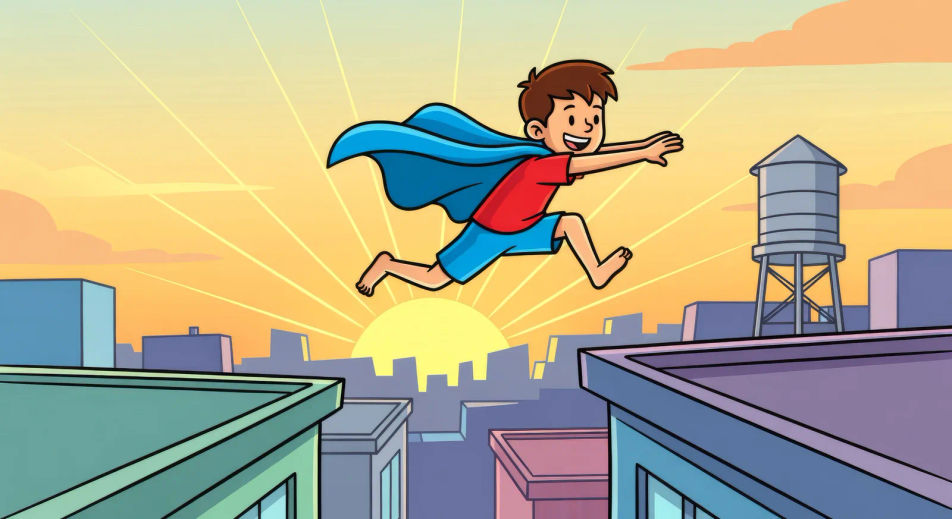
City rooftop hero leap at dawn

Towel-cape kid hero mid-leap across a gap between two stylised city rooftops, sun cresting the skyline, water tower behind.

Try this prompt

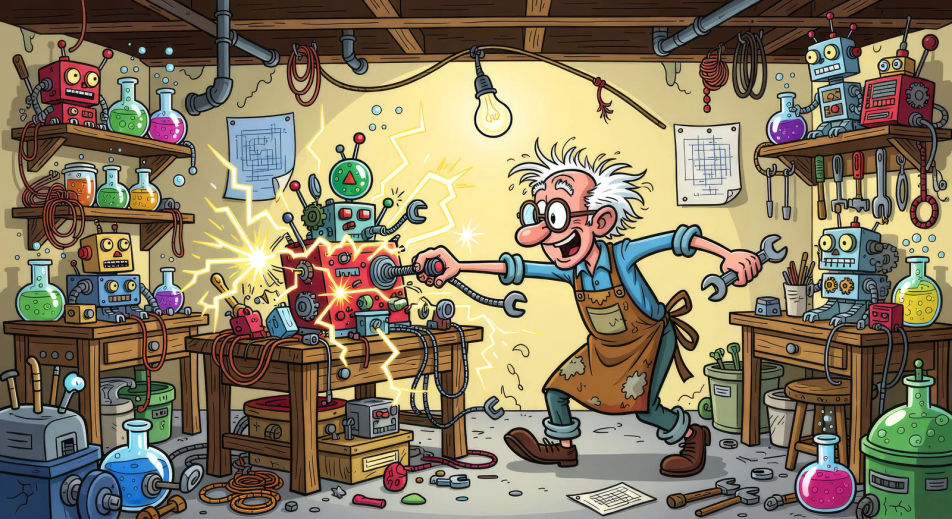
Cluttered inventor’s basement at midnight

Inventor’s basement workshop overflowing with gadgets, a contraption sparking on the workbench, a single hanging bulb swinging gently.

Try this prompt

Birthday party with paper hats

A backyard birthday party, paper hats askew, big round cake with candles lit, kids leaning in mid-cheer with motion-line halos.

Try this prompt

Underwater coral garden swim

Stylised underwater coral garden in bright primary colours, hero and sidekick paddling past schools of cartoon fish, sun rays from above.

Try this prompt

Mountain trail marshmallow campfire

Three friends sitting around a small campfire on a pine-lined mountain trail at dusk, marshmallows on sticks, tent glowing behind.

Try this prompt

How to make it on Morphic

  1. 01

    Open the Text to Video tool on Morphic

    Sign in to Morphic in your browser and head to the Text to Video tool. No installs, no setup, and any device with a connection picks up where you left off.

    Open Text to Video
  2. 02

    Write your scene in plain language

    Write the cartoon scene you want to see in your own words. Name the look upfront (classic 2D, modern 3D, storybook, flat vector), the character in frame, the location, and the action pose progression. The more concrete the description, the closer the result lands to what you pictured.

    Classic 2D cartoon scene, towel-cape kid hero mid-leap across a city rooftop gap at dawn, strong stretch silhouette in the air, motion lines trailing, soft squash on landing, cheerful palette.
  3. 03

    Generate, refine, and publish

    Morphic returns a clip to your canvas. Refine the prompt for variations, regenerate to fix what missed, or remix into a longer sequence. Download or share when the shot lands.

Related workflows

A short guide to cartoons for video creators

Cartoons split into a small number of recognisable looks and the choice you make upfront drives everything downstream. Classic 2D leans on bold outlines, flat fills, exaggerated squash-and-stretch motion, and 12-frames-per-second timing. Modern 3D favors stylised proportions, warm rim lighting, and softer cel-shaded textures that read as feature rather than realistic. Storybook illustration brings painterly textures, gentle parallax, and a fixed camera that lets the page composition do the work. Flat vector keeps everything geometric, primary-coloured, and clean for explainer use. When you prompt a cartoon video, name the look upfront so Morphic picks the right rendering rhythm.

Pacing is what separates a watchable cartoon from a watchable single shot. Cartoons move in beats: a setup pose held for half a second, an action pose held for a frame, a follow-through pose held for the punchline. Squash and stretch exaggerates the action pose; anticipation and follow-through give it weight. For a video prompt, name the pose progression explicitly: "kid sets feet, leaps with a strong stretch silhouette, lands in a soft squash, follow-through wobble." Morphic understands action-pose vocabulary and produces motion that reads as cartoon rather than as live action.

Character consistency is the part that still takes craft. A cartoon series lives or dies on whether the kid hero looks like the same kid hero across cuts, with the same haircut, the same patched jeans, and the same proportions. Use the Character Lineup workflow to lock in each character before you produce any clips, then reference those character cards in every shot prompt. For scene continuity, name the location, time of day, weather, and palette the same way every time. The discipline is what turns a stack of single shots into an episode.

You might also like

Frequently asked questions

Where can I make cartoon videos with AI?
You can create cartoon videos directly in your browser on Morphic. Open the Text to Video tool, name the cartoon look you want (2D, 3D, storybook, flat vector), describe the scene, and Morphic produces the clip. No installs and no specialist software needed.
What kinds of cartoon styles can I generate?
Classic 2D with bold outlines and squash-and-stretch motion, modern 3D with stylised proportions and warm rim lighting, soft storybook illustration with painterly textures, and flat vector for explainer-style content. Name the style upfront in your prompt and Morphic picks the rendering rhythm.
How do I keep my cartoon characters consistent across scenes?
Use the Character Lineup workflow to lock in each character's face, hair, costume, and proportions before you produce any clips, then reference those character cards in every shot prompt. Morphic preserves the look across scenes so an episode feels continuous.
How do I write a good prompt for a cartoon scene?
Name the cartoon style, the character in frame, the location, the time of day, and the action pose progression. For example: "Classic 2D cartoon, towel-cape kid hero mid-leap across a rooftop gap, strong stretch silhouette, motion lines trailing, soft squash on landing." Specifying pose progression is what separates a cartoon prompt from a live-action prompt.
Can I add narration and music to my cartoon videos?
Yes. The Speech tool generates a voiceover from your script in any voice you choose, including kid-friendly storybook narration. The Music tool produces an original soundtrack to score the scene. Layer them onto your generated video to publish a complete cartoon episode.
Do I need any prior animation experience to make cartoon videos?
No. Morphic runs in your browser and you direct it with plain-language prompts. Anyone who can describe a cartoon scene can produce one. Toon Boom, After Effects, and manual frame-by-frame work are not required.