How to make Fincher style videos with AI

David Fincher’s visual style is one of the most identifiable in modern cinema. Greens and blues drained almost to grey, blacks crushed deep, and a camera that finds its mark and refuses to drift. Even when nothing is moving in frame, a Fincher shot feels coiled.

His films, from Se7en to The Social Network to Mindhunter, share a particular cold precision that has become shorthand for prestige thriller storytelling. AI video has finally caught up enough that you can prompt for that look directly.

David Fincher’s style is the most copied and the least replicated. Desaturated palettes, geometric framing, deep shadows, the camera always knowing exactly what it wants. Morphic puts those tools in your browser. Pick a scene, a character archetype, or a workflow below and start now.

Fincher style characters you can create

Fincher style scenes you can direct

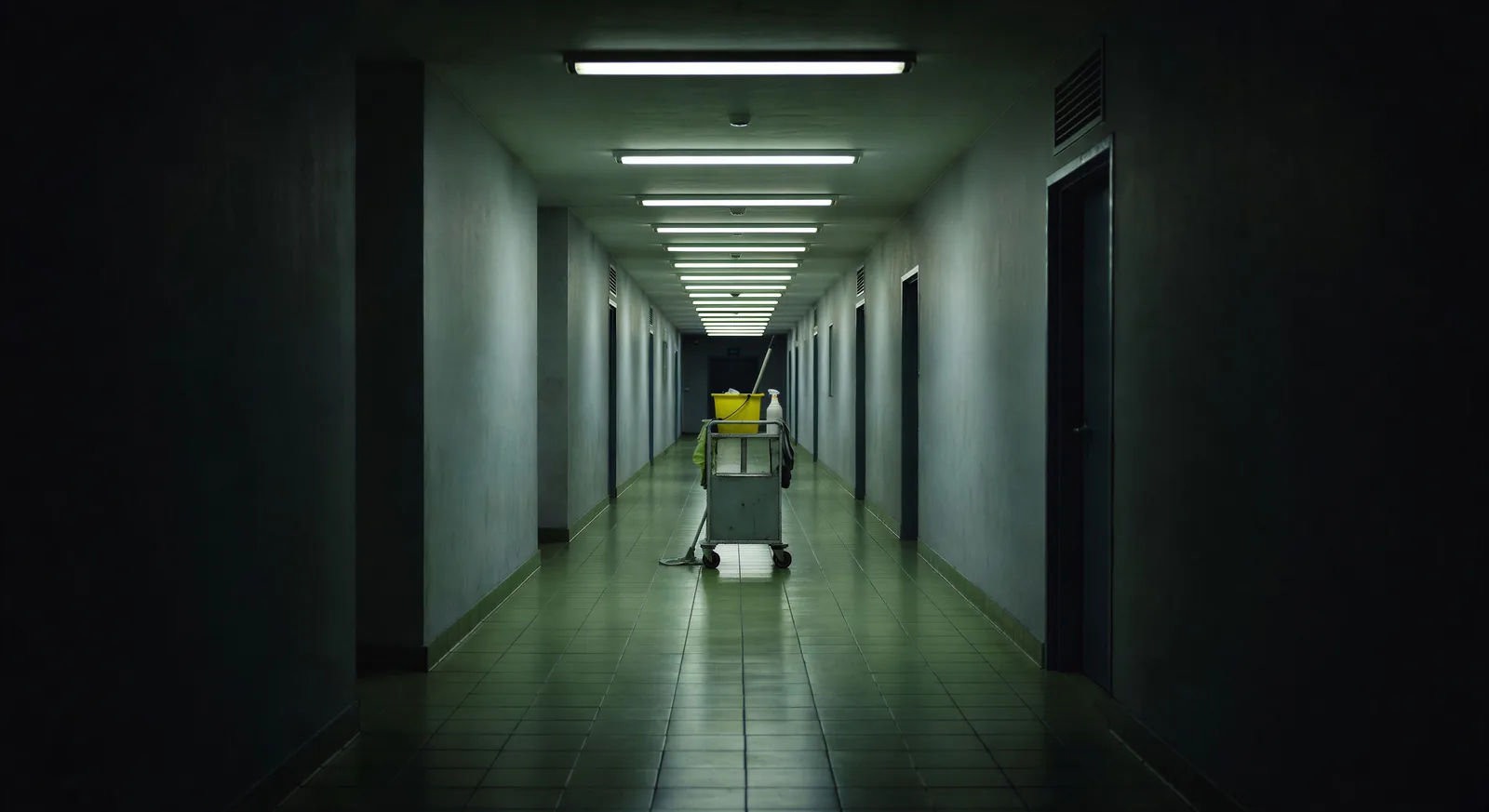
Corporate corridor at midnight

A long fluorescent corridor with green-cast tile floor, single cleaning cart at the far end, geometric vanishing point dead-centre.

Try this prompt

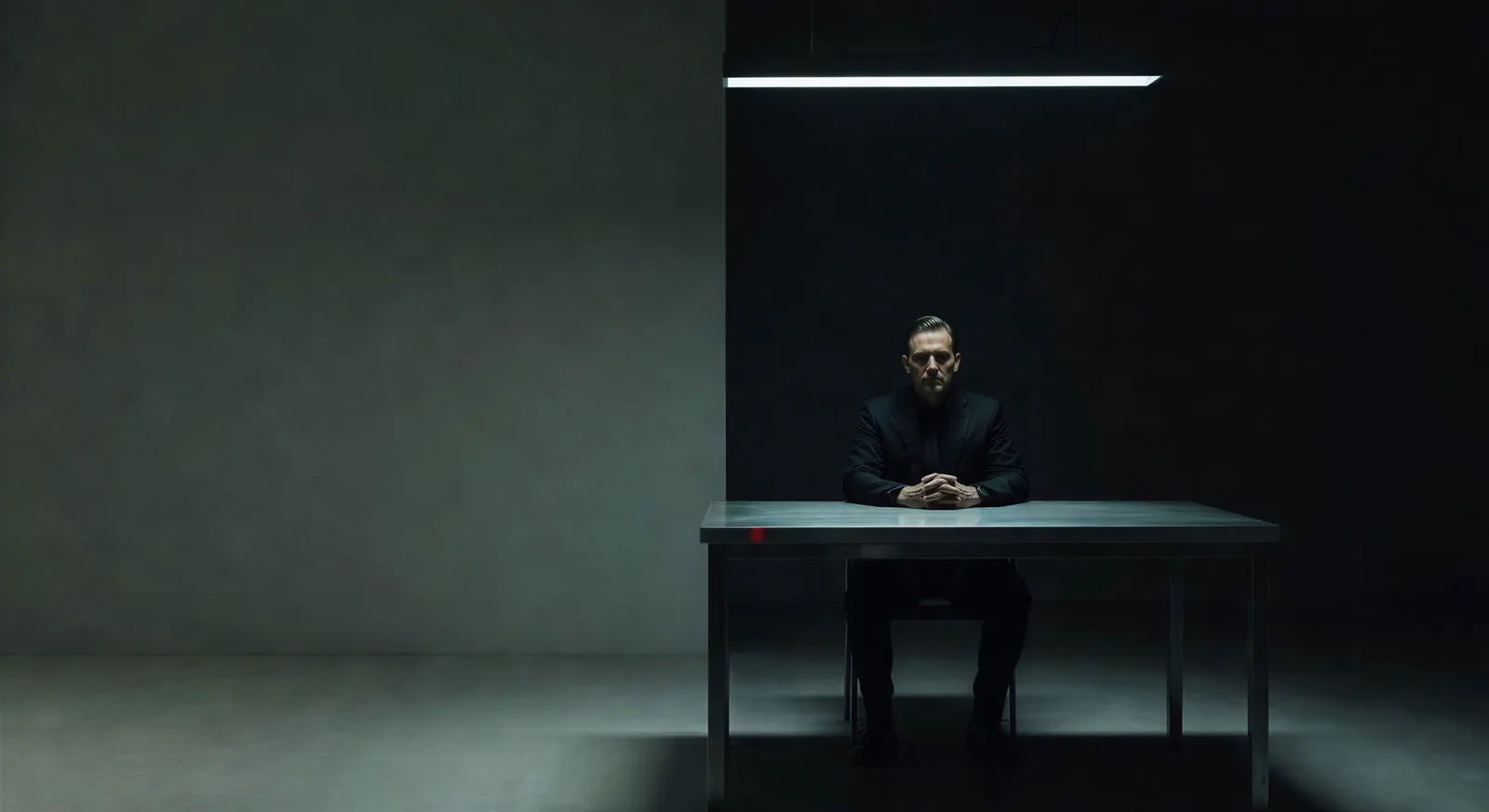
Interrogation room two-shot

Wide two-shot across a metal table, single overhead bar light, deep shadow on the back wall, both faces half in dark.

Try this prompt

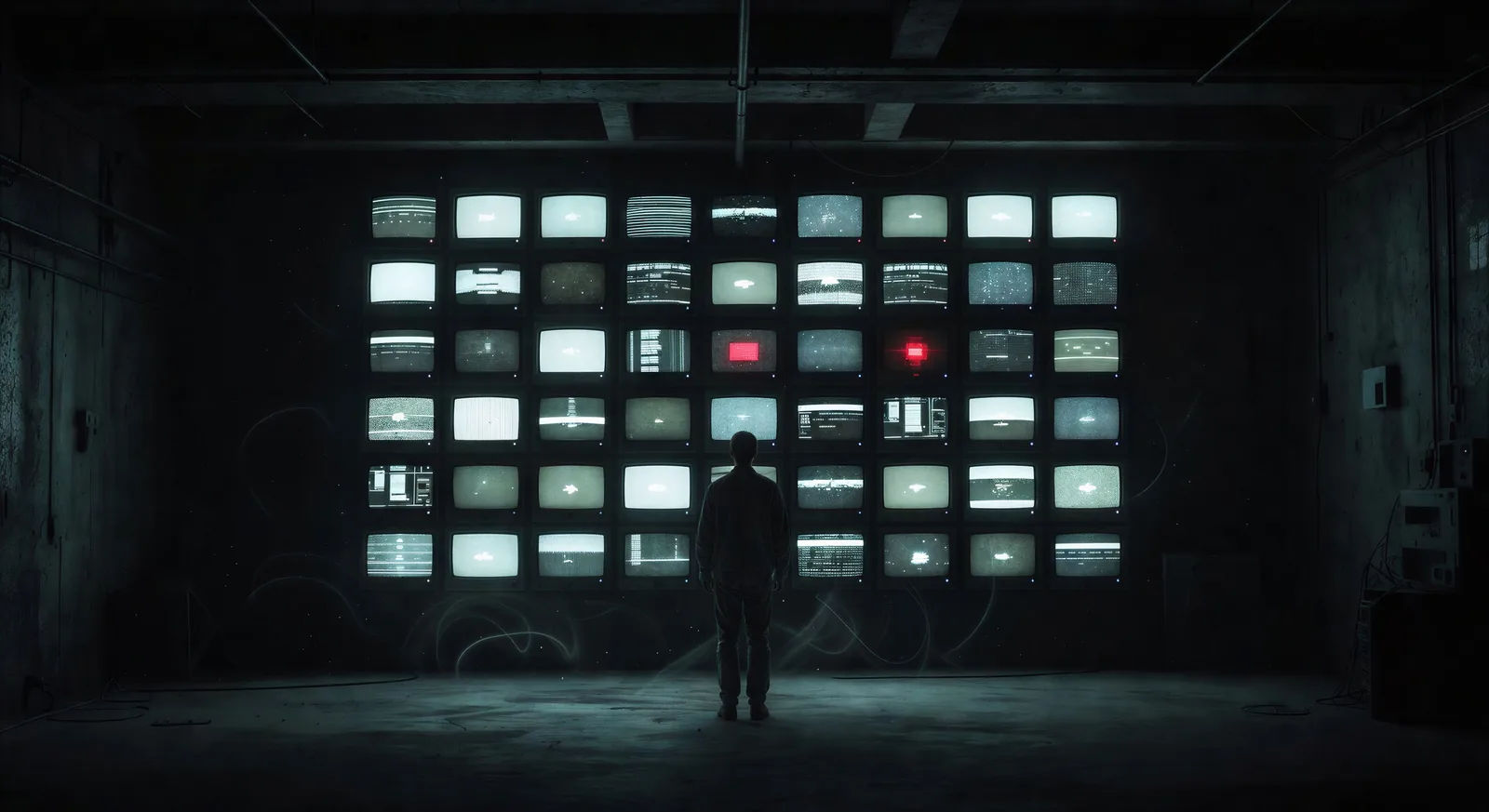
Basement workstation by monitor light

A figure framed at a wall of monitors in a dim basement, dust motes drifting through the blue-cast practical light, no movement.

Try this prompt

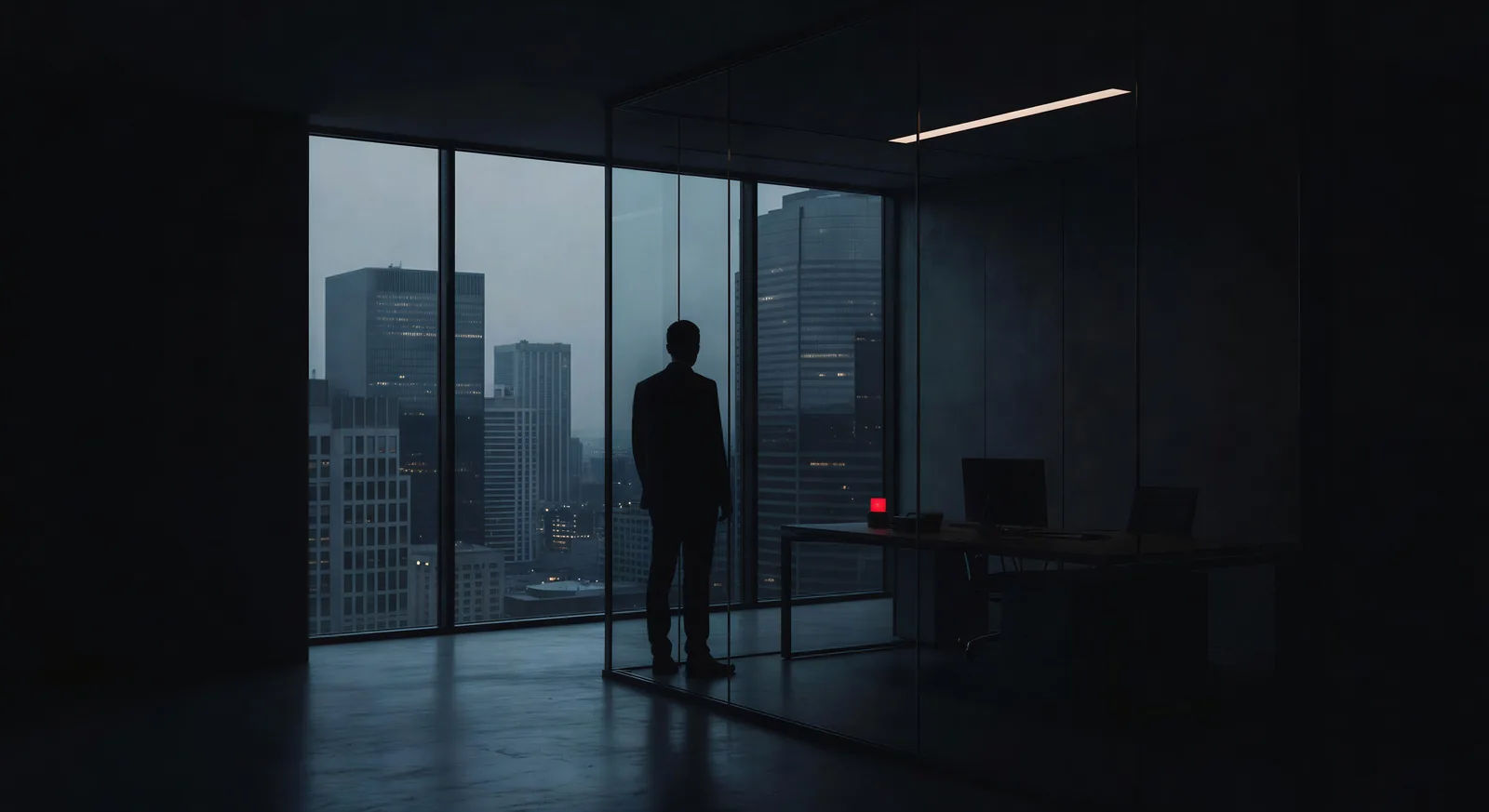
Glass corner office, backlit silhouette

Executive silhouetted against a floor-to-ceiling glass wall over a city at dusk. Cold blue grade, deep shadow on the office side.

Try this prompt

Rain-soaked detective desk at 2 a.m.

Late-night office desk, single brass lamp, case files, ashtray, rain visible on the window behind. Cold green-grey grade.

Try this prompt

Parking garage handover

Source and reporter meet at a concrete column under a single sodium-yellow bulb, breath visible, no other figures in frame.

Try this prompt

How to make it on Morphic

  1. 01

    Open the Text to Video tool on Morphic

    Sign in to Morphic in your browser and head to the Text to Video tool. No installs, no setup, and any device with a connection picks up where you left off.

    Open Text to Video
  2. 02

    Write your scene in plain language

    Write the Fincher style scene you want to see in your own words. Be specific about the room, the time of night, the practical light source, the blocking, and what the camera is doing. The more concrete the description, the closer the result lands to the look in your head.

    Long corporate corridor at midnight, green fluorescent ceiling lights, geometric one-point perspective, single janitor at the far end, slow dolly forward, cold desaturated palette.
  3. 03

    Generate, refine, and publish

    Morphic returns a clip to your canvas. Refine the prompt for variations, regenerate to fix what missed, or remix into a longer sequence. Download or share when the shot lands.

Related workflows

A short guide to the Fincher style for video creators

Three principles carry most of the Fincher style. The palette is desaturated, with muted greens, blues, and greys, broken occasionally by a single discordant colour that signals story meaning (the yellow envelope, the red sweater, the Tyler-Durden pink soap). The lighting is high-contrast, with deep shadows and bright highlights that crush the midtones, often shaped by hard practical sources or sodium street light. The camera holds geometric framings (centred subjects, vertical lines, two-shots with deliberate negative space) and moves only when motion is part of the shot’s argument.

Blocking and shot composition are where Fincher does most of his storytelling. He uses the placement of bodies in the frame to indicate who is in control of the scene and exactly when that control shifts. A two-shot with one character closer to the lens and the other slipped into the background depth signals a power asymmetry without anyone having to say a word. Negative space matters: Fincher will leave half a frame empty so the audience reads the implied tension. For AI prompts, name the blocking, the eye lines, and what lies in the empty half of the frame.

Fincher’s films tend to take place in specific kinds of rooms: corporate corridors at night, fluorescent-lit basements, interrogation rooms with a single overhead bar, parking garages with sodium-yellow practical lights, the late-night newsroom. The settings are not glamorous and that is the point. They are surfaces against which performance and blocking become the only thing in motion. When you prompt a Fincher style scene, name the room, the time of night, the practical light source, and what the camera is doing about all of it.

You might also like

Frequently asked questions

Where can I make Fincher style videos with AI?
You can create Fincher style scenes directly in your browser on Morphic. Open the Text to Video tool, describe the scene with the right palette and blocking, and Morphic produces the clip. No installs and no specialist software needed.
What defines the Fincher style for an AI prompt?
Three things: a desaturated palette skewing to muted greens, blues, and greys with one discordant pop colour, high-contrast lighting that crushes the midtones with deep shadow and bright practical highlights, and geometric framing held still while blocking carries the meaning. Name those explicitly in your prompt.
How do I get the Fincher palette in AI video?
Add the colour direction to your prompt: "desaturated palette, muted greens and blues, crushed blacks, single sodium-yellow practical." Reuse those exact colour words across every clip in the sequence so Morphic carries the grade scene to scene.
How do I write blocking direction for a Fincher style scene?
Name where the bodies are in the frame and what is in the negative space. For example: "Wide two-shot across a metal table, subject closer to the lens, second character slipped into background depth, half the frame empty on the right." Specifying blocking is what separates a Fincher style prompt from a generic thriller prompt.
Can I add narration and music to my Fincher style videos?
Yes. The Speech tool generates a voiceover in the voice you choose, and the Music tool produces an original soundtrack. A cold synth bed underscored by sparse piano fits the Fincher palette particularly well.
Do I need any prior video editing experience to make Fincher style videos?
No. Morphic runs in your browser and you direct it with plain-language prompts. Anyone who can describe a Fincher scene can produce one. After Effects, Blender, and manual rigging are not required.