How to make Krishna videos with AI

Krishna is the eighth avatar of Vishnu and the speaker of the Bhagavad Gita. His story spans the Bhagavata Purana, the Harivamsa, and the Mahabharata, from his birth in a Mathura prison to his role as charioteer-philosopher at the Kurukshetra war.

Until recently, putting a Krishna scene on screen meant a studio. That part has changed.

Krishna is one of the most loved figures in world mythology, and his life is built for cinema. Childhood in Vrindavan, the lifting of Govardhan, the charioteer of Arjuna at Kurukshetra. Morphic lets you direct any of it in your browser. Pick a moment, a scene, or a workflow below and start now.

Krishna characters you can direct

Krishna scenes you can stage

Krishna lifts Govardhan hill

Krishna raises Govardhan on his little finger as Indra’s monsoon lashes Vrindavan. Cattle and villagers shelter underneath, the sky black with cloud and lit gold at the edges.

Edit prompt
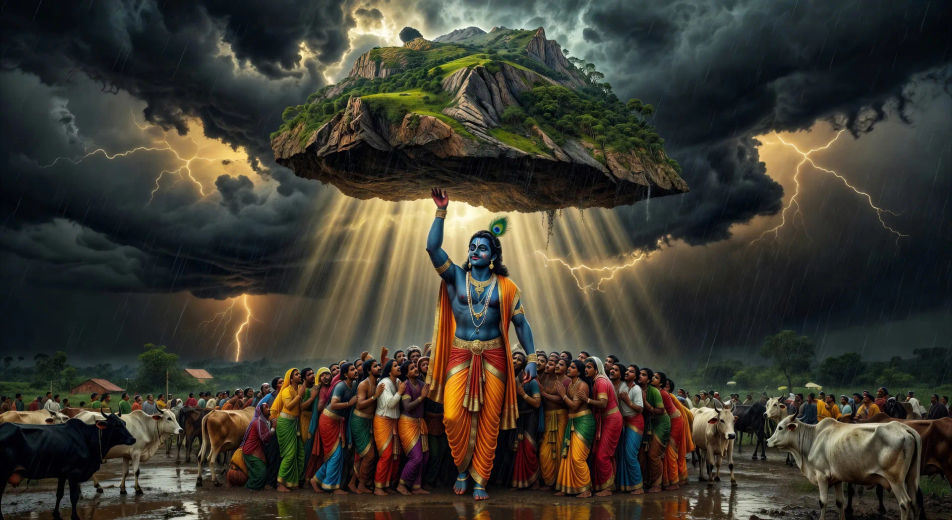
Krishna lifts Govardhan hill

The raas leela on the Yamuna bank

Moonlit night on the Yamuna. Krishna multiplies into many forms, dancing the circular raas with the gopis, jasmine garlands swaying, flute notes hanging in the air.

Edit prompt
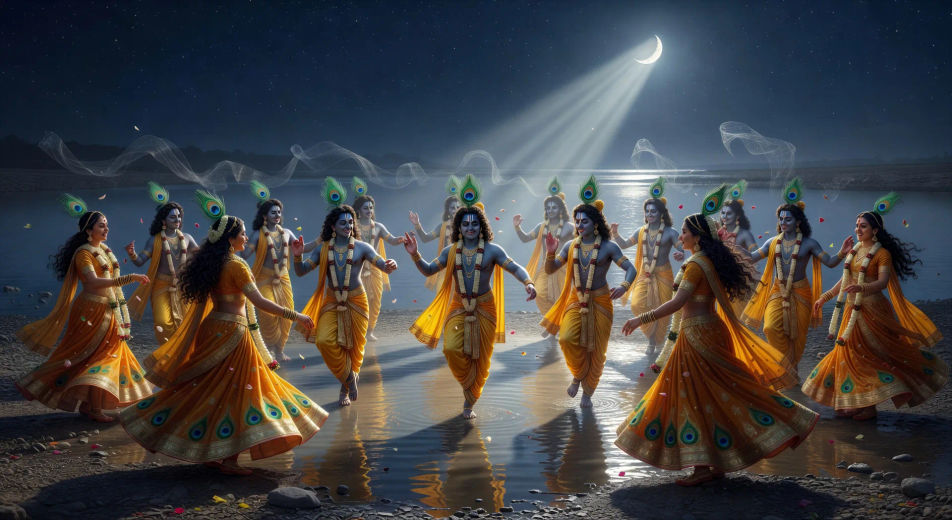
The raas leela on the Yamuna bank

Krishna subdues Kaliya in the Yamuna

The poisoned Yamuna boils. Krishna dances on the many heads of the serpent Kaliya, the river clearing in his wake, gopis watching from the bank.

Edit prompt
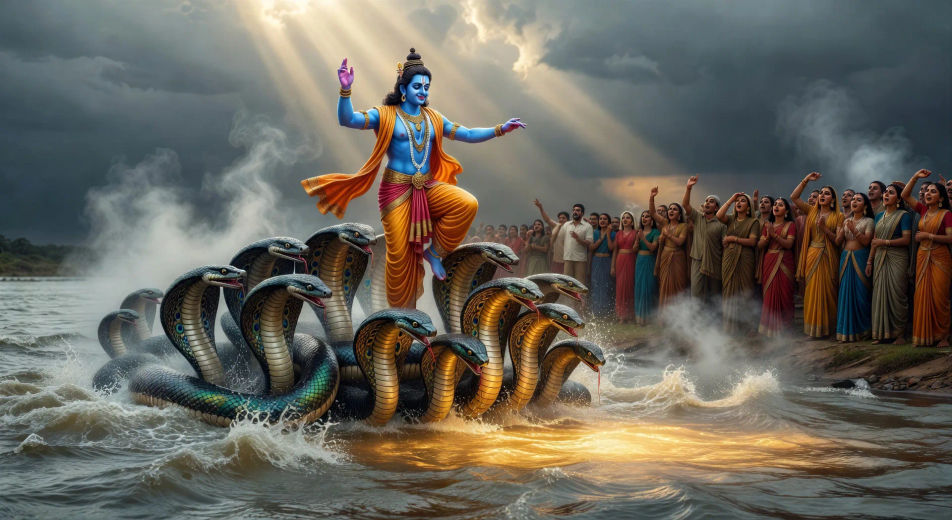
Krishna subdues Kaliya in the Yamuna

Krishna and Arjuna on the chariot

The two armies wait. Krishna stands at the chariot reins, Arjuna lowers his bow. The sun rises behind them as the Bhagavad Gita begins to unfold.

Edit prompt
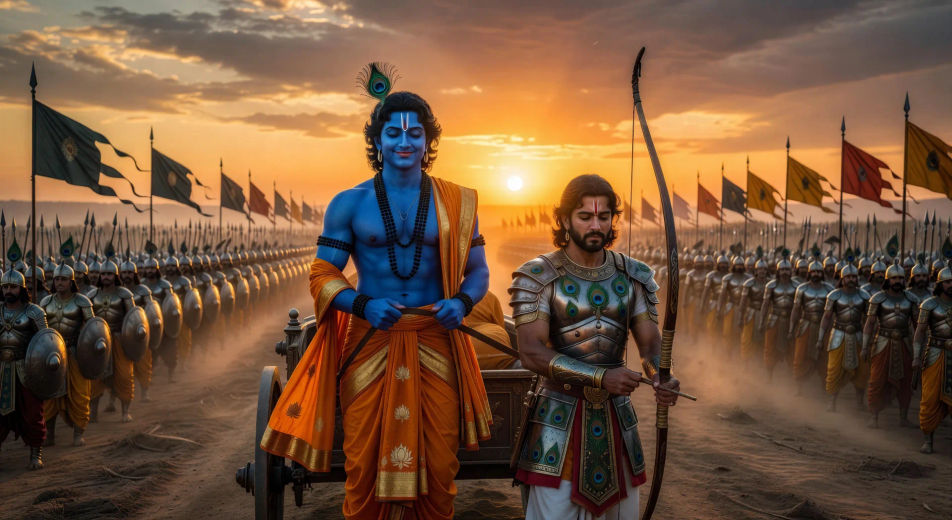
Krishna and Arjuna on the chariot

The Vishvarupa cosmic form

On the Kurukshetra battlefield, Krishna reveals his cosmic form to Arjuna: multi-armed, planet-sized, terrifying and serene at once, all worlds blazing inside him.

Edit prompt
The Vishvarupa cosmic form

Vrindavan at dawn

A wide aerial of Vrindavan at first light. Mist rising from the Yamuna, cow-herds leading cattle through the lanes, temple shikharas catching the sun.

Edit prompt
Vrindavan at dawn

Make Krishna videos in three steps

  1. 01

    Describe your Krishna scene

    Write the Krishna scene you want to see in your own words. Be specific about the moment, the lighting, the characters in frame, and the camera direction. The more concrete the description, the closer the result lands to what you pictured.

  2. 02

    Generate the video

    Morphic produces a clip on your canvas in seconds.

  3. 03

    Refine your Krishna video

    Tweak the prompt, regenerate, or remix into a longer sequence. Download or share when the shot lands.

Related workflows

A short guide to Krishna for video creators

Krishna’s life is usually told in arcs. The Vrindavan years cover his childhood with Yashoda and Nanda, the butter-stealing antics, the subduing of the serpent Kaliya in the Yamuna, the lifting of Govardhan hill against Indra’s storm, and the raas leela on the moonlit banks. The Mathura arc opens with the killing of his uncle Kamsa and the freeing of his birth parents Devaki and Vasudeva. The Dwarka arc establishes him as king on the western coast. The Mahabharata arc places him at the centre of the Kurukshetra war as Arjuna’s charioteer and the divine voice of the Bhagavad Gita.

Krishna gives world art some of its most enduring images: blue-skinned, peacock-feather crown, flute pressed to his lips, yellow silk dhoti, the cow-herd boy of Vrindavan and the cosmic charioteer of the Gita in the same figure. Every regional tradition has its own Krishna iconography, from Pichvai paintings of Nathdwara to Tanjore gold-leaf to Madhubani folk panels to Kerala Kathakali stage makeup. Each of these is a strong prompt anchor.

For video, Krishna offers a deep visual library: Vrindavan in monsoon, the Yamuna at dusk, the Govardhan storm, the Mathura prison, the Kurukshetra chariot at dawn, the Vishvarupa cosmic form. Anchor each Krishna scene to a specific moment, location, and time of day. Name the iconography you want, the camera direction, and the lighting. The more concrete the prompt, the closer the result lands to what readers of the puranas already see in their heads.

You might also like

Frequently asked questions

Where can I make Krishna videos with AI?
You can create Krishna scenes directly in your browser on Morphic. Open the Text to Video tool, describe the scene you want, and Morphic produces the clip. No installs and no specialist software needed.
What kinds of Krishna scenes work best with AI video?
Single-shot moments with strong composition tend to work best: Krishna lifting Govardhan, the raas leela on the Yamuna, the chariot at Kurukshetra, the Vishvarupa cosmic form, or Vrindavan at dawn. Anchor each Krishna scene to a specific moment, location, time of day, and mood.
How do I keep my Krishna characters consistent across scenes?
Use the Character Lineup workflow to lock in each character's look, then reference those character cards in every prompt. Morphic preserves wardrobe, face, and signature details from scene to scene so a Krishna series feels continuous.
How do I write a good prompt for a Krishna scene?
Name the moment, the iconography, the time of day, the lighting, and the camera direction. For example: "Krishna playing the flute on the Yamuna bank at moonrise, peacock feather in his crown, jasmine garlands, soft silver light, slow wide tracking shot." The more specific your imagery, the closer the output matches your imagination.
Can I add narration and music to my Krishna videos?
Yes. The Speech tool generates a voiceover from your script in the voice you choose, and the Music tool produces an original soundtrack to score the scene. Layer them onto your generated video to publish a complete Krishna episode.
What visual style works best for Krishna videos?
Three styles consistently land. Pichvai-inspired devotional painting works for Vrindavan and raas leela scenes. Tanjore gold-leaf composition lifts royal court and Mathura scenes. Cinematic photoreal lands for the Kurukshetra arc and the Vishvarupa. Name the style you want directly in the prompt and Morphic will hold it across the series.



