Rain-soaked village square at dawn
Muddy village square in heavy sustained rain, three figures in dark robes standing apart in a triangle, wooden buildings behind, telephoto compression.
Edit prompt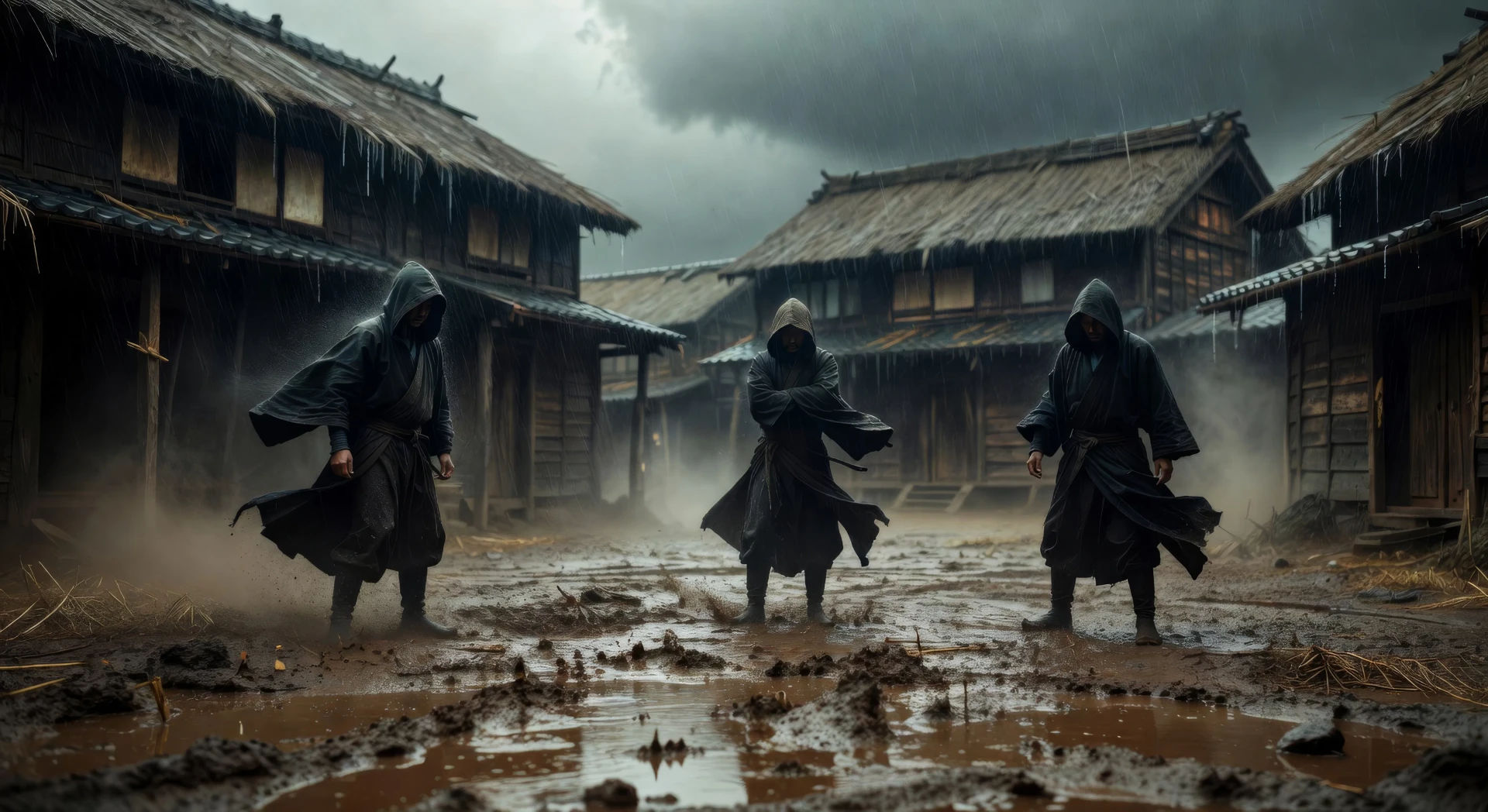
Direct the elemental drama of Akira Kurosawa in your browser with Morphic's Kurosawa style AI video generator. Generate a rain-soaked village square at dawn or a bamboo grove duel, lay a taiko score with Music, then cut a historical epic on the Canvas.
Muddy village square in heavy sustained rain, three figures in dark robes standing apart in a triangle, wooden buildings behind, telephoto compression.
Edit promptTwo swordsmen facing each other across a bamboo grove, low horizontal camera, wind moving the bamboo before either figure shifts, dust motes in beams.
Edit prompt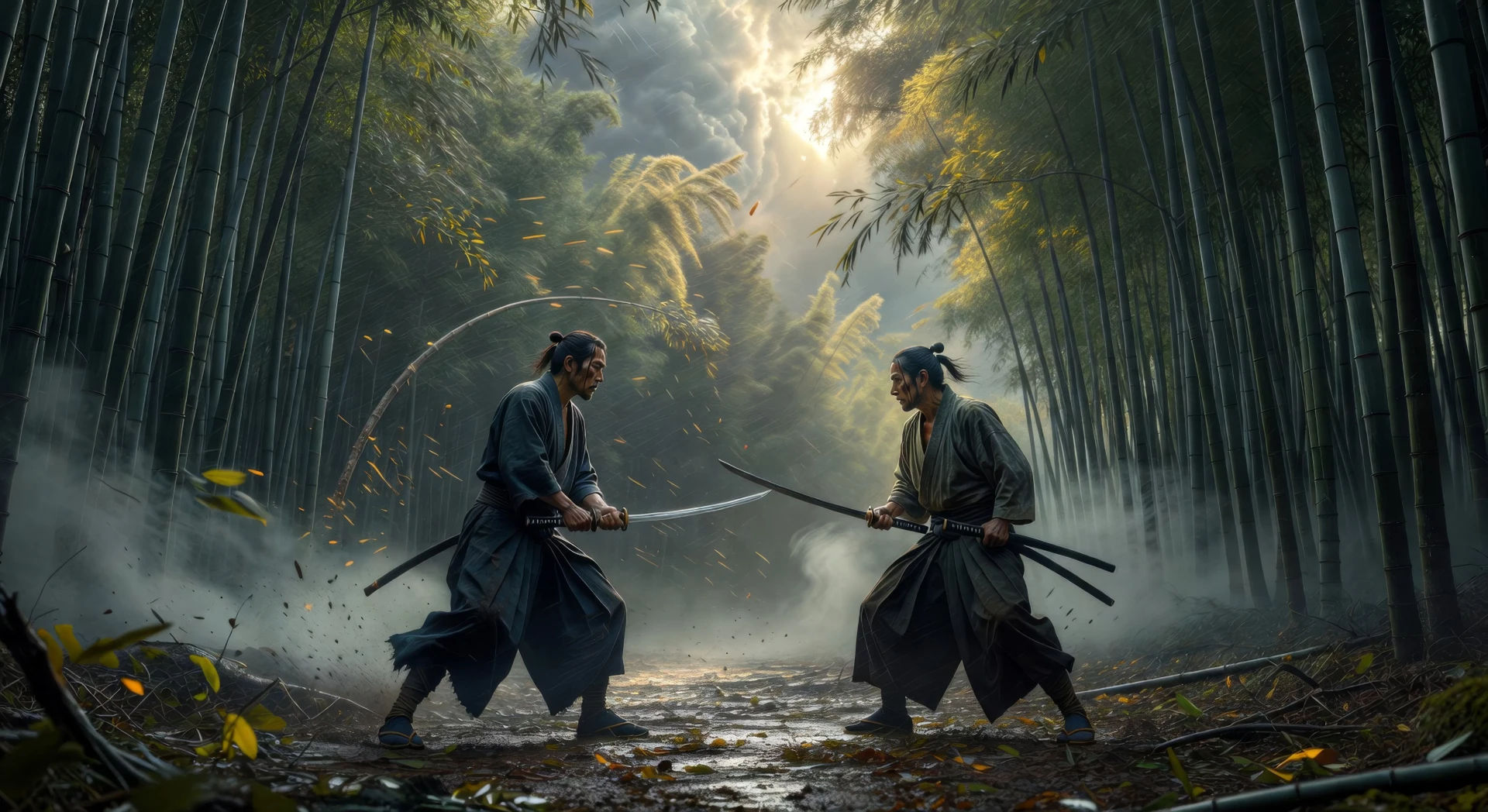
Two figures on opposite ends of a wide cliff plateau, banners snapping in heavy wind, mist rising from the valley below, locked-off telephoto.
Edit prompt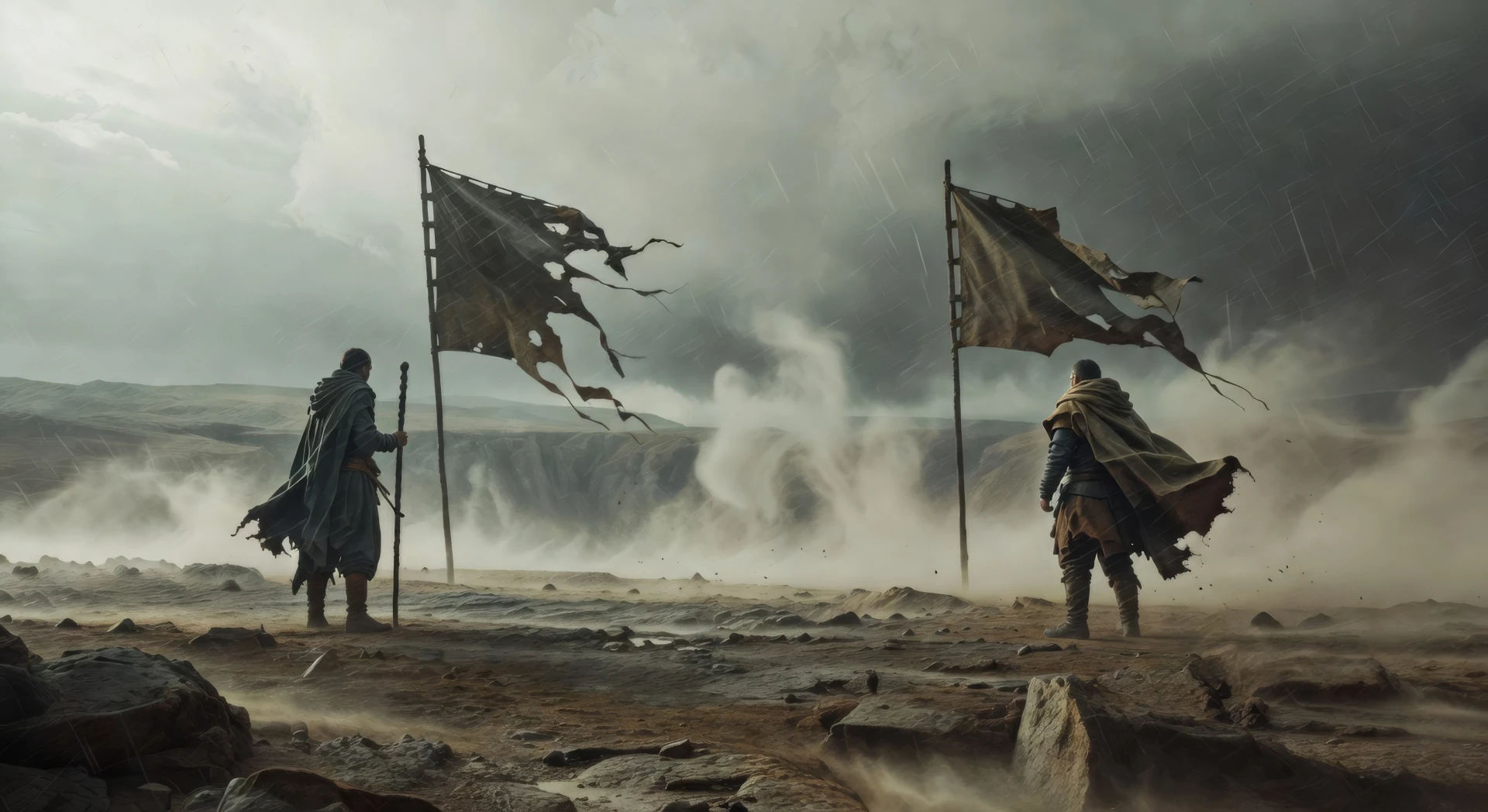
Wood-frame chamber lit only by floor lanterns, three figures kneeling around a central scroll, paper screens behind, single shaft of moonlight on the floor.
Edit prompt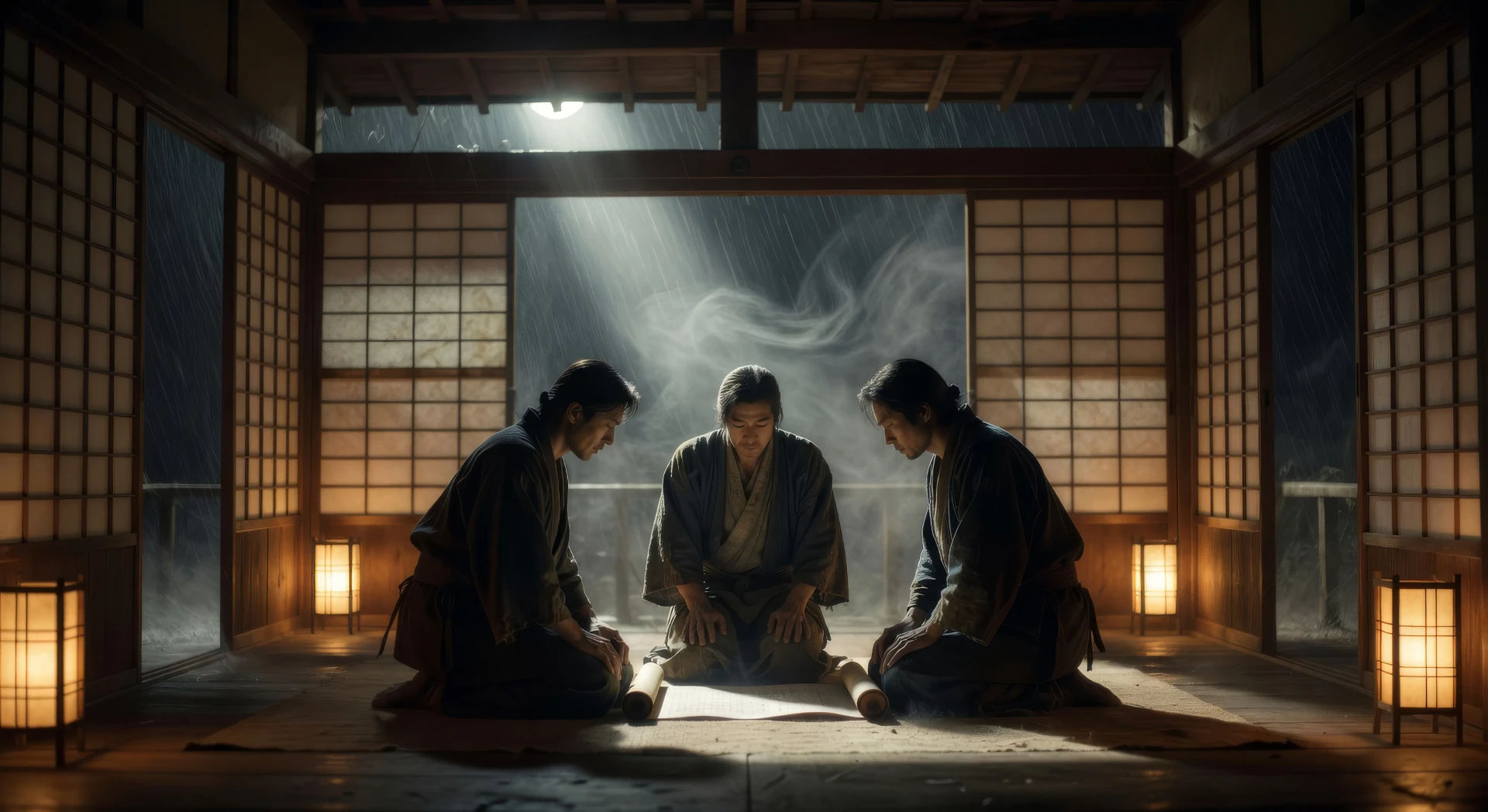
Write the Kurosawa scene you want, in plain words.
Morphic generates a cinematic, frame-ready clip on your canvas in seconds.
Tweak the prompt, regenerate variations, then download or share the shot.

Share a scene description with character references. Get a full storyboard with shot angles and mood.
One image to a 9-scene cinematic video.

Dramatize any text conversation into a cinematic multi-shot video.
Cinematic time-freeze short film for any scene
Drop in a photo of yourself. Get a 12-second cinematic movie with animation and a matched soundtrack.

Feed in a single image. Get 9 cinematic beats laid out as a 3x3 storyboard grid.
Wong Kar Wai AI Videos
Generate Wong Kar Wai style videos with Morphic. Step-printed motion, neon Hong Kong nights, saturated color, and prompt-led scenes you can run in your browser.
Kubrick AI Videos
Generate Stanley Kubrick style videos with Morphic. One-point perspective, symmetrical framing, slow zooms, and prompt-led scenes you can run in your browser.
Amaterasu AI Videos
Create Amaterasu sun goddess scenes and the cave-of-withdrawal myth with Morphic. Generate, narrate, and score full Shinto episode videos from one prompt.
Japanese mythology AI Videos
Create Japanese mythology scenes, Shinto deity portraits, and yokai shorts with Morphic. Generate, narrate, and score full episodes from a single prompt.
Get started for free today, with the option to upgrade or cancel anytime.
Basic
1100 monthly credits
1 user only
All models
Workflows
Standard
3625 monthly credits
1 user only
All models
Workflows
Pro
6350 shared monthly credits
1 user
All models
Workflows
Pro Max
24650 shared monthly credits
1 user
All models
Workflows
Enterprise
For higher limits
Custom
pricing and billing terms
Free
For playing around
$0
forever free