Red oni at the mountain pass
On a fog-shrouded pass at dusk, a red oni rises out of the mist, kanabo club lifted, storm light catching the horns and the tiger-skin loincloth.
Edit prompt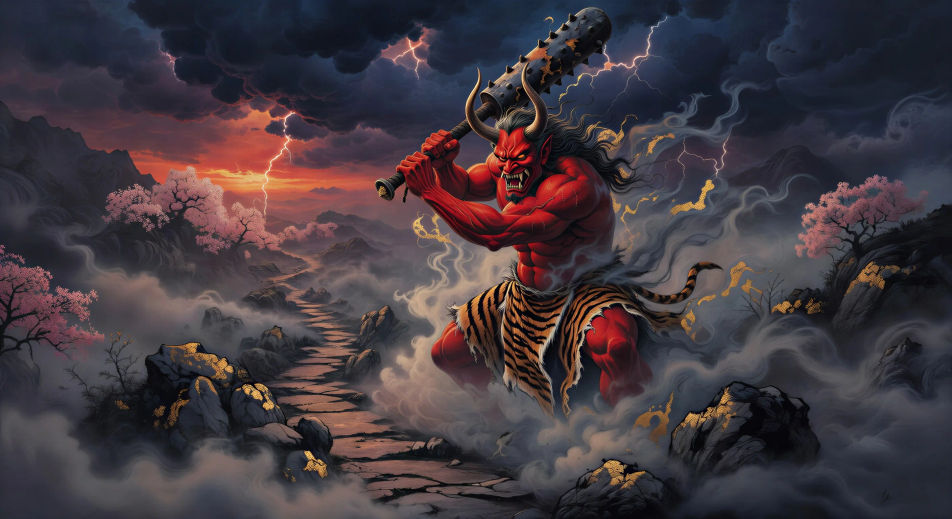
Direct the horned demons in your browser with Morphic's Oni AI video generator. Generate a red oni rising out of mist on a mountain pass, Shuten-doji enthroned on Mount Ooe, or a Setsubun bean-throw at a temple gate. Layer narration with Speech and a taiko score with Music, then stitch it together.
On a fog-shrouded pass at dusk, a red oni rises out of the mist, kanabo club lifted, storm light catching the horns and the tiger-skin loincloth.
Edit promptInside the demon king’s wooden palace on Mount Ooe. Lanterns burning, sake on the floor, Shuten-doji enthroned, the four travelling yamabushi seated below.
Edit prompt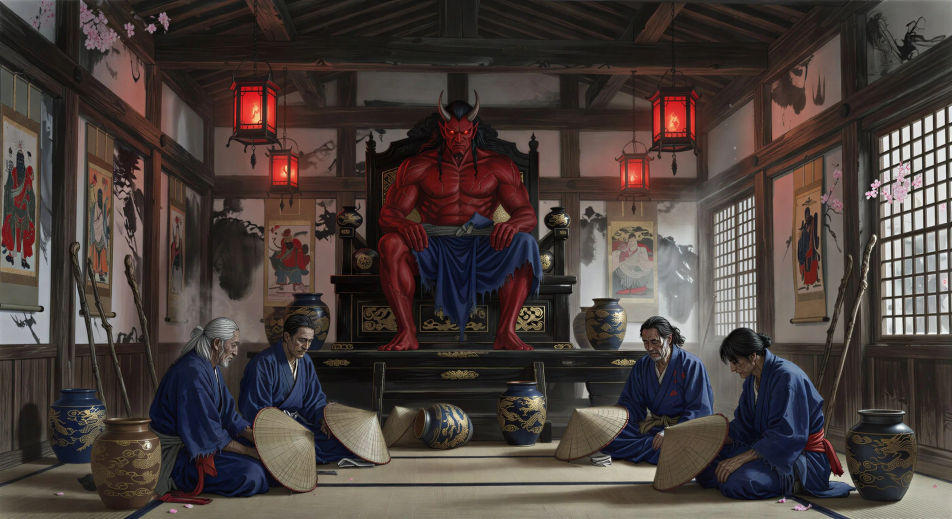
Night at the abandoned Rashomon. Ibaraki-doji’s pale figure stands above the gate as the warrior Watanabe no Tsuna draws his sword below.
Edit prompt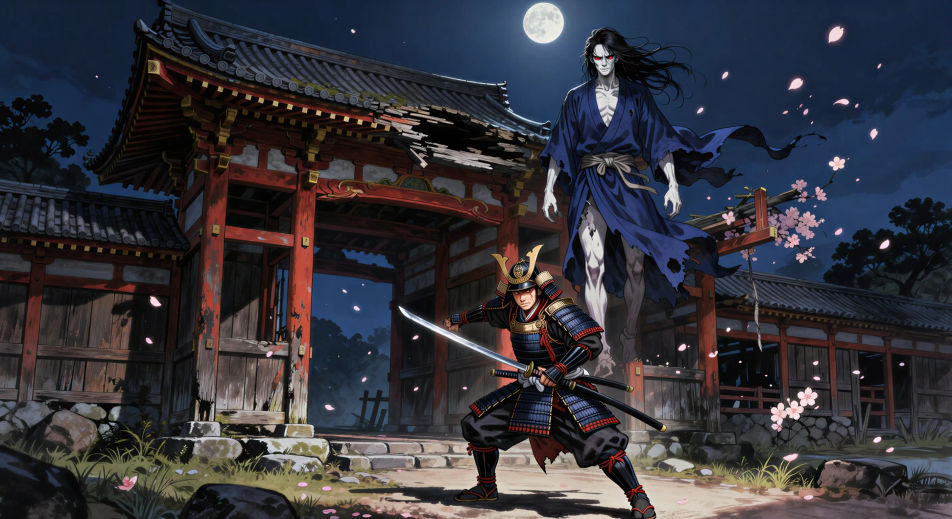
At a temple gate at dusk on Setsubun, a priest casts handfuls of beans. A figure in a red oni mask flees down the steps. Lanterns and a small crowd watching.
Edit prompt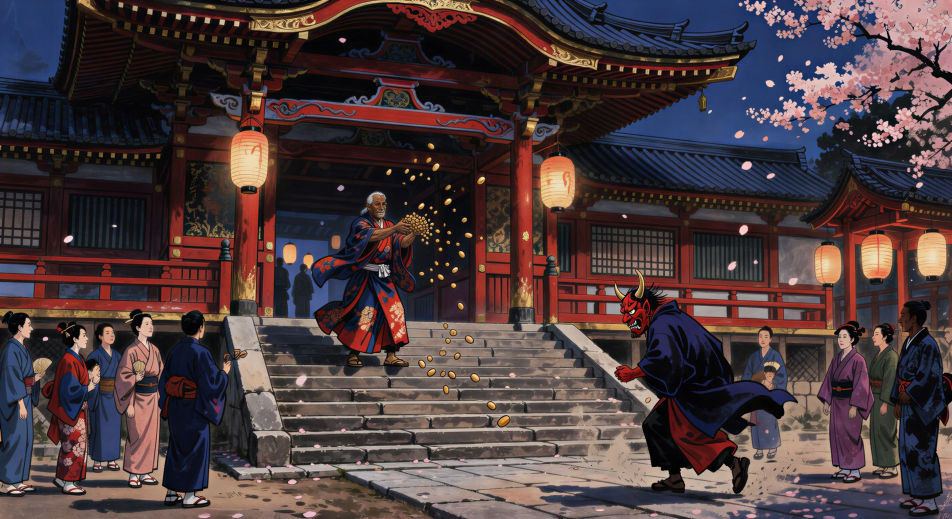
Write the Oni scene you want, in plain words.
Morphic generates a cinematic, frame-ready clip on your canvas in seconds.
Tweak the prompt, regenerate variations, then download or share the shot.

Share a scene description with character references. Get a full storyboard with shot angles and mood.

Feed in a single image. Get 9 cinematic beats laid out as a 3x3 storyboard grid.
One image to a 9-scene cinematic video.

Take any character image and generate 6 distinct facial expressions on a single reference sheet.
Cinematic time-freeze short film for any scene
Drop in a photo of yourself. Get a 12-second cinematic movie with animation and a matched soundtrack.
Japanese mythology AI Videos
Create Japanese mythology scenes, Shinto deity portraits, and yokai shorts with Morphic. Generate, narrate, and score full episodes from a single prompt.
Yokai AI Videos
Create Yokai folklore scenes, the hyakki yagyo parade, and kappa or tanuki shorts with Morphic. Generate, narrate, and score folklore videos in one prompt.
Tengu AI Videos
Create Tengu mountain spirit scenes, the council on Mount Kurama, and full Japanese folklore episodes with Morphic. Narrate and score from a single prompt.
Kitsune AI Videos
Create Kitsune fox spirit scenes, the nine-tail transformation, and Inari shrines with Morphic. Generate, narrate, and score Kitsune videos from a prompt.
Get started for free today, with the option to upgrade or cancel anytime.
Basic
2400 monthly credits
1 user only
All models
Workflows
Standard
3625 monthly credits
1 user only
All models
Workflows
Pro
6350 shared monthly credits
1 user
All models
Workflows
Max
24650 shared monthly credits
1 user
All models
Workflows
Enterprise
For higher limits
Custom
pricing and billing terms

Free
For playing around
$0
forever free