Wallpapered hotel corridor at midnight
Long hotel corridor with ornate patterned wallpaper, brass sconces alternating along the walls, single figure walking away from camera, slow tracking oner.
Edit prompt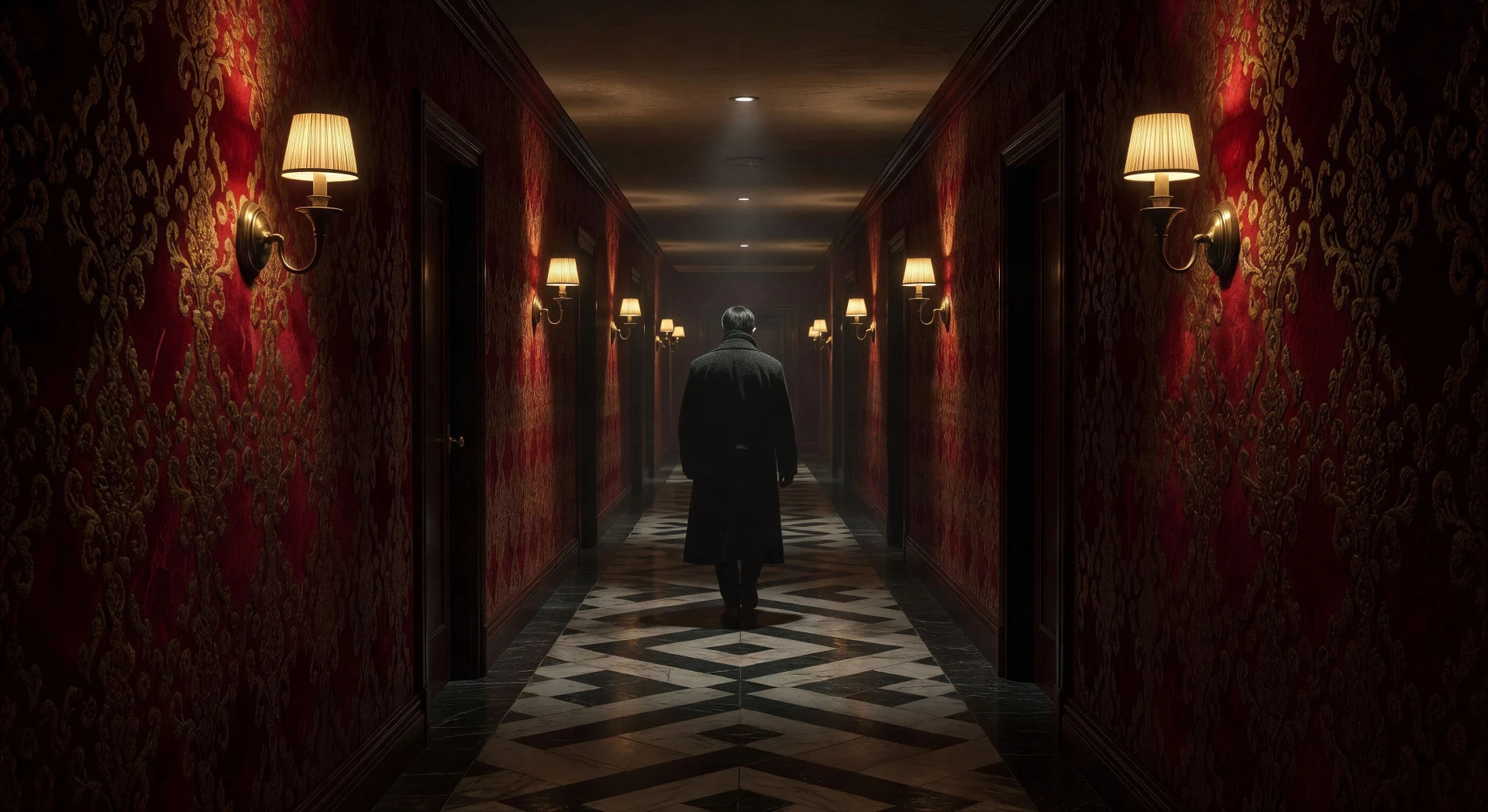
Direct painterly vengeance in your browser with Morphic's Park Chan-wook style AI video generator. Generate a wallpapered hotel corridor at midnight or a 1930s library at last light, lay a baroque waltz with Music, and stitch a slow-burn noir on the Canvas.
Long hotel corridor with ornate patterned wallpaper, brass sconces alternating along the walls, single figure walking away from camera, slow tracking oner.
Edit promptColonial-era mansion library, lacquered shelves to the ceiling, single ornate paper-screen window throwing a shaft of light across the polished floorboards.
Edit prompt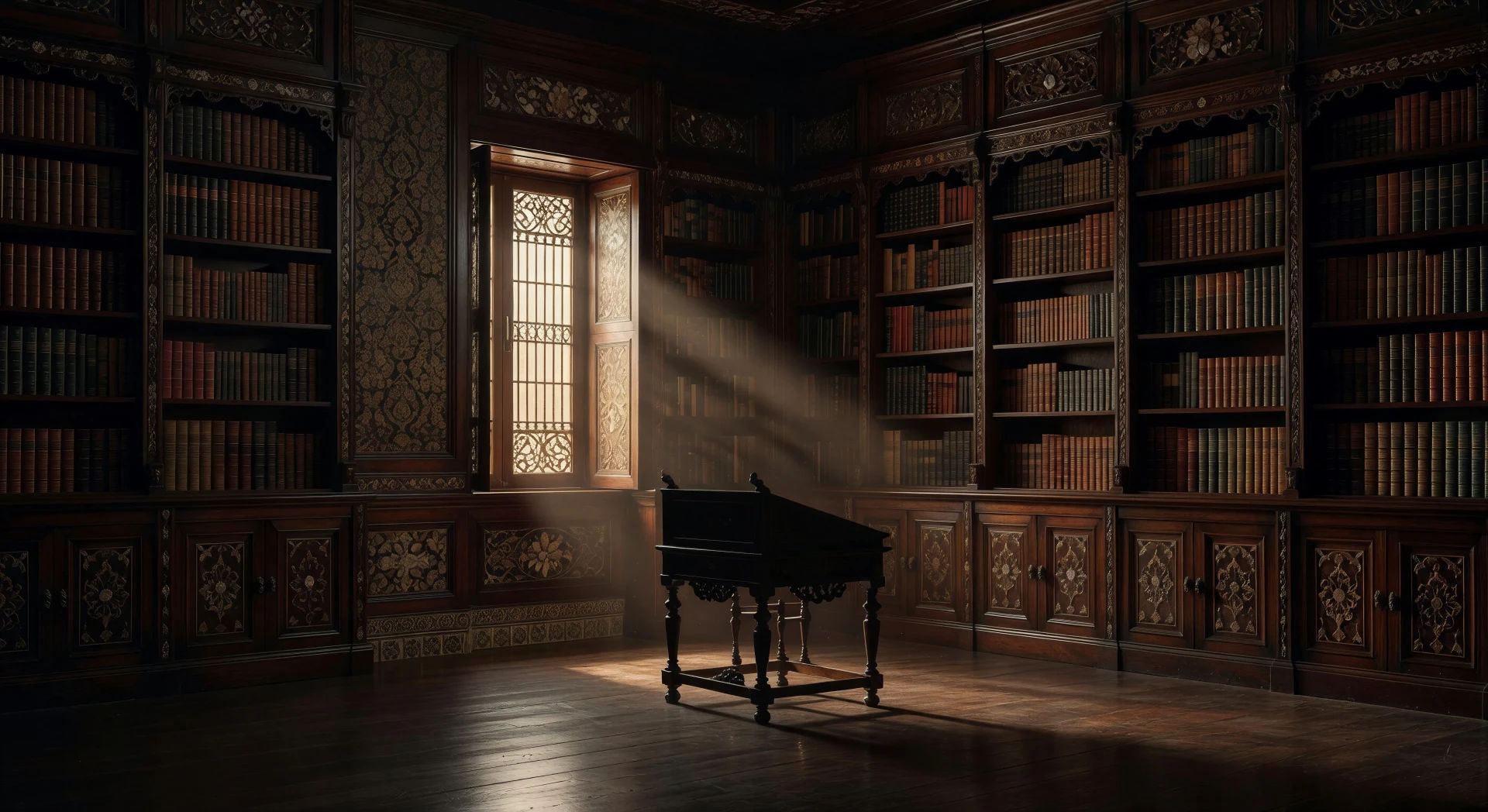
Wide cliff path along a foggy Korean coast at dawn, single black sedan parked at the edge, lighthouse beam barely visible in the haze, distant ocean roar.
Edit prompt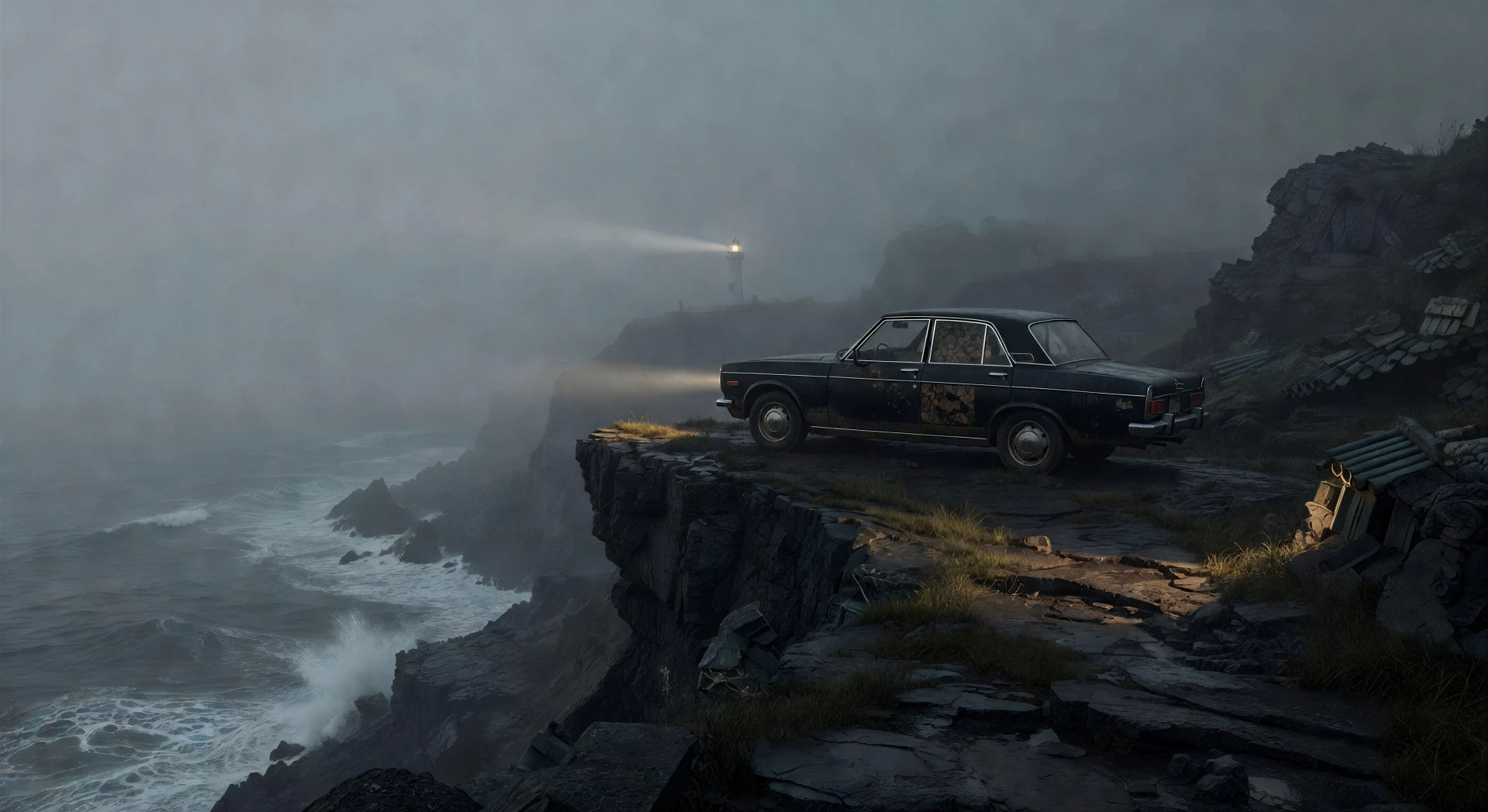
Small mountain temple courtyard at dawn mist, single stone lantern, pine trees crowding the stairs above, soft golden light bleeding through the branches.
Edit prompt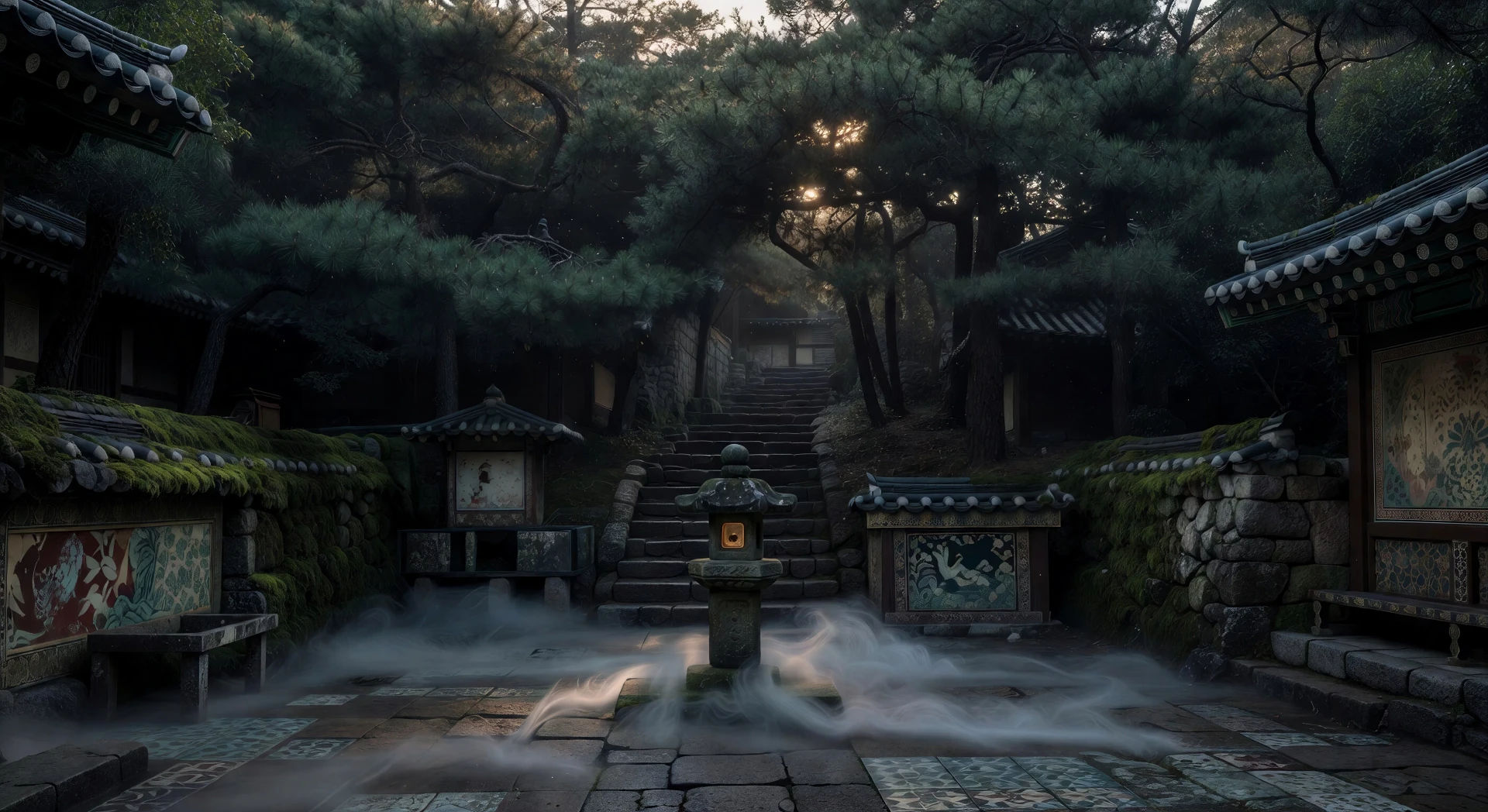
Write the Park Chan-wook scene you want, in plain words.
Morphic generates a cinematic, frame-ready clip on your canvas in seconds.
Tweak the prompt, regenerate variations, then download or share the shot.

Share a scene description with character references. Get a full storyboard with shot angles and mood.
One image to a 9-scene cinematic video.

Dramatize any text conversation into a cinematic multi-shot video.
Cinematic time-freeze short film for any scene
Drop in a photo of yourself. Get a 12-second cinematic movie with animation and a matched soundtrack.

Feed in a single image. Get 9 cinematic beats laid out as a 3x3 storyboard grid.
Bong Joon-ho AI Videos
Generate Bong Joon-ho style videos with Morphic. Vertical class blocking, modernist Korean interiors, genre-pivot framing, and prompt-led scenes you can run in your browser.
Wong Kar Wai AI Videos
Generate Wong Kar Wai style videos with Morphic. Step-printed motion, neon Hong Kong nights, saturated color, and prompt-led scenes you can run in your browser.
Fincher AI Videos
Generate Fincher style videos with Morphic. Desaturated palettes, geometric framing, deep shadows, and prompt-led scenes you can run in your browser.
Kurosawa AI Videos
Generate Akira Kurosawa style videos with Morphic. Telephoto compression, rain and wind as drama, samurai blocking, and prompt-led scenes you can run in your browser.
Get started for free today, with the option to upgrade or cancel anytime.
Basic
1100 monthly credits
1 user only
All models
Workflows
Standard
3625 monthly credits
1 user only
All models
Workflows
Pro
6350 shared monthly credits
1 user
All models
Workflows
Pro Max
24650 shared monthly credits
1 user
All models
Workflows
Enterprise
For higher limits
Custom
pricing and billing terms
Free
For playing around
$0
forever free