Sita’s swayamvara and the breaking of Shiva’s bow
In King Janaka’s royal court, Rama lifts and bends the great bow of Shiva. The string snaps with a sound that splits the sky, and Sita garlands him.
Edit prompt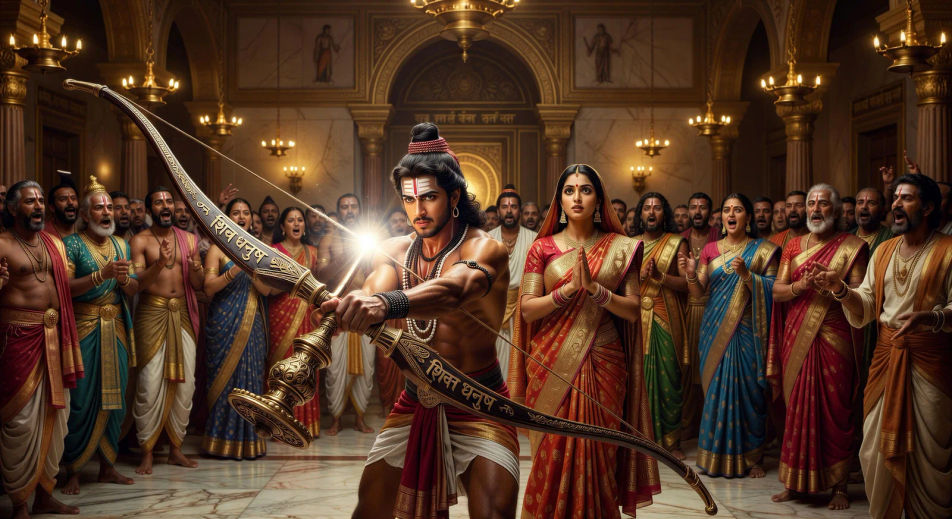
Direct Valmiki's epic in your browser with Morphic's Ramayana AI video generator. Generate Rama snapping Shiva's bow or Hanuman launching toward Lanka, chant the kandas with Speech and Music, and stitch the exile and return into a Hindu epic episode.
In King Janaka’s royal court, Rama lifts and bends the great bow of Shiva. The string snaps with a sound that splits the sky, and Sita garlands him.
Edit promptRama, Sita, and Lakshmana leave Ayodhya at first light, dressed in bark cloth, the citizens lining the riverbank in silence as they board the boat.
Edit prompt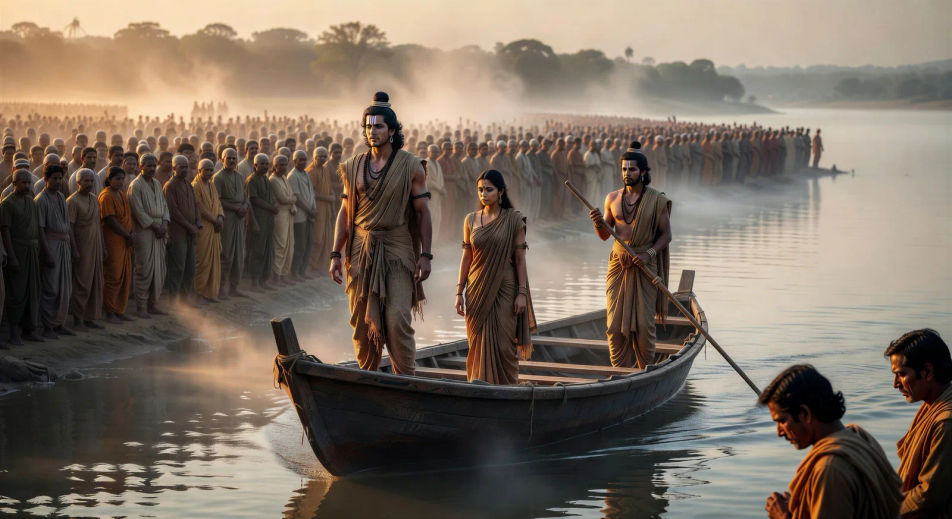
Hanuman expands to mountain size and launches from Mahendra peak. Cloud trails behind him, the ocean below, the towers of Lanka on the horizon.
Edit prompt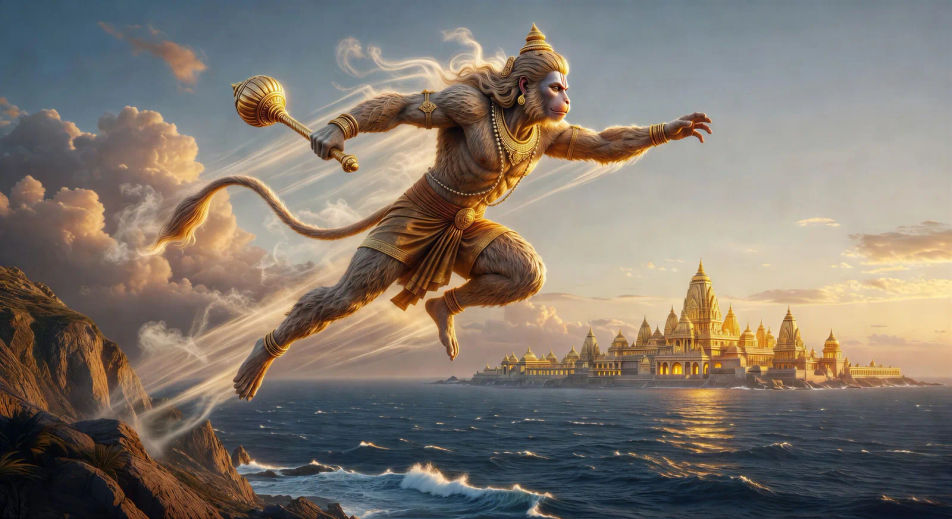
Hanuman moves rooftop to rooftop with his tail trailing flame. Smoke columns rise against the night sky, embers swirling above the golden city.
Edit prompt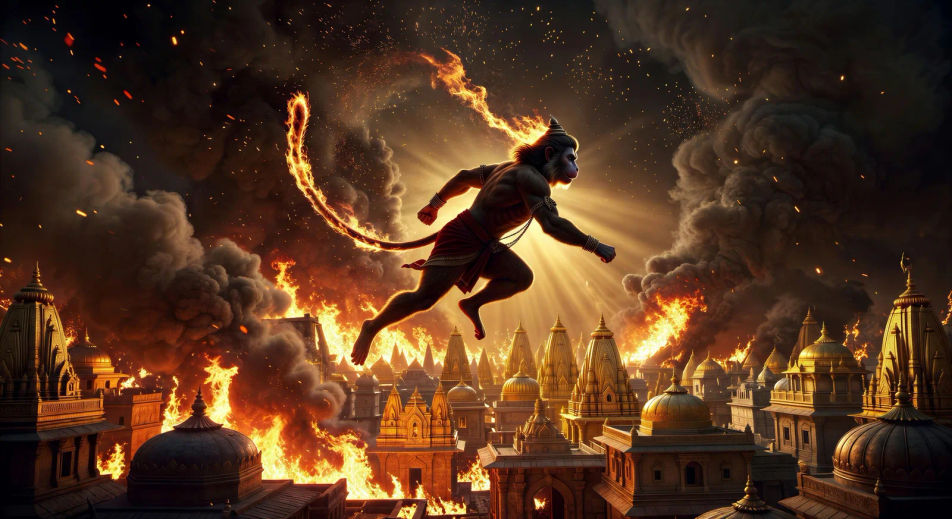
Write the Ramayana scene you want, in plain words.
Morphic generates a cinematic, frame-ready clip on your canvas in seconds.
Tweak the prompt, regenerate variations, then download or share the shot.

Share a scene description with character references. Get a full storyboard with shot angles and mood.

Feed in a single image. Get 9 cinematic beats laid out as a 3x3 storyboard grid.
One image to a 9-scene cinematic video.

Take any character image and generate 6 distinct facial expressions on a single reference sheet.
Cinematic time-freeze short film for any scene
Drop in a photo of yourself. Get a 12-second cinematic movie with animation and a matched soundtrack.
Mahabharata AI Videos
Create Mahabharata battle scenes, character portraits, and full mythology episodes with Morphic. Generate, narrate, and score videos from a single prompt.
Greek mythology AI Videos
Create Greek mythology scenes, Olympian portraits, and hero-arc shorts with Morphic. Generate, narrate, and score mythology episode videos from one prompt.
Norse mythology AI Videos
Create Norse mythology scenes, Eddic god portraits, and Ragnarok shorts with Morphic. Generate, narrate, and score Norse videos from a single prompt.
Rama AI Videos
Create Rama scenes, the breaking of the bow, the fall of Ravana, and Ramayana episodes with Morphic. Generate, narrate, and score videos from one prompt.
Get started for free today, with the option to upgrade or cancel anytime.
Basic
2400 monthly credits
1 user only
All models
Workflows
Standard
3625 monthly credits
1 user only
All models
Workflows
Pro
6350 shared monthly credits
1 user
All models
Workflows
Max
24650 shared monthly credits
1 user
All models
Workflows
Enterprise
For higher limits
Custom
pricing and billing terms

Free
For playing around
$0
forever free