How to make Shiva videos with AI

Shiva is one of the three principal deities of Hinduism, alongside Brahma and Vishnu. His story spans the Shiva Purana, the Linga Purana, and many of the great epics, from the burning of Kama to the Tandava that closes a cosmic cycle.

Until recently, putting a Shiva scene on screen meant a studio. That part has changed.

Shiva is the destroyer and the meditator at once, the dancer of the Tandava and the still ascetic on Mount Kailash. Morphic lets you direct any of it in your browser. Pick a form, a scene, or a workflow below and start now.

Shiva characters you can direct

Shiva scenes you can stage

Shiva on Mount Kailash

Shiva sits in deep meditation on a snowbound peak of Kailash. Parvati beside him, Nandi at the gate, the trishul planted in the snow, the lake Manasarovar mirror-still below.

Edit prompt
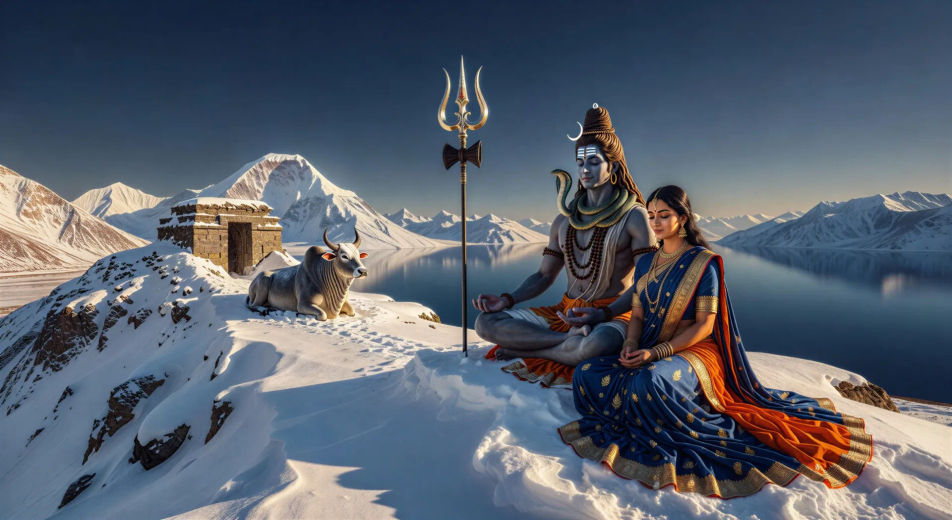
Shiva on Mount Kailash

The Tandava in a ring of fire

Shiva performs the Tandava inside a circle of cosmic flame, one foot raised, four arms in motion, damaru drum and the flame of dissolution, sparks spiralling outward.

Edit prompt
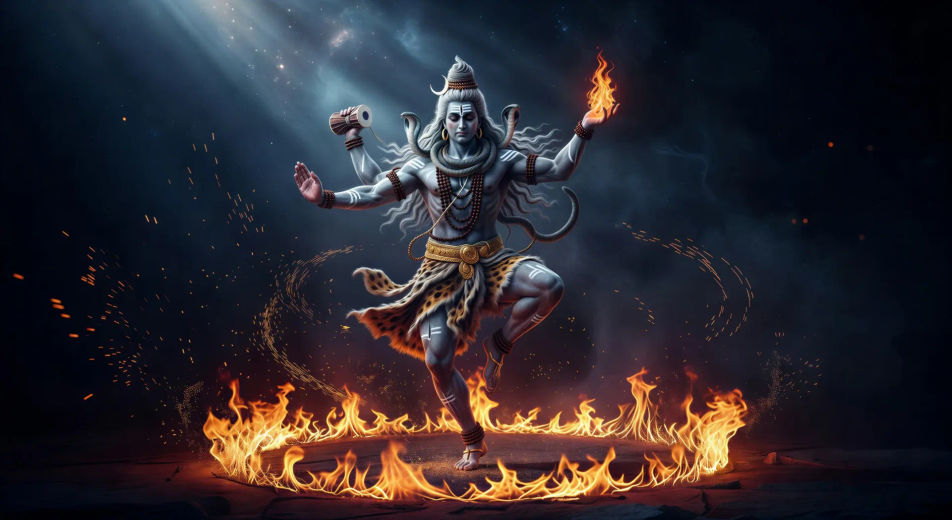
The Tandava in a ring of fire

Shiva drinks the halahala poison

The churning of the ocean releases the halahala poison. Shiva cups it in his palms and drinks. His throat turns blue forever, the gods watching in silence.

Edit prompt
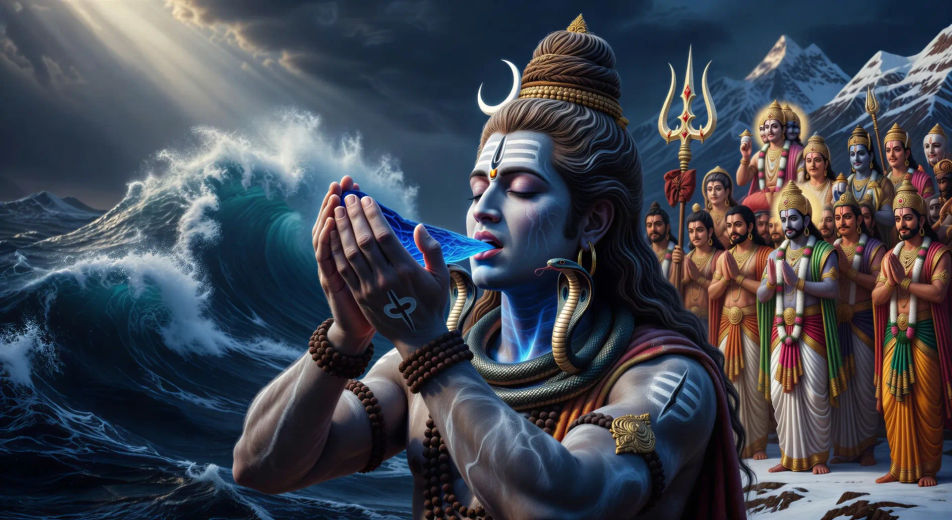
Shiva drinks the halahala poison

The descent of the Ganga

The Ganga falls from the heavens. Shiva catches her in his matted jata to break the force, then releases her in a single thread to the Himalayas below.

Edit prompt
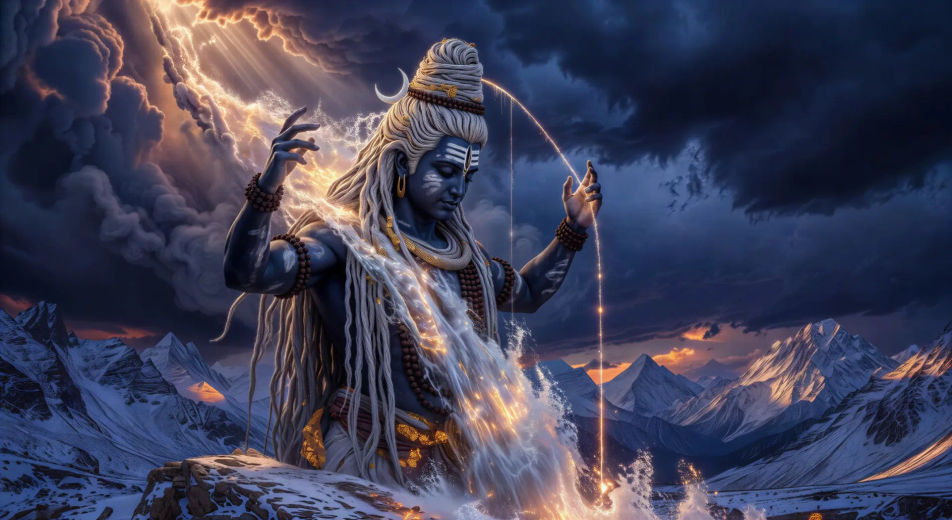
The descent of the Ganga

Maha Shivratri at Varanasi

Night of Shiva at the ghats of Varanasi. Lamps float on the Ganga, devotees pour milk over a Shivling, smoke rises from the cremation grounds at Manikarnika.

Edit prompt
Maha Shivratri at Varanasi

The burning of Kama

Kama, the god of love, looses an arrow to break Shiva’s meditation. The third eye opens. A pillar of white flame reduces Kama to ash on the spot.

Edit prompt
The burning of Kama

Make Shiva videos in three steps

  1. 01

    Describe your Shiva scene

    Write the Shiva scene you want to see in your own words. Be specific about the form, the location, the lighting, and the camera direction. The more concrete the description, the closer the result lands to what you pictured.

  2. 02

    Generate the video

    Morphic produces a clip on your canvas in seconds.

  3. 03

    Refine your Shiva video

    Tweak the prompt, regenerate, or remix into a longer sequence. Download or share when the shot lands.

Related workflows

A short guide to Shiva for video creators

Shiva is depicted in many forms, each a distinct prompt anchor. As Mahadev, the great god, he sits in deep meditation on Mount Kailash, a crescent moon in his matted jata, the Ganga flowing from his hair, the cobra Vasuki around his neck. As Nataraja, the lord of dance, he performs the Tandava inside a ring of cosmic fire, one foot on the demon of forgetfulness, the damaru drum and the flame of dissolution in his upper hands. As Neelkanth, he holds the halahala poison from the churning of the ocean in his throat, which turns blue forever.

Shiva’s family fills out the visual world. Parvati, goddess of the mountains, sits beside him on Kailash. Their sons Ganesha and Kartikeya appear in countless household and temple scenes. The Nandi bull rests at the gate of every Shiva temple. The trishul and the damaru are the signature objects. Around the Shivling, devotees offer water, milk, bilva leaves, and the chant of Om Namah Shivaya.

For video, Shiva offers a deep visual library: the snowbound peaks of Kailash, the glow of Varanasi ghats at Maha Shivratri, the ash and ember of cremation grounds, the cosmic fire of the Tandava. Anchor each Shiva scene to a specific form, location, and time of day. Name the iconography you want, the lighting, and the camera direction. The more concrete the prompt, the closer the result lands to what readers of the puranas already see in their heads.

You might also like

Frequently asked questions

Where can I make Shiva videos with AI?
You can create Shiva scenes directly in your browser on Morphic. Open the Text to Video tool, describe the scene you want, and Morphic produces the clip. No installs and no specialist software needed.
What kinds of Shiva scenes work best with AI video?
Single-shot moments with strong composition tend to work best: Shiva meditating on Kailash, the Tandava in a ring of fire, the drinking of halahala, the descent of the Ganga, or Maha Shivratri at Varanasi. Anchor each Shiva scene to a specific form, location, time of day, and mood.
How do I keep my Shiva characters consistent across scenes?
Use the Character Lineup workflow to lock in each character's look, then reference those character cards in every prompt. Morphic preserves wardrobe, ornaments, and signature details from scene to scene so a Shiva series feels continuous.
How do I write a good prompt for a Shiva scene?
Name the form, the location, the iconography, the time of day, the lighting, and the camera direction. For example: "Shiva on Kailash at dawn, snow on the peaks, Ganga in his matted jata, trishul planted in the snow, soft amber light, slow wide push-in." The more specific your imagery, the closer the output matches your imagination.
Can I add narration and music to my Shiva videos?
Yes. The Speech tool generates a voiceover from your script in the voice you choose, and the Music tool produces an original soundtrack to score the scene. Layer them onto your generated video to publish a complete Shiva episode.
What visual style works best for Shiva videos?
Three styles consistently land. Tanjore-influenced devotional painting suits temple and Kailash scenes. Cinematic photoreal lifts the Tandava, the Ganga descent, and the cremation-ground sequences. Stark monochrome ink wash works for the ascetic Bhairava and meditation scenes. Name the style directly in the prompt and Morphic will hold it across the series.



