Dead-drop chalk mark at dawn
A lamppost in a fog-bound European square at dawn, a small chalk mark on the cast-iron base, a gloved hand reaching just into frame, footsteps echoing off the wet cobbles.
Edit prompt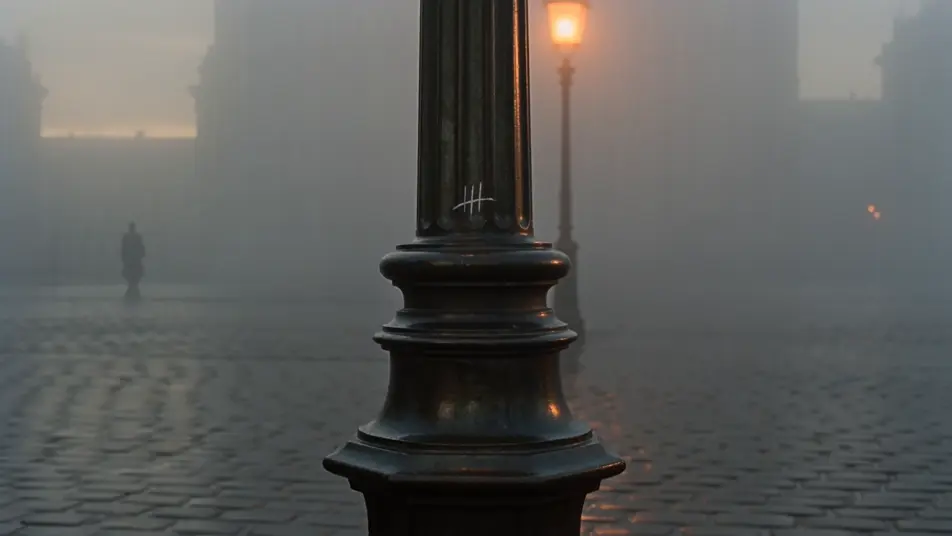
Direct Cold War espionage in your browser with Morphic's spy thriller AI video generator. Generate a chalk mark on a Berlin lamppost or a 4am surveillance van, add earpiece chatter and tense strings with Speech and Music, and stitch a spy short on the Canvas.
A lamppost in a fog-bound European square at dawn, a small chalk mark on the cast-iron base, a gloved hand reaching just into frame, footsteps echoing off the wet cobbles.
Edit promptA grand embassy ballroom under chandeliers, couples mid-waltz, two figures passing a slim envelope between them across a shared turn, a tuxedoed waiter watching from the bar.
Edit prompt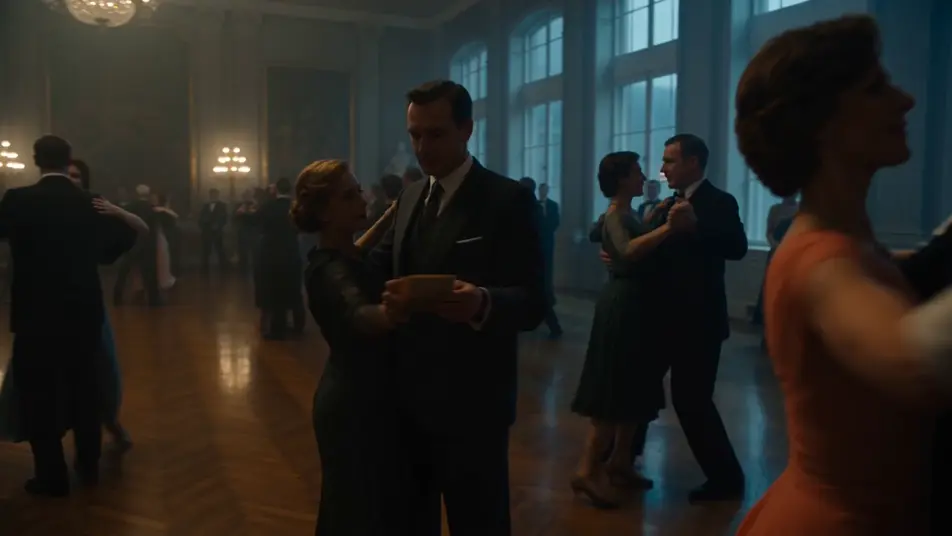
A grey panel van parked across from a tenement window at 4am, faint glow of monitors inside the cabin, a thin antenna on the roof, a slow tracking shot from the curb.
Edit prompt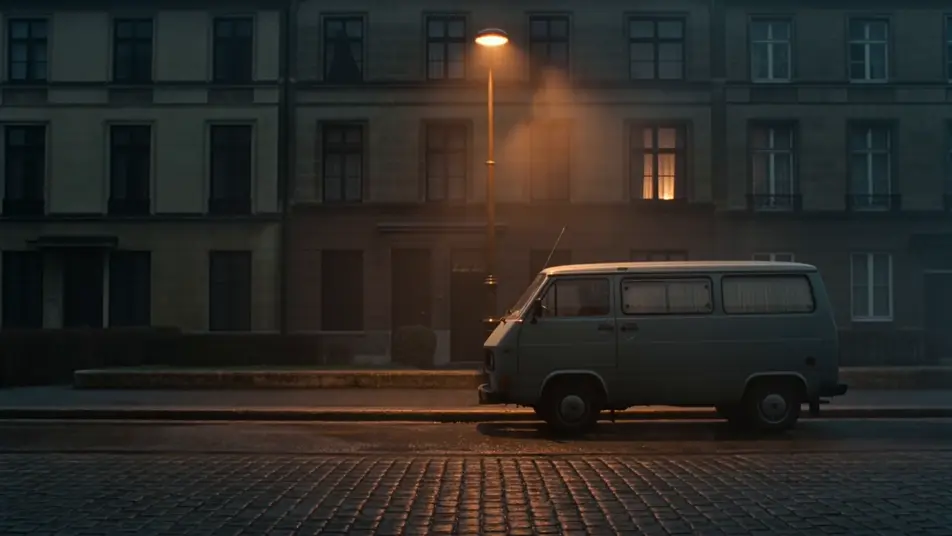
A snowy two-lane border crossing at midnight, a single sodium-vapour lamp on the gatehouse, an idling sedan with headlights washing the road, a fur-collared figure walking the line.
Edit prompt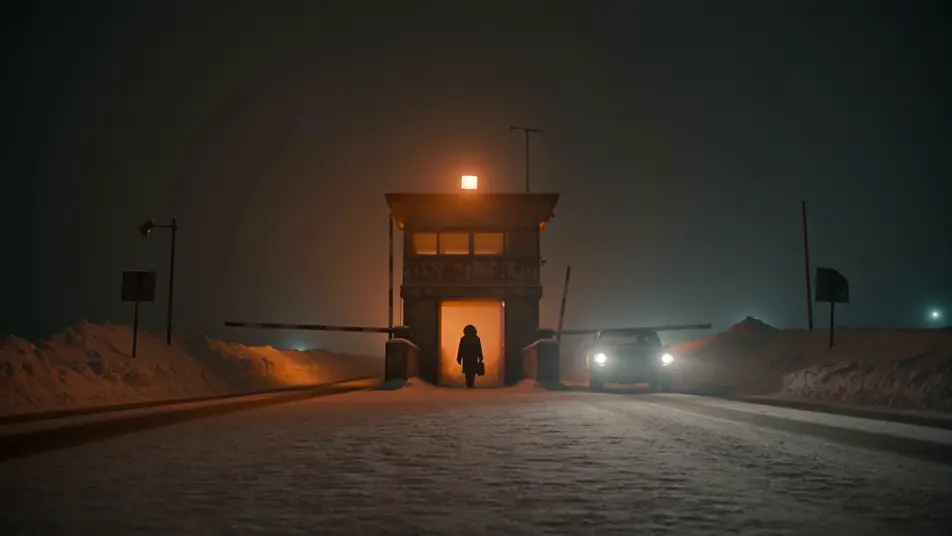
Write the spy thriller scene you want, in plain words.
Morphic generates a cinematic, frame-ready clip on your canvas in seconds.
Tweak the prompt, regenerate variations, then download or share the shot.

Dramatize any text conversation into a cinematic multi-shot video.
Drop in a photo of yourself. Get a 12-second cinematic movie with animation and a matched soundtrack.
Cinematic time-freeze short film for any scene
One image to a 9-scene cinematic video.

Share a scene description with character references. Get a full storyboard with shot angles and mood.

Feed in a single image. Get 9 cinematic beats laid out as a 3x3 storyboard grid.
Heist AI Videos
Create powerful AI Heist videos with our Heist video generator. Find unique, cinematic Heist scenes for any project in seconds.
Detective AI Videos
Create powerful AI Detective videos with our Detective video generator. Find unique, cinematic Detective scenes for any project in seconds.
Film Noir AI Videos
Create powerful AI Film Noir videos with our Film Noir video generator. Find unique, cinematic Film Noir scenes for any project in seconds.
Neo-noir AI Videos
Generate neo-noir videos with Morphic across four director-coded modes: wet-neon, sun-blown LA, comic chiaroscuro, and corporate-night.
Get started for free today, with the option to upgrade or cancel anytime.
Basic
2400 monthly credits
1 user only
All models
Workflows
Standard
3625 monthly credits
1 user only
All models
Workflows
Pro
6350 shared monthly credits
1 user
All models
Workflows
Max
24650 shared monthly credits
1 user
All models
Workflows
Enterprise
For higher limits
Custom
pricing and billing terms

Free
For playing around
$0
forever free