AR experience AI voices

Try Morphic

Browse AI AR experience voices, from hands-free wayfinding guides to playful overlay hosts, shape your own in the generator, then lip sync the read to an on-screen presenter.

AR experience voices for wayfinding apps, try-on demos, and museum overlays

Pax

A hands-free wayfinding guide, clear and unhurried, cueing each turn as the user walks

June

A playful overlay host, bright and welcoming as digital elements pop into the room

Rhea

A warm retail try-on assistant, helpful and encouraging as a shopper previews a product

Milo

A curious museum-overlay narrator, vivid and precise as an artifact comes to life in view

Tariq

A calm field-service guide, instructional and steady, walking a tech through a repair overlay

Lux

A confident launch-demo presenter, crisp and upbeat unveiling an AR feature

Design your ar experience voice

Mix and match the traits below. Your prompt builds as you go.

Archetype
Depth
Texture
Mood

A bottomless, gravelly, menacing overlord ar experience voice

Generate

Turn an AR experience voice into a talking presenter

Voice-only tools leave you with a bare file. Morphic maps the read onto a face so an overlay host or product presenter delivers every line on screen, mouth and timing matched, taking you from a written script to a talking AR experience clip for the app-store preview, the launch reel, or the demo page.

Close portrait of a friendly female tech presenter mid-word to camera

Overlay voices for wayfinding apps, try-on demos, and museum experiences

Cast every layer of the interface. Pull a hands-free wayfinding guide, a retail try-on assistant, or a museum-overlay narrator, spanning calm step-by-step cues to bright launch energy, each directed from a prompt and dropped into a navigation app, a shopping demo, or a gallery overlay.
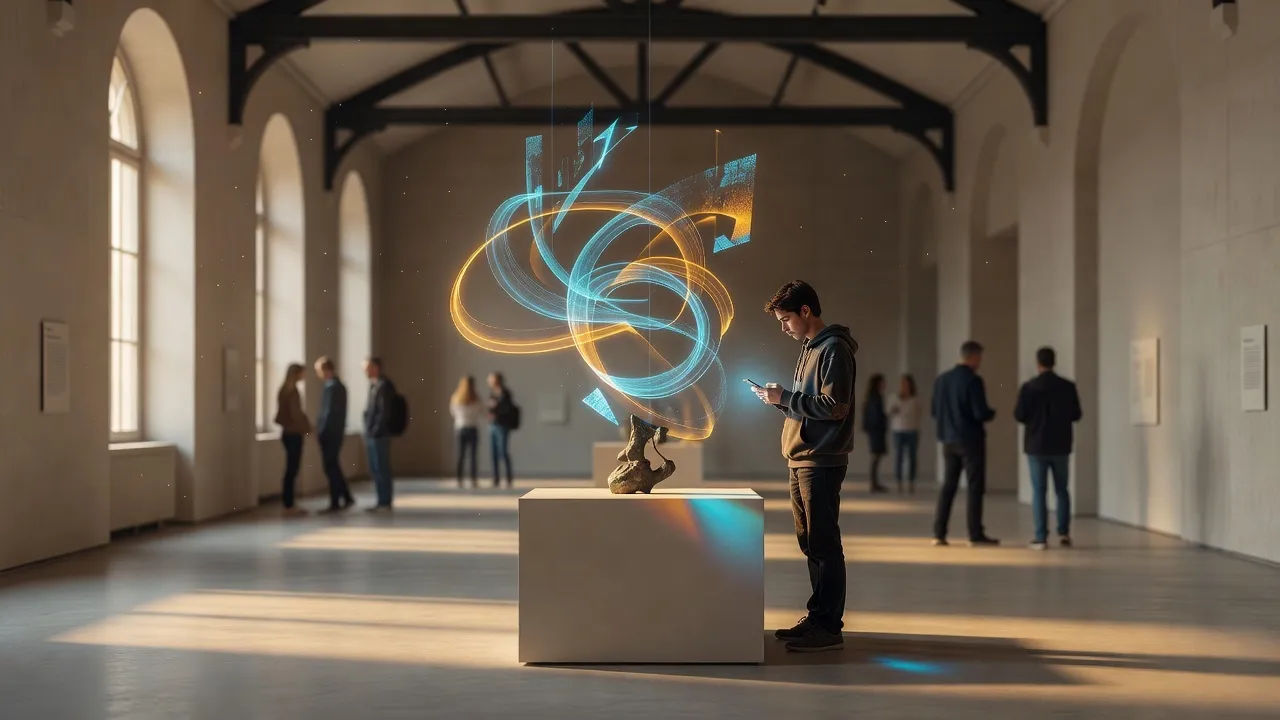
Wide museum gallery scene where a visitor holds up a phone revealing abstract glowing overlay shapes above an

AR experience voice text to speech for tutorials and product demos

Paste your tutorial script or demo copy and get a finished read back, no recording session and no reshoots when the interface changes. Morphic turns tap-by-tap instructions into a natural, guiding voiceover, with pace and tone you direct in plain English so first-time users follow every prompt.
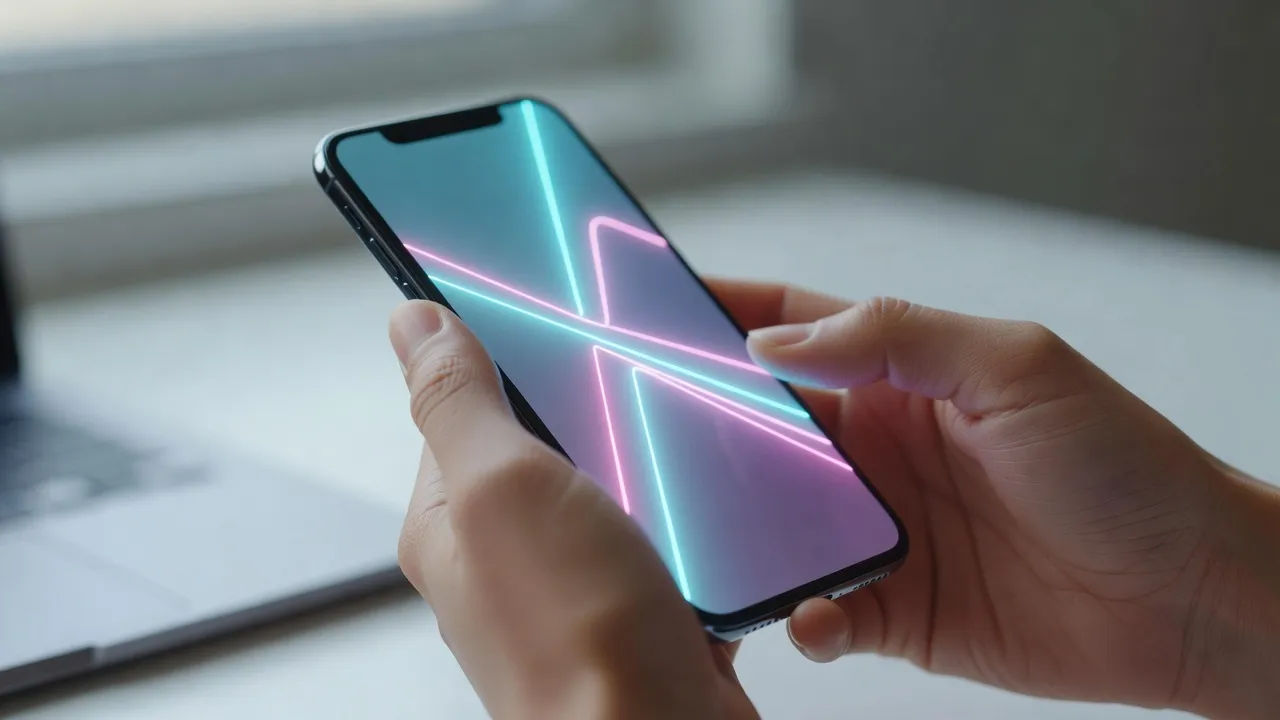
Macro beat of a smartphone held in two hands showing an abstract glowing try-on overlay of geometric contours

An AR experience voice generator you direct in plain English

Describe the guide you want, name the clarity, warmth, and pace, and the generator builds the read. Re-voice the same line as a calmer wayfinder or a peppier launch host by editing the prompt, a whole overlay cast from one workspace.

A concentrated AR developer at a standing desk sketching overlay logic on a laptop

More voice styles

Simple pricing

Get started for free today, with the option to upgrade or cancel anytime.

Basic

$9/ month
billed as $0 per year

900 monthly credits

1 user only

All models

Workflows

Standard

$24/ month
billed as $0 per year

3200 monthly credits

1 user only

All models

Workflows

Pro

$45/ month
billed as $0 per year

6200 shared monthly credits

1 user

+ up to 4 more at extra cost

All models

Workflows

Pro Max

$170/ month
billed as $0 per year

24000 shared monthly credits

1 user

+ up to 9 more at extra cost

All models

Workflows

Enterprise

For higher limits

Custom

pricing and billing terms

Unlimited credits
Custom seat limits
All models
Workflows
Pricing Gradient

Free

For playing around

$0

forever free

Up to 20 credits
1 user only
Limited models
Workflows

FAQs

What is an AI AR experience voice?
It is a voiceover shaped around a persona built for augmented reality, a wayfinding guide, an overlay host, or a try-on assistant, rather than one fixed model. You describe the role and direct clarity, warmth, and pace so hands-free instructions stay easy to follow. In Morphic the same line can be re-voiced as a different presenter without re-recording.
How do I make a custom AR experience voice in Morphic?
Open the speech tool, paste a step of your tutorial or overlay copy, and describe the guide in plain English. Name the pace, the friendliness, and where emphasis lands, then generate, listen, and adjust the prompt until it matches the interface. The configurator on this page composes that direction and hands it to Studio.
Can I turn an AR experience voice into a talking presenter on screen?
Yes. After the read renders, the lip sync tool maps it onto a face so mouth and timing track the audio. That turns a written script into a talking presenter for an app-store preview or a launch reel, a step a voice-only generator cannot finish.
Are AR experience voices realistic enough for shipped apps?
They are directed to sound like a real guide, not flat narration. You steer breath, pace, and register so a wayfinding cue feels patient and a launch demo feels lively, then refine until the delivery reads naturally over the overlay.
Can I use AR experience voices commercially?
Yes, voices generated on paid Morphic plans can ship in commercially distributed AR apps, retail try-on demos, and museum overlays. Review the Morphic terms for full licensing detail before you publish to users.
What languages and accents do AR experience voices support?
The Morphic speech tool covers English plus a growing set of languages and accents, so a wayfinding or try-on app can localize its guide per region or keep a neutral accent for a worldwide rollout.