DVD commentary AI voices

Try Morphic

Browse DVD commentary AI voices, from chatty director-and-cast duos to nostalgic solo tracks, build your own in the generator, then lip sync the commentary to a face on screen.

DVD commentary voices for director tracks, home-video extras, and scene breakdowns

Hollis

A genial film director, nostalgic and chatty, remembering the day the scene was shot

Wren

A fond lead actor, easy and story-first, sharing on-set memories

Paz

A witty co-star, teasing and quick, riffing over the scene

Cael

A studious writer, thoughtful and specific about the choices in the script

Tova

A warm archival host, curatorial and calm introducing the home-video extras

Dex

An animated superfan commentary voice, delighted and deep in the details

Design your dvd commentary voice

Mix and match the traits below. Your prompt builds as you go.

Archetype
Depth
Texture
Mood

A bottomless, gravelly, menacing overlord dvd commentary voice

Generate

Turn a DVD commentary voice into a talking character on screen

A commentary track is normally just audio over the film. Morphic maps it onto a face so a director or actor delivers each memory on camera, mouth and timing matched, taking you from a written commentary to a talking DVD commentary clip for the bonus menu or a picture-in-picture track.
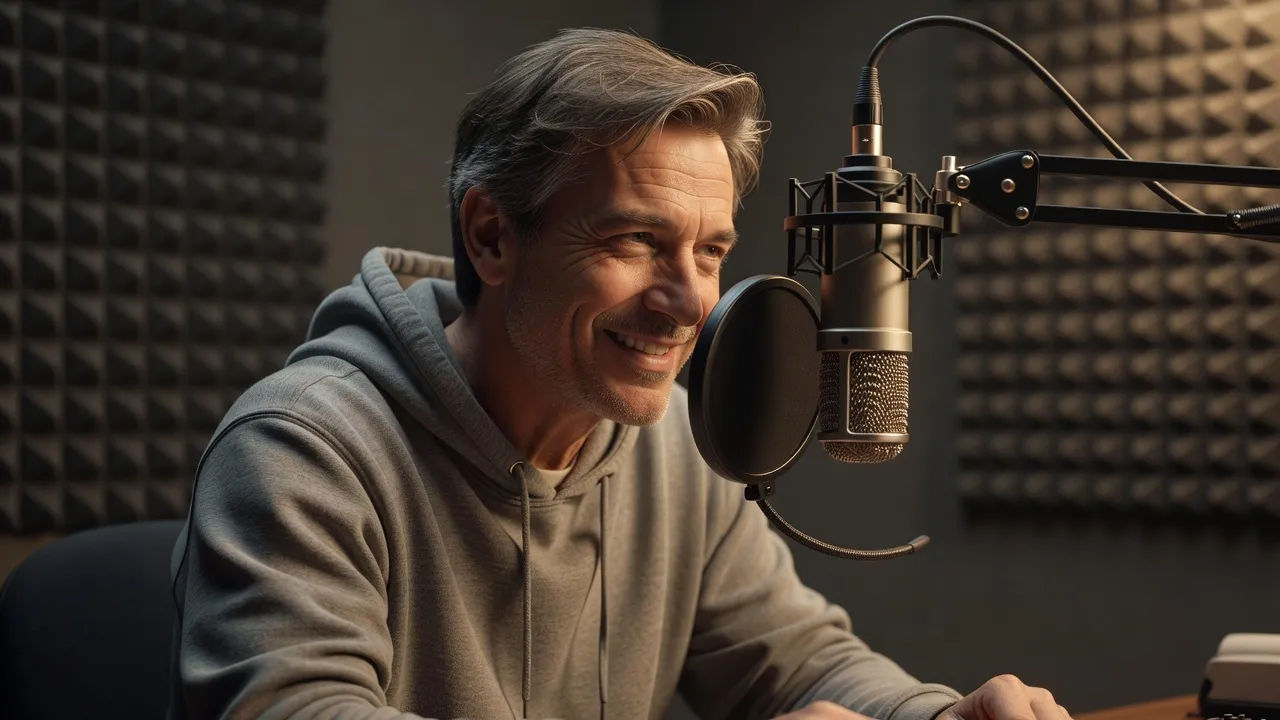
Close portrait of an animated director recording a commentary track

Director voices for commentary tracks, home-video extras, and scene breakdowns

Give the bonus disc its own voices. Cast a nostalgic director, a fond lead actor, or a witty co-star, each built from a prompt and ready to carry a full commentary track, a home-video extra, or a scene-by-scene breakdown without reuniting the original cast.
Wide home-cinema scene

DVD commentary voice text to speech for bonus features and retrospectives

Paste your commentary notes and get a finished track back, no session booked. Morphic turns your recollections into a warm, conversational read for bonus features and anniversary retrospectives, with the easy pacing and fond tone you direct in plain English.
Detail beat of a round unlabeled optical disc catching rainbow light on a dark table beside studio headphones

A DVD commentary voice generator you direct in plain English

Describe the voice you want, name the nostalgia, pace, and playfulness, and the generator builds the read. Re-voice the same scene as a teasing co-star or a studious writer anytime by editing the prompt, an entire commentary cast from one workspace.
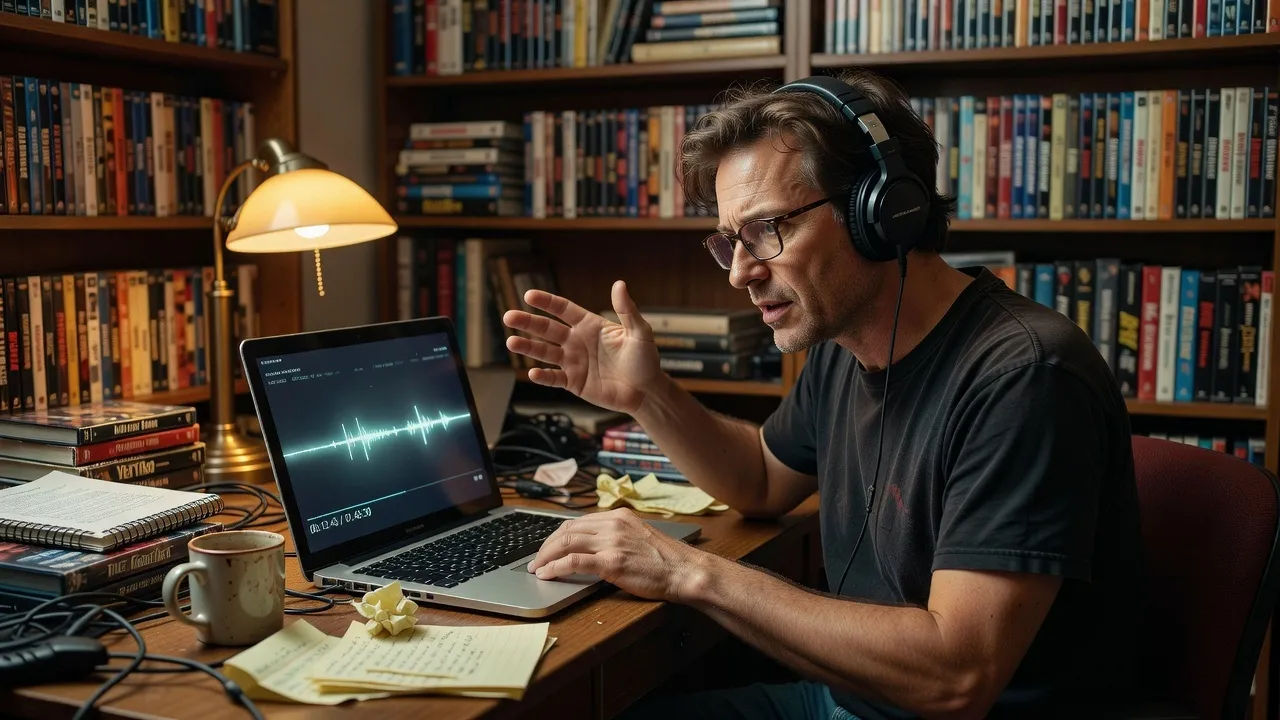
A film buff creator directing a commentary voice at a desk

More voice styles

Simple pricing

Get started for free today, with the option to upgrade or cancel anytime.

Basic

$9/ month
billed as $0 per year

900 monthly credits

1 user only

All models

Workflows

Standard

$24/ month
billed as $0 per year

3200 monthly credits

1 user only

All models

Workflows

Pro

$45/ month
billed as $0 per year

6200 shared monthly credits

1 user

+ up to 4 more at extra cost

All models

Workflows

Pro Max

$170/ month
billed as $0 per year

24000 shared monthly credits

1 user

+ up to 9 more at extra cost

All models

Workflows

Enterprise

For higher limits

Custom

pricing and billing terms

Unlimited credits
Custom seat limits
All models
Workflows
Pricing Gradient

Free

For playing around

$0

forever free

Up to 20 credits
1 user only
Limited models
Workflows

FAQs

What is a DVD commentary AI voice?
A DVD commentary AI voice is a narration shaped around a filmmaker or cast persona rather than one fixed model. You describe the voice, such as a nostalgic director or a witty co-star, then direct nostalgia, pace, and playfulness so the track sounds like a real commentary recorded years later. In Morphic the same scene can be re-voiced as a different commentary role without recording again.
How do I make a custom DVD commentary voice in Morphic?
Open the speech tool, paste your commentary notes or a key passage, and describe the voice in plain English. Name the fondness, the pacing, and where the on-set anecdotes land, then generate, listen, and refine the prompt until the track feels lived in. The configurator on this page composes that direction and carries it into Studio.
Can I turn a DVD commentary voice into a talking character on screen?
Yes. Once the track renders, the lip sync tool maps it onto a face so mouth and timing match the read. That turns written notes into a talking director or actor clip for bonus menus and picture-in-picture tracks, the step a voice-only generator cannot finish.
Can I use DVD commentary voices commercially?
Yes, voices generated on paid Morphic plans can run in commercially released bonus features, home-video extras, and retrospective tracks. Check the Morphic terms for full licensing detail before you publish to an audience.
How many DVD commentary voices can I create?
There is no fixed roster. Because each voice is directed from a prompt, you can build as many reads as a release needs, a nostalgic director, a teasing co-star, a studious writer, and revise any of them by editing the direction.
What languages and accents do DVD commentary voices support?
The Morphic speech tool supports English plus a growing set of languages and accents. For a commentary track you can match the region of the original production or pick a neutral accent so the bonus feature reaches a wider audience.