Production commentary AI voices

Try Morphic

Browse production commentary AI voices, from technical crew leads to reflective showrunners, build your own in the generator, then lip sync the track to a filmmaker on screen.

Production commentary voices for production diaries, VFX breakdowns, and crew tracks

Fen

A seasoned crew lead, analytical and calm, breaking down how the shot was built

Dara

A reflective showrunner, measured and candid on the choices that shaped the cut

Nils

A technical VFX supervisor, precise and detailed walking through each pass

Mira

An enthusiastic department head, quick and generous crediting the whole team

Soren

A dry veteran editor, wry and matter of fact about what got cut and why

Yara

A studious cinematographer, thoughtful and specific on lighting and lens choices

Design your production commentary voice

Mix and match the traits below. Your prompt builds as you go.

Archetype
Depth
Texture
Mood

A bottomless, gravelly, menacing overlord production commentary voice

Generate

Turn a production commentary voice into a talking filmmaker on screen

A commentary track is usually audio only. Morphic maps it onto a face so a director or supervisor delivers each note on camera, mouth and timing matched, taking you from a written commentary to a talking filmmaker clip for the breakdown video or the special-features cut.
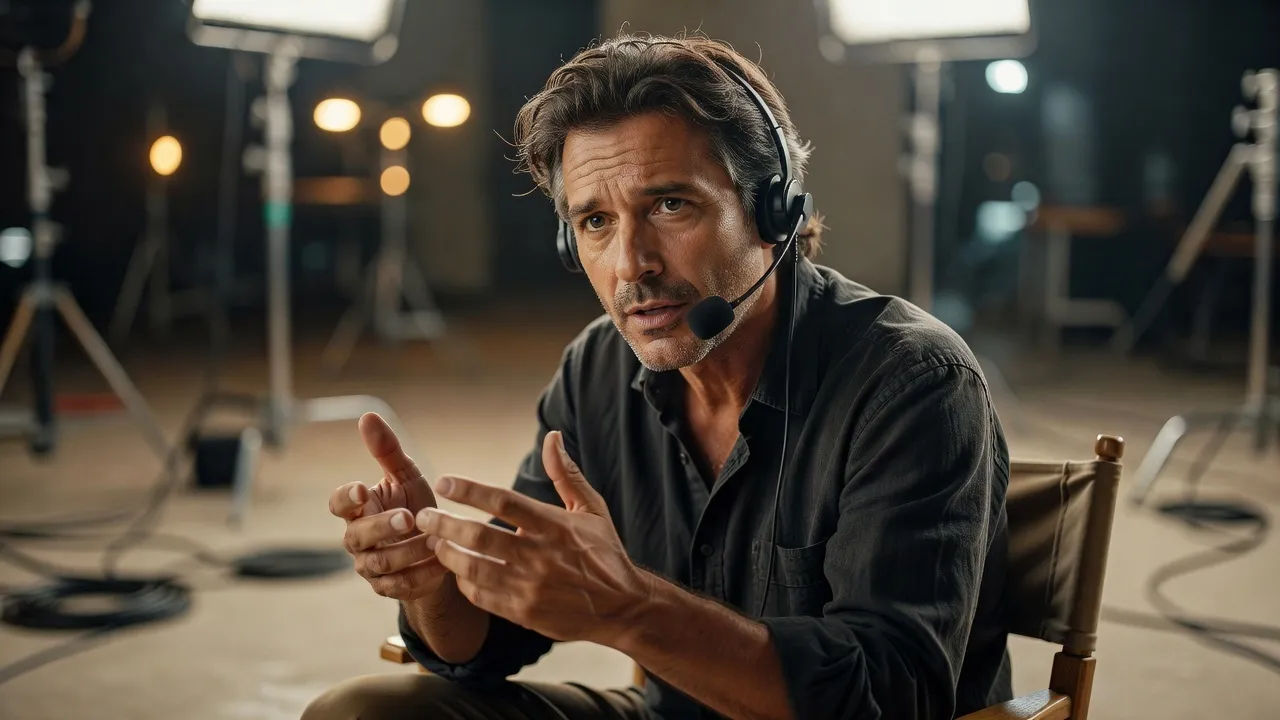
Close portrait of a thoughtful filmmaker in a director's chair speaking to camera

Crew voices for production diaries, VFX breakdowns, and department featurettes

Every craft deserves its own read. Cast an analytical crew lead, a precise VFX supervisor, or a reflective showrunner, each shaped from a prompt and ready to carry a production diary, a shot breakdown, or a department featurette without booking the real team for pickups.

Wide production-diary scene inside a VFX bay

Production commentary voice text to speech for diaries and shot breakdowns

Paste your commentary notes and get a finished track back, no recording day. Morphic turns technical talking points into a clear, credible read for production diaries and shot breakdowns, with the measured pacing and detail you direct in plain English.
Macro beat of a studio condenser microphone on a boom arm above a small mixing surface

A production commentary voice generator you direct in plain English

Describe the filmmaker you want, name the authority, pace, and precision, and the generator builds the read. Re-voice the same track as a wry editor or an enthusiastic department head anytime by editing the prompt, an entire production team from one workspace.
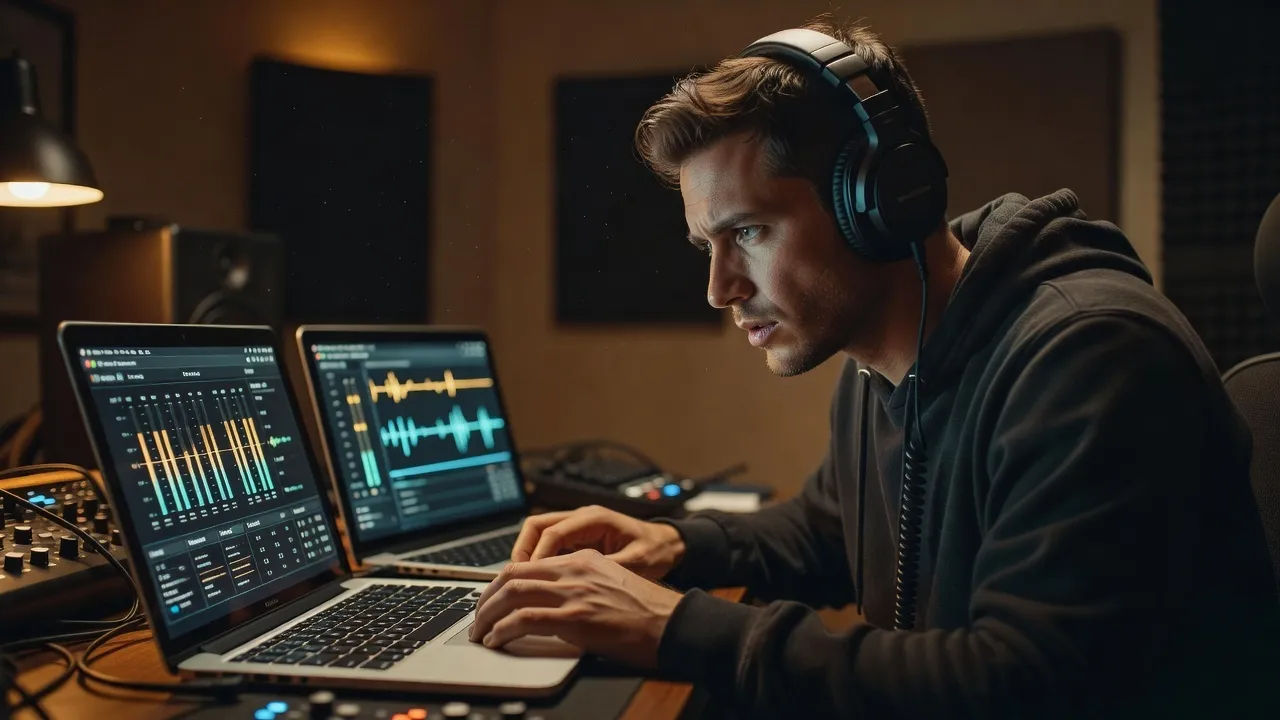
A post-production editor directing a commentary voice on a dual-laptop setup

More voice styles

Simple pricing

Get started for free today, with the option to upgrade or cancel anytime.

Basic

$9/ month
billed as $0 per year

900 monthly credits

1 user only

All models

Workflows

Standard

$24/ month
billed as $0 per year

3200 monthly credits

1 user only

All models

Workflows

Pro

$45/ month
billed as $0 per year

6200 shared monthly credits

1 user

+ up to 4 more at extra cost

All models

Workflows

Pro Max

$170/ month
billed as $0 per year

24000 shared monthly credits

1 user

+ up to 9 more at extra cost

All models

Workflows

Enterprise

For higher limits

Custom

pricing and billing terms

Unlimited credits
Custom seat limits
All models
Workflows
Pricing Gradient

Free

For playing around

$0

forever free

Up to 20 credits
1 user only
Limited models
Workflows

FAQs

What is a production commentary AI voice?
A production commentary AI voice is a narration shaped around a filmmaking persona rather than one fixed model. You describe the crew member, such as a technical VFX supervisor or a reflective showrunner, then direct authority, pace, and precision so the track sounds like someone who actually made the film. In Morphic the same commentary can be re-voiced as a different crew role without recording again.
How do I make a custom production commentary voice in Morphic?
Open the speech tool, paste your commentary notes or a key passage, and describe the filmmaker in plain English. Name the credibility, the pacing, and where the technical detail lands, then generate, listen, and refine the prompt until the track holds. The configurator on this page composes that direction and carries it into Studio.
Can I turn a production commentary voice into a talking filmmaker on screen?
Yes. Once the track renders, the lip sync tool maps it onto a face so mouth and timing match the read. That turns written notes into a talking director or supervisor clip for breakdown videos and special features, the step a voice-only generator cannot complete.
Can I use production commentary voices commercially?
Yes, voices generated on paid Morphic plans can run in commercially released breakdown videos, production diaries, and special-features tracks. Review the Morphic terms for full licensing detail before publishing to an audience.
How many production commentary voices can I create?
There is no fixed roster. Because each crew voice is directed from a prompt, you can build as many reads as a release needs, an analytical supervisor, a wry editor, an enthusiastic department head, and revise any of them by editing the direction.
What languages and accents do production commentary voices support?
The Morphic speech tool supports English plus a growing set of languages and accents. For a commentary track you can match the region of your production or choose a neutral accent so the breakdown reaches a wider audience.