Talking head AI voices
Try MorphicBrowse AI talking head voices, from steady explainer hosts to warm interview subjects, build your own in the generator, then lip sync the read to a presenter on camera.
Talking head voices for explainer videos, interview docs, and course modules
Cora
A steady explainer host speaking straight to camera, clear and grounded, guiding one viewer through an idea without ever sounding rushed.
Malik
A warm interview subject sharing his story, candid and open, speaking from experience with the easy pauses of a real conversation.
Ines
A polished corporate presenter, crisp and assured, delivering a company update to camera with clean, confident phrasing.
Bram
An approachable course instructor, patient and clear, breaking a lesson into simple beats so a first-time learner stays with him.
Sonia
An energetic YouTube host talking straight to the lens, bright and direct, hooking the viewer in the first line and keeping the pace up.
Rowan
A reflective documentary voice recorded close to the mic, low and intimate, recounting a moment as if thinking it through on camera.
Design your talking head voice
Mix and match the traits below. Your prompt builds as you go.
A bottomless, gravelly, menacing overlord talking head voice
GenerateTurn a talking head voice into a talking presenter on camera
Most voice tools stop at an audio file. Morphic maps the read onto a face so a host or interview subject delivers every line on camera, mouth and timing matched, taking you from a written talking head voice to a talking head clip for the explainer, the course module, or the company update.

On-camera voices for explainer videos, interview docs, and course modules
Cast every direct-to-camera role from a prompt. Browse reads from a steady explainer host to a reflective documentary voice, spanning bright YouTube hosts and patient instructors, each ready to carry an explainer video, an interview doc, or a course module without booking a studio or a presenter.
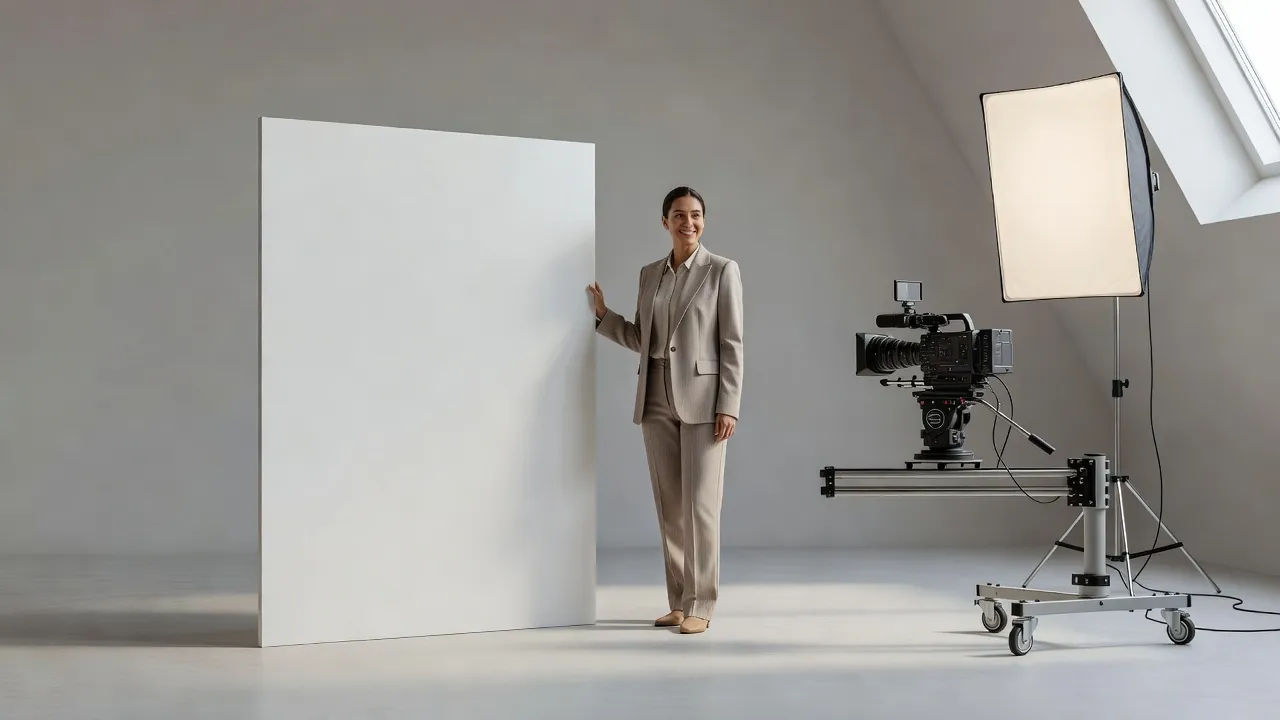
Talking head voice text to speech for training videos and product walkthroughs
Paste your script and turn it into a finished voiceover, no camera day and no reshoot. Morphic reads it as clear, direct-to-camera delivery for training videos and product walkthroughs, with the emphasis, pace, and warmth you direct in plain English.
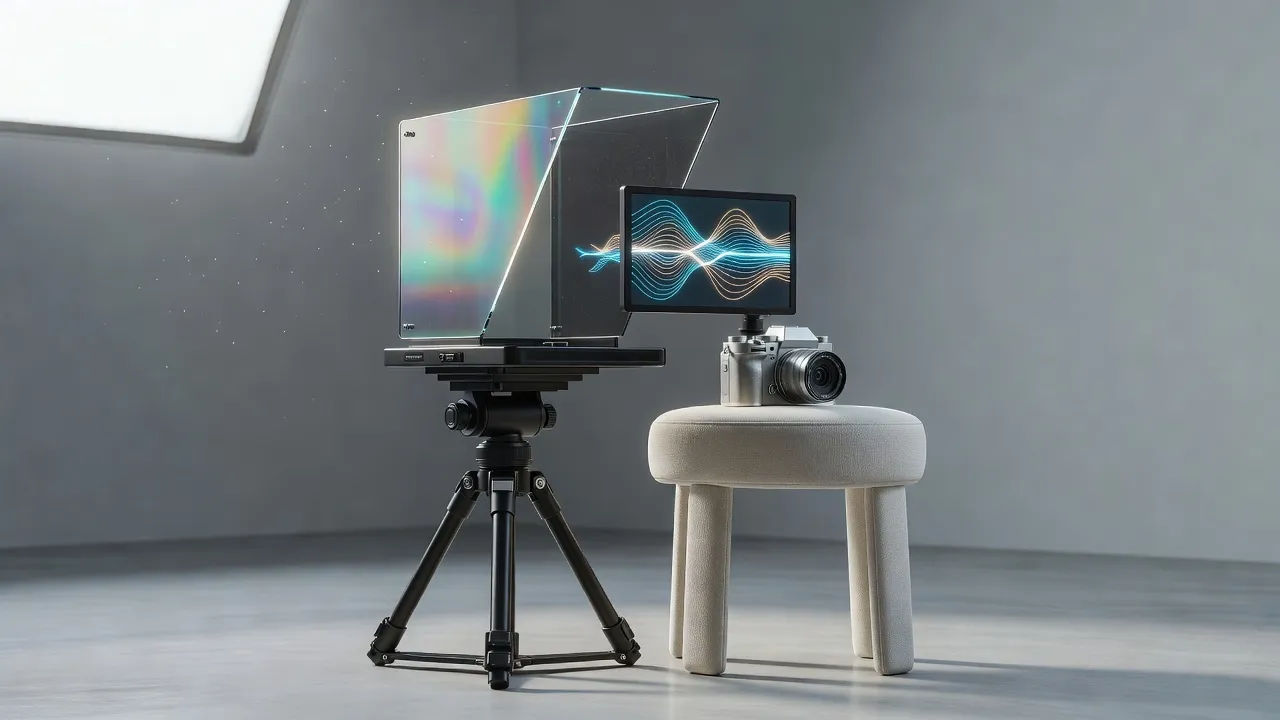
A talking head voice generator you direct in plain English
Describe the presenter you want, name the authority, pace, and warmth, and the generator builds the read. Re-voice the same script as a crisp corporate presenter or an intimate documentary take anytime by editing the prompt, a full on-camera cast from one workspace.
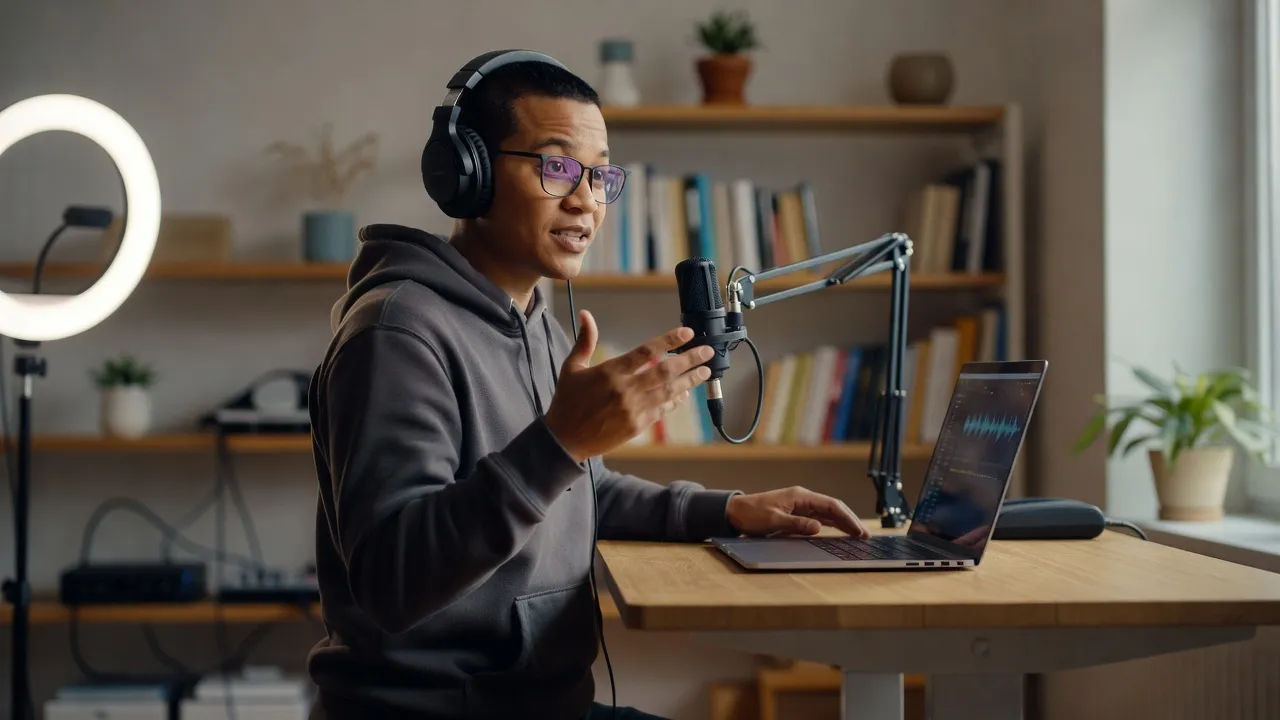
More voice styles
Simple pricing
Get started for free today, with the option to upgrade or cancel anytime.
Basic
2400 monthly credits
1 user only
All models
Workflows
Standard
3625 monthly credits
1 user only
All models
Workflows
Pro
6350 shared monthly credits
1 user
All models
Workflows
Max
24650 shared monthly credits
1 user
All models
Workflows
Enterprise
For higher limits
Custom
pricing and billing terms

Free
For playing around
$0
forever free