كل نماذج الصور
مساحة عمل واحدةأساليب الملصقات التي يمكنك إنشاؤها
أنشئ حزم ملصقات في ثلاث خطوات
- 01
افتح Morphic
سجّل وابدأ الإنشاء على مساحة عمل بصرية لا نهائية وحرة التدفق.
- 02
صِف ملصقاتك
حدّد الأسلوب والمواضيع والأجواء. اطلب قصّات محدّدة الشكل على خلفية نظيفة.
- 03
أنشئ ونقّح
أنشئ حزمة متناسقة خلال ثوانٍ. بدّل بين النماذج وأعد التصميم جنبًا إلى جنب على Canvas.
حالات الاستخدام
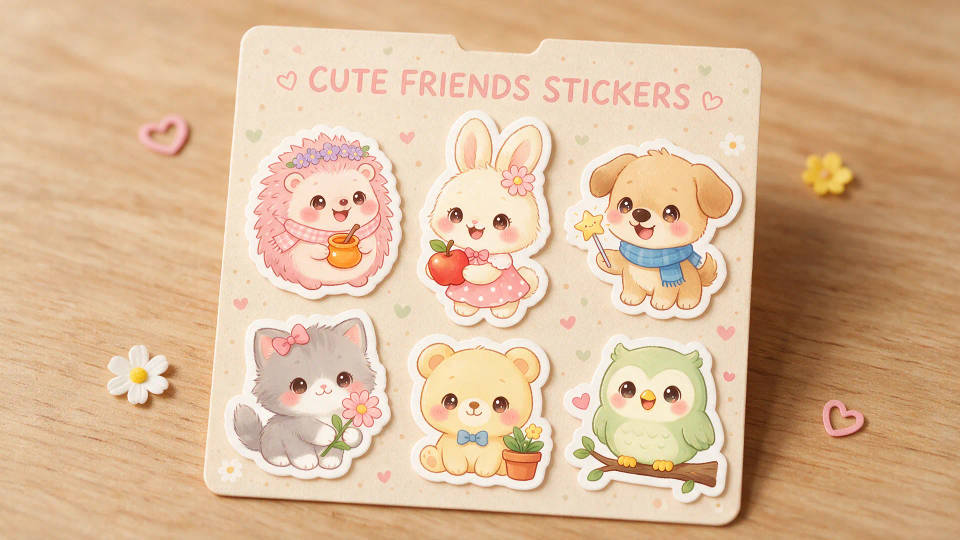
حزمة كاملة متناسقة بأسلوب واحد
ثبّت الأسلوب مرة واحدة وأنشئ اثني عشر ملصقًا متناسقًا باللوحة اللونية نفسها وسماكة الخط نفسها. مجموعة حقيقية، لا خليطًا متنافرًا من الصور الجاهزة.
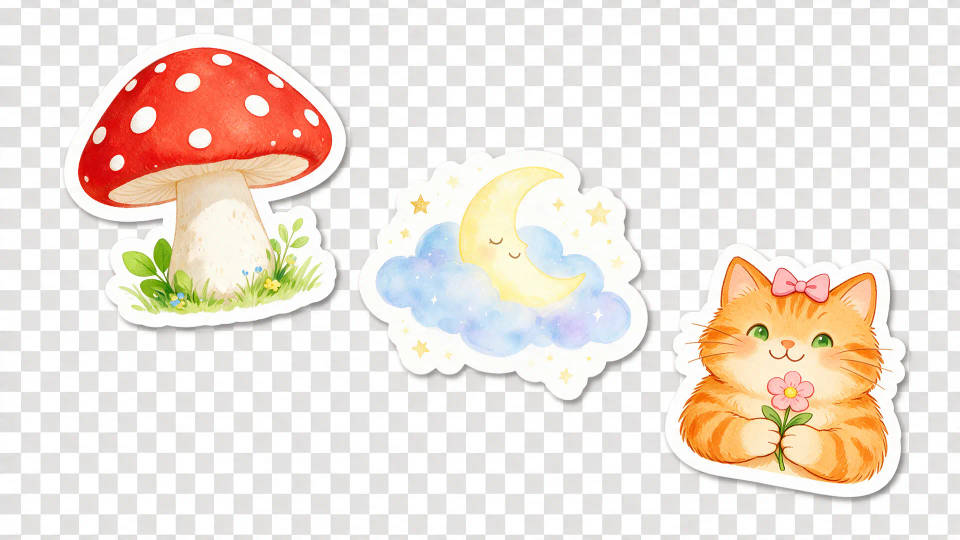
قصّات شفافة نظيفة
قصّات حادّة محدّدة الشكل على خلفية شفافة، جاهزة لـWhatsApp وTelegram وDiscord. تمنح أداة تحويل الصورة إلى صورة كل ملصق حافة حادّة خالية من الشوائب.
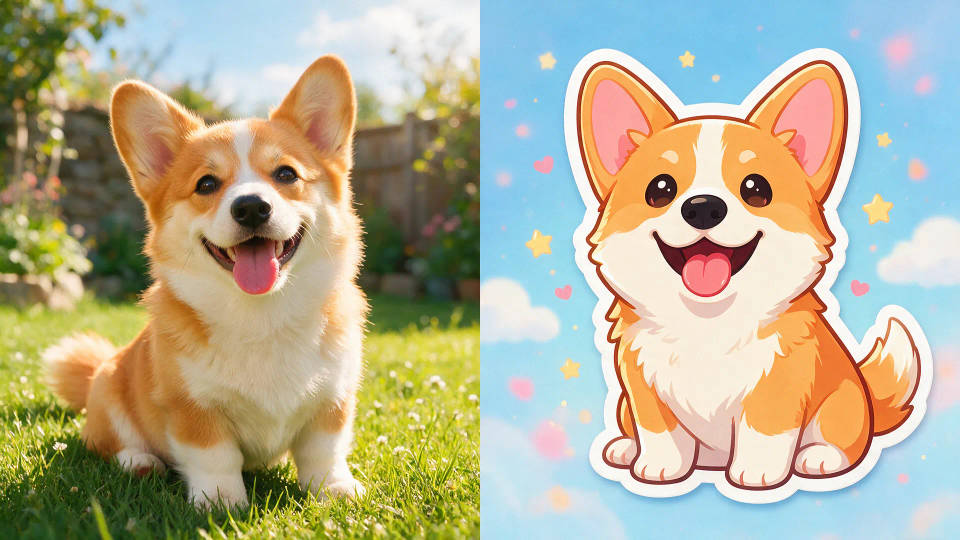
حوّل صورة أو شخصية إلى ملصقات
أضف صورة سيلفي أو صورة حيوان أليف أو شخصية وأعد تصميمها كمجموعة ملصقات. حافظ على الملامح مع مطابقة أسلوبك عبر الحزمة كاملة.
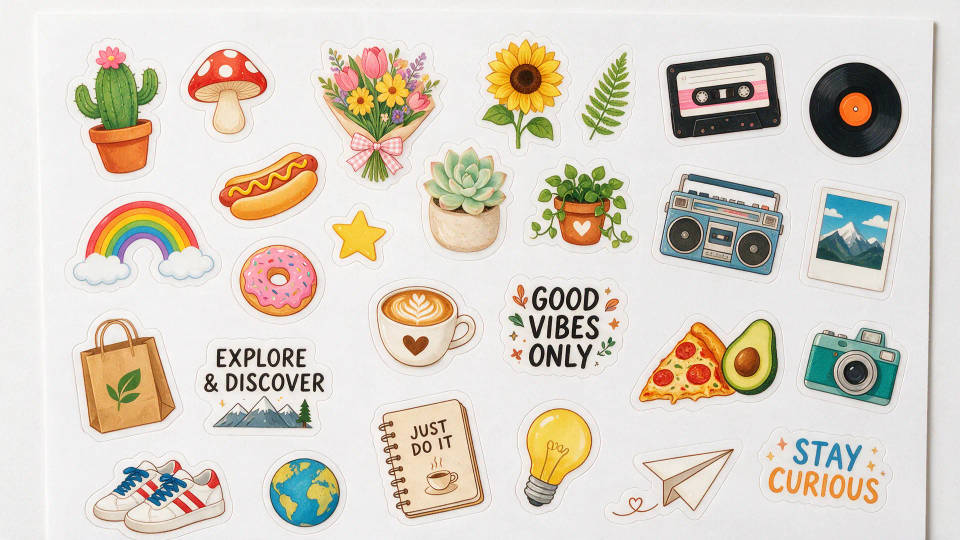
صفحات مقصوصة جاهزة للطباعة
أنشئ صفحات مقصوصة عالية الدقة بخطوط قصّ نظيفة. رتّب مجموعة متناسقة بمقاس الطباعة لمطبعة أو آلة قصّ منزلية.
أمثلة على الأوصاف
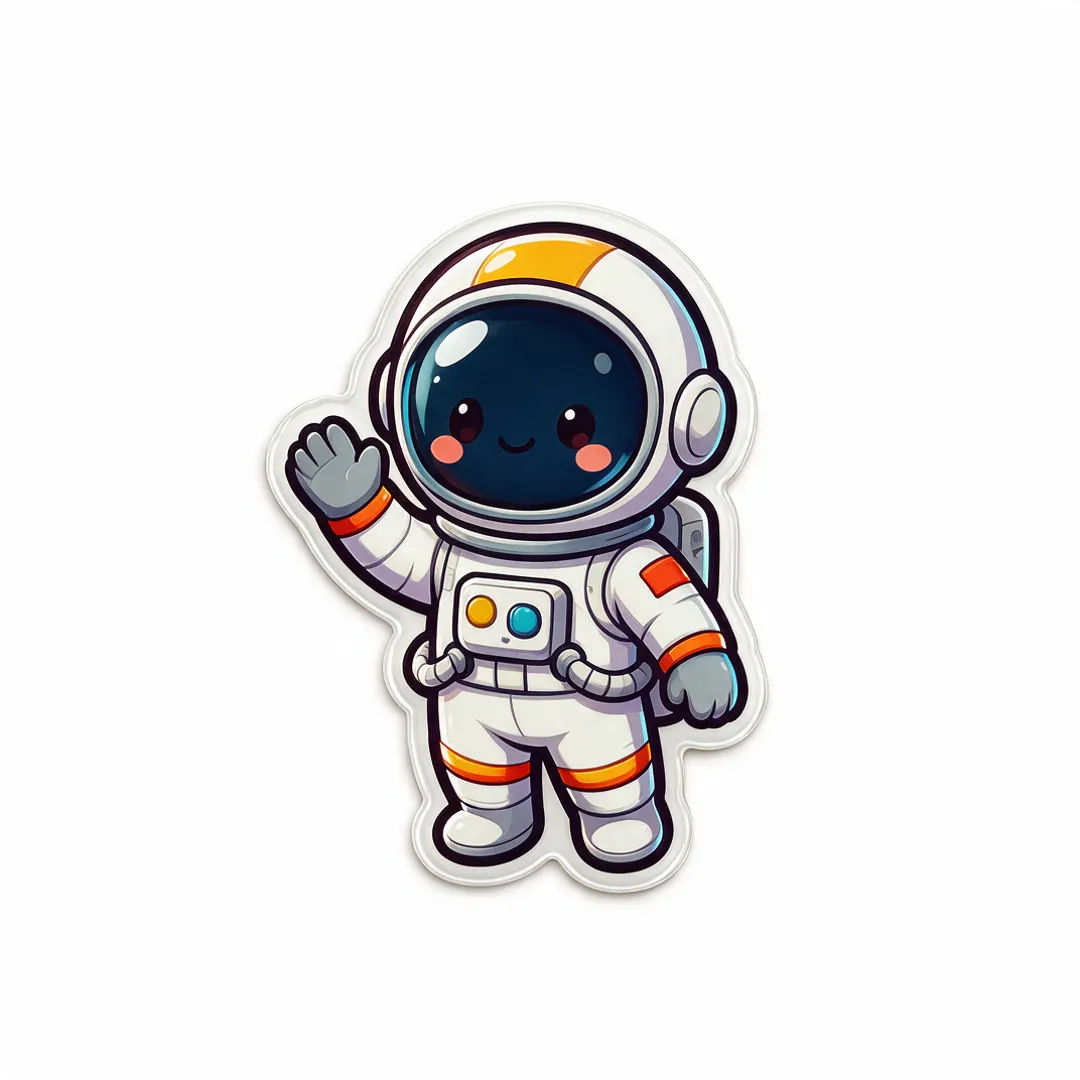
رائد فضاء تشيبي
رائد فضاء تشيبي يلوّح، ملصق لامع، حدود جريئة، مقصوص حسب الشكل، خلفية شفافة
Edit prompt
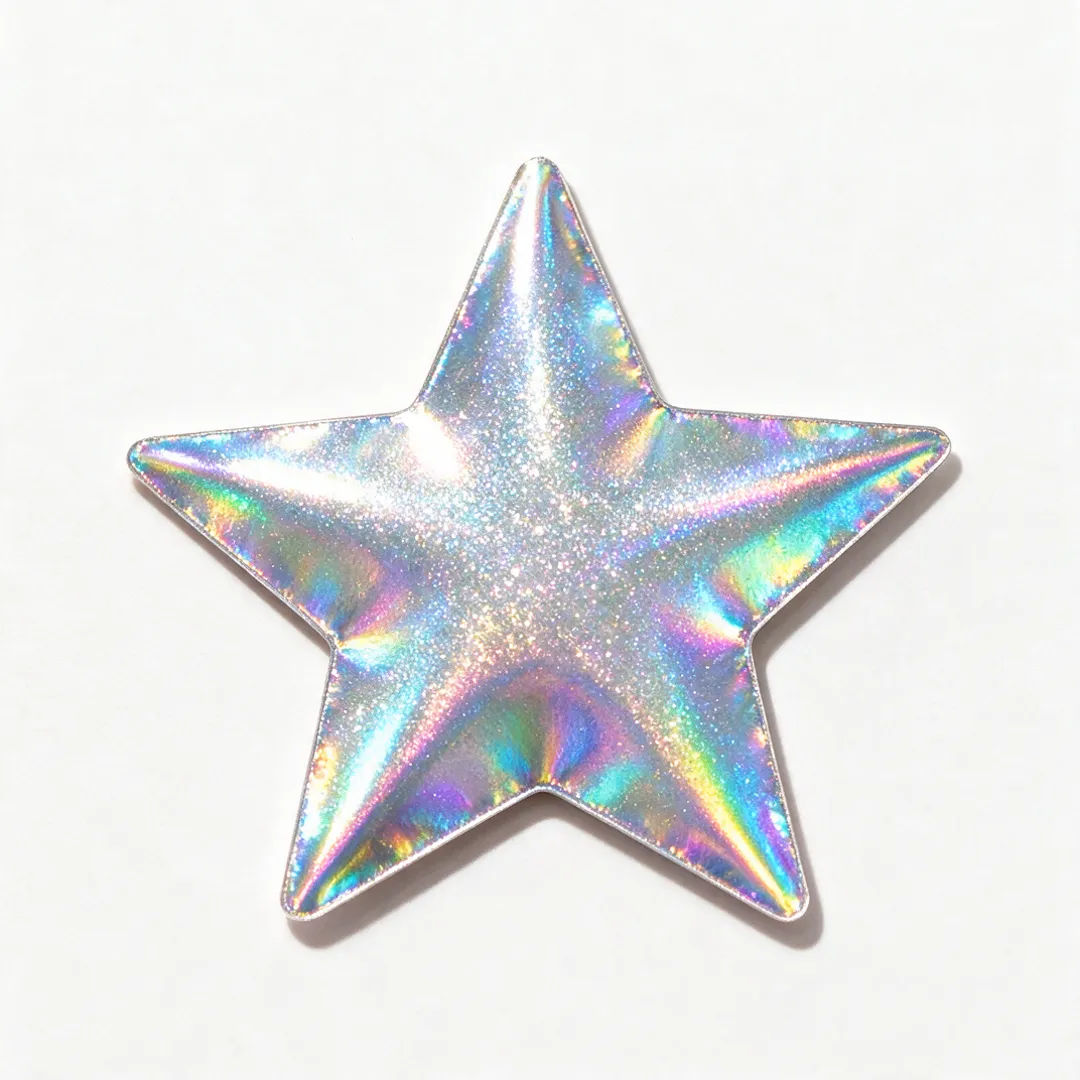
قصّة هولوجرامية
ملصق نجمة برقائق هولوجرامية، لمعان قزحي، مقصوص حسب الشكل، خلفية شفافة نظيفة
Edit prompt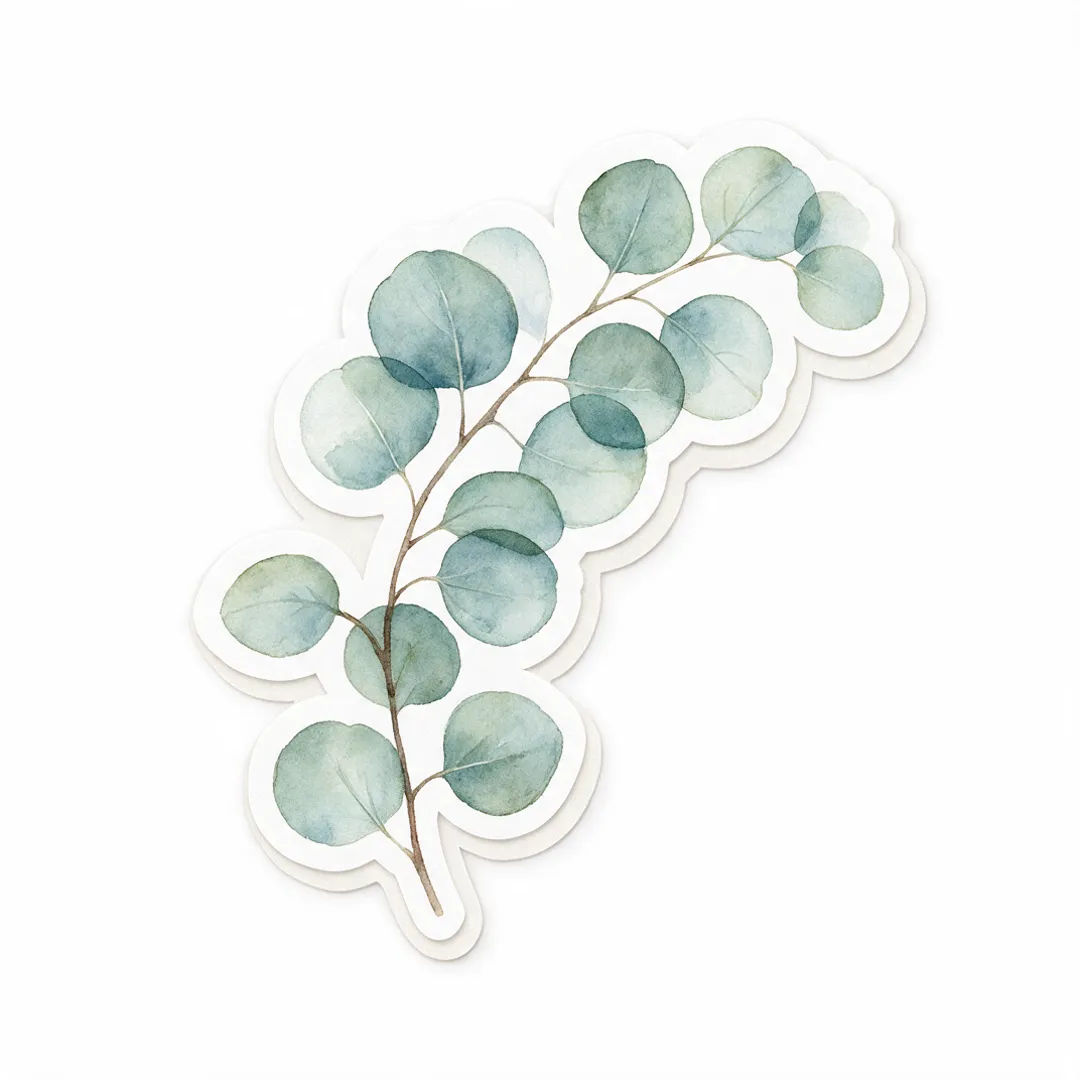
نباتات بالألوان المائية
ملصق ورقة أوكالبتوس بالألوان المائية، تدرّجات ناعمة، مقصوص حسب الشكل، خلفية شفافة نظيفة
Edit prompt
Sketch to render
Turn any sketch or drawing into a finished render.

Anime style transfer
Pick any anime illustration as your style guide. Apply its look to any image.

Expressions
Take any character image and generate 6 distinct facial expressions on a single reference sheet.
Art style transfer
Pick a reference image, apply its visual style to your own photo or artwork.

Chibi sprite animation
Turn any photo or description into an animated chibi sprite. Dance, jump, wave, attack, and more.

Image reverse engineer
Get a detailed prompt extracted from a reference image, and then a fresh recreation.
كل ذلك على Morphic
مجموعتك الكاملة لصناعة الملصقاتالنماذج
Nano Banana 2 وFlux 2 Pro وChatGPT Images وGrok Imagine وRecraft وSeedream والمزيد. اختر النموذج الذي يتقن أسلوبك وبدّله في منتصف الحزمة.
قصّات شفافة
أزل الخلفية بأداة تحويل الصورة إلى صورة للحصول على حافة نظيفة محدّدة الشكل، جاهزة لـWhatsApp وTelegram والطباعة.
غيّر الأسلوب
أعد كساء الحزمة كاملة من وصف واحد. أنشئ المواضيع نفسها بأسلوب كاواي أو تشيبي أو ريترو أو ألوان مائية، مع الحفاظ على الأشكال.
Workflows
احفظ حزمة مكتملة كـWorkflow، ثم أعد تشغيلها أو شاركها أو أضفها للمفضلة لاحقًا.
