كل نماذج الصور
مساحة عمل واحدةأنواع اللقطات التي يمكنك تصميم لوحاتها
صمّم لوحة قصة سيناريوهك في ثلاث خطوات
- 01
افتح Morphic
سجّل وابدأ الإنشاء على مساحة عمل بصرية لا نهائية وحرة التدفق.
- 02
قسّم السيناريو إلى لقطات
اذكر كل لقطة بتأطيرها وحدثها وموقعها. إطار واحد لكل لحظة.
- 03
أنشئ وحافظ على ثبات الشخصيات
استدعِ شخصيتك المدرّبة (Character) في كل إطار لتبقى اللوحة ثابتة، ثم حرّكها.
حالات الاستخدام
من السيناريو إلى لوحة القصة خلال دقائق
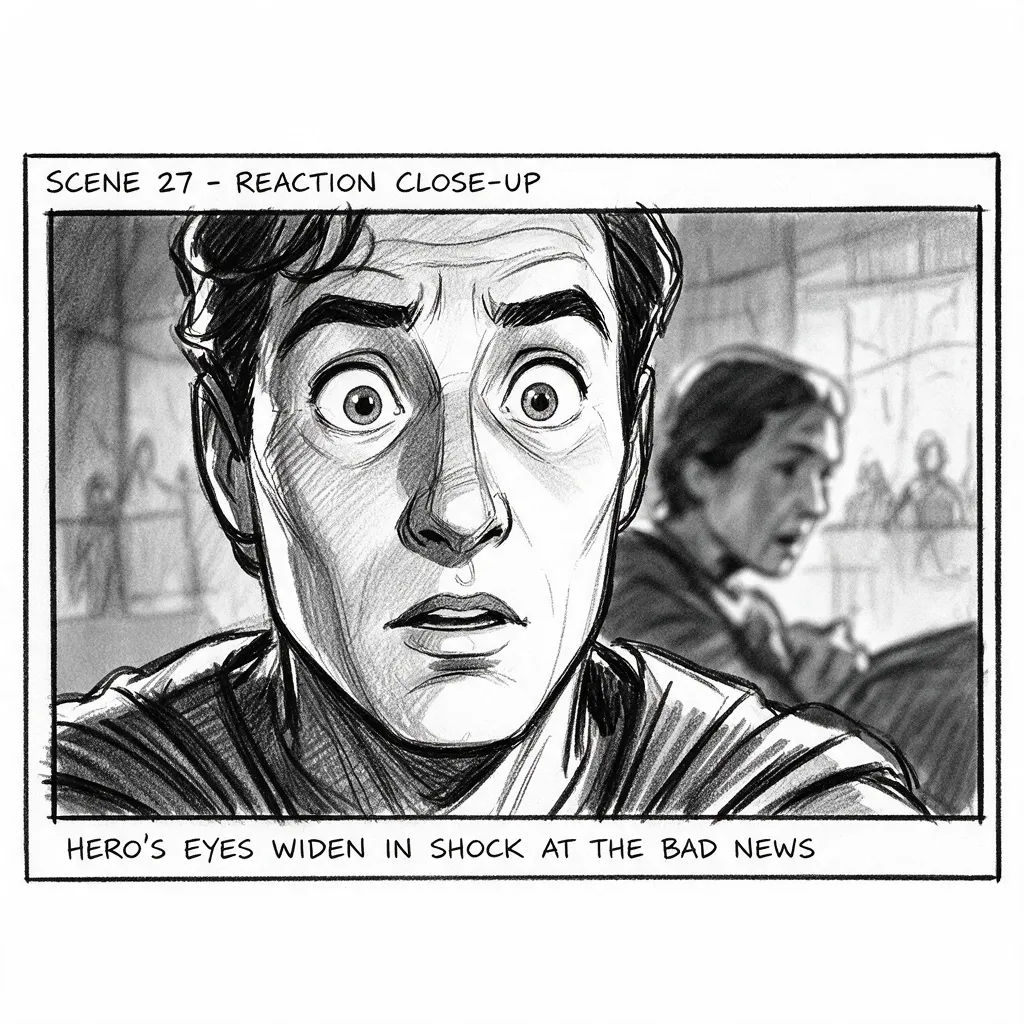
حوّل السيناريو أو قائمة اللقطات إلى لوحة كاملة بسرعة. إطار واحد لكل لحظة بالتأطير الصحيح، معاد ترتيبه في لوحة قصة لقطة تلو الأخرى، دون انتظار رسّام.
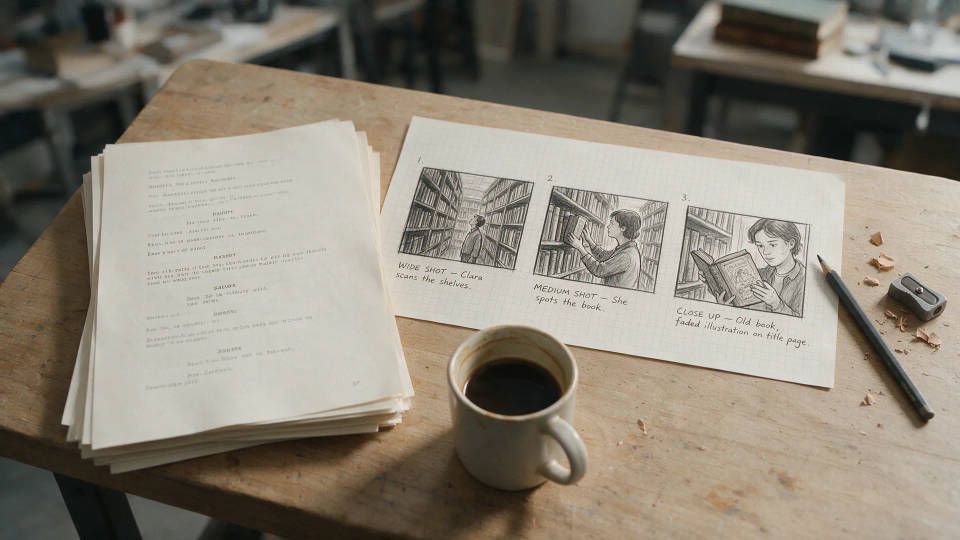
شخصيات ثابتة من إطار إلى آخر
درّب شخصية (Character) من بضعة مراجع واستدعِها في كل لقطة. يحتفظ بطلك بوجه واحد وزيّ واحد، فيُقرأ التسلسل كقصة واحدة.
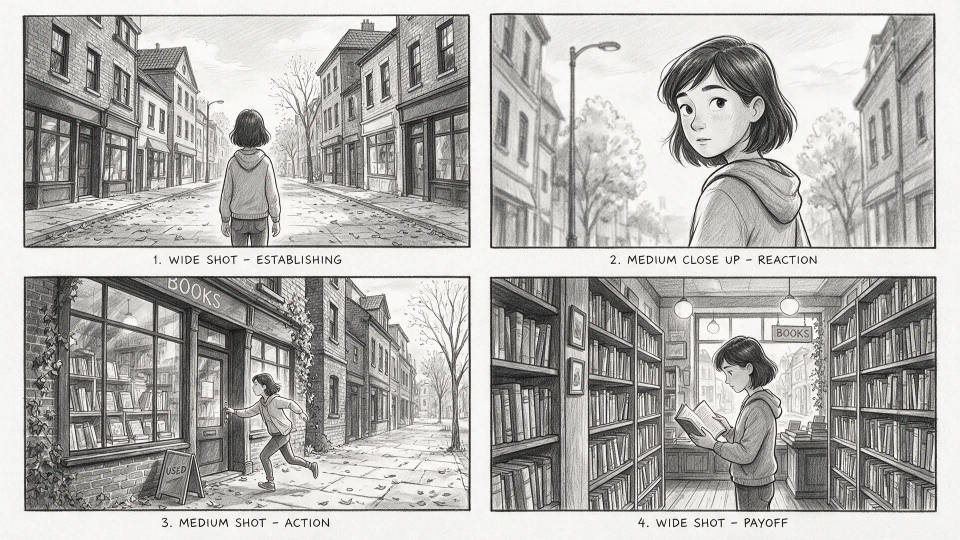
عرض ومعاينة جاهزة للعملاء
ابنِ لوحات تشبه اللقطة النهائية. قدّم تسلسلًا مصقولًا يبيع الفكرة ويوحّد رؤية الطاقم قبل التصوير.

حوّل اللوحة إلى أنيماتيك
انقل كل إطار مثبّت إلى حركة بأداة تحويل الصورة إلى فيديو (image-to-video)، ثم رتّب المقاطع في أنيماتيك موقوت. استشعر المونتاج قبل التصوير.

أمثلة على الأوصاف
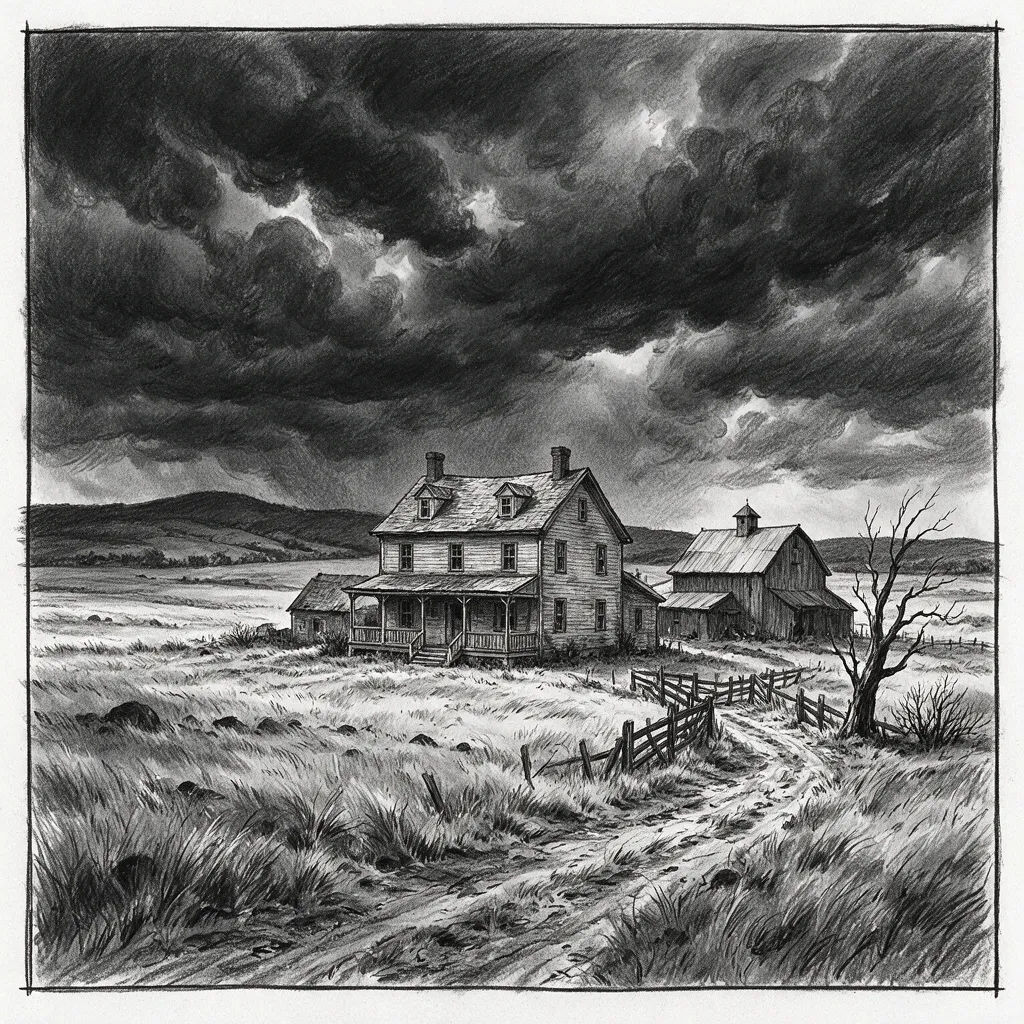
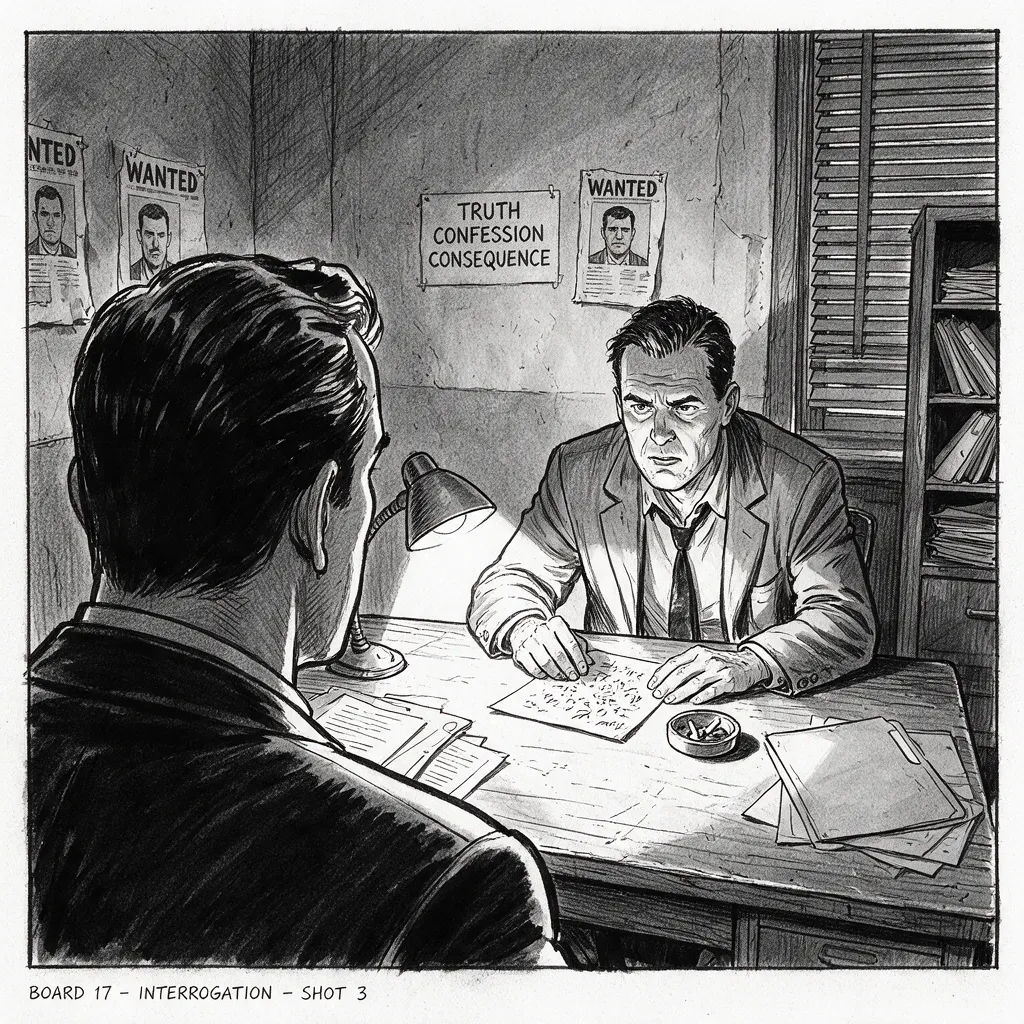
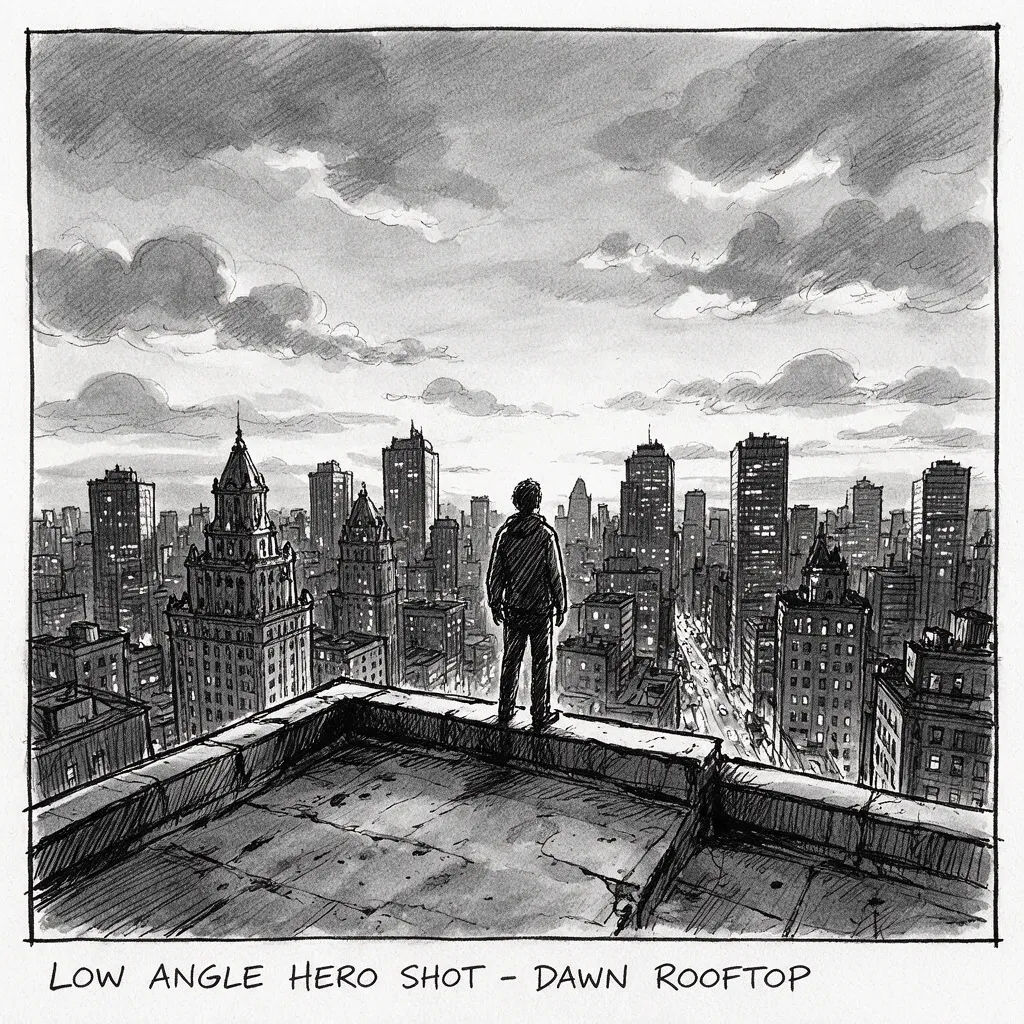
بطل بزاوية منخفضة
لقطة بطل بزاوية منخفضة، شخص منفرد على سطح عند الفجر، أفق المدينة، إطار لوحة قصة
Edit prompt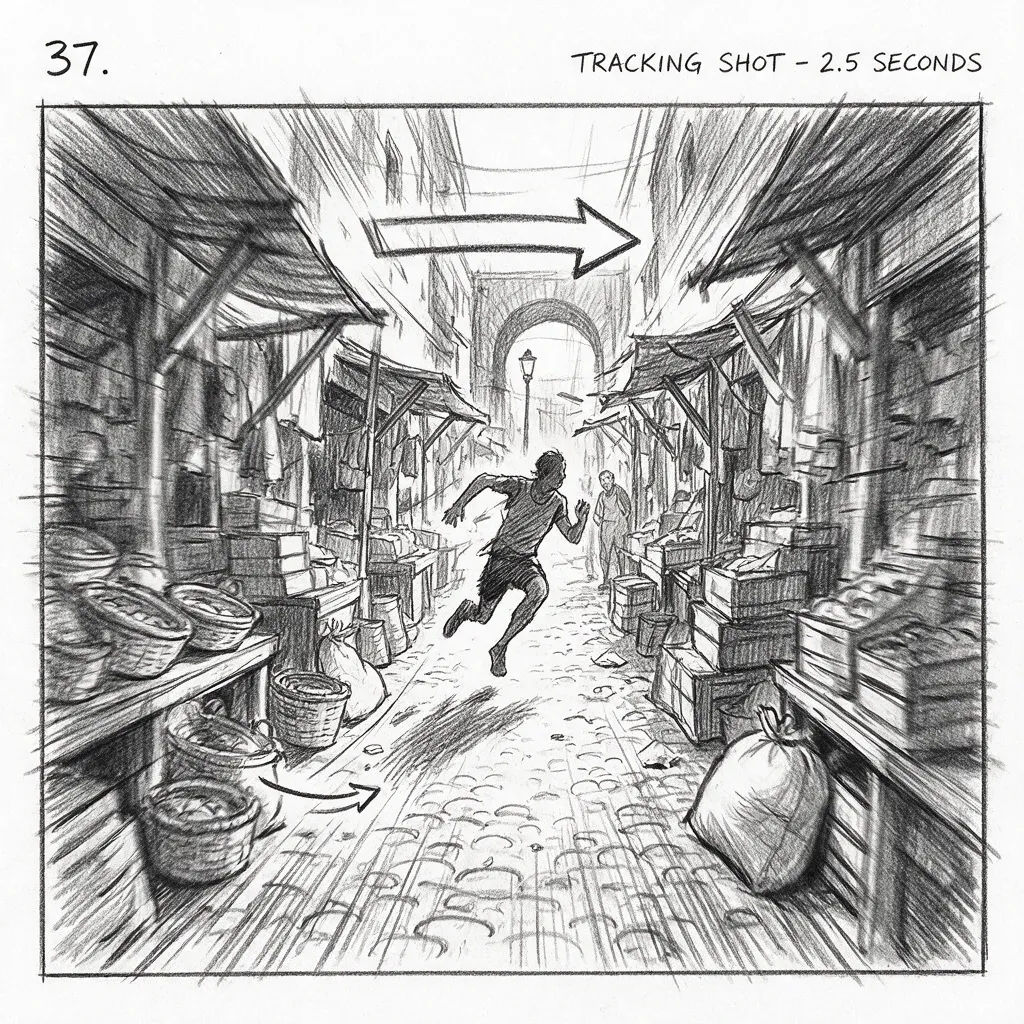
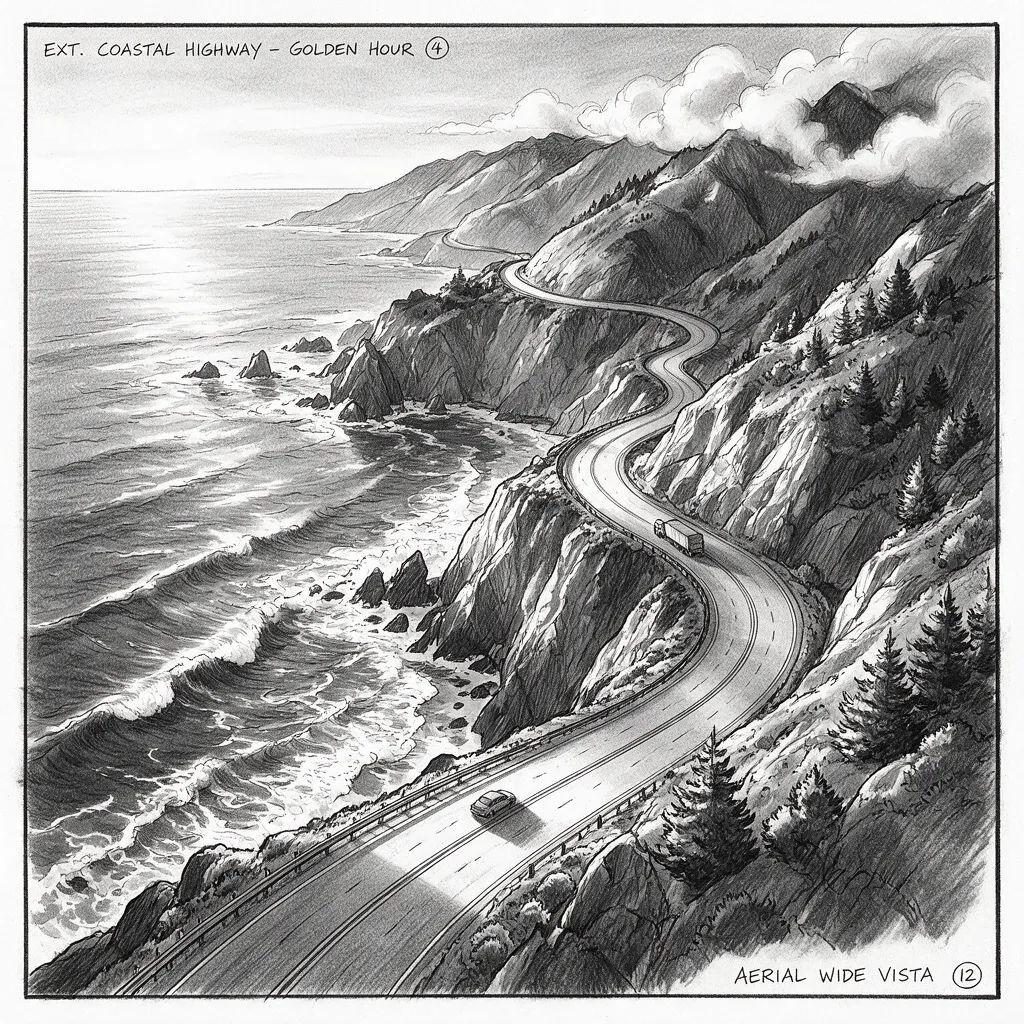
تأسيسية جوية
لقطة تأسيسية جوية، طريق ساحلي متعرّج في الساعة الذهبية، مشهد واسع، إطار لوحة قصة
Edit prompt
Cinematic storyboard
Share a scene description with character references. Get a full storyboard with shot angles and mood.

3x3 storyboard
Feed in a single image. Get 9 cinematic beats laid out as a 3x3 storyboard grid.

Messages to cinematic scene
Dramatize any text conversation into a cinematic multi-shot video.

Title sequence
Generate a professional film title card from scratch, with optional cinematic animation.
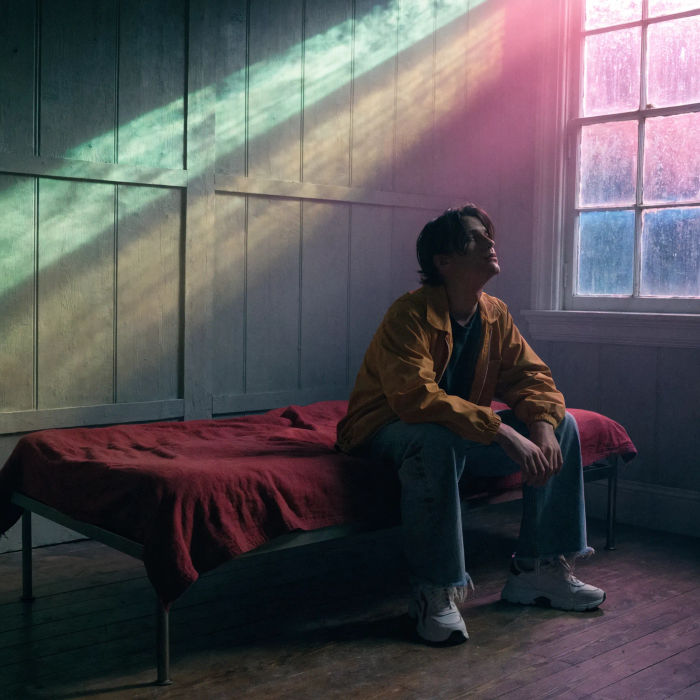
Movie poster
Cinematic poster compositions from your key art, in any genre tone.
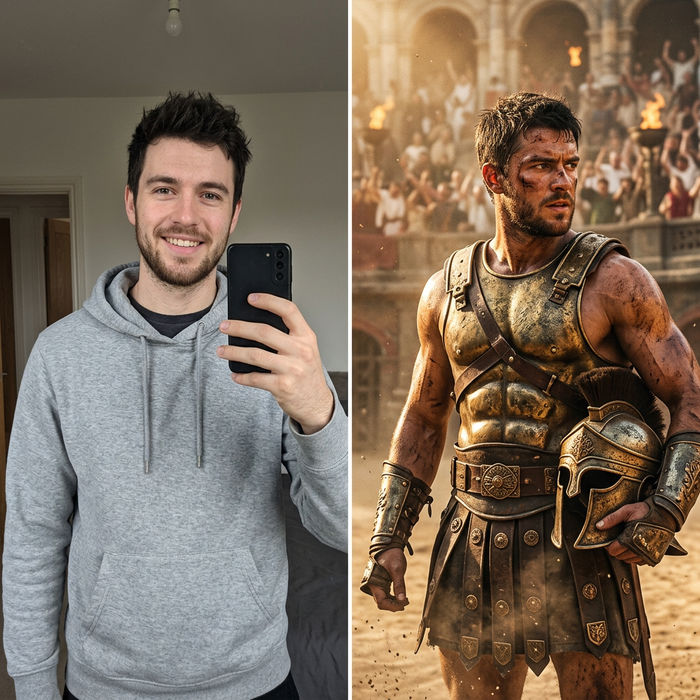
Character look book
Character photo plus costume descriptions. Multiple styled looks across angles and lighting.
كل ذلك على Morphic
مجموعتك الكاملة لصناعة لوحات القصةالنماذج
Nano Banana 2 وFlux 2 Pro وChatGPT Images وGrok Imagine وRecraft وSeedream والمزيد. اختر مظهر لوحتك وبدّله في منتصف المشروع.
شخصيات ثابتة
درّب شخصية (Character) من بضعة مراجع، ثم استدعِها في كل إطار. يبقى بطلك ثابت الملامح عبر اللوحة كاملة.
من الإطارات إلى الأنيماتيك
انقل كل إطار مثبّت إلى حركة بأداة تحويل الصورة إلى فيديو، ثم رتّب المقاطع في أنيماتيك موقوت. من اللوحة إلى المعاينة في مساحة عمل واحدة.
Workflows
احفظ لوحة مكتملة كـWorkflow، ثم أعد تشغيلها أو شاركها أو أضفها للمفضلة لاحقًا.
