AI camera shake effect

Camera shake generated into the shot: a handheld drift on a still room, a hard jolt on an impact, a chase where the frame never settles.

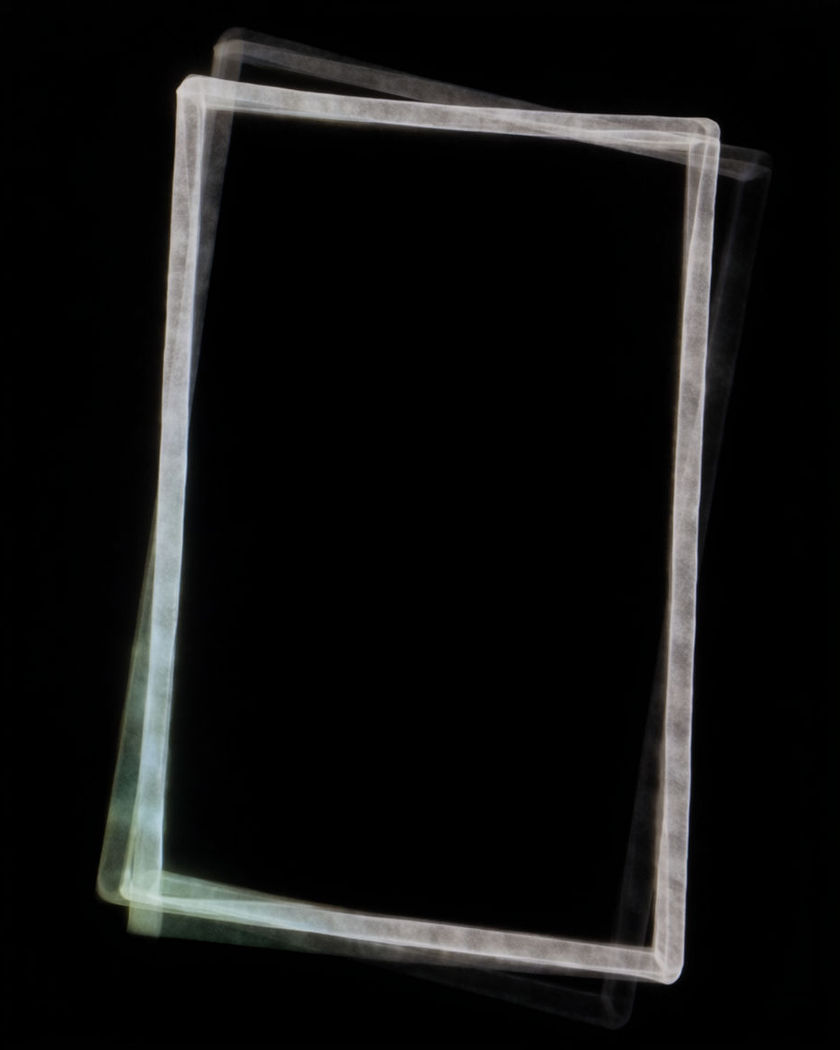
A rectangular frame of thin white light in black space on a black ground

Camera shake effect examples

Explosion jolt in a wide

Usar este prompt

The frame lurches the instant a distant blast blooms, then eases back. a wide shot of an empty quarry with a distant dust explosion on the far ridge, the moment it blooms the entire frame lurches and shakes hard for a second then eases back to steady, dust drifting

Documentary walk through a market

Usar este prompt

The horizon tilts a few degrees and corrects with each step. a wide handheld shot walking slowly through a market street, the frame swaying and bobbing gently with each step, the horizon tilting a few degrees and correcting, the crowd facing away from the camera

Running behind a runner

Usar este prompt

The frame bounces with each footstep and rolls side to side. a camera chasing a runner down an alley from behind, the whole frame bouncing up and down with each footstep and rolling side to side, the runner staying in frame through the bounce, daylight

Kick on a shout

Usar este prompt

The frame snaps sideways on the loud word and steadies as the voice drops. a close shot of a speaker at a plain microphone stand, on a loud shouted word the frame kicks sharply sideways and vibrates, then steadies as the voice drops, no visible logos

Handheld drift on a still room

Usar este prompt

Nothing in the room moves; the whole frame drifts and corrects like breathing. a quiet kitchen at dawn with nothing moving in the room, the camera held by hand so the whole frame drifts a few pixels, corrects, and drifts again in a slow breathing rhythm, the frame edges never fully still

Rumble from a passing train

Usar este prompt

Tiny fast jitters for the length of the pass, then perfectly still. a cup of tea on a windowsill with a train passing outside the window, the frame vibrating in tiny fast jitters for the length of the pass then going perfectly still, ripples on the tea surface

Bonnet mount on a dirt road

Usar este prompt

Every bump judders the frame; the road ahead lurches. a low wide shot fixed to the front of an unmarked car racing down a dirt road, the frame juddering violently with every bump, the road ahead lurching, a dust plume behind

Jolt on a door slam

Usar este prompt

On the slam the entire image kicks down and rebounds twice. a plain hallway with a door slamming shut in the middle of the frame, on the slam the entire image jolts hard downward and rebounds twice before settling still, the shake affecting the whole frame at once

Tremor in a living room

Usar este prompt

Fast small vibration while the lamp swings and books slide off a shelf. a wide living room with the camera rattling in fast small vibrations while the lamp swings, pictures tilt on the wall and books slide off a shelf, the vibration building then stopping

Locked, then handheld, then locked

Usar este prompt

Two seconds dead steady, then the tripod becomes a hand, then steady again. a portrait of a person on a park bench, the frame locked and perfectly steady for two seconds, then the image begins to sway and drift as if the tripod became a hand, then settles steady again, one shot

Generate your own camera shake effect

Escolha um ponto de partida, edite o que quiser e gere no Morphic.

Gerar

Preços simples

Comece grátis hoje mesmo, com a opção de fazer upgrade ou cancelar quando quiser.

Basic

$9/ mês
cobrado como $0 por ano

1100 mensal créditos

1 apenas usuário

Todos os modelos

Workflows

Standard

$24/ mês
cobrado como $0 por ano

3625 mensal créditos

1 apenas usuário

Todos os modelos

Workflows

Pro

$45/ mês
cobrado como $0 por ano

6350 compartilhado mensal créditos

1 usuário

+ até 4 mais com custo adicional

Todos os modelos

Workflows

Pro Max

$170/ mês
cobrado como $0 por ano

24650 compartilhado mensal créditos

1 usuário

+ até 9 mais com custo adicional

Todos os modelos

Workflows

Enterprise

Para limites maiores

Personalizado

termos de preços e cobrança

Créditos de alto volume
Limites de vagas personalizados
Todos os modelos
Workflows
Pricing Gradient

Free

Para experimentar

$0

grátis para sempre

Até 20 créditos
apenas 1 usuário
Modelos limitados
Workflows

Perguntas frequentes

Where can I make camera shake effect videos with AI?
You can generate camera shake videos in your browser on Morphic. Open the Text to Video tool, describe the scene and the kind of shake you want, and Morphic renders the movement as part of the shot. The drift, jolt or bounce is in the footage itself, so nothing has to be keyframed afterwards.
What is the camera shake effect?
The camera shake effect is movement of the whole frame that reads as the camera being held, knocked or vibrated, while the scene inside it stays as it is. It ranges from a slow handheld drift to a hard jolt on an impact, and it is used to add tension, weight or a documentary feel to a shot.
How do I write a prompt for a camera shake effect video?
Name the cause of the shake, the shape of the movement, and when it settles. "The frame jolts hard downward on the slam and rebounds twice" gives Morphic more to work with than "shaky". Say what in the scene stays still so the motion reads as the camera rather than the subject.
What is the difference between camera shake and a handheld shot?
A handheld shot is a whole camera style, with the operator walking, reframing and following the action. Camera shake is one specific movement of the frame, which can be a gentle drift, a single jolt or a fast vibration, and can be added to a shot that is otherwise locked off.
Can I control how strong the camera shake is?
Yes. The prompt sets the strength. Words like "drifts a few pixels" or "sways gently" give a light handheld feel, "bounces with each footstep" gives a medium shake, and "lurches hard and rebounds" gives a heavy hit. Adding a start and stop, such as "then settles still", keeps it from running the whole clip.
Can I add camera shake to a clip I already have?
The most natural result is to generate the shot with the shake in it, since the frame then moves the way an operator would. For an existing clip, take a still from it and generate a new version with the shake written into the prompt, so the scene stays the same and only the camera behaviour changes.