Kamerabewegung
Steuern Sie genau, wie sich die Kamera durch Ihre Szene bewegt. Schwenk, Neigung, Zoom oder Kamerafahrt, ganz gezielt.
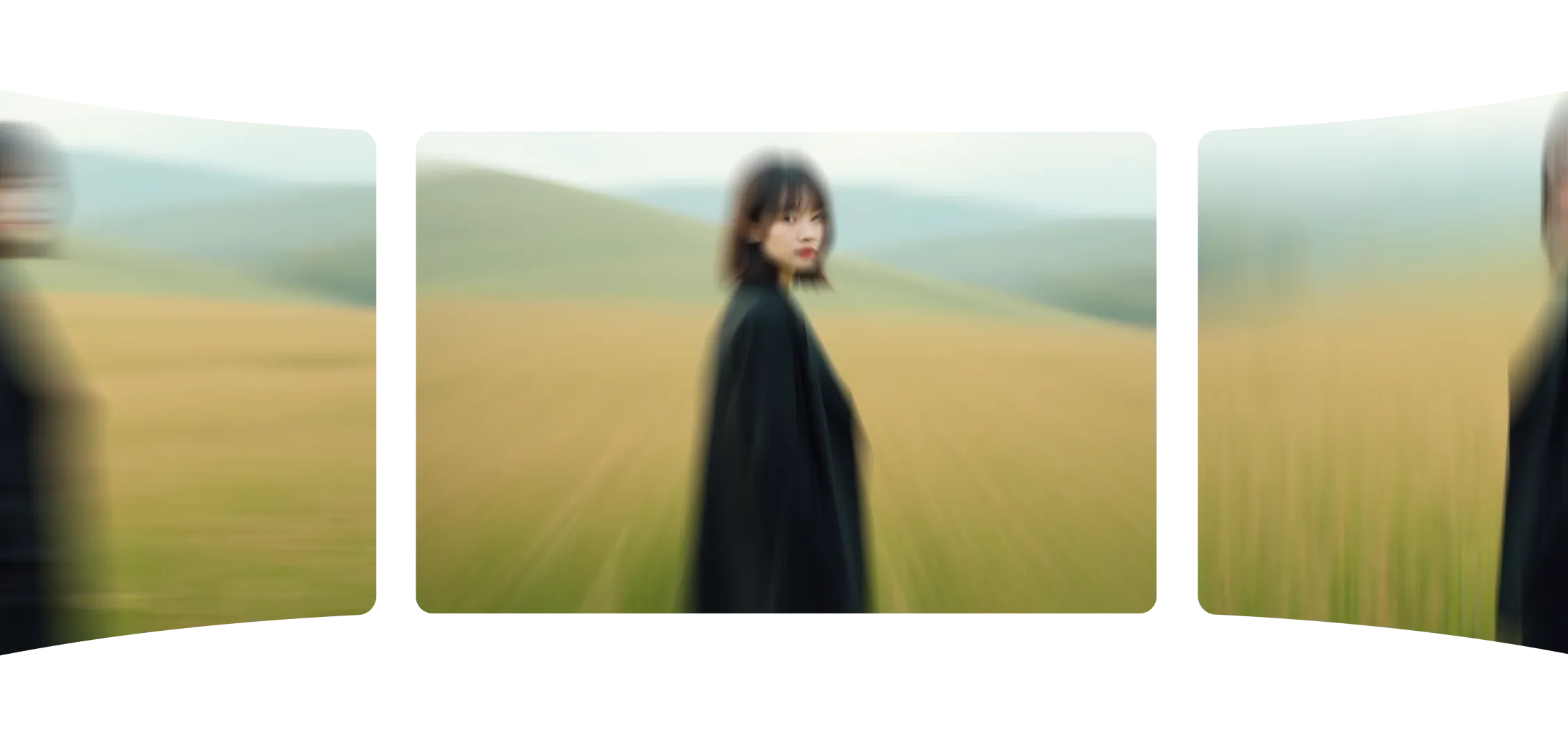
Mit der Kamerabewegung steuern Sie, wie sich Ihre Aufnahme bewegt. Wählen Sie einen Bewegungstyp, geben Sie Ihren Prompt ein, und Morphic macht aus Ihrem Bild ein sanftes, filmisches Video.
Jede Bewegung wirkt natürlich, Fokus, Maßstab und Rhythmus bleiben erhalten. Ob Zufahrt, seitliche Bewegung oder Neigung, jeder Wechsel ist präzise und ausgewogen.
Die Kamerabewegung verbessert nicht nur, was im Bild ist, sondern auch, wie es gesehen wird. Sie macht aus statischen Bildern filmische Momente.
Mit Kamerabewegungen wirkten meine Szenen in Sekunden lebendig und zielgerichtet.
Sehen Sie, wie die Kamerabewegung in Morphic funktioniert.
Videos, erstellt mit einem einzelnen Kamerawinkel auf Standbildern.
Die Kamerabewegung gibt Ihnen intuitive Kontrolle über jede Aufnahme.
Jetzt ausprobieren