Kolorierung
Übertragen Sie Farbpalette, Ton und Stimmung eines Bildes einfach und präzise auf ein anderes.

Mit der Kolorierung gleichen Sie Ihre Visuals an ein Referenzbild an. Wählen Sie ein Ziel und eine Farbquelle, und Morphic passt Farbtöne und Stimmung an, während Struktur und Licht erhalten bleiben.
Es bewahrt die Balance. Schatten, Lichter und Verläufe verändern sich natürlich mit der Szene.
Das Ergebnis wirkt einheitlich, egal ob Sie eine Graustufenskizze zum Leben erwecken oder Bilder in einer Sequenz angleichen. Die Kolorierung vereint Ton und Emotion über Ihre Visuals hinweg.
Die Farben wirken natürlich und konsistent, als wären sie immer schon so gemeint gewesen.
Sehen Sie, wie die Kolorierung in Morphic funktioniert.
Beispiele für Bilder, koloriert mit einem einzigen Referenzbild.






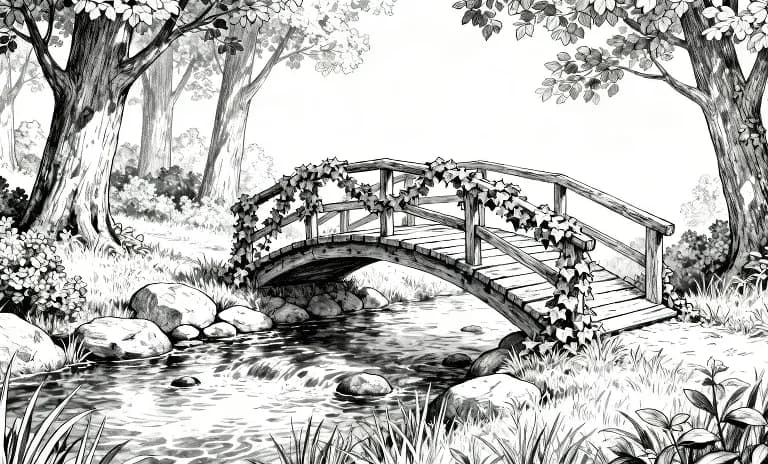

Bewegen Sie die Maus darüber, um die Ausgangsbilder zu sehen
Die Kolorierung hält Ihre Geschichte von Bild zu Bild im Fluss, konsistent und Ihrer Absicht treu. Jetzt ausprobieren