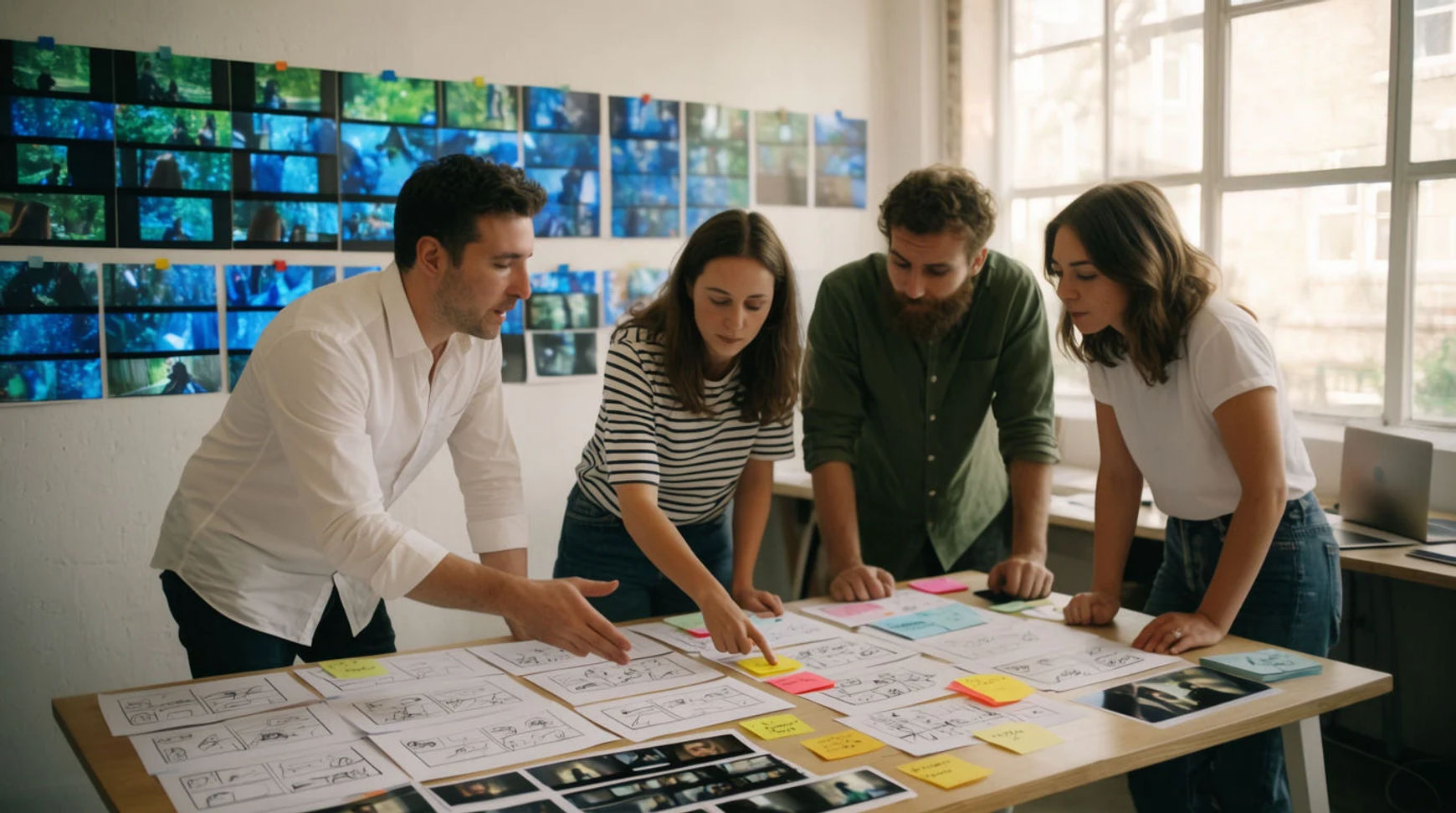
Ad agencies are cutting production costs by generating the first rounds of a concept, and often the finished social work, with AI video instead of filming every frame. The workflow is short: draft the shots as prompts, generate and keep the takes that hold, make the variations as more prompts, then assemble and export in one place. Filming becomes a deliberate choice for the shots that need it, not the default cost of every video.
Steps at a glance
- Draft the shots as prompts
- Generate and keep the takes that hold
- Make the variations as more prompts
- Assemble and export in one place
- Reserve live shoots for the shots that need them
How agencies produce video faster, step by step
Draft the shots as prompts
Instead of storyboarding for a shoot, describe each shot in plain language and direct it like a filmmaker: name the light, the camera move, and the mood. A directed prompt is the difference between a clip that looks generated and one that looks filmed, using the same model. This replaces the storyboard, quote, and booking chain with a starting point you have the same afternoon.
Generate and keep the takes that hold
Generate a few variations of each shot and use the seconds that stay convincing. If a take drifts, adjust one thing, the light, the pace of the move, or the length, and regenerate rather than rewriting the whole prompt and losing what already worked. The iteration loop runs in minutes rather than days, which is the moment real creative decisions get made.
Make the variations as more prompts
The volume a brief asks for stops being a series of small productions. Reframing a shot for vertical is a parameter, not a reshoot; a second creative direction for testing is a second prompt run in parallel; captions in another language are a step in the same project rather than a trip to a different vendor. Ten versions cost minutes instead of ten bookings.
Assemble and export in one place
Bring the shots onto the Compose timeline, add a generated voiceover or a music bed, cut for rhythm, and export. Because it all lives in one platform, a client's note becomes a regeneration and a fresh cut the same afternoon rather than a reshoot next week. A paid plan exports at higher resolution for client delivery.
Here are a few of the finished shots this produces, each generated from a brief rather than filmed:
Product hero
Fragrance spot
Brand motion
Traditional production versus AI-assisted
The saving is less about any single clip and more about how each stage of the job changes. Here is the shift, honestly drawn.
| Stage | Traditional shoot | AI-assisted |
|---|---|---|
| First cut | A booking, several days out | The same afternoon |
| Test variants | A second production | A second prompt |
| Client revision | A reshoot next week | A regeneration today |
| Localization | A separate vendor | A step in the same project |
| Best used for | Hero films, real talent | Social, variants, concepts |
Put it together
Cutting agency costs with AI video is not about replacing the craft; it is about moving where the time and money go. Draft the shots as prompts, iterate in minutes, make the variants as more prompts, and reserve live shoots for the shots that genuinely need them. The saving that matters most is the tightness of the iteration loop, which is where the creative actually improves. The lowest-risk way to feel it is to rebuild one recent social deliverable as an AI-generated cut and compare the cost honestly. The text-to-video generator is the fastest place to start from a brief, and how to make an AI video covers directing a shot so it looks filmed rather than generated.