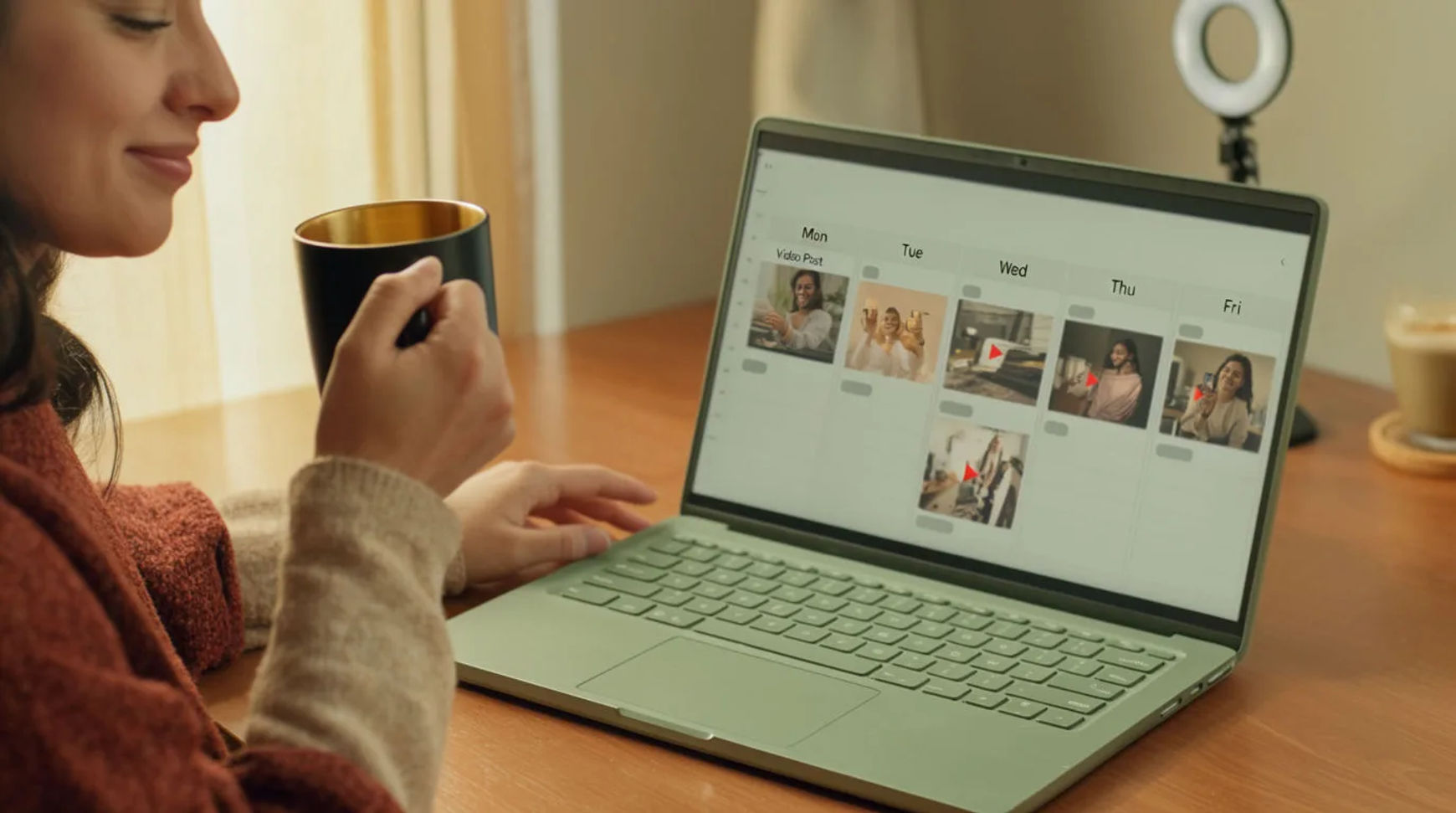
Content creators never miss a posting schedule by batch-producing content ahead of time and posting from a queue, instead of making each piece the day it goes out. The workflow is short: set a repeatable batch day, generate a week or a month of assets at once, keep templates and reference sheets so the work stays fast, then queue and repurpose. Because the video, image, and voice tools live in one project, a batch you plan on Monday can be finished clips by the afternoon, and the calendar stops depending on whether you had a good day.
Steps at a glance
- Build a repeatable batch day
- Generate a week or a month of assets at once
- Set up templates and reference sheets
- Queue and repurpose across formats
- Keep the queue full so a bad week costs nothing
How creators batch-produce and never miss a post, step by step
Build a repeatable batch day
Pick one block of time and make it the day you produce, not the day you post. Bring a short list of concepts, each written as a brief you can hand to the platform one at a time. The point of a fixed batch day is that it turns a blank week you face every morning into a queue you fill in one sitting, so the schedule is fed by planning rather than by inspiration.
Generate a week or a month of assets at once
Take each concept and generate its clips and images from the brief in one go. Ask for the whole batch rather than talking yourself down to a starter set: variants for testing, sizes for each platform, and alternate directions all fire together. Keep the takes that hold, adjust one thing on the ones that drift, and regenerate rather than starting the prompt over. A week of visuals comes back in an afternoon.
Set up templates and reference sheets
Consistency is what makes a batch fast the second time. Build a reference sheet for your recurring look, characters, or products, and reuse the same opening structure, format, and pacing across posts. Passing those references into every generation keeps the same face and the same visual tone across the queue, so you are directing small changes rather than rebuilding the look from words each week.
Queue and repurpose across formats
Add a generated voiceover in the read you want, layer music, and cut the pieces on the Compose timeline, all in the same project. Then stretch each one: reframe the hero clip vertical for shorts, pull a still for the feed, and add captions in a second language as another step. A paid plan exports at higher resolution for posting. One batch becomes several scheduled posts.
Here are a few of the finished pieces a batch day produces, each generated from a brief rather than filmed:
Hero clip
Short cut
Feed still
Posting by hand versus an AI batch workflow
The saving is less about any single clip and more about where the schedule breaks. Here is the shift, honestly drawn.
| Stage | Posting by hand | AI batch workflow |
|---|---|---|
| Making a post | One piece, the day it posts | A week produced in a sitting |
| A busy week | The schedule slips | The queue covers it |
| Keeping the look | Re-described each time | Held by reference sheets |
| Repurposing | Remade for each format | A parameter, not a reshoot |
| Best used for | One-off, reactive posts | A steady, planned schedule |
Put it together
Never missing a post is not about willpower; it is about producing ahead of the schedule so a bad week draws from a queue instead of breaking the chain. Set a batch day, generate a week or a month at once, keep reference sheets so the look holds, then repurpose one batch into many posts. The saving that matters is the buffer between you and the calendar, which is where consistent creators pull ahead of talented ones. The lowest-risk way to feel it is to batch one week this way and watch the queue carry you through the next. The text-to-video generator is the fastest place to turn a brief into a clip, and how to make an AI video covers directing a shot so it looks made rather than generated.