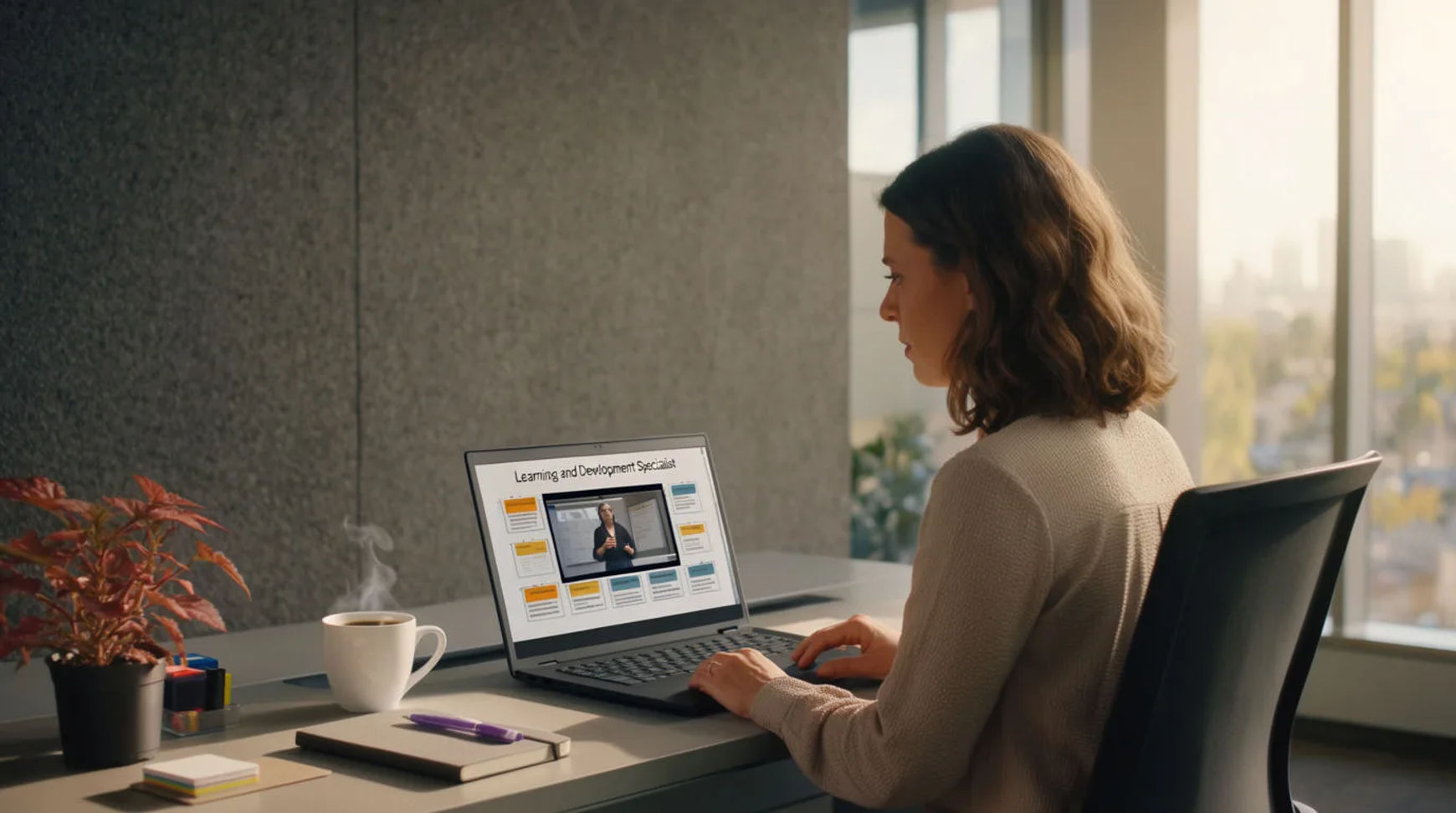
Corporate L&D teams produce training video at scale by scripting the module, generating a presenter or voiceover, adding supporting visuals, then localizing and updating without reshoots, all inside one AI platform instead of a studio and a production vendor. The workflow is short: script the module, generate the presenter or voiceover, add the supporting visuals, then localize and keep it current. Because every step lives in the same project, a course that used to mean a filming day per module and a reshoot for every update becomes a set you generate and revise from the script.
Steps at a glance
- Script the module
- Generate a presenter or voiceover
- Add supporting visuals
- Localize and update without reshoots
- Keep reference sheets so the presenter stays consistent
How L&D teams produce training video at scale, step by step
Script the module
Start with the learning outcome and write the module as a clear script, because the script is what the platform works from. This is the part that stays human, since it is where instructional judgment and accuracy actually live. You can attach the source material, a policy PDF, a process document, or existing notes, as context, so the script is built from what the organization already approved rather than retyped into a prompt box.
Generate a presenter or voiceover
Turn the script into a delivered lesson: generate a presenter or a directed voiceover in the tone the course needs, choosing the pacing and the read rather than accepting a flat one. Hold one consistent narrator across the course with reference sheets rather than recording a person for each module. The result is a steady voice and face for the whole curriculum, produced from the script instead of a booking.
Add supporting visuals
A lesson is more than a talking head, so generate the diagrams, scenes, and demonstrations the module needs and bring them onto the Compose timeline alongside the presenter. Order the clips, set per-clip volume, add a music bed where it helps, and cut for rhythm, all in the same place. A note that would normally go to an editor becomes a regeneration you make yourself, the same afternoon.
Localize and update without reshoots
Because the module was generated from a script, keeping it current is a regeneration rather than a reshoot: a revised figure or a corrected step re-renders in place. Localization is the same kind of step, transcribe, translate, subtitle, and regenerate the voiceover in another language, so one master module becomes a set of localized versions. The course stays accurate and reaches every market without booking a studio again.
Here are a few of the finished module pieces this produces, each generated from a script rather than filmed:
Presenter segment
Explainer visual
Localized cut
Studio filming versus AI-assisted
The saving is less about any single module and more about how each stage changes when a lesson is generated from a script. Here is the shift, honestly drawn.
| Stage | Studio filming | AI-assisted |
|---|---|---|
| A new module | A filming day | A sitting from the script |
| The presenter | Book talent again | A consistent generated narrator |
| An update | A reshoot | A regeneration in place |
| Localization | A separate production | A step in the same project |
| Best used for | Executive address, real gear | Modules, courses, updates |
Put it together
Producing training video at scale is not about filming faster; it is about generating from the script so a course can be made and kept current without a studio. Script the module, generate the presenter or voiceover, add the visuals, then localize and update in the same place. The saving that matters most is that an update stops meaning a reshoot, which is where an L&D library either stays accurate or quietly goes stale. The lowest-risk way to feel it is to rebuild one existing module this way and compare the cost and the update time honestly. The explainer video maker is a fast place to turn a script into a lesson, and making a corporate explainer video covers directing a module so it reads as produced rather than generated.