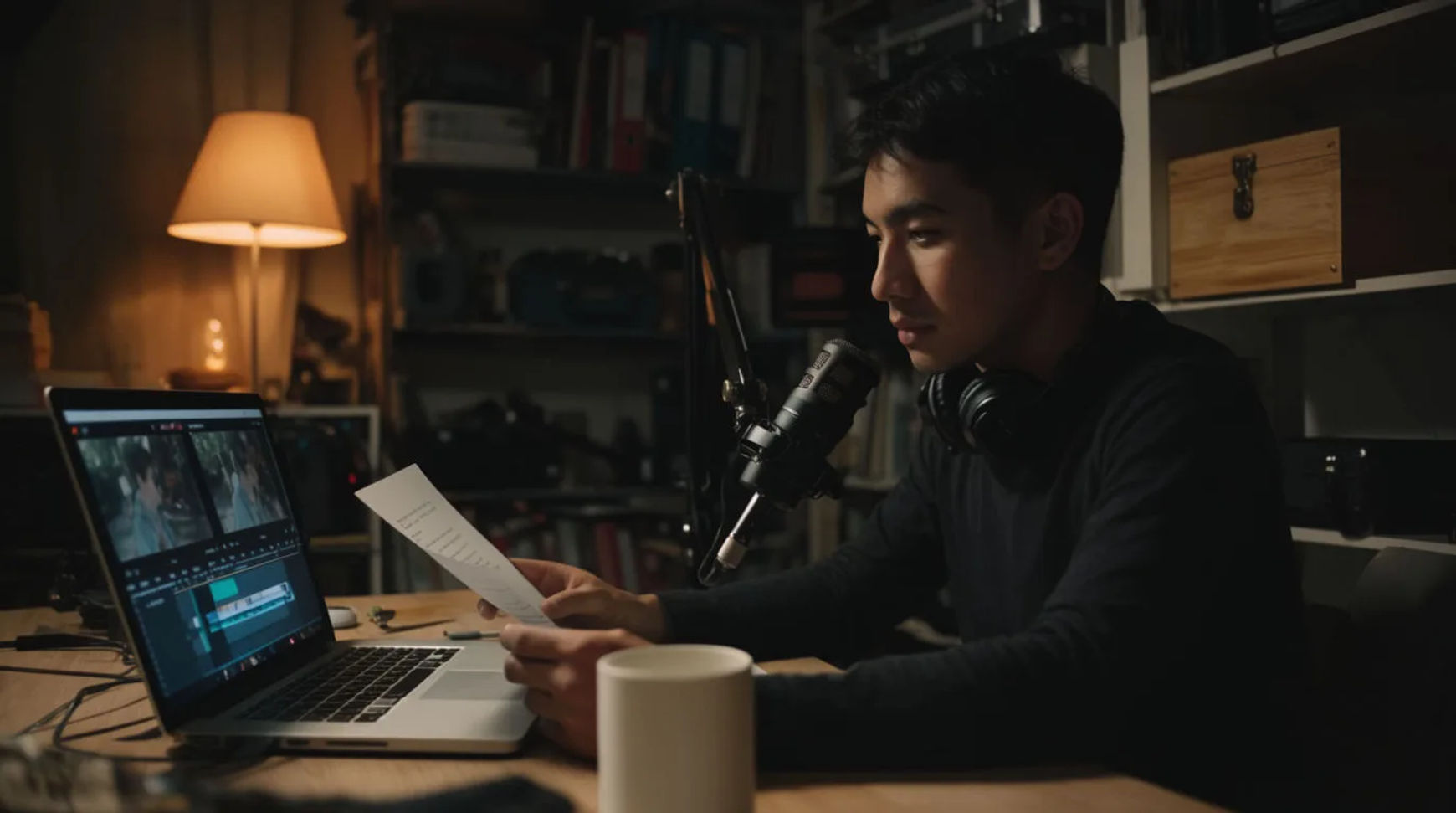
Solo filmmakers produce short films end-to-end with AI by scripting and shot-listing the film, generating each scene, adding voice and sound, then assembling the final cut, all in one place without a crew. The workflow is short: script and shot-list, generate the scenes, add voice and sound, then assemble the final cut. Because every step lives in the same project, a short that once needed a cast, a crew, and a stack of separate tools becomes something one person can carry from first page to finished film, while keeping the authorship that makes it worth watching.
Steps at a glance
- Script and shot-list the film
- Generate the scenes
- Add voice and sound
- Assemble the final cut
- Hold characters and world steady with reference sheets
How a solo filmmaker makes a short, step by step
Script and shot-list the film
Write the script, then break it into a shot list: the setups, the coverage, and the order, each described the way you would brief a crew, naming the framing, the light, the camera move, and the beat. This is the part that stays entirely yours, because it is the film's authorship. Attach the script and the shot list becomes an ordered queue you hand to the platform one scene at a time rather than a blank timeline you face alone.
Generate the scenes
Turn each shot into a generated clip and keep the takes that hold. Direct the prompt like a filmmaker, because a directed shot is the difference between something that looks generated and something that looks like your film, using the same model. If a take drifts, adjust one thing, the light, the pace of the move, or the length, and regenerate rather than starting the prompt over and losing what already worked.
Add voice and sound
Generate a directed voiceover or character dialogue in the read you want, then layer music and sound effects. This is directed voice generation, chosen for tone and pacing, not a clone of a specific actor. Build the whole soundtrack in the same project as the picture, so a note on a line becomes a regeneration you make yourself rather than a session you have to book with someone else.
Assemble the final cut
Bring the scenes onto the Compose timeline in order, set per-clip volume so the dialogue sits above the score, add transitions, and cut for rhythm. Because it all lives in one place, a change to the edit is a fresh cut the same day rather than a round trip through separate apps. A paid plan exports at higher resolution, and a soft shot can be enhanced from the same workspace before the final export.
Here are a few finished scenes from a short produced this way, each generated from a shot description rather than filmed:
Opening scene
Dialogue shot
Final scene
A full crew versus solo with AI
The change is less about any single scene and more about how making a whole short shifts when one person can carry it end-to-end. Here is the shift, honestly drawn.
| Stage | Full crew | Solo with AI |
|---|---|---|
| A scene | A shoot day and a set | A directed generation |
| Voice and dialogue | Cast and a booth | A directed voiceover |
| Sound and score | A composer and mixer | Built on the timeline |
| A revision | A reshoot or a resession | A regeneration in place |
| Best used for | A funded production | A short, made solo |
Put it together
Making a short film solo is not about lowering the bar; it is about removing the crew-sized barriers so one person's script actually reaches the screen. Script and shot-list the film, generate the scenes, build the soundtrack, then assemble the final cut in the same place. The value that matters is that the film gets made at all, with the authorship intact and the handoffs gone. The lowest-risk way to try it is to produce one scene from your script this way and see whether the loop from page to picture holds. The text-to-video generator turns a shot description into a scene, and how to make an AI video covers directing a shot so it looks made rather than generated.