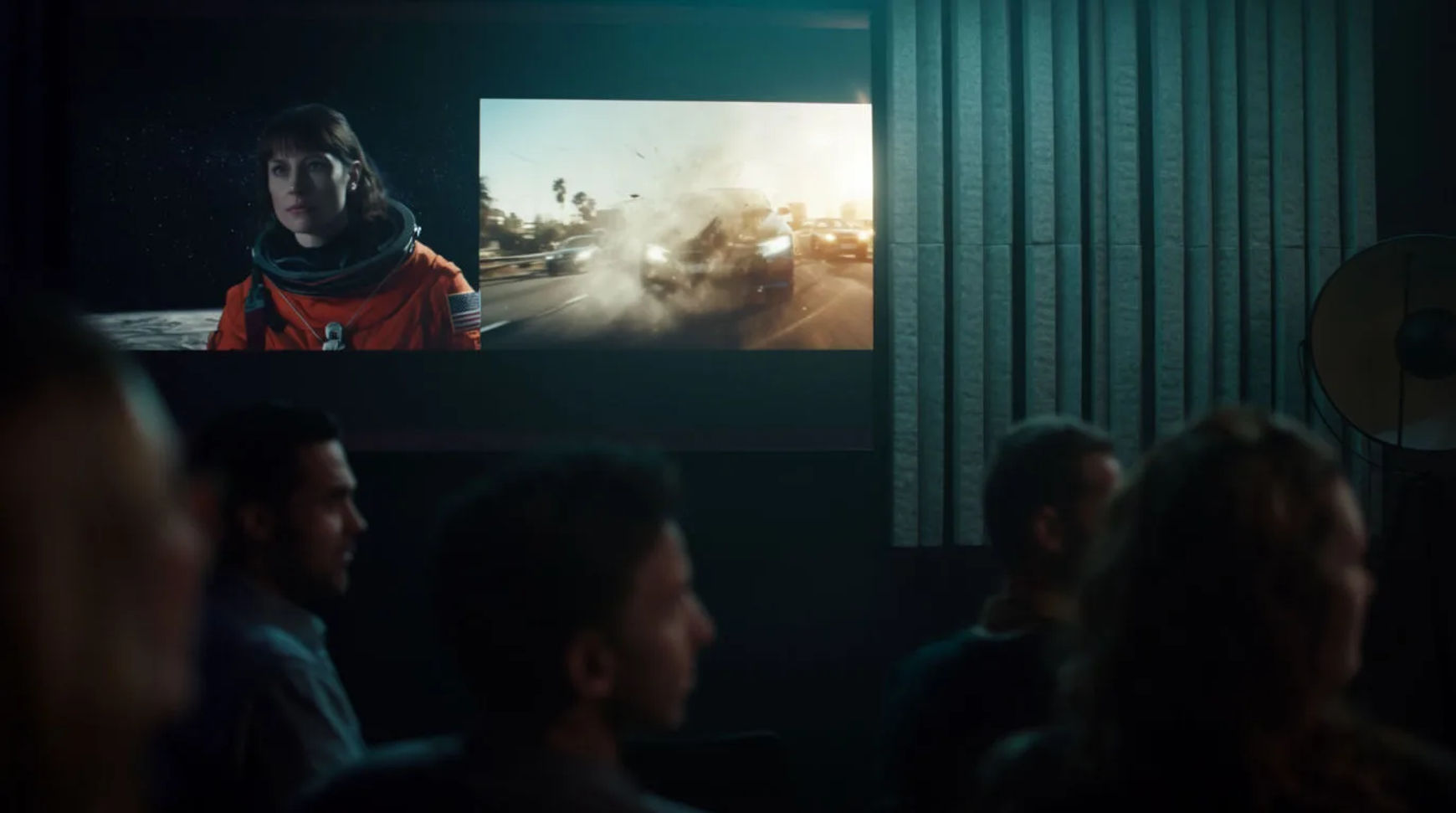
OTT platforms produce trailers, title sequences, and promos at scale by briefing each promo, generating the cinematic shots and titles, holding the look on-brand with reference sheets and a repeatable workflow, then assembling and versioning per placement, all in one place. The workflow is short: brief the promo, generate the shots and titles, keep the look on-brand, then assemble and version. Because every step lives in the same project, a catalog that used to need one edit per title becomes something a small promo team can cover end to end, including the long tail that never justified a bespoke edit.
Steps at a glance
- Brief the promo and its beats
- Generate cinematic shots and title sequences
- Keep the look on-brand across the catalog
- Assemble and version per placement
- Pin the brand look in a repeatable workflow
How an OTT team produces promos, step by step
Brief the promo
Start by writing the promo as a short brief: the beats it has to hit, the tone of the title, and the placements it feeds. Direct each shot the way a trailer editor would, naming the light, the camera move, and the mood, so the brief reads as an ordered shot list rather than a paragraph of intent. This is the part that stays human, because a platform's taste for what makes a title feel worth watching is the whole value.
Generate cinematic shots and title sequences
Turn each shot in the brief into a generated clip and keep the takes that stay cinematic. Generate the title treatment and end cards as part of the same project rather than sending them to a separate motion house. A directed prompt is the difference between a shot that looks generated and one that looks like a trailer, using the same model, so spend the direction where the promo will be judged.
Keep the look on-brand
Build a reference sheet for the platform's visual system and pass it into every generation so color, title treatment, and motion feel carry across the catalog. Pin those choices in a repeatable workflow so the promo for the fiftieth title matches the look you signed off on for the first. Consistency is a reference sheet and a pinned process, not a re-description in words each time.
Assemble and version per placement
Bring the shots and titles onto the Compose timeline, cut for tension, add transitions, and set per-clip volume for the music and voiceover. Then version the master: a hero trailer, a short social cut, a square feed version, and a vertical placement, each a trim or reframe rather than a new edit. A paid plan exports at higher resolution for customer-facing surfaces.
Here are a few of the finished shots this produces, each generated from a brief rather than filmed:
Trailer shot
Title sequence
Promo cut
Traditional promo pipeline versus AI-assisted
The change is less about any single trailer and more about how each stage of a promo shifts when a catalog is covered in one place. Here is the shift, honestly drawn.
| Stage | Traditional pipeline | AI-assisted |
|---|---|---|
| First cut | A vendor booking | The same afternoon |
| Title sequence | A motion house | A step in the project |
| Brand consistency | A style guide and hope | Reference sheet and pins |
| Placement versions | A re-edit per format | A reframe, not a re-edit |
| Best used for | A flagship launch | The whole catalog tail |
Put it together
Producing promos at scale is not about replacing the trailer craft; it is about removing the vendor handoffs so a small team can cover a whole catalog, including the titles that never earned an edit. Brief the promo, generate the shots and titles, hold the look with a reference sheet and a pinned workflow, then version per placement in the same place. The value that matters is the tightness of the loop from title to on-brand promo. The lowest-risk way to feel it is to rebuild one recent promo as an AI-generated cut and compare the cost honestly. The text-to-video generator turns a brief into a shot, and how to build an AI video workflow covers pinning a repeatable process so the look holds.