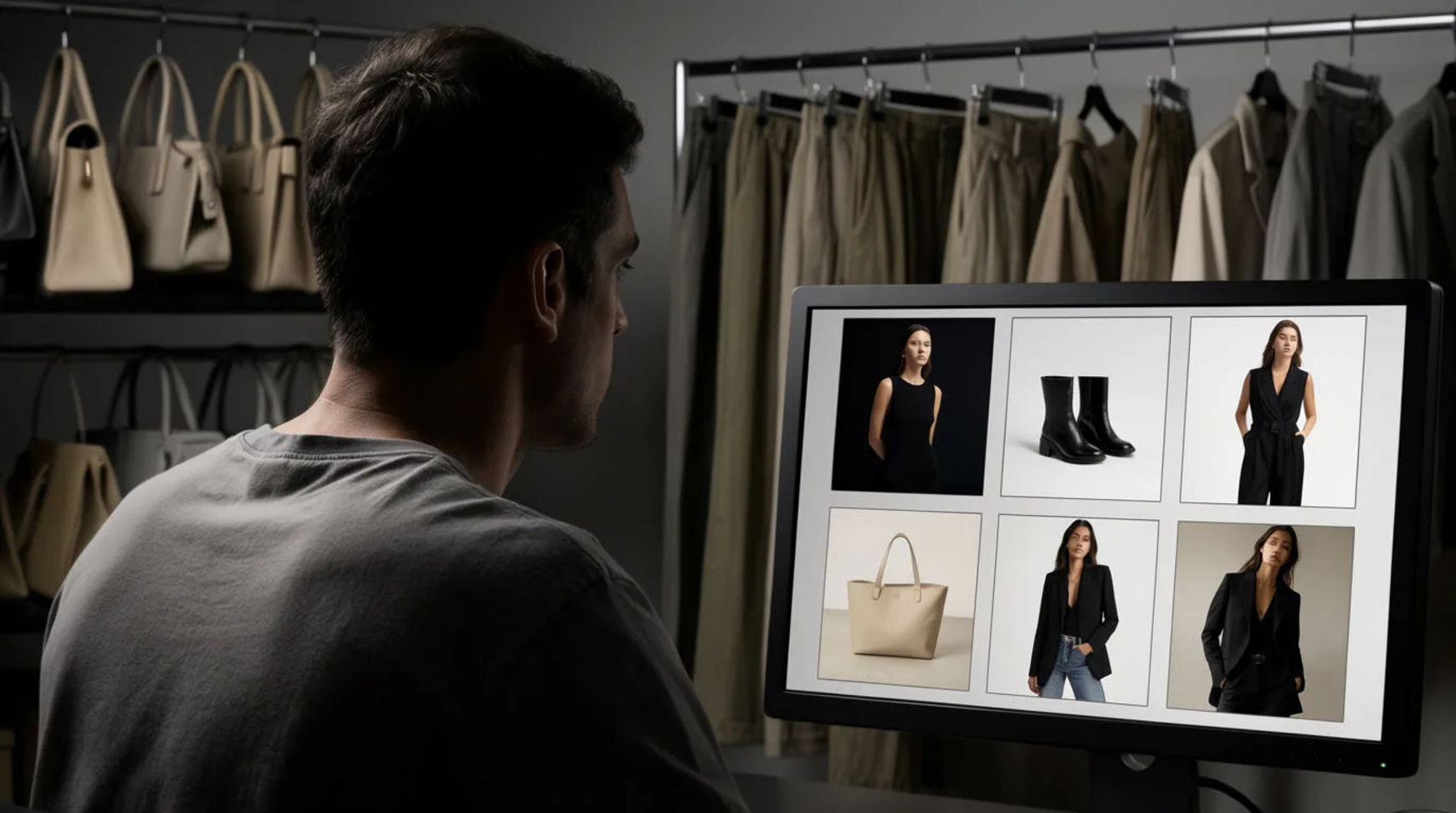
Fashion brands produce lookbook and campaign video with AI by starting from product and model references, then generating the looks and motion, holding the brand's aesthetic across the set, and assembling the campaign cut in one platform instead of booking a full shoot for every drop. The workflow is short: start from product and model references, generate the looks and motion, keep the brand look consistent, then assemble the campaign cut. Because every step lives in the same project, a lookbook that used to mean a studio, a crew, and a day of talent becomes something the brand produces in-house between shoots.
Steps at a glance
- Start from product and model references
- Generate the looks and the motion
- Keep the brand look consistent across the set
- Assemble the campaign cut and export per channel
- Keep a reference sheet so the model and garment hold
How fashion brands produce a lookbook, step by step
Start from product and model references
Gather the raw material: clean product shots of the garments, reference images of the model, and the palette and styling that define the drop. This is the part that stays human, because it is where the brand's taste and direction actually live. Treated as references the generation has to respect rather than a loose prompt, these inputs are what keep the output looking like your product instead of a generic version of it.
Generate the looks and the motion
Turn the references into looks: the garment worn, styled, and moving, shot from the angles a lookbook needs. Direct it like a filmmaker, naming the light, the setting, and the camera move, so a look reads as a considered campaign frame rather than a flat catalogue shot. A second styling direction for testing is a second prompt, so a drop's worth of looks comes back without a second studio day.
Keep the brand look consistent across the set
Consistency is the hard part of any campaign, and it comes from the reference sheets, not from re-describing the look each time. Pass the same model and product references into every generation so the same face, the same garment, and the same tone carry across the whole set. That is reference conditioning: the look holds because you supplied the images, not because a system guessed at the brand.
Assemble the campaign cut and export per channel
Bring the looks onto the Compose timeline, add a music bed, set the pace, and cut the campaign film. Then export what each channel needs: a landscape hero cut, a vertical edit for social, and a set of stills pulled for the feed, each a reframe or a pull from the same project. A paid plan exports at higher resolution for the campaign.
Here are a few of the finished pieces this produces, each generated from references rather than shot:
Lookbook film
Campaign frame
Social cut
Full photoshoot versus AI-assisted
The saving is less about any single look and more about how a drop changes when the campaign stops waiting on a booked studio day. Here is the shift, honestly drawn.
| Stage | Full photoshoot | AI-assisted |
|---|---|---|
| Source material | A booked studio day | Product and model references |
| A second styling | A second setup | A second prompt |
| Consistency | Reshoot to match | Held by reference sheets |
| Channel versions | A re-edit each | A reframe or a pull |
| Best used for | A flagship hero shoot | Lookbooks, drops, social |
Put it together
Producing a lookbook and campaign with AI is not about retiring the studio; it is about turning references into a season of content without booking a shoot for every drop. Start from product and model references, generate the looks, hold the brand aesthetic with reference sheets, then assemble and export the campaign per channel. The saving that matters is the loop from a drop's brief to a posted campaign, which is where a fashion brand keeps a full calendar without a full production budget. The image-to-video generator is the fastest place to turn a product shot into motion, and how to create a lookbook for a clothing brand covers styling the looks so they read as a campaign.