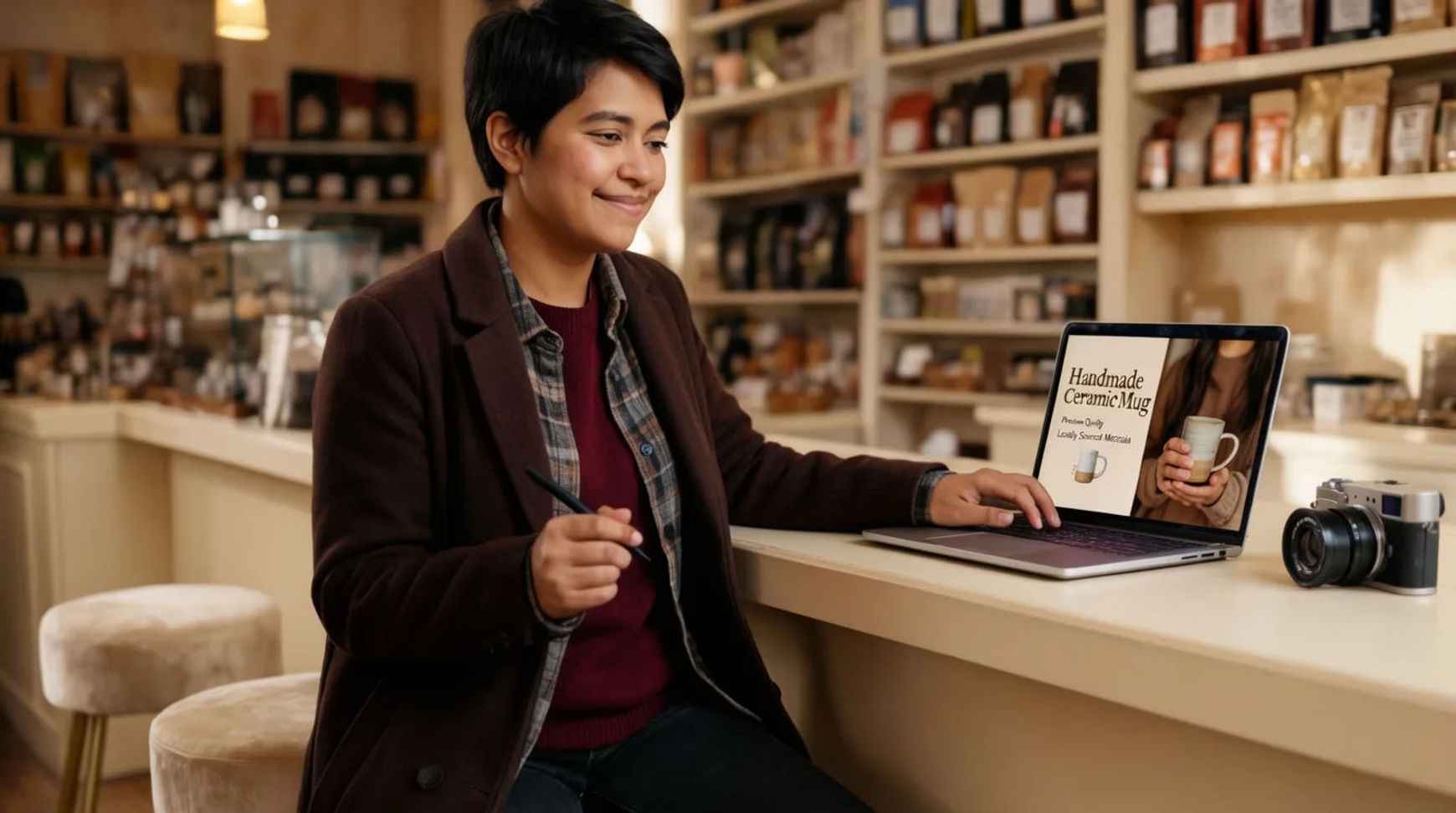
Local business owners make their own ad creative with AI by describing the offer and the shot, generating the visuals, and finishing the ad in one place, instead of briefing and paying an agency for everyday promotions. The workflow is short: describe the offer and the shot, generate the ad visuals, add a voiceover or music, then export a version per platform. Because the visuals, audio, and export all live in one project, an ad that used to mean a quote and a wait becomes something an owner can make between customers, and a live shoot is reserved for the shots that genuinely need one.
Steps at a glance
- Describe the offer and the shot
- Generate the ad visuals
- Add a voiceover or music
- Export a version for each platform
- Reuse a reference sheet so every ad looks like your brand
How local owners make their own ads, step by step
Describe the offer and the shot
Start with the offer in plain words: what it is, who it is for, and the one thing the ad should say. Then describe the shot like you are directing it, the product, the setting, the light, the mood. A clear, directed description is the difference between an ad that looks generated and one that looks made, and it replaces the brief-and-wait of hiring out with a starting point you have the same afternoon.
Generate the ad visuals
Turn the description into visuals: a product shot, a short clip, or a set of both. Generate a few variations rather than settling for the first, keep the takes that hold, and adjust one thing on the ones that drift instead of rewriting the whole prompt. Build a reference sheet for your product or storefront and pass it into each generation, so every ad looks like your business rather than a stock image of someone else's.
Add a voiceover or music
Give the ad a voice by directing text-to-speech in the read you want, or add a music bed that fits the mood, then layer them on the Compose timeline with per-clip volume. Everything happens in the same project, so a change of wording is a regeneration rather than a call back to a vendor. Morphic directs voice and voice styles rather than cloning your own voice, so choose a voice character and direct how it performs the line.
Export a version for each platform
Reframe the finished ad for each place it will run: a vertical cut for stories, a square for the feed, a wide version for a banner. Reframing is a parameter, not a remake, so one concept covers every platform from the same project. A paid plan exports at higher resolution, which is what you want on anything you are putting ad spend behind.
Here are a few of the finished ad shots this produces, each generated from a brief rather than filmed:
Product hero
Storefront spot
Offer cut
Hiring an agency versus DIY with AI
The saving is less about any single ad and more about who does the work and how fast it turns around. Here is the shift, honestly drawn.
| Stage | Hiring an agency | DIY with AI |
|---|---|---|
| First draft | A brief and a wait | The same afternoon |
| A change | A revision request | A regeneration in place |
| Per-platform sizes | A line item each | A parameter, not a remake |
| Brand consistency | Managed by the agency | Held by a reference sheet |
| Best used for | Hero films, big shoots | Everyday local promotion |
Put it together
Making your own ad creative is not about matching an agency's production values on every job; it is about owning the everyday promotion so it happens on your schedule and your budget. Describe the offer, generate the visuals, add voice or music, and export a version per platform. The saving that matters is the turnaround from idea to running ad, which is where a local business either keeps a steady presence or goes quiet between campaigns. The lowest-risk way to feel it is to rebuild your next promotion this way and compare the cost honestly. The AI ad generator is the fastest place to start from an offer, and how to make an AI video covers directing a shot so it looks made rather than generated.