Tight face crop
A close head-and-shoulders crop with the anime face filling most of the square, bold linework, readable at a tiny avatar size.
Prompt bearbeiten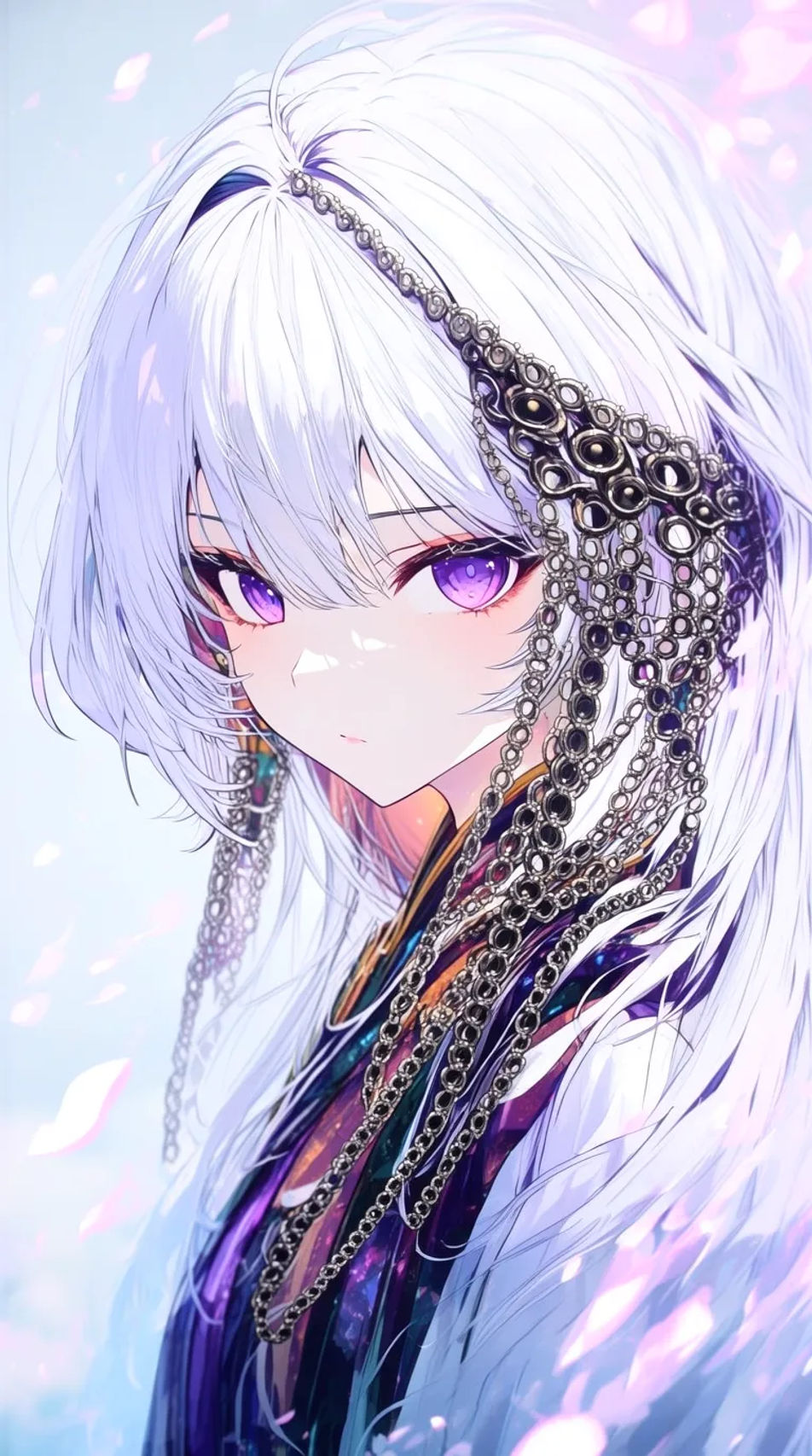
Design an anime-style profile picture in your browser with Morphic's PFP generator. Make a soft-shaded shoujo type, a bold shonen action type, or a moody dark-academia type, then pair every piece with the Character Lineup workflow to keep one design across a matching set. Crop, recolour, and refine each avatar on the Canvas so it reads sharp at a small profile-picture size.
A close head-and-shoulders crop with the anime face filling most of the square, bold linework, readable at a tiny avatar size.
Prompt bearbeitenAn anime avatar turned three-quarters with a soft gaze off-frame, gentle shading, a simple gradient backdrop, quiet and moody.
Prompt bearbeiten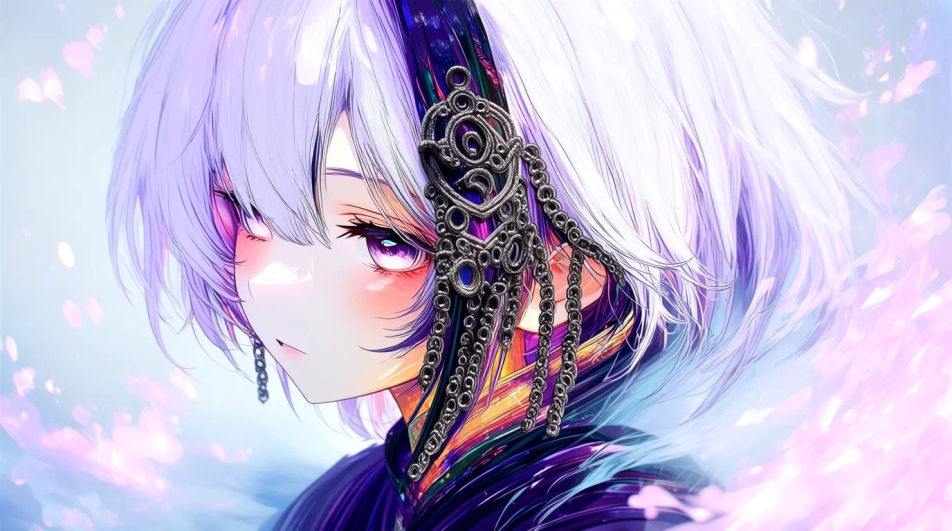
A backlit anime avatar washed in neon rim light against a dark night backdrop, glossy highlights, striking at small size.
Prompt bearbeiten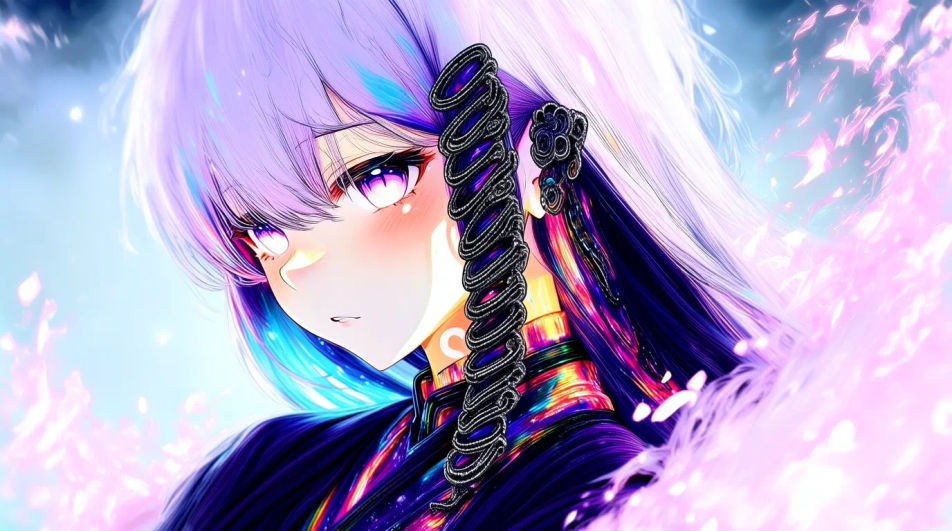
A soft-shaded anime avatar against a flat pastel backdrop with one accent colour, clean and readable when it shrinks.
Prompt bearbeiten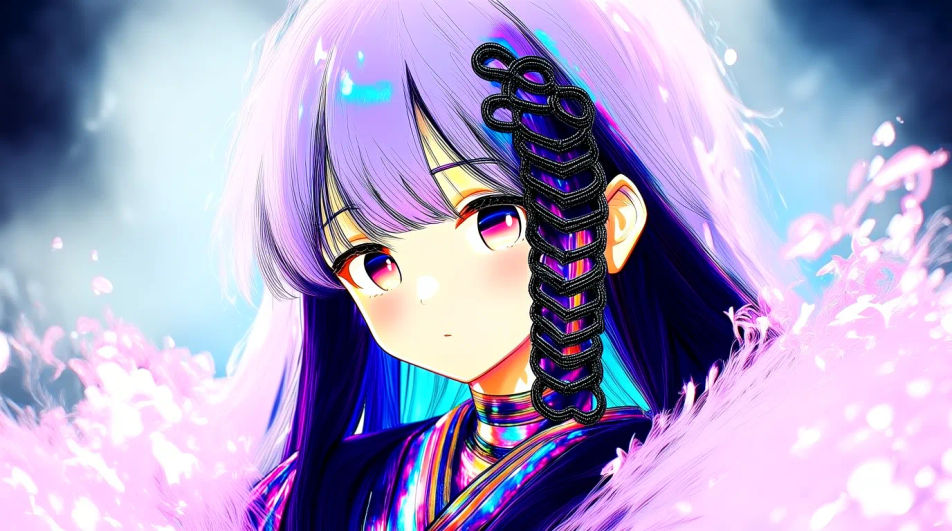
Beschreiben Sie das Anime Discord PFP, das Sie möchten, in einfachen Worten.
Morphic generiert in Sekunden ein sauberes, veröffentlichungsfertiges Bild auf Ihrer Canvas.
Passen Sie den Prompt an, generieren Sie Varianten und laden Sie das Bild herunter oder teilen Sie es.
Convert any image to a new aspect ratio. Smart crop or extend the edges to fit.
One selfie becomes a set of professional headshots. Studio-quality, multiple styles.
Reimagine any anime character as a photorealistic, high-fashion live-action portrait.

Turn any image into anime-style stickers in PNG. Ready for messaging apps or social media.

Generate a female AI influencer. Vertical output, ready for socials.
Bring back any damaged, blurry, or low-res image. Get a sharp, detailed 4K version with natural clarity restored.
Cool Discord PFP generator
Browse cool profile pictures and regenerate any in your own style, palette, and crop. Make neon-cyberpunk, dark-smoke, and chrome-liquid avatars with real edge, then download original PFPs in HD, sharp at a small crop, all in Morphic.
Aesthetic PFP KI-Generator
Aesthetic PFPs in HD. KI-generierte Profilbilder für WhatsApp, Instagram und Discord entdecken oder selbst mit Morphic erstellen.
Radha Krishna AI DP generator
Create AI radha krishna dp with our radha krishna dp generator. Find beautiful radha krishna display pictures for any project in seconds.
Ram DP AI images
Create AI ram profile pictures with our ram avatar generator. Find custom ram profile pictures for any project in seconds.
Starten Sie noch heute kostenlos, mit der Option, jederzeit zu upgraden oder zu kündigen.
Basic
2400 monatliche Credits
1 Nutzer
Alle Modelle
Workflows
Standard
3625 monatliche Credits
1 Nutzer
Alle Modelle
Workflows
Pro
6350 gemeinsame monatliche Credits
1 Nutzer
Alle Modelle
Workflows
Max
24650 gemeinsame monatliche Credits
1 Nutzer
Alle Modelle
Workflows
Enterprise
Für höhere Limits
Individuell
Preis- und Abrechnungsbedingungen

Free
Zum Ausprobieren
$0
dauerhaft kostenlos