Architecture studio website hero
Wide shot of an architect reviewing plans and models with room for a studio headline.
Prompt bearbeiten
Compose architect images in your browser with Morphic's AI photo generator. Try an architect studying blueprints at a drafting table, a hard-hat site walkthrough, or a close shot of hands over a scale model. Adjust the crop and color on the Canvas, then download each in HD.
Wide shot of an architect reviewing plans and models with room for a studio headline.
Prompt bearbeitenHorizontal editorial shot of blueprints and a scale model for a project case study.
Prompt bearbeiten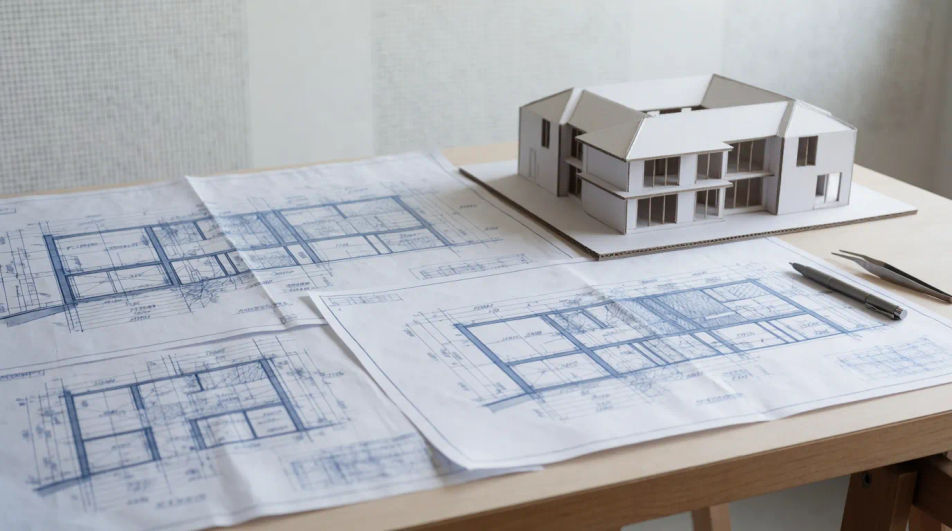
Square portrait of an architect at a drafting table for a firm profile or hiring post.
Prompt bearbeiten
Clean shot of technical drawings and a hard hat to illustrate a project proposal document.
Prompt bearbeiten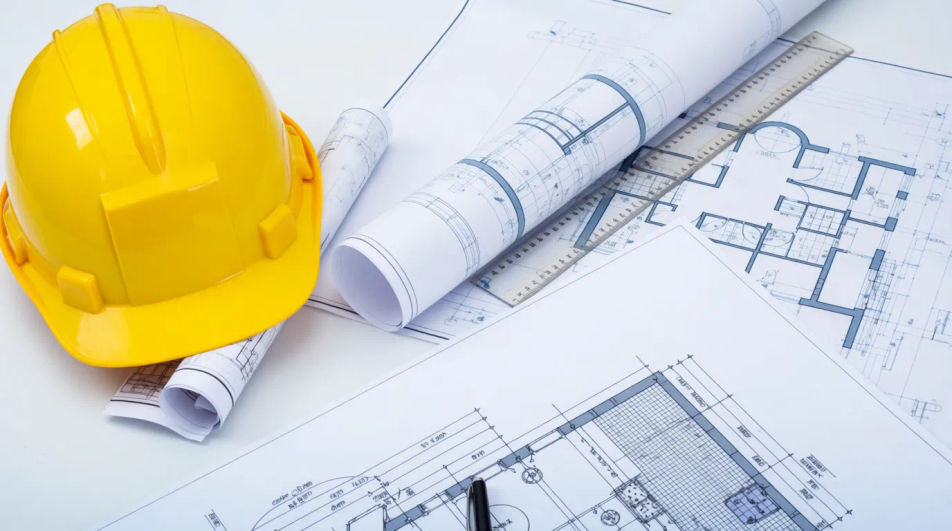
Beschreiben Sie das architect, das Sie möchten, in einfachen Worten.
Morphic generiert in Sekunden ein sauberes, veröffentlichungsfertiges Bild auf Ihrer Canvas.
Passen Sie den Prompt an, generieren Sie Varianten und laden Sie das Bild herunter oder teilen Sie es.
Cinematic time-freeze short film for any scene
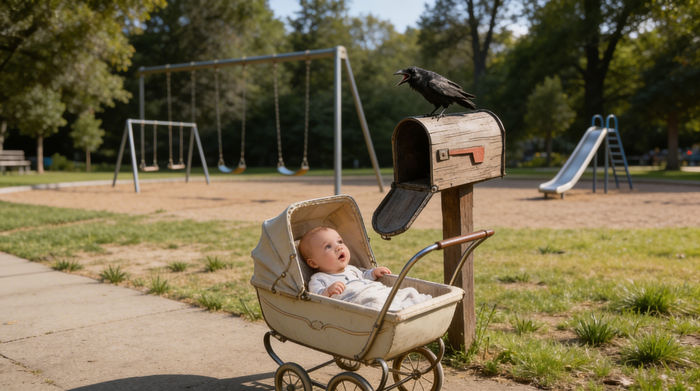
Share a scene description with character references. Get a full storyboard with shot angles and mood.
Upload a character image and make it dance in any style.

Dramatize any text conversation into a cinematic multi-shot video.
Drop in a photo of yourself. Get a 12-second cinematic movie with animation and a matched soundtrack.
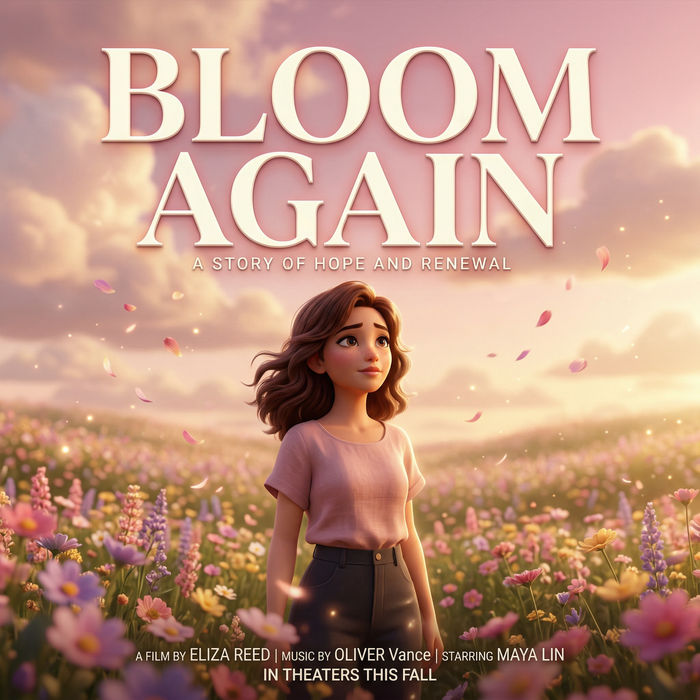
Generate a professional film title card from scratch, with optional cinematic animation.
Accountant AI Images
Turn a brief into accountant images instantly. Specify the people, setting and mood instead of settling for the nearest stock photo. Yours to use commercially.
Bank Branch AI Images
Make bank branch images from a text prompt. Specify the people, setting and mood instead of settling for the nearest stock photo.
Barber Shop AI Images
Turn a brief into barber shop images instantly. Generate the scene your brief describes, not the closest match in a library. No stock licence needed.
Fröhliche Bilder – KI-Fotografie
Entdecken Sie fröhliche Bilder in HD. Frische KI-Kollektion zum Download oder eigene Version mit Morphic erstellen.
Starten Sie noch heute kostenlos, mit der Option, jederzeit zu upgraden oder zu kündigen.
Basic
2400 monatliche Credits
1 Nutzer
Alle Modelle
Workflows
Standard
3625 monatliche Credits
1 Nutzer
Alle Modelle
Workflows
Pro
6350 gemeinsame monatliche Credits
1 Nutzer
Alle Modelle
Workflows
Max
24650 gemeinsame monatliche Credits
1 Nutzer
Alle Modelle
Workflows
Enterprise
Für höhere Limits
Individuell
Preis- und Abrechnungsbedingungen

Free
Zum Ausprobieren
$0
dauerhaft kostenlos