Fuel tank close-up
A glossy fuel tank curving through frame with a two-tone winged decal wrapped across it, warm garage light raking over the paint.
Prompt bearbeiten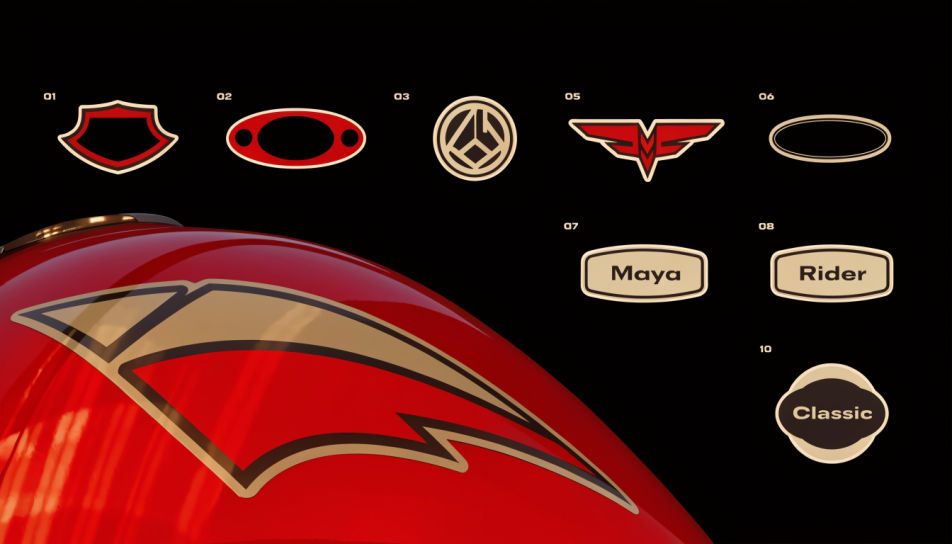
Design a bike sticker in Morphic's Image tool by describing the motif, the lettering, and the curve of the tank or fairing it has to sit on. Pick the palette, the outline weight, and a clean cut edge, then download artwork sized for a vinyl print.
A glossy fuel tank curving through frame with a two-tone winged decal wrapped across it, warm garage light raking over the paint.
Prompt bearbeitenA side view of a sport fairing carrying a long tapering stripe pair, cool daylight, reflections running the length of the panel.
Prompt bearbeiten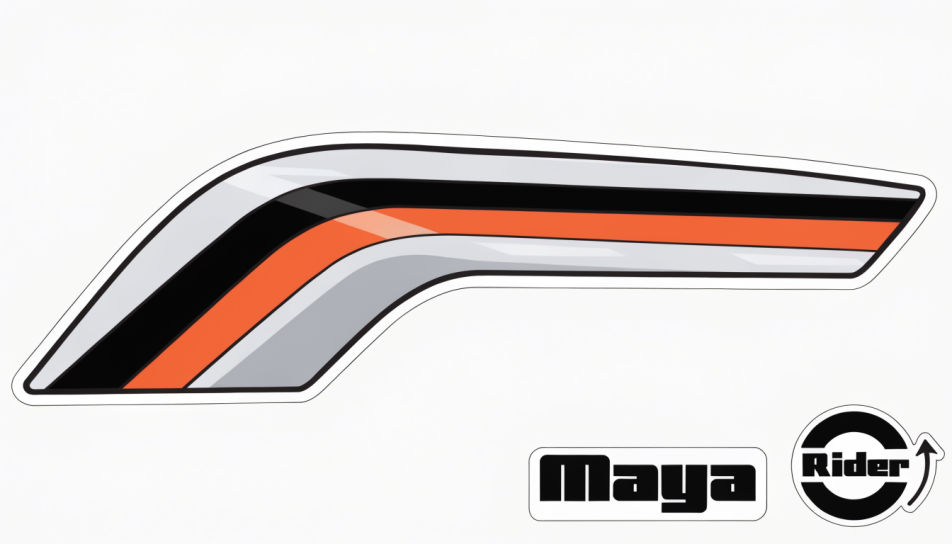
A matte helmet shell filling the frame with a small circular badge decal on the side, soft studio light and a dark background.
Prompt bearbeiten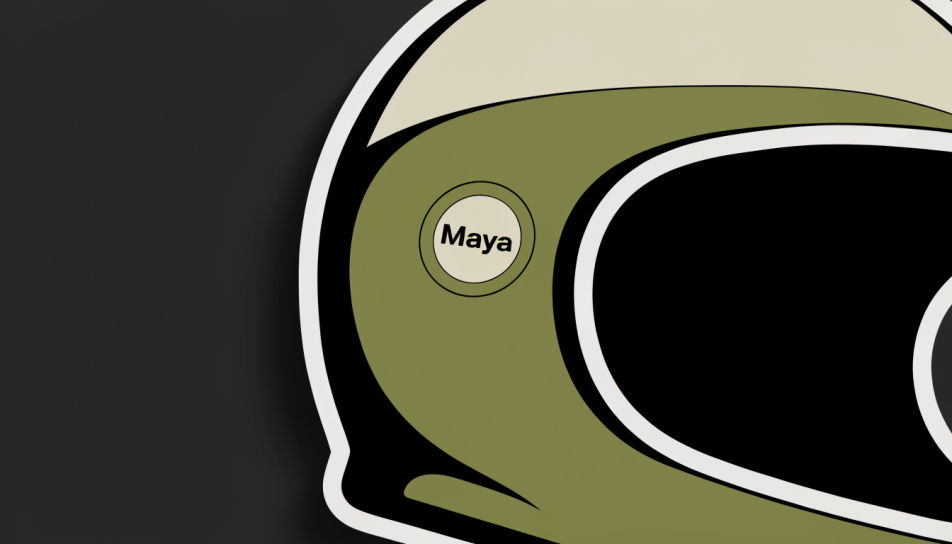
A top-down cutting sheet of bike decals with white die-cut borders and even spacing, bright even light on a plain work surface.
Prompt bearbeiten
Beschreiben Sie das Bike Sticker, das Sie möchten, in einfachen Worten.
Morphic generiert in Sekunden ein sauberes, veröffentlichungsfertiges Bild auf Ihrer Canvas.
Passen Sie den Prompt an, generieren Sie Varianten und laden Sie das Bild herunter oder teilen Sie es.
Pick a reference image, apply its visual style to your own photo or artwork.
Convert any image to a new aspect ratio. Smart crop or extend the edges to fit.

Take any character image and generate 6 distinct facial expressions on a single reference sheet.

Turn any sketch or drawing into a finished render.

Pick any anime illustration as your style guide. Apply its look to any image.
Reimagine any anime character as a photorealistic, high-fashion live-action portrait.
Graffiti sticker generator
Generate graffiti stickers in Morphic. Describe the character, colours and style you want, generate options to compare, then refine the prompt and save it.
Fahrrad-KI-Bilder
Erstellen Sie Fahrradbilder mit KI. Originelle Motive für jedes Projekt in Sekunden.
Plane AI clipart
Plane Clipart to browse and generate. Explore origami paper plane, sketchy paper dart, and cartoon jet airplane clipart, then regenerate in your own style and download transparent PNGs. No design skills needed. Made with Morphic's clipart generator.
Price tag sticker maker
Generate price tag stickers in Morphic. Describe the character, colours and style you want, generate options to compare, then refine the prompt and save it.
Starten Sie noch heute kostenlos, mit der Option, jederzeit zu upgraden oder zu kündigen.
Basic
2400 monatliche Credits
1 Nutzer
Alle Modelle
Workflows
Standard
3625 monatliche Credits
1 Nutzer
Alle Modelle
Workflows
Pro
6350 gemeinsame monatliche Credits
1 Nutzer
Alle Modelle
Workflows
Max
24650 gemeinsame monatliche Credits
1 Nutzer
Alle Modelle
Workflows
Enterprise
Für höhere Limits
Individuell
Preis- und Abrechnungsbedingungen

Free
Zum Ausprobieren
$0
dauerhaft kostenlos