Pure black backdrop
A single subject centred on a pure black field with one soft key light, deep shadow filling the rest of the frame, quiet and clean.
Prompt bearbeiten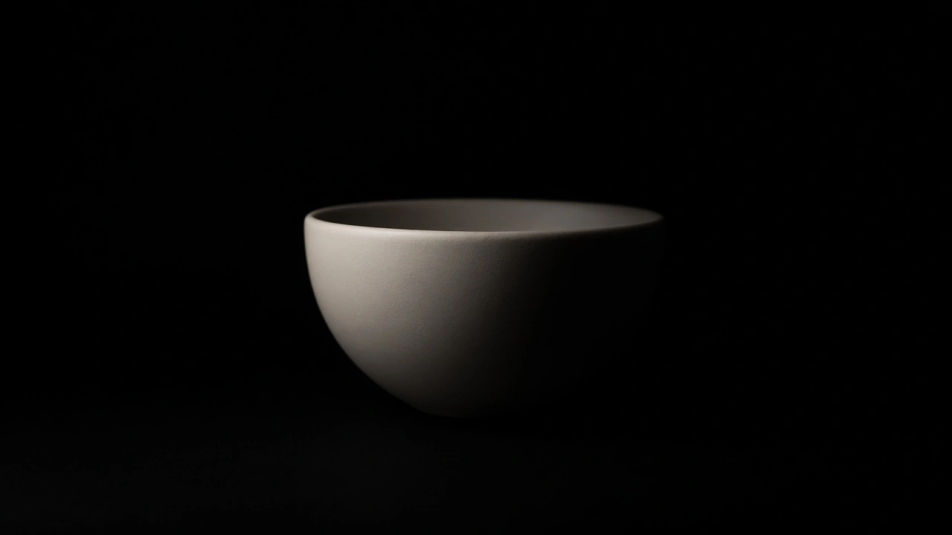
Make a black DP in Morphic's Image tool by describing the mood, the subject, and the kind of darkness you want behind it. You control the light source, the amount of grain, and how tight the crop sits, so you walk away with a low-key profile picture that still holds its shape on a small screen.
A single subject centred on a pure black field with one soft key light, deep shadow filling the rest of the frame, quiet and clean.
Prompt bearbeitenA dark profile lit only by a narrow warm edge along one side, the face barely readable, the background falling to solid black.
Prompt bearbeiten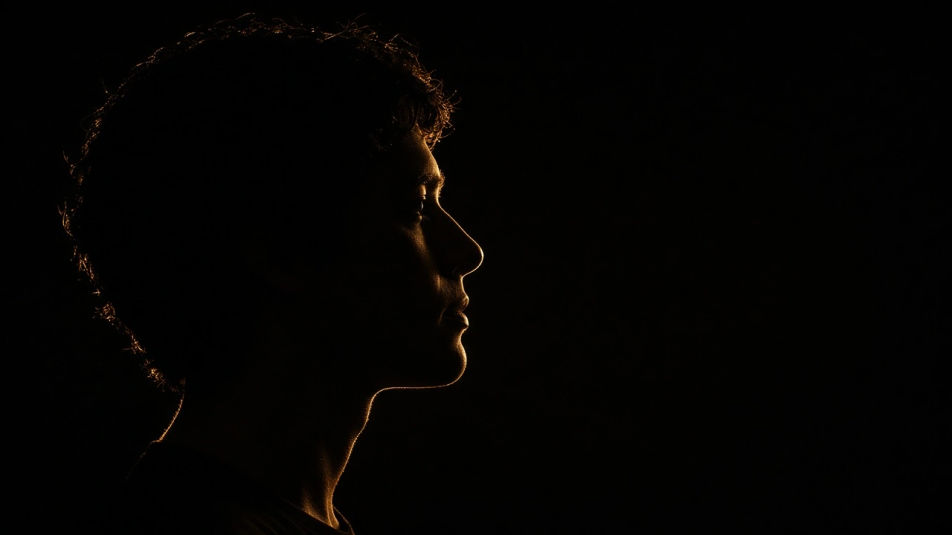
A full-frame black surface with visible grain, brushed metal lines, or fabric weave, raked by a low light that reveals the texture.
Prompt bearbeiten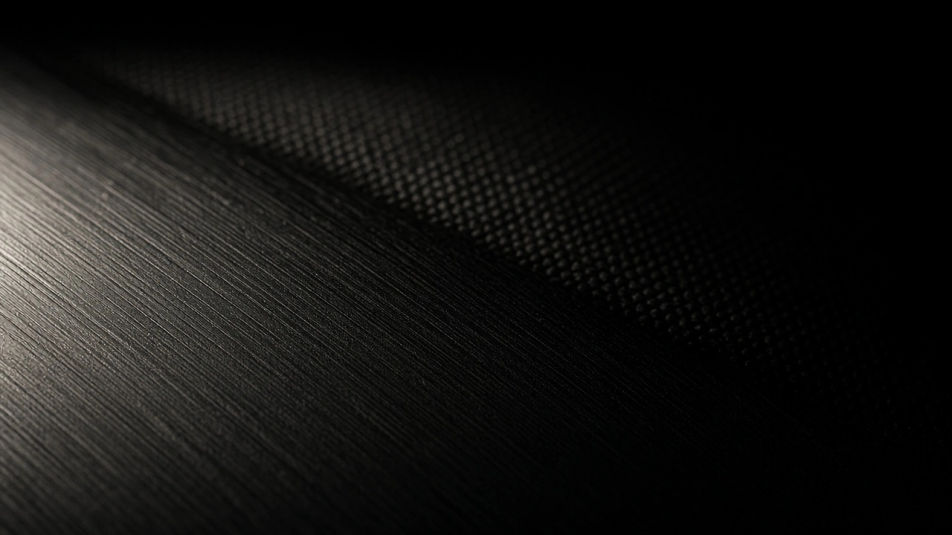
A black composition broken by a single saturated accent, a red neon line or amber glow, everything else held in deep shadow.
Prompt bearbeiten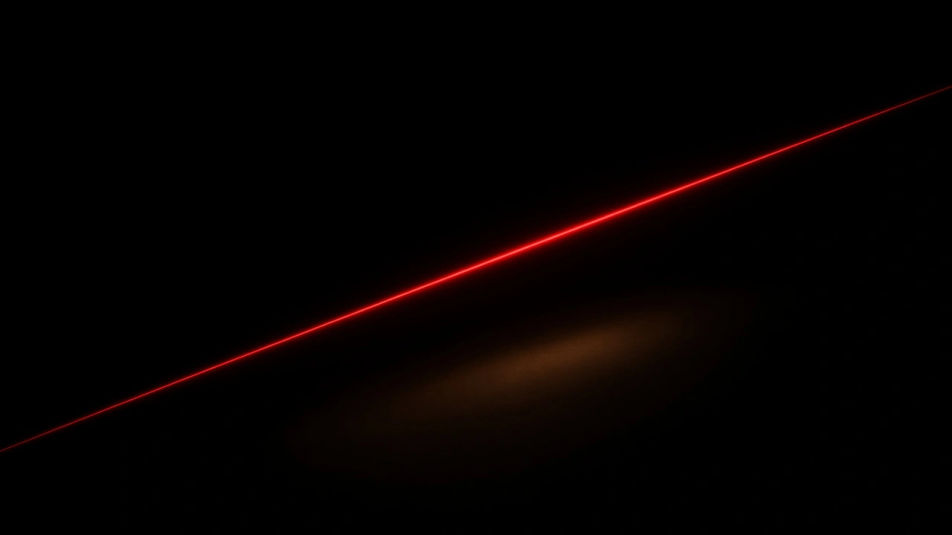
Beschreiben Sie das Black DP, das Sie möchten, in einfachen Worten.
Morphic generiert in Sekunden ein sauberes, veröffentlichungsfertiges Bild auf Ihrer Canvas.
Passen Sie den Prompt an, generieren Sie Varianten und laden Sie das Bild herunter oder teilen Sie es.
Bring back any damaged, blurry, or low-res image. Get a sharp, detailed 4K version with natural clarity restored.
Convert any image to a new aspect ratio. Smart crop or extend the edges to fit.
One selfie becomes a set of professional headshots. Studio-quality, multiple styles.

Generate a female AI influencer. Vertical output, ready for socials.
Full model photoshoot from one photo of you
Fix plastic-looking AI skin. Adds natural texture, pores, and imperfections for realism.
Black PFP KI-Generator
Black PFP in HD herunterladen. Einzigartige KI-Profilbilder für WhatsApp, Instagram und Discord entdecken oder selbst mit Morphic erstellen.
Alone DP KI-Generator
Alone DPs in HD. KI-generierte Profilbilder für WhatsApp, Instagram und Discord entdecken oder selbst mit Morphic erstellen.
Cute DP maker
Make a cute dp image in Morphic. Describe the look you want on your profile, generate options to compare, then refine the prompt and download the picture.
Devil AI Profile Pictures
Create AI devil profile pictures with our devil avatar generator. Find custom devil profile pictures for any project in seconds.
Starten Sie noch heute kostenlos, mit der Option, jederzeit zu upgraden oder zu kündigen.
Basic
2400 monatliche Credits
1 Nutzer
Alle Modelle
Workflows
Standard
3625 monatliche Credits
1 Nutzer
Alle Modelle
Workflows
Pro
6350 gemeinsame monatliche Credits
1 Nutzer
Alle Modelle
Workflows
Max
24650 gemeinsame monatliche Credits
1 Nutzer
Alle Modelle
Workflows
Enterprise
Für höhere Limits
Individuell
Preis- und Abrechnungsbedingungen

Free
Zum Ausprobieren
$0
dauerhaft kostenlos