Social post backdrop
A square collage background composed for a social post, the busiest layers pushed to the edges so a caption reads clearly in a calmer central zone.
Prompt bearbeiten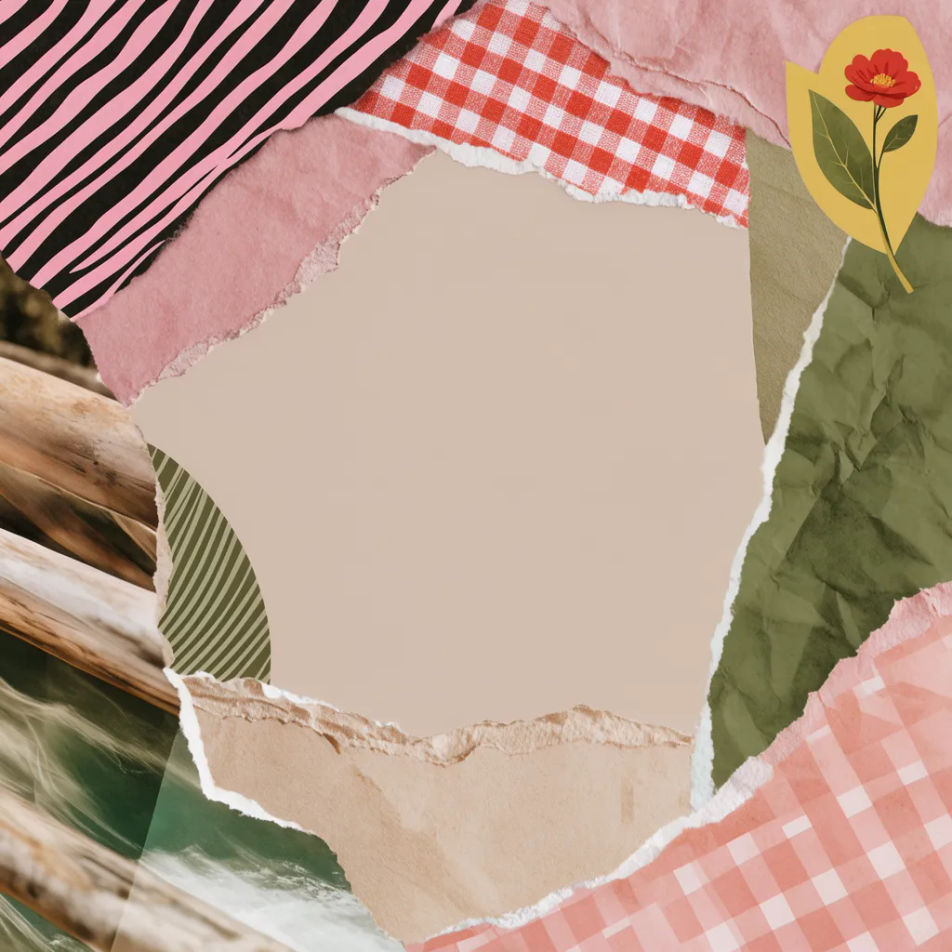
Design a collage background in your browser with Morphic's background generator. Make a torn-paper scrapbook layout, a retro magazine cut-out mix, or a soft aesthetic moodboard, then run Style Transfer to keep one look across a set. Crop, recolour, and refine every collage background on the Canvas until the layers sit exactly the way you want.
A square collage background composed for a social post, the busiest layers pushed to the edges so a caption reads clearly in a calmer central zone.
Prompt bearbeitenA collage background sized for a digital journal or scrapbook page, mixed textures framing open space for handwriting or notes.
Prompt bearbeiten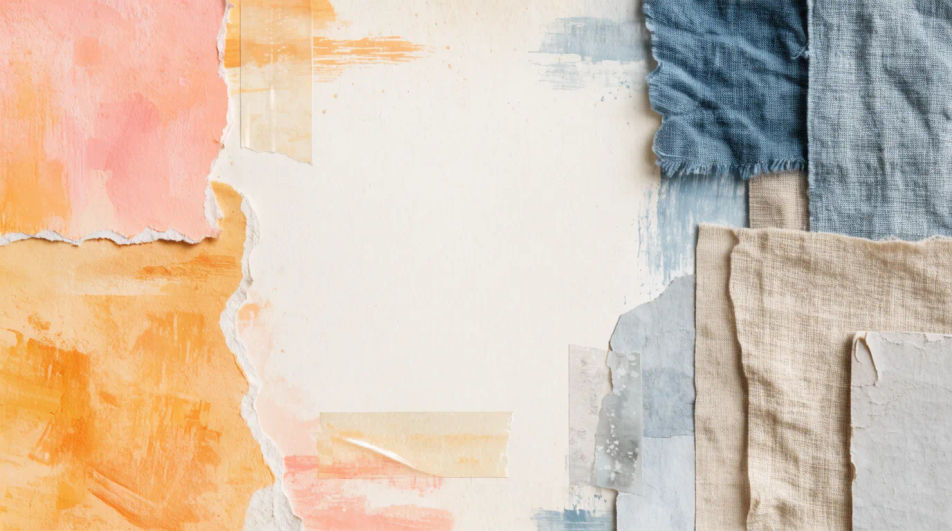
A bold collage background for a poster or zine cover, layered cut-outs at the top and clear space below for a headline.
Prompt bearbeiten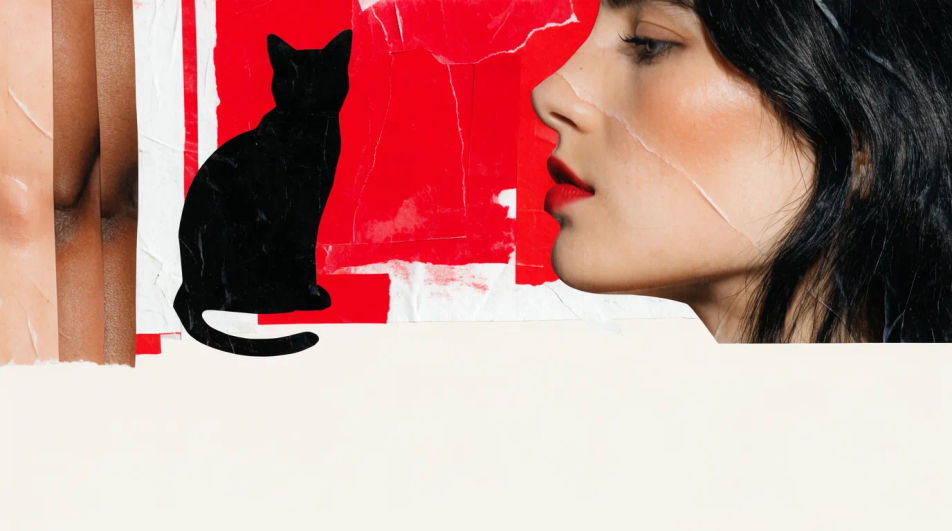
A vertical collage background composed for a phone screen, the layers balanced so app icons stay legible over the mixed textures.
Prompt bearbeiten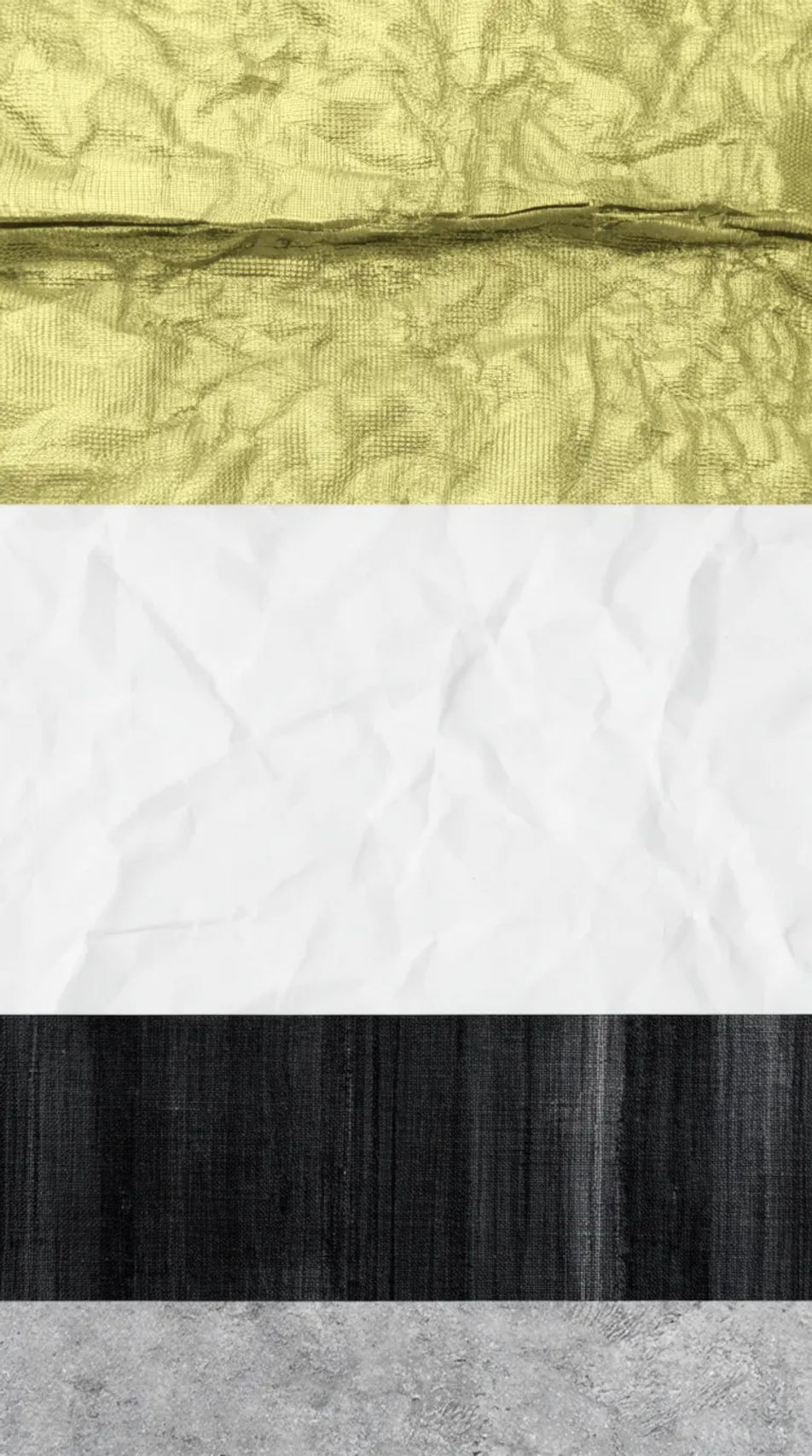
Beschreiben Sie das Collage Background, das Sie möchten, in einfachen Worten.
Morphic generiert in Sekunden ein sauberes, veröffentlichungsfertiges Bild auf Ihrer Canvas.
Passen Sie den Prompt an, generieren Sie Varianten und laden Sie das Bild herunter oder teilen Sie es.
Pick a reference image, apply its visual style to your own photo or artwork.
Choose your viewing angles and get precise perspective shifts of any image with full camera control.
Convert any image to a new aspect ratio. Smart crop or extend the edges to fit.

Describe your fabric type, pattern, color, and use. Get a photorealistic 2K textile swatch to spec.
Bring back any damaged, blurry, or low-res image. Get a sharp, detailed 4K version with natural clarity restored.
Set the look with one reference image. Apply that exact grade to any scene or batch.
Aesthetic Backgrounds als KI-Bilder
HD-Aesthetic-Backgrounds für jedes Projekt. KI-Kollektionen durchstöbern oder mit Morphic eigene erstellen.
Abstrakte Hintergründe mit KI
HD-Hintergründe in Abstrakt für jedes Projekt. KI-Kollektionen durchstöbern oder eigene Version mit Morphic erstellen.
Herz-KI-Hintergründe
Erstellen Sie KI-Herz-Hintergründe mit unserem Generator. Finden Sie in Sekunden lebendige Herzmotive für jedes Projekt und jeden Anlass.
Hibiscus background generator
Hibiscus background ideas you can generate and make your own. Browse bold tropical red blooms, soft watercolour hibiscus, and flat repeating patterns, then regenerate any look in your own colours and aspect ratio. Refine and download in HD on Morphic.
Starten Sie noch heute kostenlos, mit der Option, jederzeit zu upgraden oder zu kündigen.
Basic
2400 monatliche Credits
1 Nutzer
Alle Modelle
Workflows
Standard
3625 monatliche Credits
1 Nutzer
Alle Modelle
Workflows
Pro
6350 gemeinsame monatliche Credits
1 Nutzer
Alle Modelle
Workflows
Max
24650 gemeinsame monatliche Credits
1 Nutzer
Alle Modelle
Workflows
Enterprise
Für höhere Limits
Individuell
Preis- und Abrechnungsbedingungen

Free
Zum Ausprobieren
$0
dauerhaft kostenlos