Unterwasserszene
Eine Unterwasser-Malszene mit Fischen, Korallen und Seetang in sauberer kräftiger Kontur, geschichtete Formen, aufsteigende Blasen, schlichter weißer Hintergrund, keine Füllung.
Prompt bearbeiten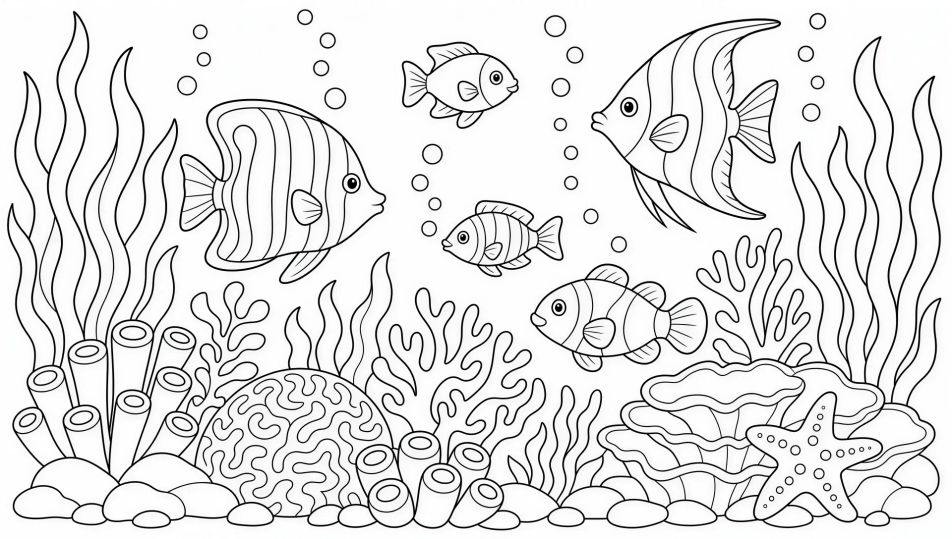
Zeichnen Sie Malbuchseiten direkt im Browser mit dem Malbuchseiten-KI-Bildgenerator von Morphic. Generieren Sie einen freundlichen Drachen in sauberer kräftiger Kontur, eine detaillierte Mandala-Blume oder eine belebte Unterwasserszene. Halten Sie eine Linienstärke mit Style Transfer und ordnen Sie die fertigen Seiten auf dem Canvas an, um sie zu drucken.
Eine Unterwasser-Malszene mit Fischen, Korallen und Seetang in sauberer kräftiger Kontur, geschichtete Formen, aufsteigende Blasen, schlichter weißer Hintergrund, keine Füllung.
Prompt bearbeitenEine Garten-Malszene mit großen Blumen, einem Schmetterling, einer Gießkanne und einem niedrigen Zaun in sauberer schwarzer Kontur, kräftige gleichmäßige Linien, weißer Hintergrund.
Prompt bearbeiten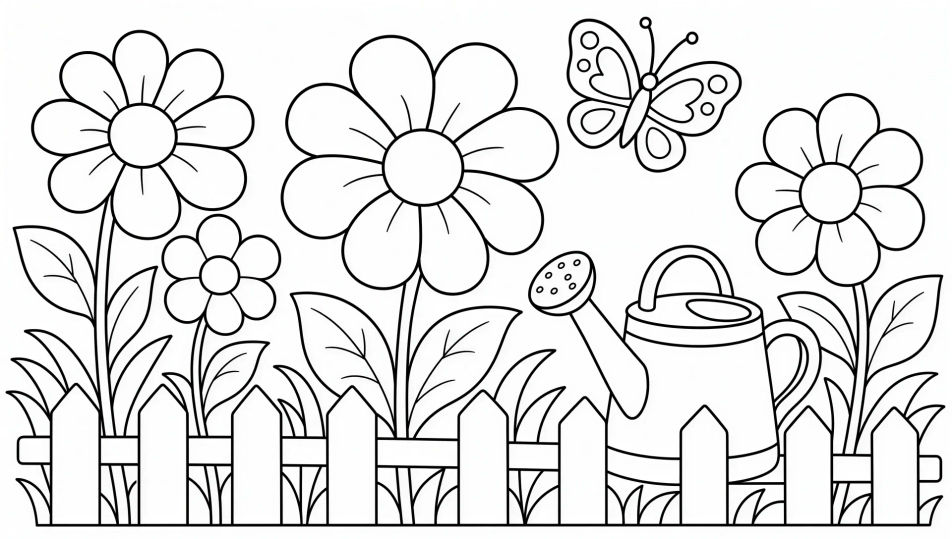
Eine einfache Stadtsilhouette aus Gebäuden, Fenstern und ein paar Wolken in sauberer kräftiger Kontur, ausgewogenes Detail, schlichter weißer Hintergrund, bereit zum Ausmalen.
Prompt bearbeiten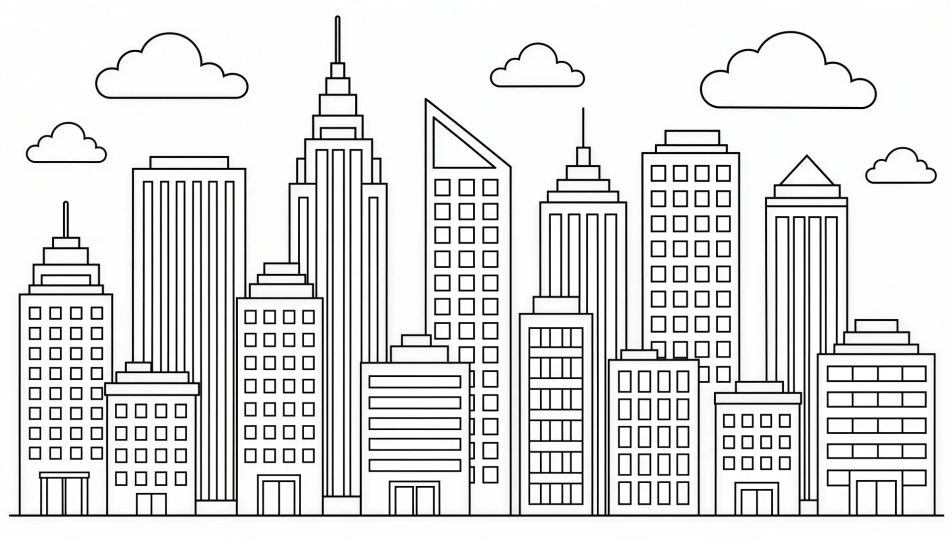
Eine Wald-Malszene mit geschichteten Bäumen, einem gewundenen Pfad, einem Reh und Fliegenpilzen in sauberer schwarzer Kontur, großzügige offene Flächen, weißer Hintergrund.
Prompt bearbeiten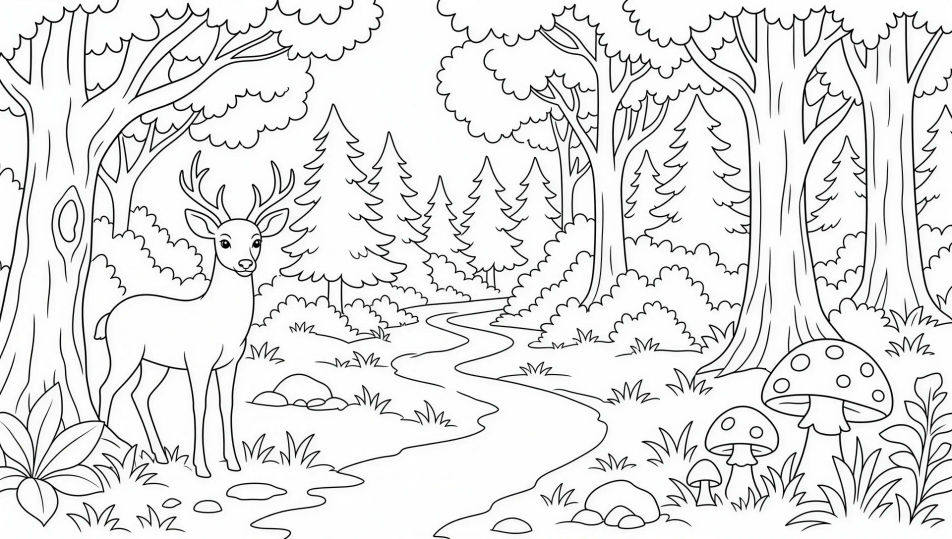
Beschreiben Sie das Malbuchseite, das Sie möchten, in einfachen Worten.
Morphic generiert in Sekunden ein sauberes, veröffentlichungsfertiges Bild auf Ihrer Canvas.
Passen Sie den Prompt an, generieren Sie Varianten und laden Sie das Bild herunter oder teilen Sie es.

Share a scene description with character references. Get a full storyboard with shot angles and mood.

Feed in a single image. Get 9 cinematic beats laid out as a 3x3 storyboard grid.
One image to a 9-scene cinematic video.

Take any character image and generate 6 distinct facial expressions on a single reference sheet.
Cinematic time-freeze short film for any scene
Drop in a photo of yourself. Get a 12-second cinematic movie with animation and a matched soundtrack.
Kinderbuch-KI-Bilder
Erstellen Sie Kinderbuch-Illustrationen mit Morphic. Freundliche Charaktere mit konsistentem Aussehen, altersgerechte Bilder und vollständige Doppelseiten, generiert aus einem einzigen Prompt.
Storybook-Illustration-KI-Generator
Erstellen Sie Storybook-Illustration mit Morphic. Warme malerische erzählende Kunst, konsistente Figuren und Seiten-Spread-Kompositionen aus einem einzigen Prompt.
Kawaii-Art-KI-Generator
Erstellen Sie Kawaii-Art mit Morphic. Runde pastellfarbene Maskottchen, Figuren mit übergroßen Augen, Stickerbögen und superniedliche Illustrationen aus einem einzigen Prompt.
Bilderbuchfigur-KI-Generator
Erstellen Sie Bilderbuchfiguren mit Morphic. Originelle Figurendesigns, Turnaround-Blätter, Ausdrucks-Sets und modellgetreue Kunst auf jeder Seite.
Starten Sie noch heute kostenlos, mit der Option, jederzeit zu upgraden oder zu kündigen.
Basic
2400 monatliche Credits
1 Nutzer
Alle Modelle
Workflows
Standard
3625 monatliche Credits
1 Nutzer
Alle Modelle
Workflows
Pro
6350 gemeinsame monatliche Credits
1 Nutzer
Alle Modelle
Workflows
Max
24650 gemeinsame monatliche Credits
1 Nutzer
Alle Modelle
Workflows
Enterprise
Für höhere Limits
Individuell
Preis- und Abrechnungsbedingungen

Free
Zum Ausprobieren
$0
dauerhaft kostenlos