4-Panel-Gag-Strip
Ein horizontaler Strip aus vier gleich großen Panels mit sauberen Rändern, ein Setup, das sich über drei Panels aufbaut, und eine Pointe im letzten, mit Platz für Sprechblasen.
Prompt bearbeiten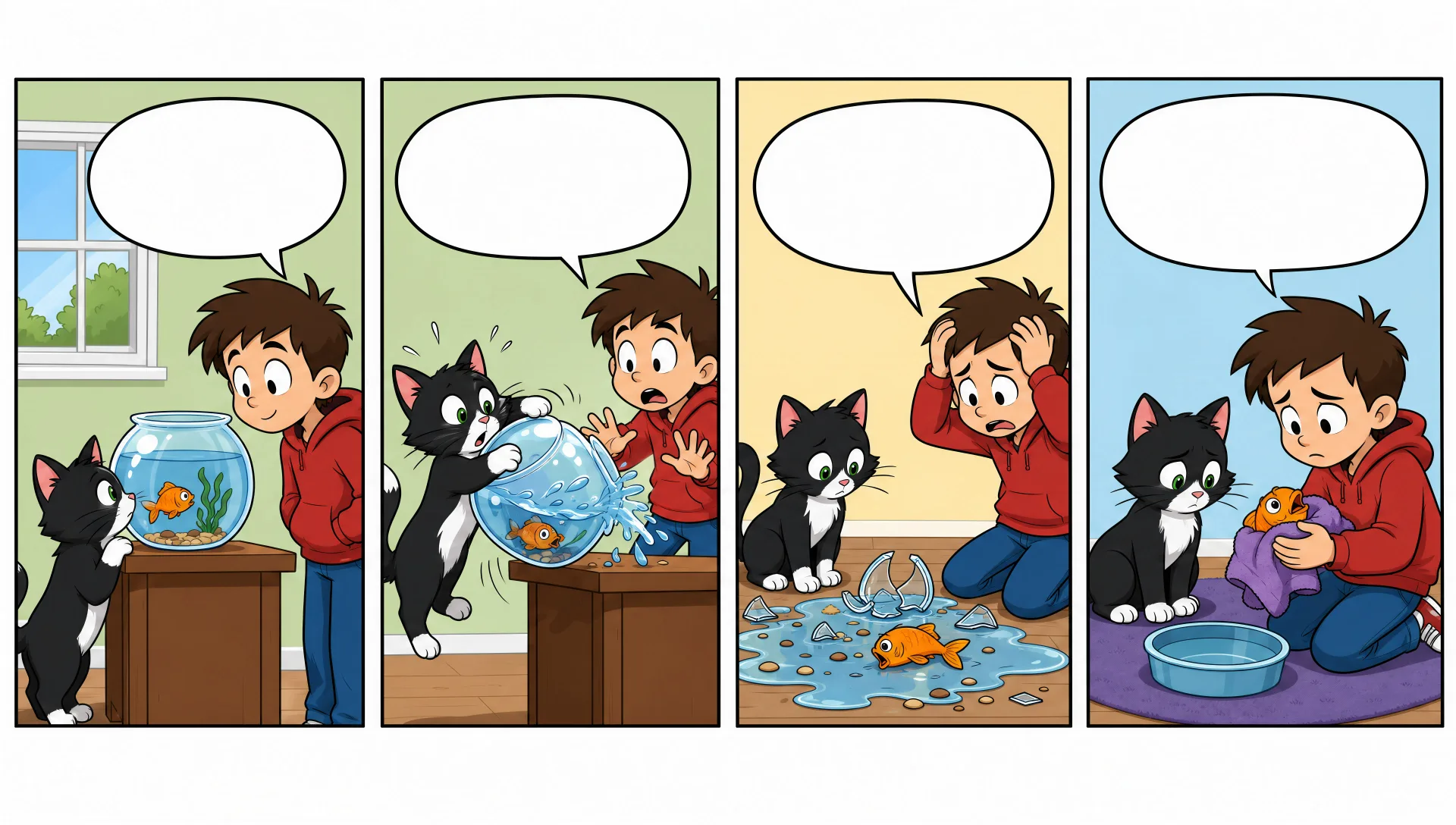
Zeichnen Sie Comic-Strips direkt im Browser mit Morphics Comic-Strip-KI-Bildgenerator. Erstellen Sie einen 4-Panel-Bürogag, ein 3-Panel-Setup mit Pointe oder einen wortlosen visuellen Scherz. Halten Sie die Besetzung mit Character Lineup modelltreu und legen Sie Panels und Lettering auf der Canvas an.
Ein horizontaler Strip aus vier gleich großen Panels mit sauberen Rändern, ein Setup, das sich über drei Panels aufbaut, und eine Pointe im letzten, mit Platz für Sprechblasen.
Prompt bearbeitenEin horizontaler Strip aus drei gleich großen Panels, zwei für das Setup und eines für die Auflösung, saubere Ränder, einfache Inszenierung, mit freigehaltenem Platz für das Lettering.
Prompt bearbeiten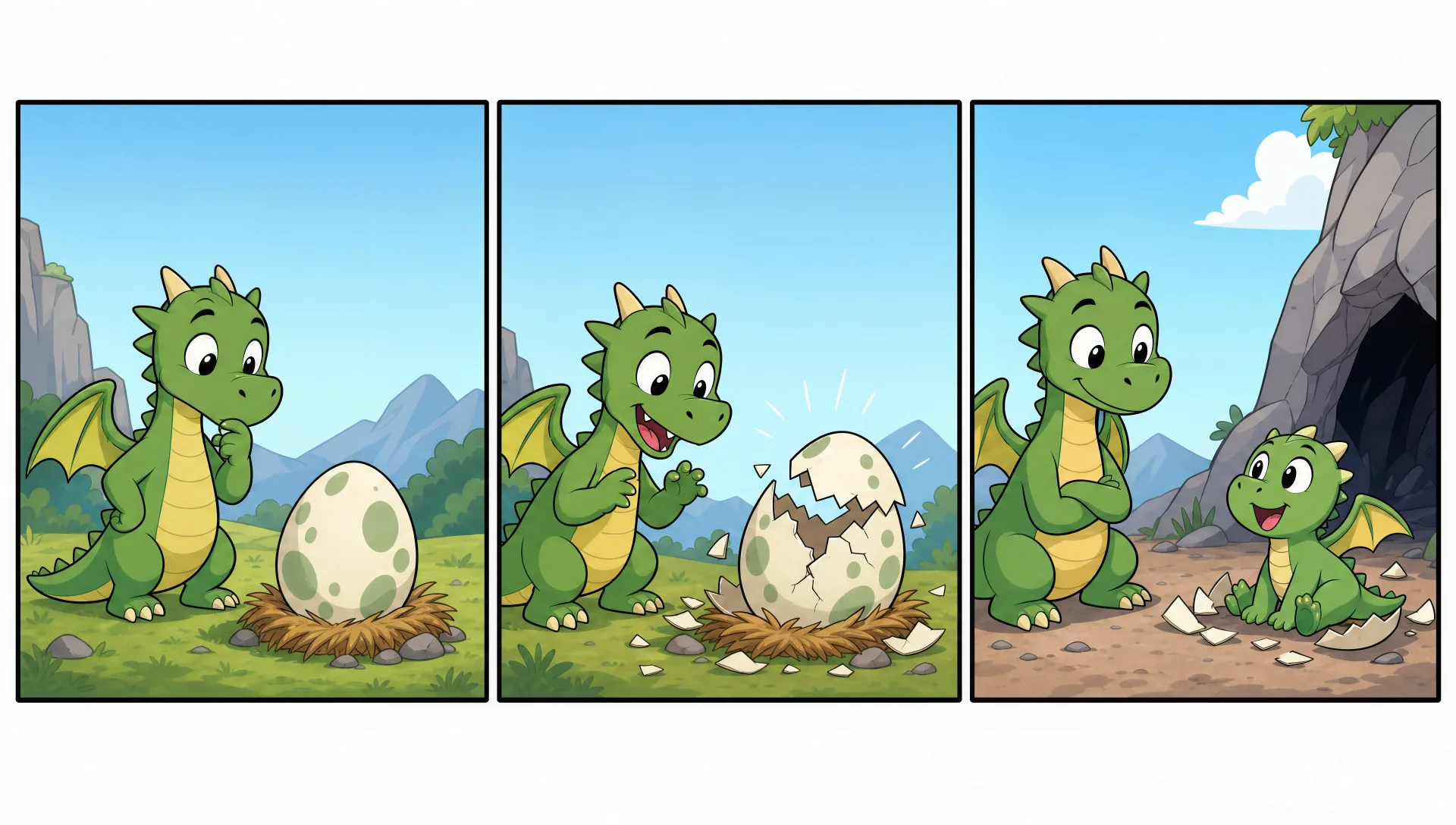
Ein umrandetes Panel, das einen ganzen Scherz in einem einzigen Bild fasst, saubere Cartoon-Linienführung, eine klare zentrale Handlung, mit Platz für eine Bildunterschrift darunter.
Prompt bearbeiten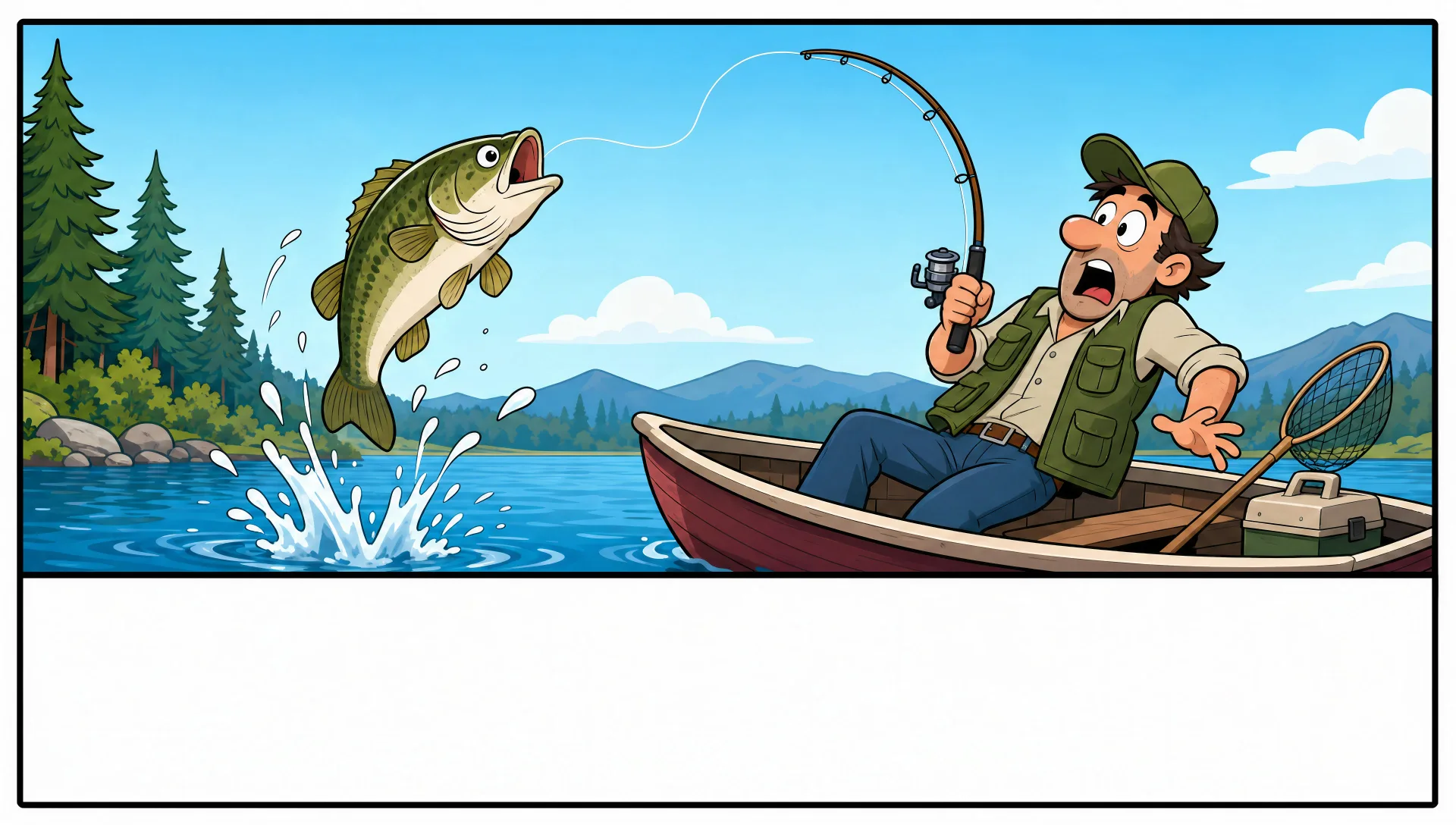
Ein größerer mehrreihiger Strip mit einem Titelpanel und unterschiedlichen Panelgrößen, sauberen Rändern, kräftigerer Farbe, mit Platz für Sprechblasen und ein Banner.
Prompt bearbeiten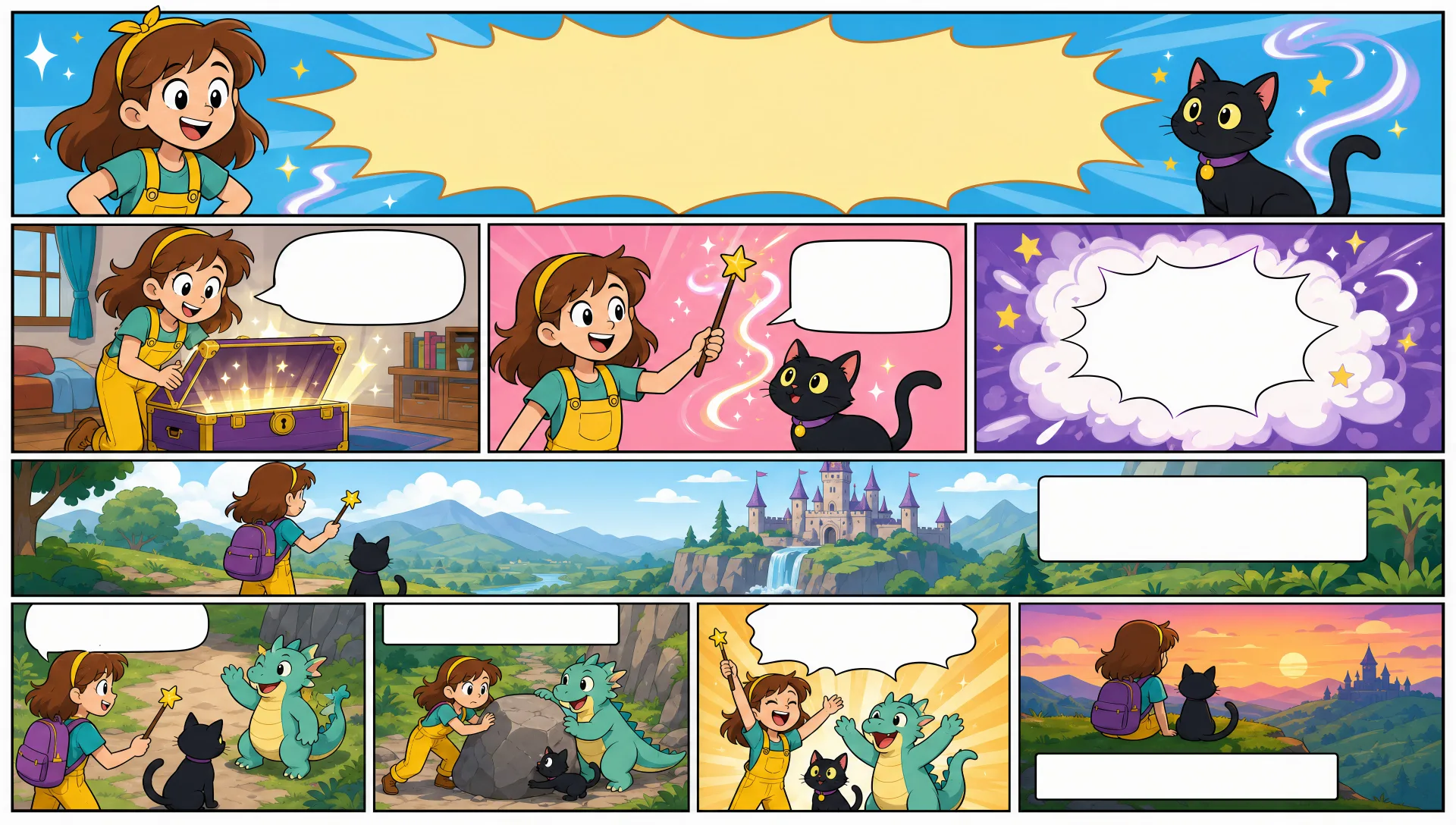
Beschreiben Sie das Comic-Strip, das Sie möchten, in einfachen Worten.
Morphic generiert in Sekunden ein sauberes, veröffentlichungsfertiges Bild auf Ihrer Canvas.
Passen Sie den Prompt an, generieren Sie Varianten und laden Sie das Bild herunter oder teilen Sie es.

Share a scene description with character references. Get a full storyboard with shot angles and mood.

Feed in a single image. Get 9 cinematic beats laid out as a 3x3 storyboard grid.
One image to a 9-scene cinematic video.

Take any character image and generate 6 distinct facial expressions on a single reference sheet.
Cinematic time-freeze short film for any scene
Drop in a photo of yourself. Get a 12-second cinematic movie with animation and a matched soundtrack.
Comicbuch-KI-Bilder
Erstellen Sie Comicbuch-Panels, Charakterdesigns und komplette Seiten mit Morphic. Splash-Pages, Actionsequenzen, entschleunigte Erzählmomente und Indie-Comic-Stile aus einem einzigen Prompt.
Graphic-Novel-Kunst-KI-Generator
Erstellen Sie Graphic-Novel-Kunst mit Morphic. Malerische Tusche-und-Farbe-Panels, cinematische Bildkomposition, stimmungsvolle Paletten und figurentreue Charaktere aus einem einzigen Prompt.
Kawaii-Art-KI-Generator
Erstellen Sie Kawaii-Art mit Morphic. Runde pastellfarbene Maskottchen, Figuren mit übergroßen Augen, Stickerbögen und superniedliche Illustrationen aus einem einzigen Prompt.
Bilderbuchfigur-KI-Generator
Erstellen Sie Bilderbuchfiguren mit Morphic. Originelle Figurendesigns, Turnaround-Blätter, Ausdrucks-Sets und modellgetreue Kunst auf jeder Seite.
Starten Sie noch heute kostenlos, mit der Option, jederzeit zu upgraden oder zu kündigen.
Basic
2400 monatliche Credits
1 Nutzer
Alle Modelle
Workflows
Standard
3625 monatliche Credits
1 Nutzer
Alle Modelle
Workflows
Pro
6350 gemeinsame monatliche Credits
1 Nutzer
Alle Modelle
Workflows
Max
24650 gemeinsame monatliche Credits
1 Nutzer
Alle Modelle
Workflows
Enterprise
Für höhere Limits
Individuell
Preis- und Abrechnungsbedingungen

Free
Zum Ausprobieren
$0
dauerhaft kostenlos