Design icon design images in your browser with Morphic's AI image generator. Generate a clean line-icon grid, a set of glossy app tiles, or a duotone glyph sheet on a neutral background, and pair every piece with the Style Transfer workflow to lock the stroke weight, corner radius and palette across the whole family. Animate any still with the Image to Video tool.

Icon design looks you can create

Icon design scenes you can build

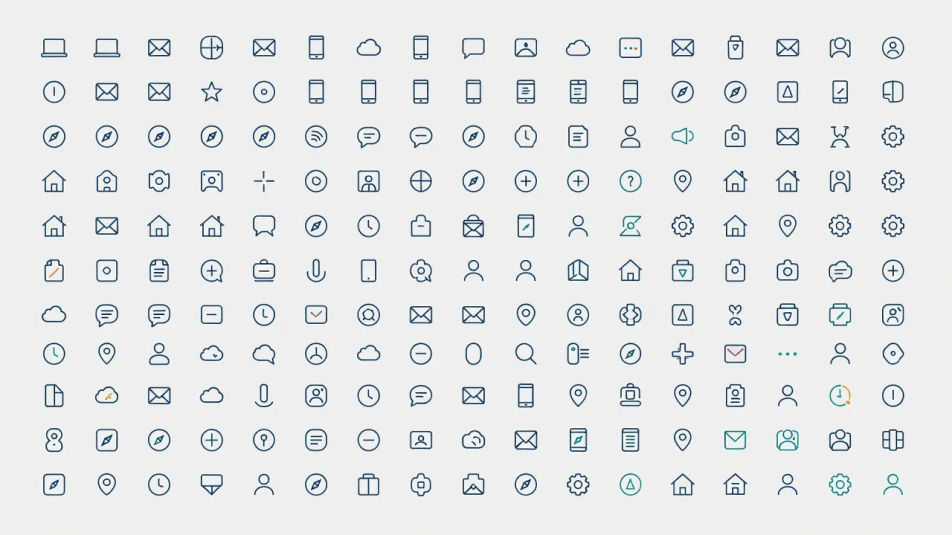
Full icon family lockup

A wide overview of a complete icon family laid out in a neat grid, matched stroke weight and palette across every glyph, flat even light on a soft background.

Prompt bearbeiten
Full icon family lockup

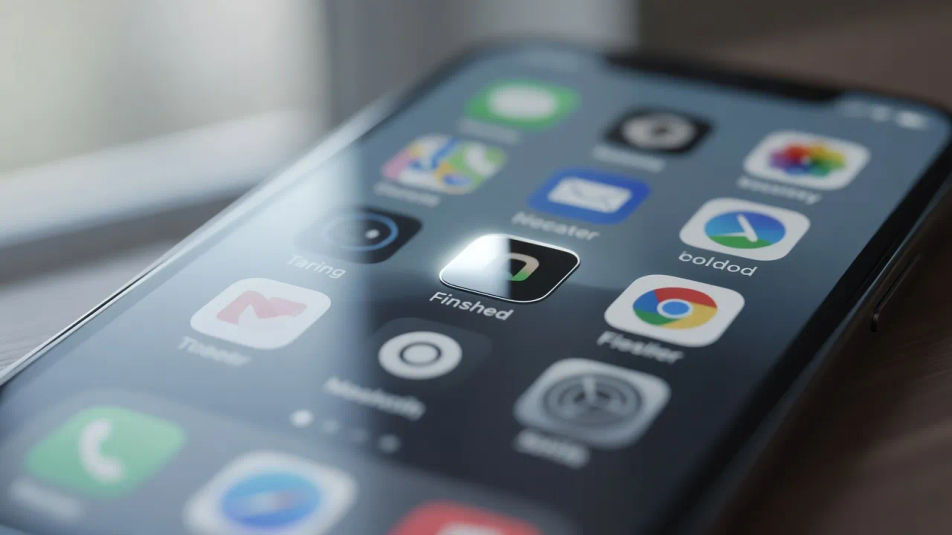
App icon on device

A wide shot of a single finished app icon shown on a phone home screen among other apps, glossy tile catching soft window light, shallow focus behind.

Prompt bearbeiten
App icon on device

Designer desk with icon sheet

A wide desk scene with a printed icon sheet, a tablet showing the vector set and a stylus, warm daylight raking across the paper and screen.

Prompt bearbeiten
Designer desk with icon sheet

Icon system on a spec wall

A wide studio wall pinned with an icon system, categories grouped in rows with annotation notes, cool gallery light across the pinned sheets.

Prompt bearbeiten
Icon system on a spec wall

Icon design in drei Schritten erstellen

  1. 01

    Beschreiben Sie Ihr Icon design

    Beschreiben Sie das Icon design, das Sie möchten, in einfachen Worten.

  2. 02

    Bild generieren

    Morphic generiert in Sekunden ein sauberes, veröffentlichungsfertiges Bild auf Ihrer Canvas.

  3. 03

    Icon design verfeinern

    Passen Sie den Prompt an, generieren Sie Varianten und laden Sie das Bild herunter oder teilen Sie es.

Verwandte Workflows

Das könnte Ihnen auch gefallen

Einfache Preise

Starten Sie noch heute kostenlos, mit der Option, jederzeit zu upgraden oder zu kündigen.

Basic

$0/ Monat
abgerechnet als $0 pro Jahr

900 monatliche Credits

1 Nutzer

Alle Modelle

Workflows

Standard

$0/ Monat
abgerechnet als $0 pro Jahr

3200 monatliche Credits

1 Nutzer

Alle Modelle

Workflows

Pro

$0/ Monat
abgerechnet als $0 pro Jahr

6200 gemeinsame monatliche Credits

1 Nutzer

+ bis zu 4 weitere gegen Aufpreis

Alle Modelle

Workflows

Pro Max

$0/ Monat
abgerechnet als $0 pro Jahr

24000 gemeinsame monatliche Credits

1 Nutzer

+ bis zu 9 weitere gegen Aufpreis

Alle Modelle

Workflows

Enterprise

Für höhere Limits

Individuell

Preis- und Abrechnungsbedingungen

Unbegrenzte Credits
Individuelle Platzlimits
Alle Modelle
Workflows
Pricing Gradient

Free

Zum Ausprobieren

$0

dauerhaft kostenlos

Bis zu 20 Credits
Nur 1 Nutzer
Eingeschränkte Modelle
Workflows

Häufig gestellte Fragen

How can I make icon design images with AI?
You can create icon sets directly in your browser on Morphic. Open the Image tool, describe the metaphor, the style register and the palette, and Morphic renders the glyphs. No vector software or drawing skill needed to start.
What visual cues make an image read as icon design?
Name a uniform stroke weight, a consistent corner radius, tight framing on a neutral background and a limited palette. Icons read as designed when every glyph shares the same geometry and optical size rather than looking like separate illustrations.
How do I keep stroke weight and grid consistent across a set?
Describe the stroke weight, corner radius and grid explicitly in the prompt, for example "2px strokes, 4px radius, 24px grid." Stating the same construction rules for every glyph keeps the set optically balanced and on-grid.
How do I keep a whole icon family consistent?
Use Morphic's Style Transfer workflow to lock the stroke weight, palette and finish, then reference that style card in every icon prompt. The full family reads as one system rather than a set of mismatched glyphs.
Can I turn an icon design image into video?
Yes. Morphic's Image to Video tool animates any still you generate, so a glyph can draw itself on, a duotone can shift, or an app tile can bounce in. Pair the result with the Music tool for a short UI motion clip.
Do I need design experience to make these?
No. Morphic runs in your browser and you direct it with plain-language prompts. Anyone who can name a metaphor and a style can produce icon sets. The stroke geometry and alignment are handled for you.