Etablierendes Fabrikbild
Eine weite Komposition einer vollständigen Fabrikhalle, die in den Dunst zurückweicht, hartes Licht und kühle Stahltöne, die Größe vermitteln, mit klarem Raum am oberen Rand, freigehalten für einen Titel.
Prompt bearbeiten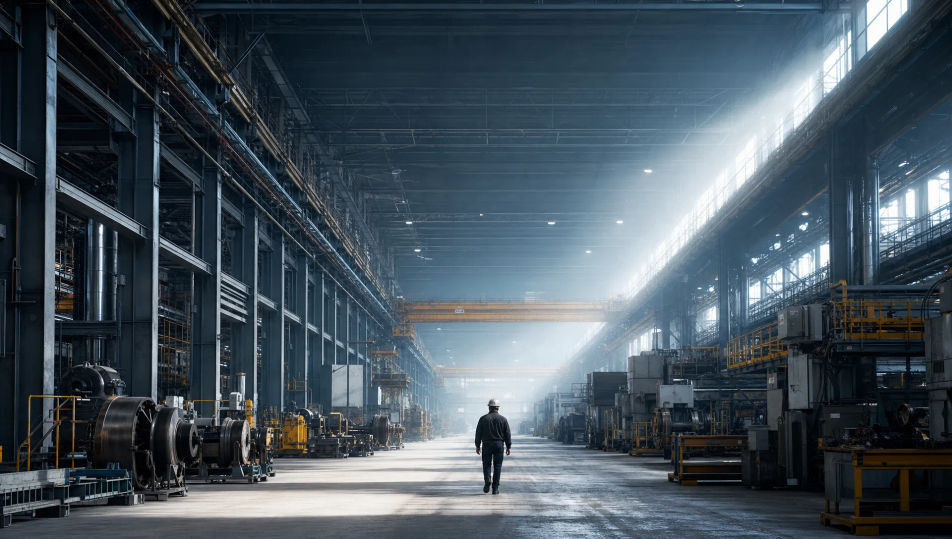
Fotografieren Sie Industriefotografie in Ihrem Browser mit dem KI-Bildgenerator von Morphic. Erzeugen Sie eine weitläufige Fabrikhalle im Dunst, ein maschinell gefertigtes Bauteil in engem Detail oder einen Arbeiter in PSA vor turmhohen Anlagen. Halten Sie einen Look über das ganze Anlagen-Set mit Style Transfer fest.
Eine weite Komposition einer vollständigen Fabrikhalle, die in den Dunst zurückweicht, hartes Licht und kühle Stahltöne, die Größe vermitteln, mit klarem Raum am oberen Rand, freigehalten für einen Titel.
Prompt bearbeitenEin Querformat einer einzelnen Maschine oder eines Bauteils, von einem streifenden Licht vor dunklem Hintergrund beleuchtet, gebürstetes Metall und Ölschimmer scharf, Platz an einer Seite für eine Bildunterschrift.
Prompt bearbeiten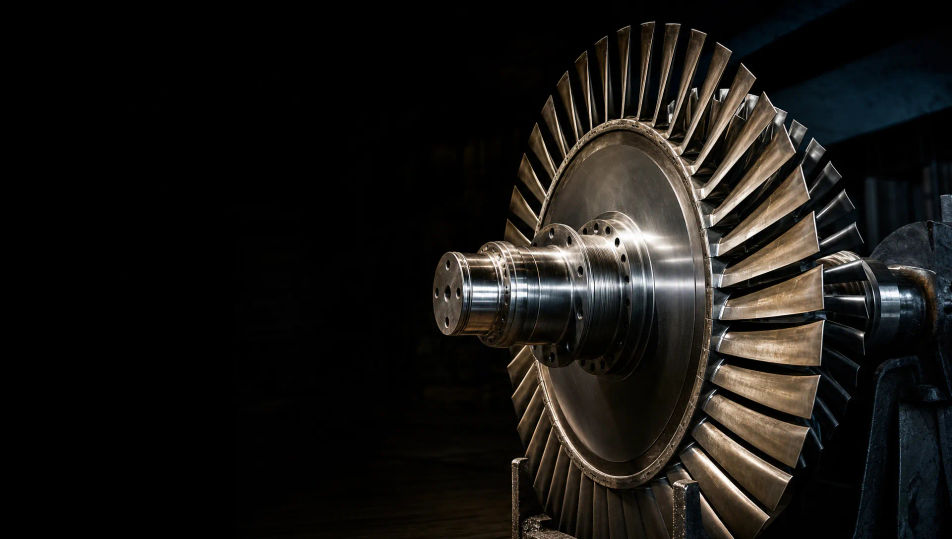
Eine weite grafische Komposition aus Rohren und Stahlgerüst, die sich wiederholende diagonale Linien bildet, kühles gerichtetes Licht und starker Negativraum, die einen architektonischen, redaktionellen Eindruck vermitteln.
Prompt bearbeiten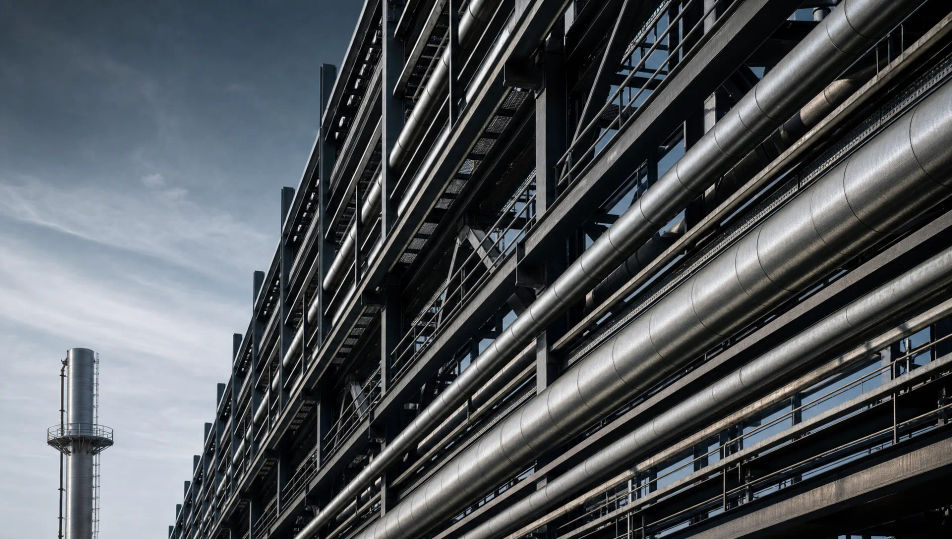
Ein etablierendes Bild einer Werksaußenansicht in der Dämmerung, als Silhouette abgesetzte Schornsteine und Laufstege vor einem kühlen Himmel, kleine warme Arbeitsleuchten darunter und eine ruhige, monumentale Atmosphäre.
Prompt bearbeiten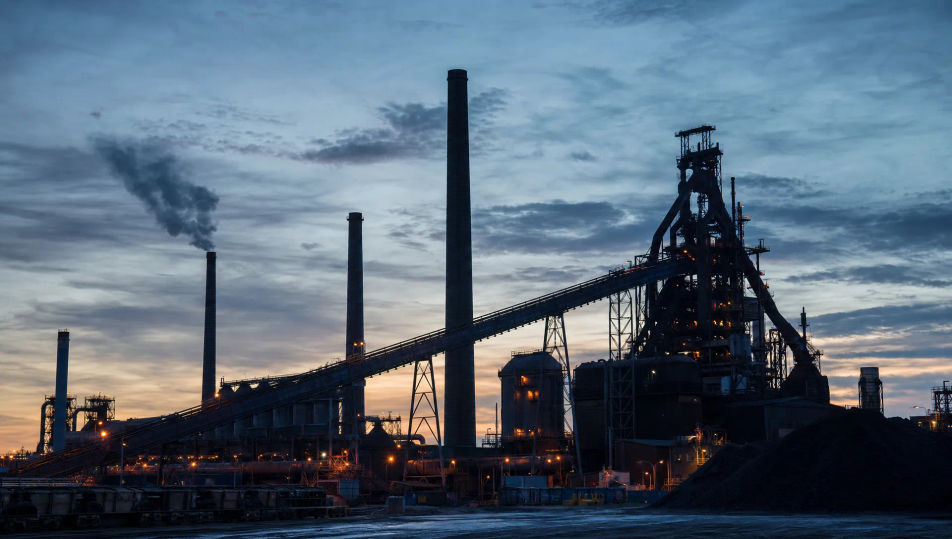
Beschreiben Sie das Industriefotografie, das Sie möchten, in einfachen Worten.
Morphic generiert in Sekunden ein sauberes, veröffentlichungsfertiges Bild auf Ihrer Canvas.
Passen Sie den Prompt an, generieren Sie Varianten und laden Sie das Bild herunter oder teilen Sie es.
Fix plastic-looking AI skin. Adds natural texture, pores, and imperfections for realism.
One selfie becomes a set of professional headshots. Studio-quality, multiple styles.
Convert any image to a new aspect ratio. Smart crop or extend the edges to fit.
Set the look with one reference image. Apply that exact grade to any scene or batch.
Choose your viewing angles and get precise perspective shifts of any image with full camera control.
Bring back any damaged, blurry, or low-res image. Get a sharp, detailed 4K version with natural clarity restored.
Bergbaufotografie-KI-Bilder
Erstellen Sie KI-Bergbaufotografie-Bilder mit Morphic. Generieren Sie authentische Bergbaufotografie-Motive, Szenen und Visuals für jedes Projekt in Sekunden.
Agrarfotografie-KI-Bilder
Erstellen Sie KI-Agrarfotografie-Bilder mit Morphic. Generieren Sie authentische Kunstwerke, Szenen und Visuals der Agrarfotografie für jedes Projekt in Sekunden.
Produktfotografie-KI-Bilder
Erstellen Sie KI-Produktfotografie-Bilder mit Morphic. Generieren Sie Produktfotografie-Aufnahmen, -Porträts und -Motive für jedes Projekt in Sekunden.
Stillleben-Fotografie-KI-Bilder
Erstellen Sie KI-Stillleben-Fotografie-Bilder mit Morphic. Generieren Sie authentische Stillleben-Fotografie-Kunstwerke, Szenen und Visuals für jedes Projekt in Sekunden.
Starten Sie noch heute kostenlos, mit der Option, jederzeit zu upgraden oder zu kündigen.
Basic
2400 monatliche Credits
1 Nutzer
Alle Modelle
Workflows
Standard
3625 monatliche Credits
1 Nutzer
Alle Modelle
Workflows
Pro
6350 gemeinsame monatliche Credits
1 Nutzer
Alle Modelle
Workflows
Max
24650 gemeinsame monatliche Credits
1 Nutzer
Alle Modelle
Workflows
Enterprise
Für höhere Limits
Individuell
Preis- und Abrechnungsbedingungen

Free
Zum Ausprobieren
$0
dauerhaft kostenlos