Splash-Page-Heldeneintritt
Einzelnes ganzseitiges Panel: Held tritt unter zerrissenem Himmel ins Bild, dicke Tuschekontur, dramatischer Screentone-Schatten im Hintergrund, Bildrand läuft bis zum Seitenrand.
Prompt bearbeiten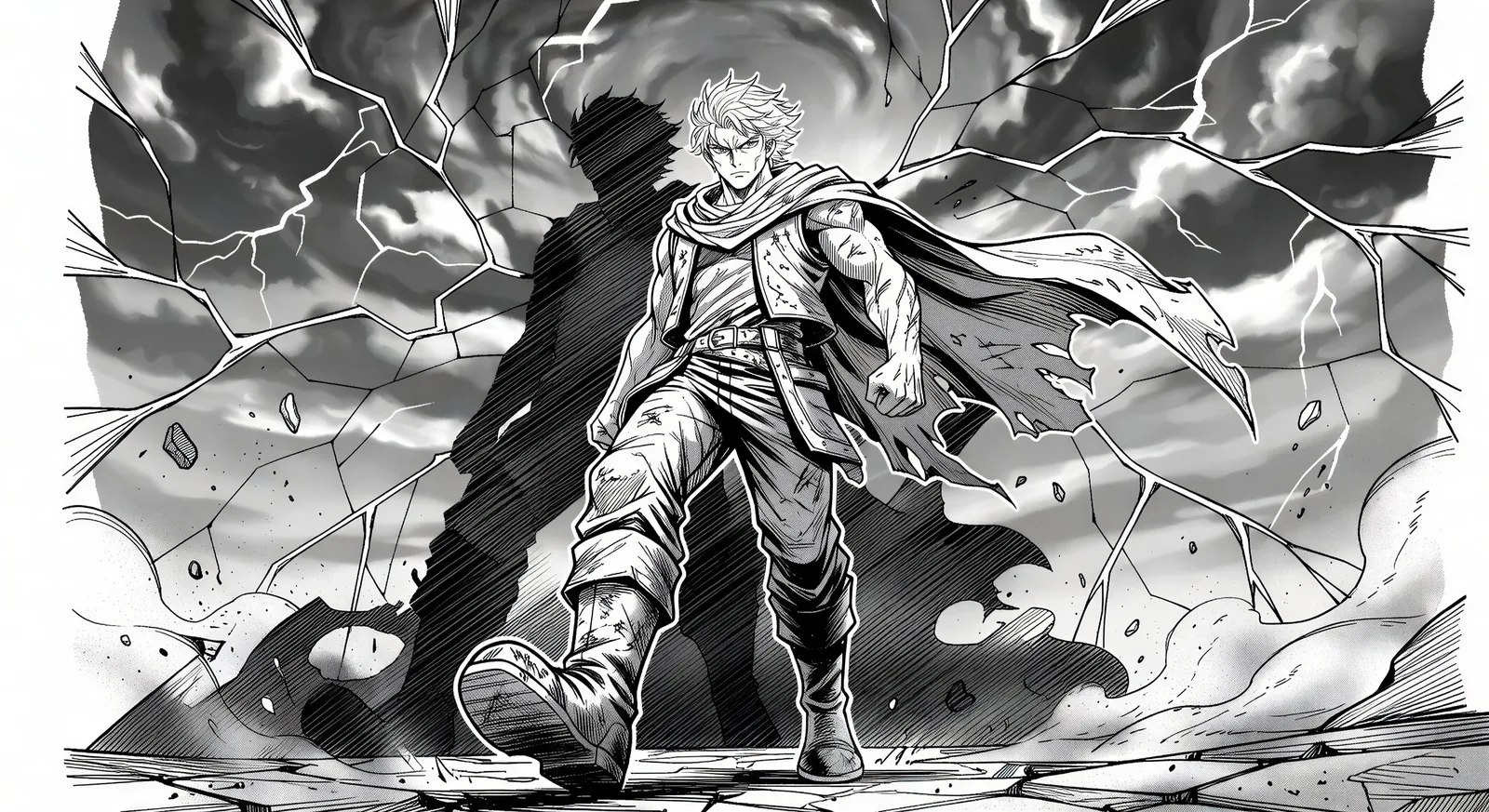
Erstellen Sie japanische Sequenzkunst direkt im Browser mit Morphics Manga-KI-Bildgenerator. Gestalten Sie eine Splash-Page-Heldin in dicker Tuschelinie und Screentone oder eine dramatische Ein-Augen-Nahaufnahme, fixieren Sie Gesichter mit Character Lineup und animieren Sie die Doppelseite anschließend mit Image to Video.
Einzelnes ganzseitiges Panel: Held tritt unter zerrissenem Himmel ins Bild, dicke Tuschekontur, dramatischer Screentone-Schatten im Hintergrund, Bildrand läuft bis zum Seitenrand.
Prompt bearbeitenOberes Panel: Held blickt über die Schulter, Augen aufleuchtend. Unteres Panel: Der Bösewicht spiegelt den Blick von der anderen Seite der Stadt. Schmale Rinne für schnellen Lesefluss.
Prompt bearbeiten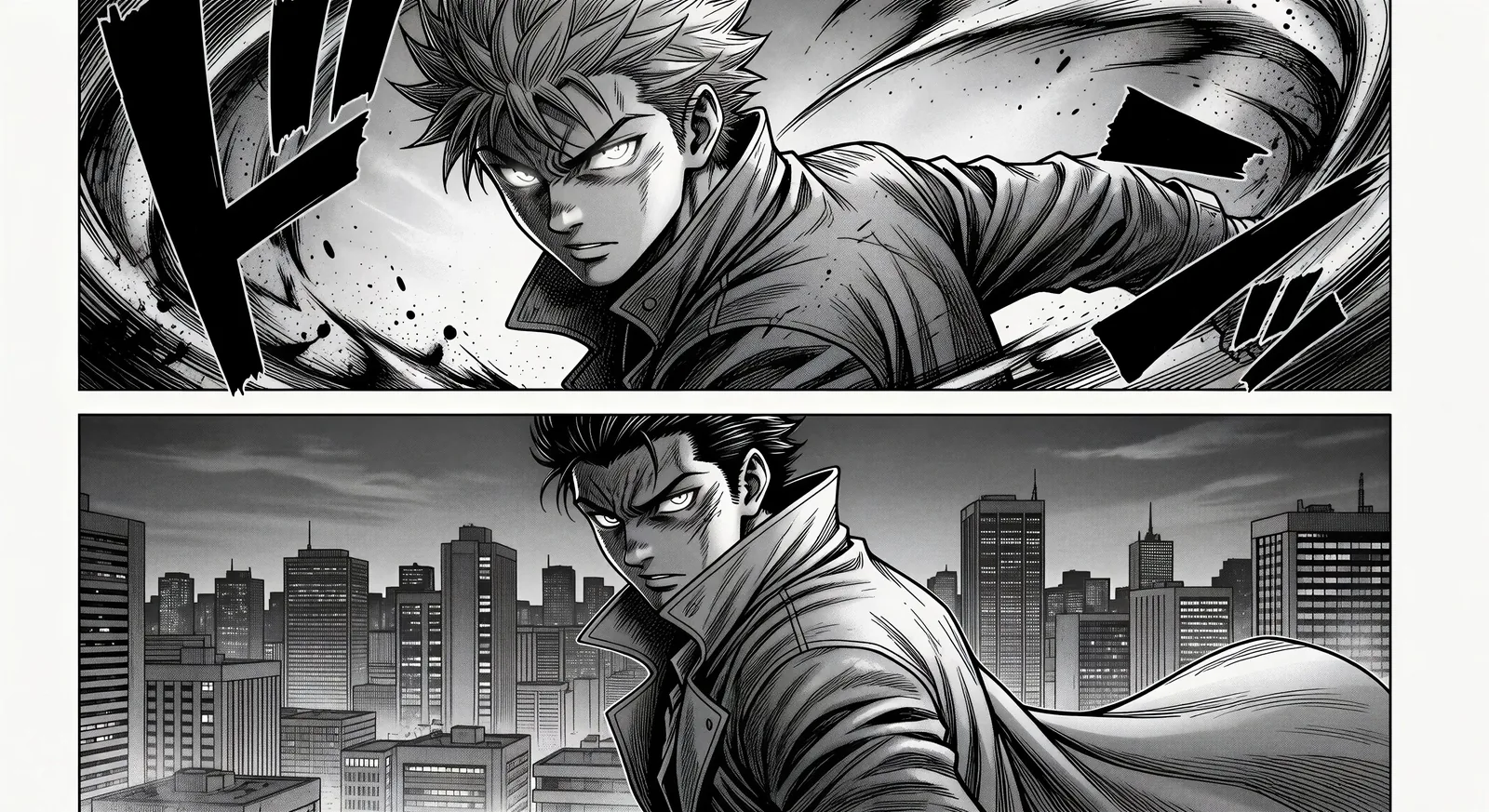
Gekipptes Impact-Panel, Silhouettenexplosion in der Bildmitte, strahlende Bewegungslinien, treibende Trümmer, ein einzelner Onomatopoesie-Stempel in der Ecke.
Prompt bearbeiten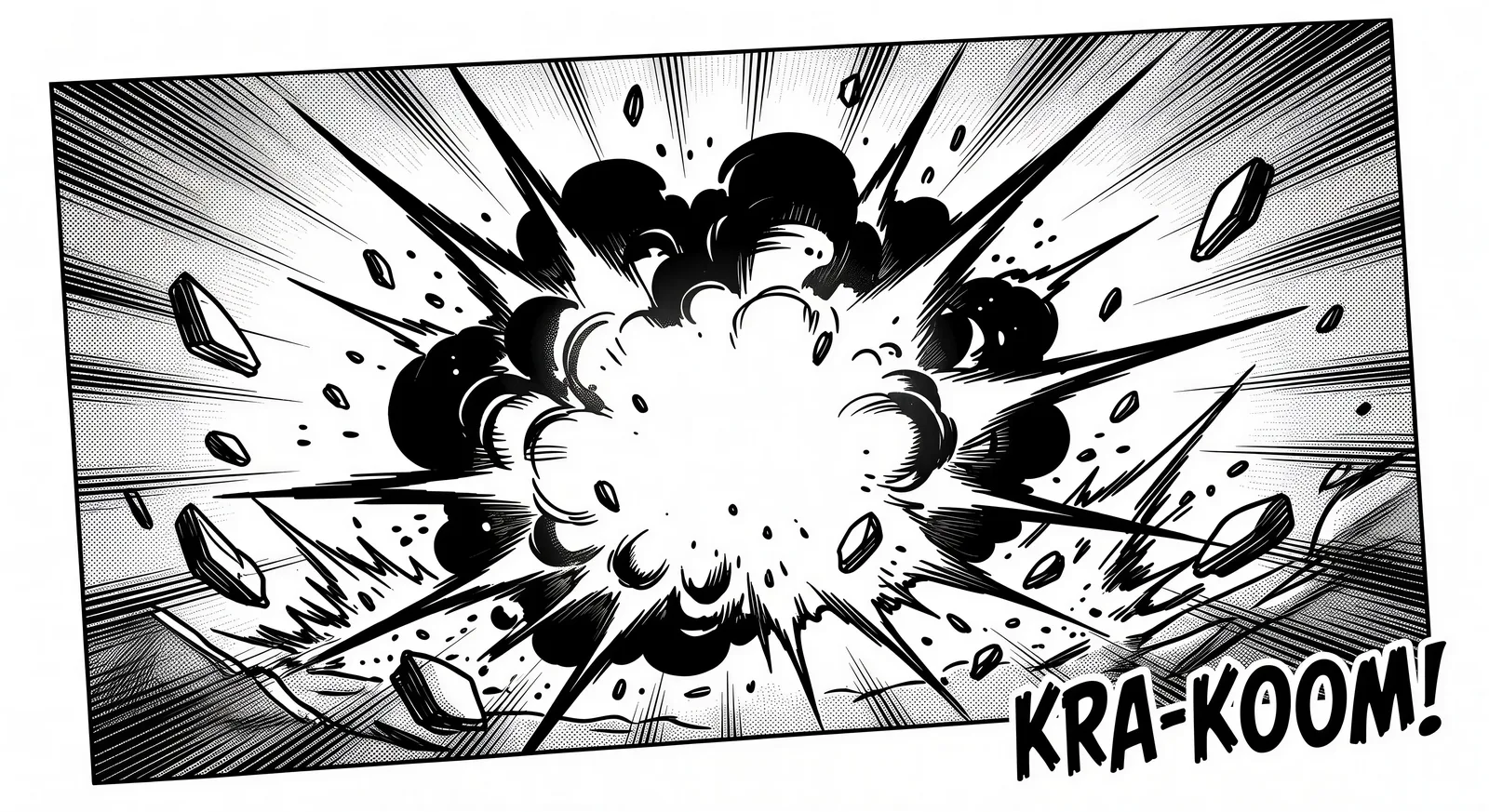
Zwei Charaktere knien an einem niedrigen Tisch, eine einzelne dampfende Teetasse zwischen ihnen, weiches Tageslicht durch Shoji-Paneele, keine Dialoge.
Prompt bearbeiten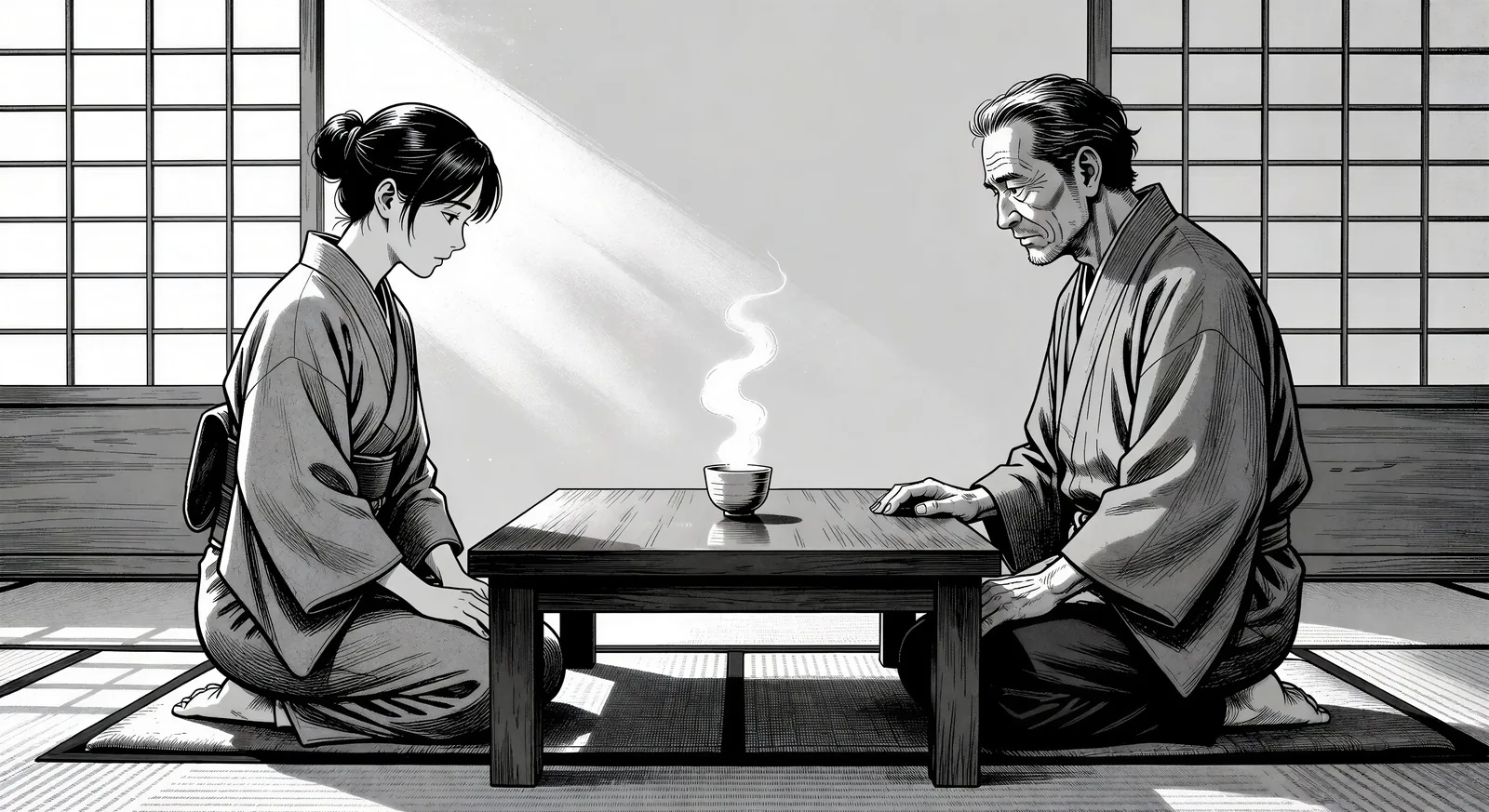
Beschreiben Sie das Manga, das Sie möchten, in einfachen Worten.
Morphic generiert in Sekunden ein sauberes, veröffentlichungsfertiges Bild auf Ihrer Canvas.
Passen Sie den Prompt an, generieren Sie Varianten und laden Sie das Bild herunter oder teilen Sie es.

Pick any anime illustration as your style guide. Apply its look to any image.

Turn any sketch or drawing into a finished render.

Take any character image and generate 6 distinct facial expressions on a single reference sheet.

All your characters on a single lineup image, side by side with height comparison.
Reimagine any anime character as a photorealistic, high-fashion live-action portrait.

Turn any photo or description into an animated chibi sprite. Dance, jump, wave, attack, and more.
Manhwa-KI-Bilder
Erstellen Sie Manhwa-Panels, Charakterdesigns und ganze Episoden mit Morphic. Vertical-Scroll-koreanische-Webtoons in den Subgenres Regression, Hunter, Chaebol und Villainess aus einem einzigen Prompt.
Comicbuch-KI-Bilder
Erstellen Sie Comicbuch-Panels, Charakterdesigns und komplette Seiten mit Morphic. Splash-Pages, Actionsequenzen, entschleunigte Erzählmomente und Indie-Comic-Stile aus einem einzigen Prompt.
Traurige Anime-Bilder - KI-Kunst
traurige Anime-Bilder in HD entdecken. Frische KI-Kollektion zum Herunterladen oder eigene Version mit Morphic erstellen.
Shoujo-Anime-Kunst-KI-Generator
Erstellen Sie Shoujo-Anime-Kunst mit Morphic. Glitzer-Overlays, Pastellfarbpaletten, fließendes Haar und zärtliche Romantik-Illustrationen aus einem einzigen Prompt.
Starten Sie noch heute kostenlos, mit der Option, jederzeit zu upgraden oder zu kündigen.
Basic
2400 monatliche Credits
1 Nutzer
Alle Modelle
Workflows
Standard
3625 monatliche Credits
1 Nutzer
Alle Modelle
Workflows
Pro
6350 gemeinsame monatliche Credits
1 Nutzer
Alle Modelle
Workflows
Max
24650 gemeinsame monatliche Credits
1 Nutzer
Alle Modelle
Workflows
Enterprise
Für höhere Limits
Individuell
Preis- und Abrechnungsbedingungen

Free
Zum Ausprobieren
$0
dauerhaft kostenlos