Radiology software product hero
Radiographer at a workstation viewing a scan, open space beside screens for a headline.
Prompt bearbeiten
Compose medical imaging images in your browser with Morphic's AI photo generator. Try a patient sliding into an MRI scanner, a radiologist reviewing scans on a lightwall, or a close detail of a control console. Adjust the crop and color in the Canvas, then download each in HD.
Radiographer at a workstation viewing a scan, open space beside screens for a headline.
Prompt bearbeitenMRI scanner in a bright imaging suite, horizontal shot for a healthcare article top.
Prompt bearbeiten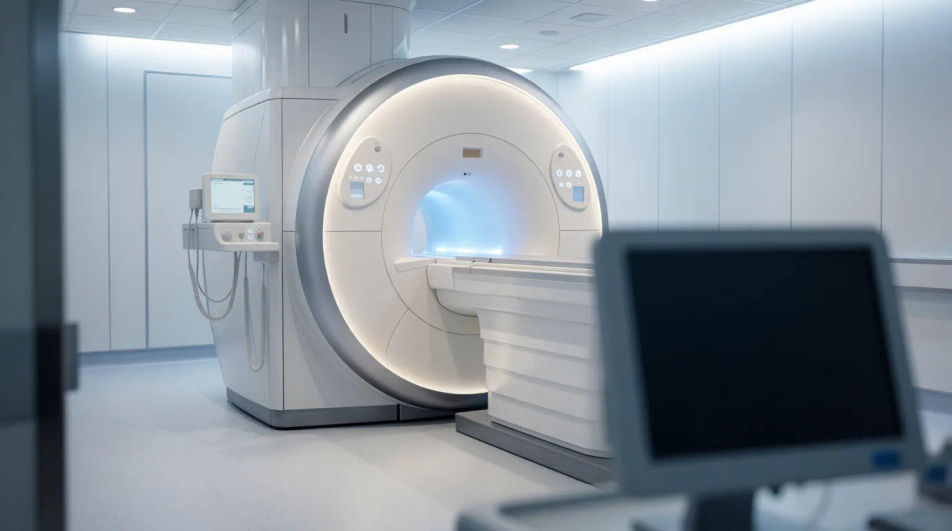
Close up of a monitor showing a detailed body scan, crisp frame for a diagnostics report.
Prompt bearbeiten
Reassuring tech guiding a patient into a scanner, warm print-ready portrait for a leaflet.
Prompt bearbeiten
Beschreiben Sie das medical imaging image, das Sie möchten, in einfachen Worten.
Morphic generiert in Sekunden ein sauberes, veröffentlichungsfertiges Bild auf Ihrer Canvas.
Passen Sie den Prompt an, generieren Sie Varianten und laden Sie das Bild herunter oder teilen Sie es.
Cinematic time-freeze short film for any scene
Upload a character image and make it dance in any style.

Share a scene description with character references. Get a full storyboard with shot angles and mood.
Pair a character image with a reference video. Your character picks up that exact motion.

Feed in a single image. Get 9 cinematic beats laid out as a 3x3 storyboard grid.

Dramatize any text conversation into a cinematic multi-shot video.
3D Printing AI Images
Produce 3d printing images in any style you need. Generate the exact scene rather than the nearest stock photo. No stock licence needed.
Agriculture Technology AI Images
Produce agriculture technology images in any style you need. Generate the exact scene rather than the nearest stock photo.
Airport Lounge Business AI Images
Make airport lounge business images from a text prompt. Control the setting, people and mood instead of browsing for a compromise.
Süße Baby-Bilder – KI-Fotografie
Süße Baby-Bilder in HD entdecken. Durchsuchen Sie die KI-Kollektion oder erstellen Sie mit Morphic Ihre eigene Version.
Starten Sie noch heute kostenlos, mit der Option, jederzeit zu upgraden oder zu kündigen.
Basic
2400 monatliche Credits
1 Nutzer
Alle Modelle
Workflows
Standard
3625 monatliche Credits
1 Nutzer
Alle Modelle
Workflows
Pro
6350 gemeinsame monatliche Credits
1 Nutzer
Alle Modelle
Workflows
Max
24650 gemeinsame monatliche Credits
1 Nutzer
Alle Modelle
Workflows
Enterprise
Für höhere Limits
Individuell
Preis- und Abrechnungsbedingungen

Free
Zum Ausprobieren
$0
dauerhaft kostenlos