Ein farbloses Düsterreich
Ein Shadar-kai, der über eine trostlose graue Ebene unter einem sonnenlosen Himmel schreitet, alles farbentleert, lange Schatten sammeln sich um die Gestalt, während dünner aschfahler Nebel niedrig treibt.
Prompt bearbeiten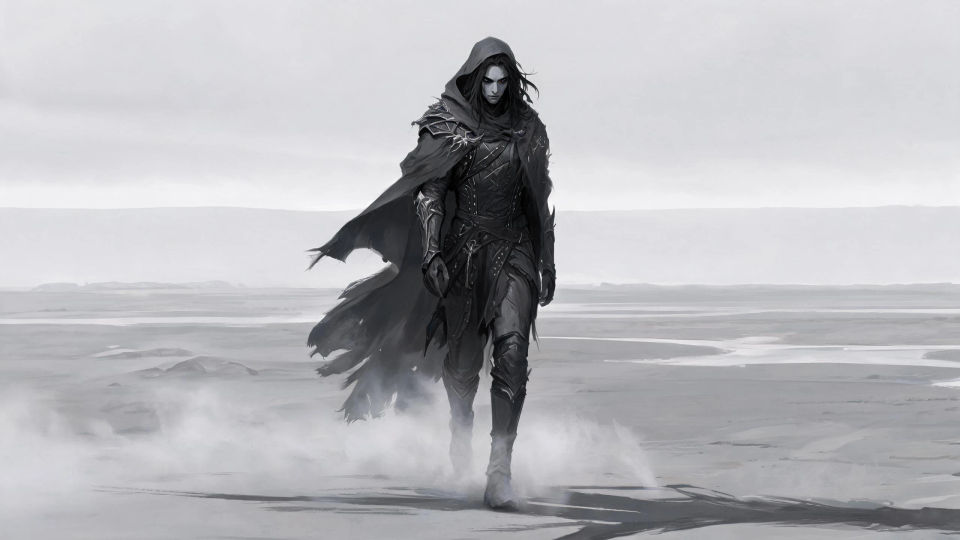
Gestalten Sie schattenberührte Shadar-kai direkt im Browser mit dem Shadar-kai-KI-Bildgenerator von Morphic. Erzeugen Sie einen hageren Klingentänzer im Schatten, einen hohläugigen Schattenpriester am schwarzen Altar oder eine Gestalt, die durch das Düster schreitet. Halten Sie den Look mit Style Transfer und animieren Sie ihn mit Image to Video.
Ein Shadar-kai, der über eine trostlose graue Ebene unter einem sonnenlosen Himmel schreitet, alles farbentleert, lange Schatten sammeln sich um die Gestalt, während dünner aschfahler Nebel niedrig treibt.
Prompt bearbeitenEin Schattenpriester an einem schwarzen Steinaltar in einem fahlen gewölbten Schrein, dunkle Energie quillt aus eingemeißelten Rinnen empor, hohläugige Shadar-kai-Gestalten umringen die kalte graue Kammer.
Prompt bearbeiten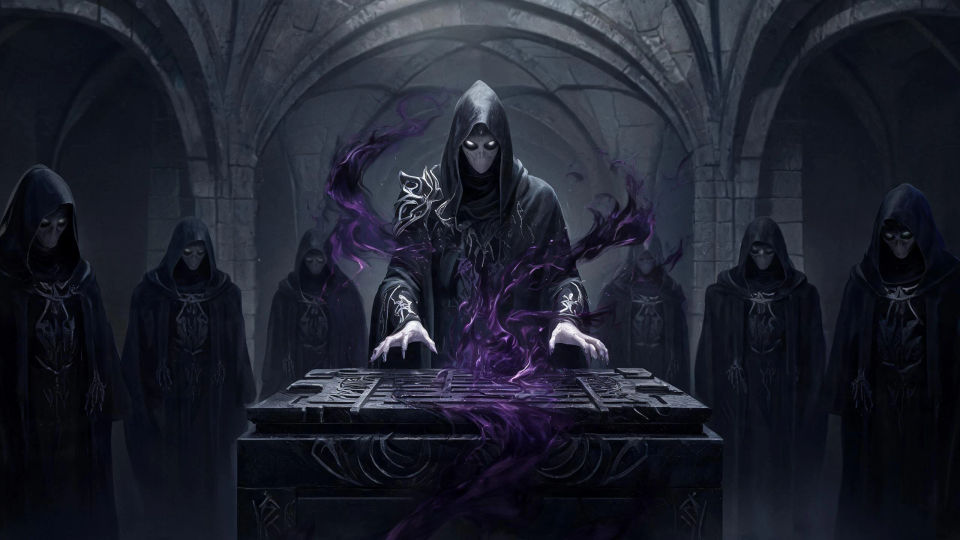
Ein Shadar-kai-Klingentänzer, der durch eine bröckelnde farblose Halle wirbelt, Schattenbänder strömen vom kreisenden Stahl ab, Staub hängt im flachen grauen Licht zerbrochener Fenster.
Prompt bearbeiten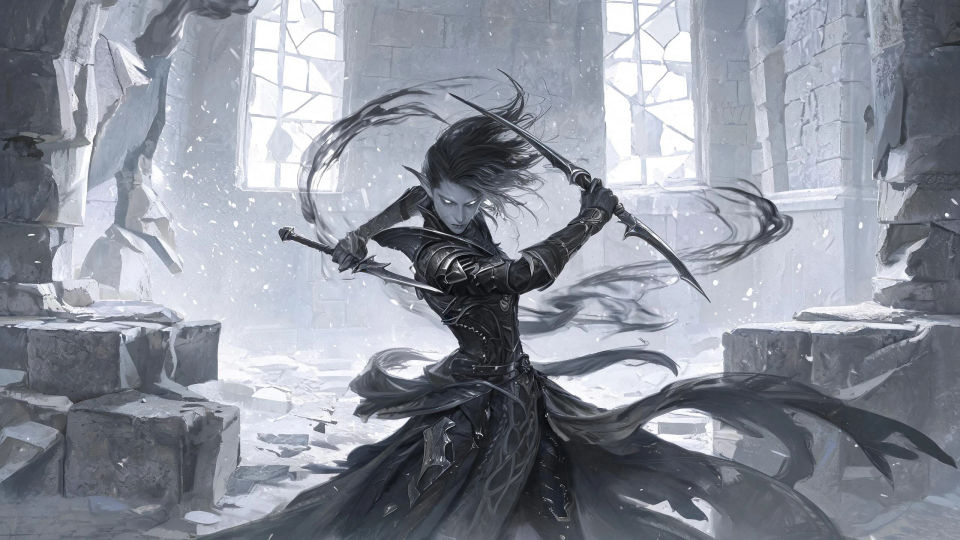
Ein Shadar-kai, der in eine wogende Wand aus lebendigem Schatten zwischen den Welten tritt, Ranken aus Dunkelheit greifen um die Gestalt, die graue Ruine dahinter verschluckt vom Düster.
Prompt bearbeiten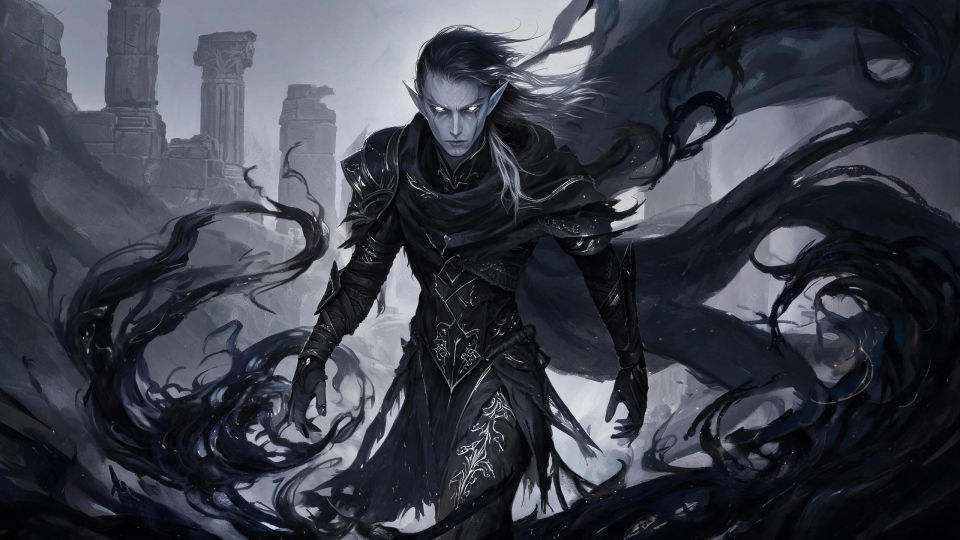
Beschreiben Sie das Shadar-kai, das Sie möchten, in einfachen Worten.
Morphic generiert in Sekunden ein sauberes, veröffentlichungsfertiges Bild auf Ihrer Canvas.
Passen Sie den Prompt an, generieren Sie Varianten und laden Sie das Bild herunter oder teilen Sie es.

Take any character image and generate 6 distinct facial expressions on a single reference sheet.

Share a scene description with character references. Get a full storyboard with shot angles and mood.

Turn any photo or description into an animated chibi sprite. Dance, jump, wave, attack, and more.

All your characters on a single lineup image, side by side with height comparison.

Professional 7-panel location reference sheet from a single photo.
Restyle any video in a completely new visual style. Every frame transforms, all motion stays intact.
Drow-Charakter-KI-Bilder
Erstellen Sie KI-Drow-Charakter-Bilder auf Morphic. Obsidianhäutige Dunkelelfen, Priesterinnen, Klingenmeister und Höhlenstädte aus Prompts in einfacher Sprache.
Eladrin-KI-Bilder
Erstellen Sie KI-Eladrin-Bilder auf Morphic. Feenberührte Hochelfen in Frühlings-, Sommer-, Herbst- und Winterform, plus Feenreiche, aus Prompts in einfacher Sprache.
Elfen-KI-Bilder
Erstellen Sie KI-Elfenbilder auf Morphic. Hochelfen, Waldelfen, Dunkelelfen, Bogenschützen und Waldszenen aus Prompts in einfacher Sprache, konsistent über ein ganzes Set.
Drachen-KI-Bilder
Erstellen Sie KI-Drachen-Bilder auf Morphic. Feuerwürmer, Frostdrachen, Sturmwyvern und Hort-Szenen aus Prompts in einfacher Sprache, mit konsistenten Schuppen über ein Set hinweg.
Starten Sie noch heute kostenlos, mit der Option, jederzeit zu upgraden oder zu kündigen.
Basic
1100 monatliche Credits
1 Nutzer
Alle Modelle
Workflows
Standard
3625 monatliche Credits
1 Nutzer
Alle Modelle
Workflows
Pro
6350 gemeinsame monatliche Credits
1 Nutzer
Alle Modelle
Workflows
Pro Max
24650 gemeinsame monatliche Credits
1 Nutzer
Alle Modelle
Workflows
Enterprise
Für höhere Limits
Individuell
Preis- und Abrechnungsbedingungen

Free
Zum Ausprobieren
$0
dauerhaft kostenlos