Drache geringelt auf einem Schatzhort
Ein gewaltiger Drache ringelt sich auf einem Berg aus Goldmünzen und Juwelen in einer Höhle, warmes Fackellicht glitzert auf verstreutem Schatz und glänzenden Schuppen.
Prompt bearbeiten
Gestalten Sie furchterregende Drachen im Browser mit Morphics Drachen-KI-Bildgenerator. Erzeugen Sie einen Feuerwurm auf einem Goldhort, einen Frostdrachen, der aus einem zugefrorenen See bricht, oder einen Sturmwyvern, der durch Blitze schwenkt. Halten Sie einen Schuppen-und-Palette-Look mit Style Transfer fest und nutzen Sie Image to Video.
Ein gewaltiger Drache ringelt sich auf einem Berg aus Goldmünzen und Juwelen in einer Höhle, warmes Fackellicht glitzert auf verstreutem Schatz und glänzenden Schuppen.
Prompt bearbeitenEin geflügelter Drache schwenkt bei Morgengrauen durch Wolken über zerklüfteten schneebedeckten Gipfeln, die Flügel weit gespreizt, das Tal weit unten fängt das erste Licht.
Prompt bearbeiten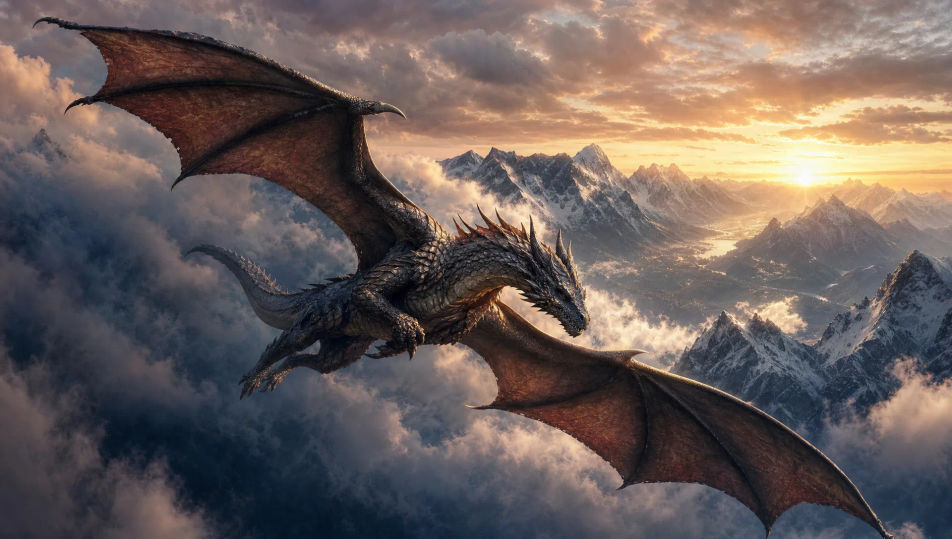
Ein Drache bäumt sich am Rand einer Klippe auf und entfesselt einen Feuerstrom in einen tobenden Nachtsturm, Regen zischt zu Dampf, Blitze spalten den Himmel hinter ihm.
Prompt bearbeiten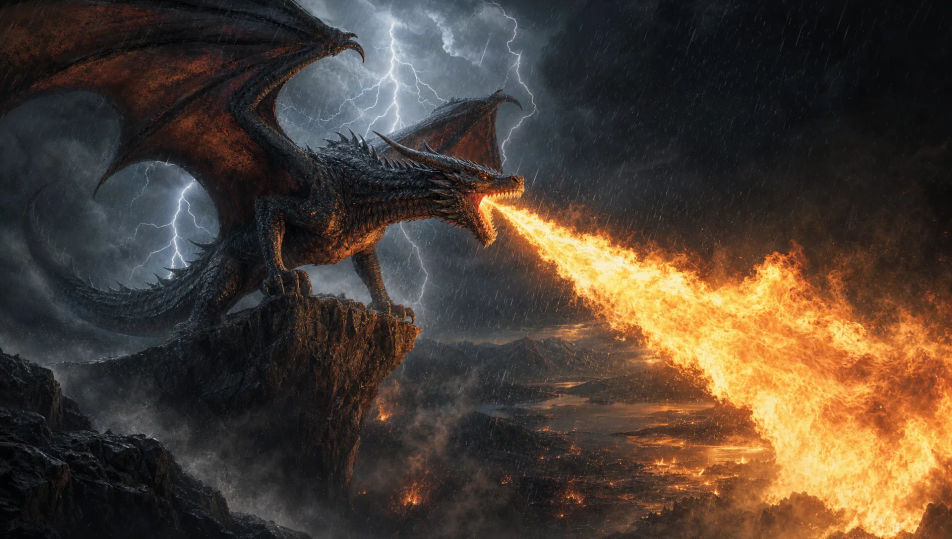
Ein Drache umklammert bei Sonnenuntergang die zerbrochenen Zinnen eines zerstörten Burgturms, die Flügel gefaltet, warmes goldenes Licht streift seine Schuppen vor einem brennenden Himmel.
Prompt bearbeiten
Beschreiben Sie das Drache, das Sie möchten, in einfachen Worten.
Morphic generiert in Sekunden ein sauberes, veröffentlichungsfertiges Bild auf Ihrer Canvas.
Passen Sie den Prompt an, generieren Sie Varianten und laden Sie das Bild herunter oder teilen Sie es.

Take any character image and generate 6 distinct facial expressions on a single reference sheet.

Share a scene description with character references. Get a full storyboard with shot angles and mood.

Turn any photo or description into an animated chibi sprite. Dance, jump, wave, attack, and more.

All your characters on a single lineup image, side by side with height comparison.

Professional 7-panel location reference sheet from a single photo.
Restyle any video in a completely new visual style. Every frame transforms, all motion stays intact.
Phönix-KI-Bilder
Erstellen Sie Phönix-KI-Bilder auf Morphic. Feuervögel, Frost-Phönixe, Wiedergeburt-aus-Asche-Szenen und Glut-Gefieder aus Prompts, konsistent über ein ganzes Set hinweg.
Greif-KI-Bilder
Erstellen Sie KI-Greifenbilder auf Morphic. Adler-Löwen-Hybriden, heraldische Posen, arktische und Wüstenvarianten sowie Felshorst-Szenen aus Prompts, durchgängig konsistent über ein Set.
Kraken-KI-Bilder
Erstellen Sie KI-Kraken-Bilder auf Morphic. Schiffszermalmende Seeungeheuer, biolumineszente Tiefsee-Varianten und Sturmozean-Szenen aus Prompts, durchgängig über ein ganzes Set.
Ares drawing maker
Turn an Ares drawing idea into a finished image in Morphic. Describe the line work and style, generate variations, then refine it on the canvas.
Starten Sie noch heute kostenlos, mit der Option, jederzeit zu upgraden oder zu kündigen.
Basic
2400 monatliche Credits
1 Nutzer
Alle Modelle
Workflows
Standard
3625 monatliche Credits
1 Nutzer
Alle Modelle
Workflows
Pro
6350 gemeinsame monatliche Credits
1 Nutzer
Alle Modelle
Workflows
Max
24650 gemeinsame monatliche Credits
1 Nutzer
Alle Modelle
Workflows
Enterprise
Für höhere Limits
Individuell
Preis- und Abrechnungsbedingungen

Free
Zum Ausprobieren
$0
dauerhaft kostenlos