Profilporträt-Karte
Ein einzelner Kopf im Seitenprofil als eine durchgehend schwarze Form, zentriert auf einem blassen cremefarbenen Grund, scherenscharfe Kontur, reichlich klarer Raum reserviert für einen Namen oder Titel.
Prompt bearbeiten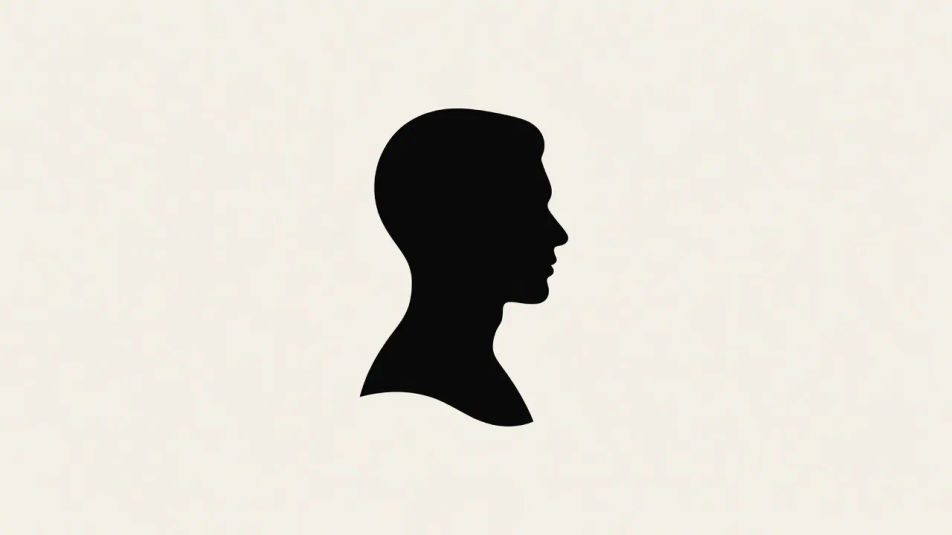
Gestalten Sie Silhouetten-Illustrationen direkt im Browser mit dem KI-Bildgenerator von Morphic. Generieren Sie ein durchgehend schwarzes Profil auf hellem Grund, eine Stadtsilhouette oder eine Baumreihe. Kombinieren Sie jede mit dem Style-Transfer-Workflow, um eine flachschwarze Gewichtung über ein Set hinweg zu halten.
Ein einzelner Kopf im Seitenprofil als eine durchgehend schwarze Form, zentriert auf einem blassen cremefarbenen Grund, scherenscharfe Kontur, reichlich klarer Raum reserviert für einen Namen oder Titel.
Prompt bearbeitenEine weite flachschwarze Silhouette aus gestapelten Dächern und Türmen entlang der unteren Kante, der Himmel darüber als schlichter Negativraum belassen, Platz reserviert für eine Überschrift.
Prompt bearbeiten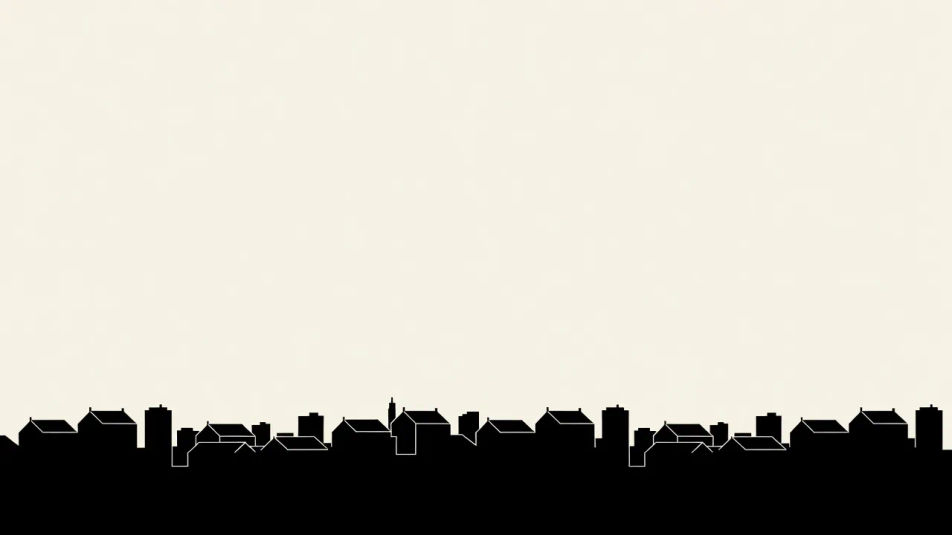
Eine Baumreihe und sanfte Hügel als durchgehend schwarze Formen gegen einen blassen abgestuften Himmel, Astlücken lesen sich als Negativraum, eine ruhige Komposition mit einem Bildunterschriftbereich darunter.
Prompt bearbeiten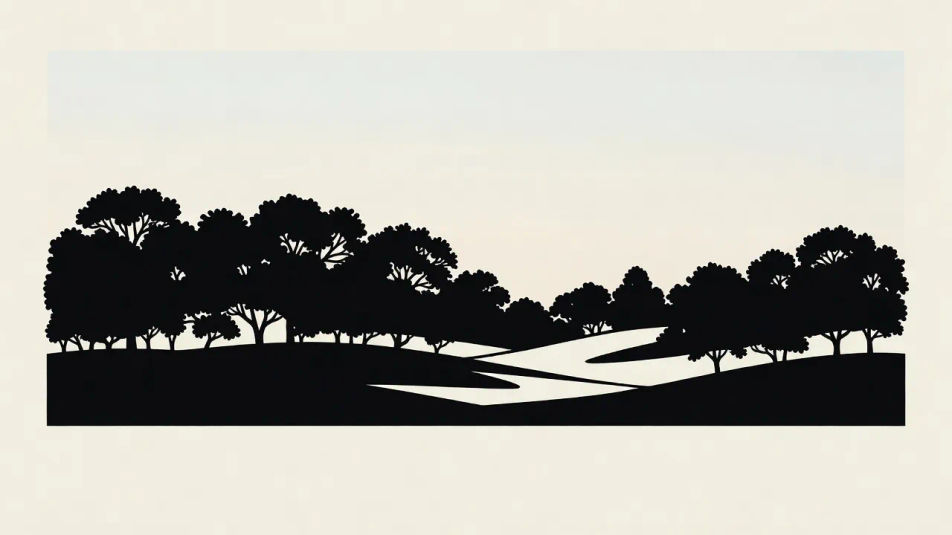
Eine wiederholte Reihe von Blatt-und-Stängel-Silhouetten in Flachschwarz auf hellem Grund, gleichmäßiger Abstand, knackige Schnittkanten, ausgewogen als dekorative Bordüre mit Platz für Text.
Prompt bearbeiten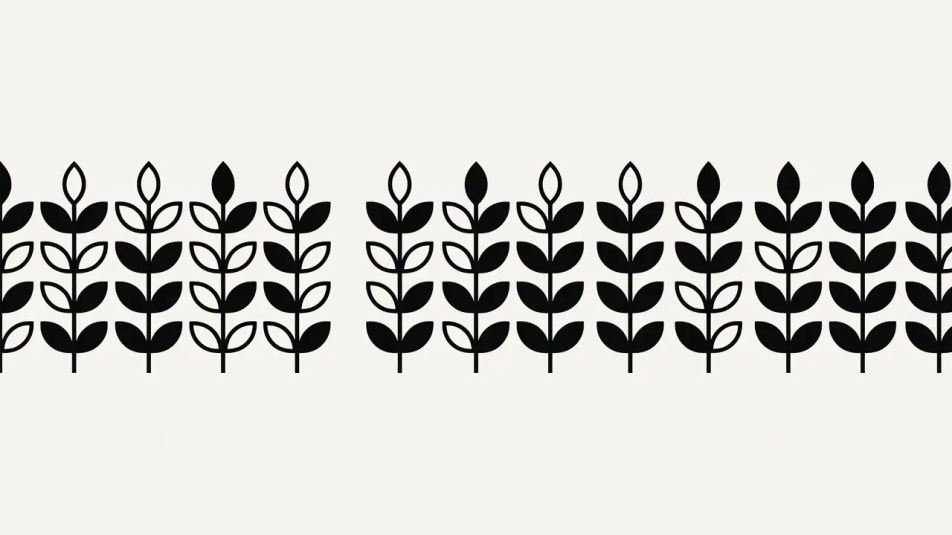
Beschreiben Sie das Silhouetten-Illustration, das Sie möchten, in einfachen Worten.
Morphic generiert in Sekunden ein sauberes, veröffentlichungsfertiges Bild auf Ihrer Canvas.
Passen Sie den Prompt an, generieren Sie Varianten und laden Sie das Bild herunter oder teilen Sie es.
Pick a reference image, apply its visual style to your own photo or artwork.

Turn any sketch or drawing into a finished render.
Convert any image to a new aspect ratio. Smart crop or extend the edges to fit.

Pick any anime illustration as your style guide. Apply its look to any image.

Take any character image and generate 6 distinct facial expressions on a single reference sheet.
Reimagine any anime character as a photorealistic, high-fashion live-action portrait.
Papierschnitt-Illustration-KI-Bilder
Erstellen Sie Papierschnitt-Illustration-KI-Bilder mit Morphic. Generieren Sie authentische Papierschnitt-Illustration-Werke, -Szenen und -Motive für jedes Projekt in Sekunden.
Line-Art-KI-Bilder
Erstellen Sie KI-Line-Art-Illustrationen mit Morphic. Generieren Sie Line-Art-Artwork, -Charaktere und -Szenen für jedes Projekt in Sekunden.
Vektorillustration-KI-Bilder
Erstellen Sie KI-Vektorillustrationen mit Morphic. Generieren Sie Vektorillustration-Werke, Figuren und Szenen für jedes Projekt in Sekunden.
Minimalistisches-Poster-KI-Bilder
Erstellen Sie KI-Bilder von minimalistischen Postern mit Morphic. Generieren Sie minimalistische Poster-Kunst, -Layouts und editorische Visuals für jedes Projekt in Sekunden.
Starten Sie noch heute kostenlos, mit der Option, jederzeit zu upgraden oder zu kündigen.
Basic
2400 monatliche Credits
1 Nutzer
Alle Modelle
Workflows
Standard
3625 monatliche Credits
1 Nutzer
Alle Modelle
Workflows
Pro
6350 gemeinsame monatliche Credits
1 Nutzer
Alle Modelle
Workflows
Max
24650 gemeinsame monatliche Credits
1 Nutzer
Alle Modelle
Workflows
Enterprise
Für höhere Limits
Individuell
Preis- und Abrechnungsbedingungen

Free
Zum Ausprobieren
$0
dauerhaft kostenlos