Lookbook cover image
Wide airy shot of new-season pieces in soft daylight for the spring collection lookbook.
Prompt bearbeiten
Create spring collection images in your browser with Morphic's AI image generator. Try a pastel floral lookbook hero, a fresh-linen product flat lay, or an airy outdoor lifestyle scene. Adjust the crop and color on the Canvas, then download each in HD with full commercial rights.
Wide airy shot of new-season pieces in soft daylight for the spring collection lookbook.
Prompt bearbeitenFull-width hero with fresh blossoms and pastels introducing the spring line.
Prompt bearbeiten
Square styled shot of a spring outfit or item for the shop collection grid.
Prompt bearbeiten
Vertical 2:3 fashion frame built to save and drive traffic to the spring drop.
Prompt bearbeiten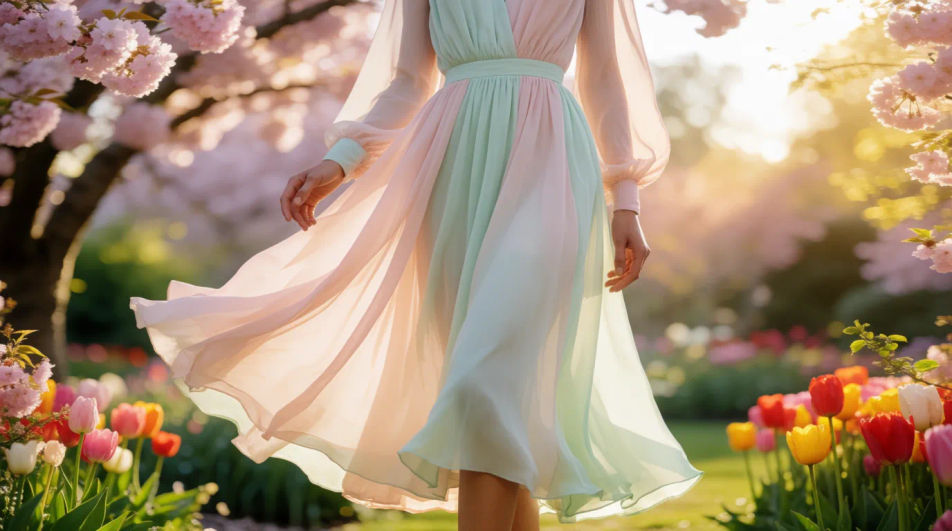
Beschreiben Sie das spring collection images, das Sie möchten, in einfachen Worten.
Morphic generiert in Sekunden ein sauberes, veröffentlichungsfertiges Bild auf Ihrer Canvas.
Passen Sie den Prompt an, generieren Sie Varianten und laden Sie das Bild herunter oder teilen Sie es.
Convert any image to a new aspect ratio. Smart crop or extend the edges to fit.
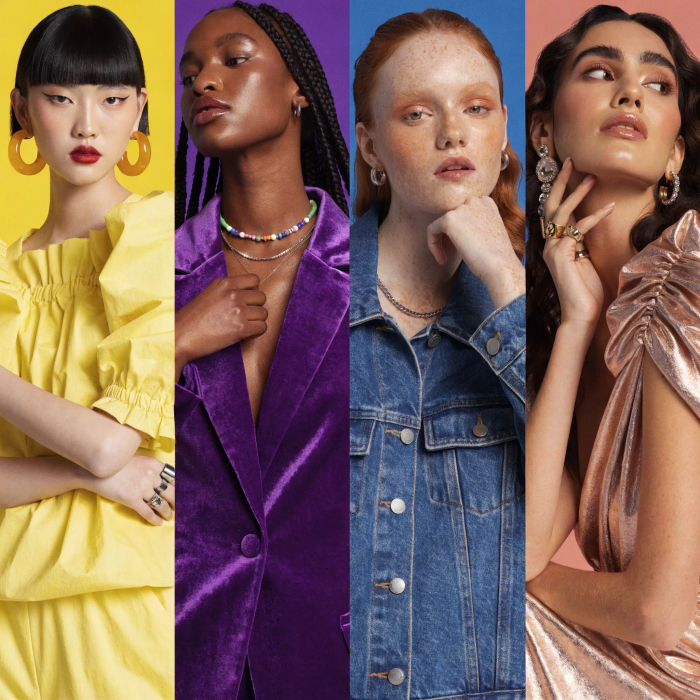
Generate a female AI influencer. Vertical output, ready for socials.

Dramatize any text conversation into a cinematic multi-shot video.
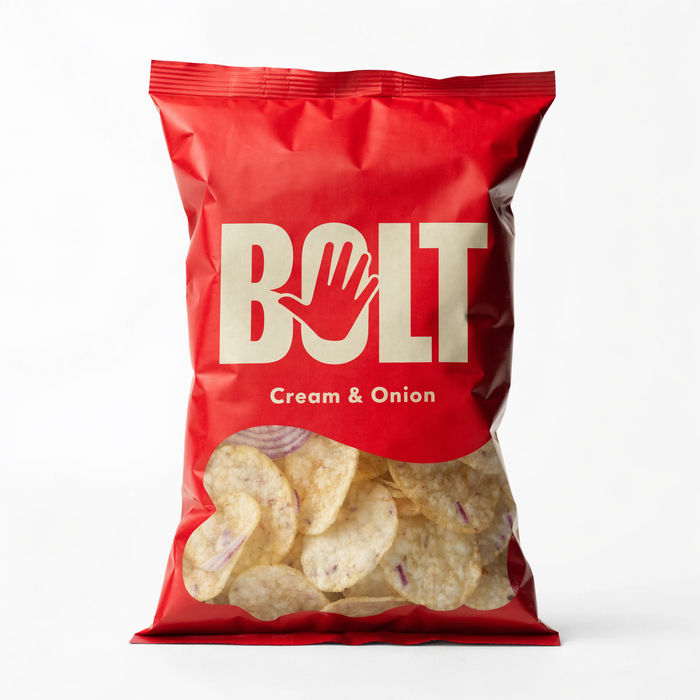
Dramatic 5-second product reveal video with audio.
Cinematic time-freeze short film for any scene
Pair a character image with a reference video. Your character picks up that exact motion.
Autumn Collection AI Images
Produce autumn collection images in any style you need. Get campaign visuals ready weeks ahead of the date. Yours to use commercially.
Back To School AI Images
Turn a brief into back to school images instantly. Build the seasonal set once and adapt it per market. No stock licence needed.
Boxing Day AI Images
Turn a brief into boxing day images instantly. Get campaign visuals ready weeks ahead of the date. No stock licence needed.
UAE National Day AI Images
Create AI uae national day images with our uae national day image generator. Find professional uae national day images for any project in seconds.
Starten Sie noch heute kostenlos, mit der Option, jederzeit zu upgraden oder zu kündigen.
Basic
2400 monatliche Credits
1 Nutzer
Alle Modelle
Workflows
Standard
3625 monatliche Credits
1 Nutzer
Alle Modelle
Workflows
Pro
6350 gemeinsame monatliche Credits
1 Nutzer
Alle Modelle
Workflows
Max
24650 gemeinsame monatliche Credits
1 Nutzer
Alle Modelle
Workflows
Enterprise
Für höhere Limits
Individuell
Preis- und Abrechnungsbedingungen

Free
Zum Ausprobieren
$0
dauerhaft kostenlos