Taco plate with lime and salsa
A wide drawing of three tacos on a plate with lime wedges and a small bowl of salsa, ink contour with light wash, the plate rim kept simple.
Prompt bearbeiten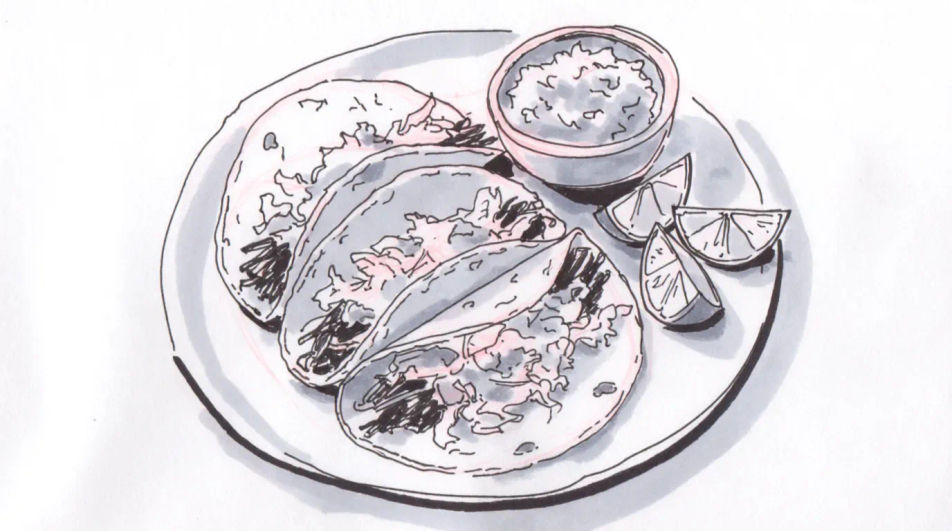
Describe the taco you want in Morphic's Image tool, from a quick ink menu sketch to a shaded study of a loaded shell. Set the fill, the shell type, the line weight and the paper, adjust the drawing on the Canvas, then download it in HD for a menu or a print.
A wide drawing of three tacos on a plate with lime wedges and a small bowl of salsa, ink contour with light wash, the plate rim kept simple.
Prompt bearbeitenA charcoal composition of a small street food stand with a hanging light, a cook at the griddle and a queue suggested by a few loose figures.
Prompt bearbeiten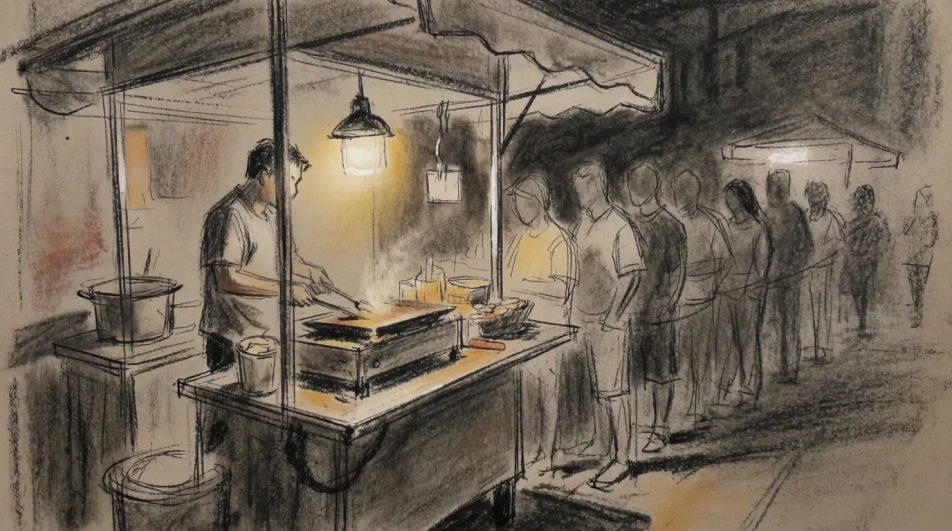
A flat line drawing of four tacos arranged in a row with space left beneath each for a name and a price, even stroke weight throughout.
Prompt bearbeiten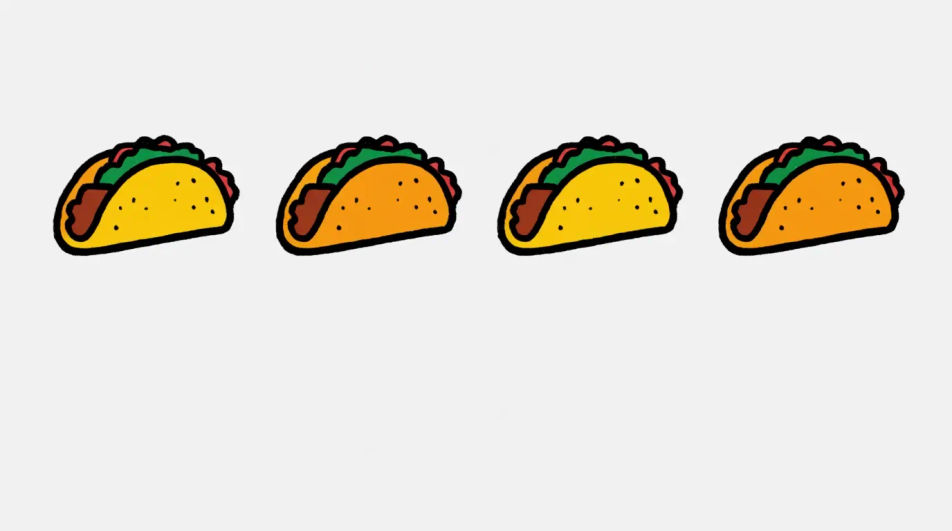
A close wide drawing of a taco held mid meal with one bite taken, filling visible at the cut edge, the background left as bare paper.
Prompt bearbeiten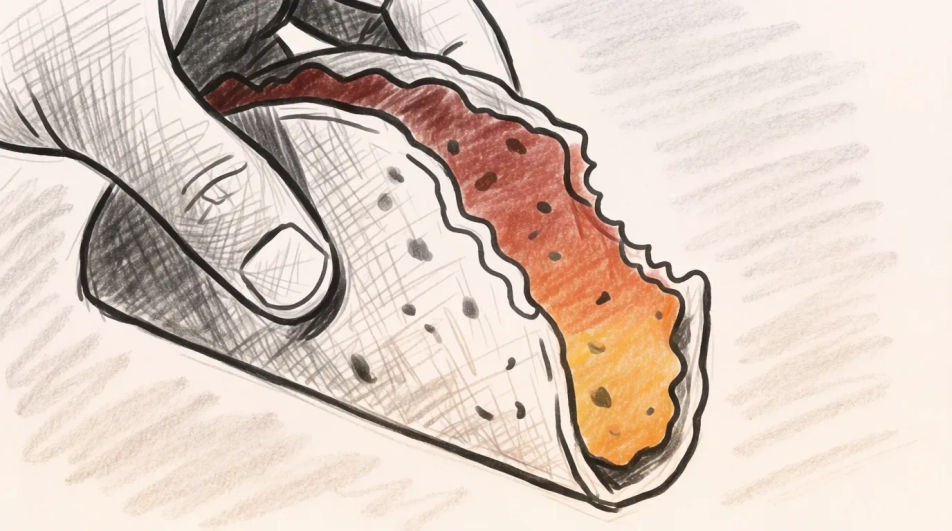
Beschreiben Sie das Taco drawing, das Sie möchten, in einfachen Worten.
Morphic generiert in Sekunden ein sauberes, veröffentlichungsfertiges Bild auf Ihrer Canvas.
Passen Sie den Prompt an, generieren Sie Varianten und laden Sie das Bild herunter oder teilen Sie es.
Pair a garment photo with a person photo. See them wearing it, identity stays intact.
Choose your viewing angles and get precise perspective shifts of any image with full camera control.
Multi-shot product pitch video from a still, a person, and a script.

Dramatic 5-second product reveal video with audio.

One product shot becomes a full campaign pack with hero shots, angles, and format variations.
Convert any image to a new aspect ratio. Smart crop or extend the edges to fit.
Tamales drawing generator
Turn a tamales drawing idea into a finished image in Morphic. Describe the line work and style, generate variations, then refine it on the canvas.
Food drawing generator
Turn a food drawing idea into a finished image in Morphic. Describe the line work and style, generate variations, then refine it on the canvas.
Burger drawing generator
Turn a burger drawing idea into a finished image in Morphic. Describe the line work and style, generate variations, then refine it on the canvas.
Lemon drawing for food and menu art
Turn a lemon drawing idea into a finished image in Morphic. Describe the line work and style, generate variations, then refine it on the canvas.
Starten Sie noch heute kostenlos, mit der Option, jederzeit zu upgraden oder zu kündigen.
Basic
2400 monatliche Credits
1 Nutzer
Alle Modelle
Workflows
Standard
3625 monatliche Credits
1 Nutzer
Alle Modelle
Workflows
Pro
6350 gemeinsame monatliche Credits
1 Nutzer
Alle Modelle
Workflows
Max
24650 gemeinsame monatliche Credits
1 Nutzer
Alle Modelle
Workflows
Enterprise
Für höhere Limits
Individuell
Preis- und Abrechnungsbedingungen

Free
Zum Ausprobieren
$0
dauerhaft kostenlos