Main invitation card face
Elegant front-of-invite design with clear space for couple names, date, and venue text.
Prompt bearbeiten
Design wedding invitations in your browser with Morphic's AI design generator. Try a watercolor floral suite, a clean modern layout, an elegant gold-foil look, or a rustic botanical card. Adjust colors and crop on the Canvas, then download in HD, ready to send to your printer.
Elegant front-of-invite design with clear space for couple names, date, and venue text.
Prompt bearbeitenCoordinated smaller card matching the suite, room for the date and a short save-the-date line.
Prompt bearbeiten
Wide banner styled to the invitation for the couple site, romantic palette with headline room.
Prompt bearbeiten
Compact reply-card layout matching the suite, tidy space for response options and a meal choice.
Prompt bearbeiten
Beschreiben Sie das wedding invitation design, das Sie möchten, in einfachen Worten.
Morphic generiert in Sekunden ein sauberes, veröffentlichungsfertiges Bild auf Ihrer Canvas.
Passen Sie den Prompt an, generieren Sie Varianten und laden Sie das Bild herunter oder teilen Sie es.
Product photo plus a format. Get a realistic UGC-style ad with someone naturally using your product.
Multi-shot product pitch video from a still, a person, and a script.
Cinematic time-freeze short film for any scene
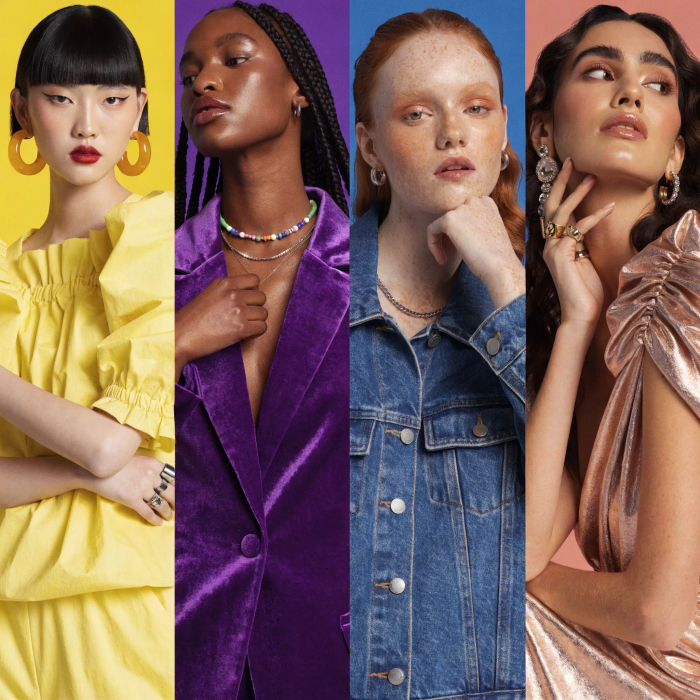
Generate a female AI influencer. Vertical output, ready for socials.
Stitch 2-10 frames into a perfectly looping video with smooth cinematic transitions between each one.
Convert any image to a new aspect ratio. Smart crop or extend the edges to fit.
Album Cover Design AI Images
Produce album cover design in any style you need. Generate variations until one lands, then refine it. Commercial rights included.
Amazon Listing AI Images
Make amazon listing images from a text prompt. Adjust style, colour and composition until it fits the brief. No stock licence needed.
Annual Report Cover AI Images
Create annual report cover without a photoshoot. Generate variations until one lands, then refine it. No stock licence needed.
Buchcover-KI-Mockups
Erstellen Sie KI-Buchcover-Mockups mit unserem Buchcover-Mockup-Generator. Finden Sie einzigartige Buchcover-Mockups für jedes Projekt in Sekunden.
Starten Sie noch heute kostenlos, mit der Option, jederzeit zu upgraden oder zu kündigen.
Basic
2400 monatliche Credits
1 Nutzer
Alle Modelle
Workflows
Standard
3625 monatliche Credits
1 Nutzer
Alle Modelle
Workflows
Pro
6350 gemeinsame monatliche Credits
1 Nutzer
Alle Modelle
Workflows
Max
24650 gemeinsame monatliche Credits
1 Nutzer
Alle Modelle
Workflows
Enterprise
Für höhere Limits
Individuell
Preis- und Abrechnungsbedingungen

Free
Zum Ausprobieren
$0
dauerhaft kostenlos