Krea 2
von Krea AI
Krea AIs erstes Foundation‑Bildmodell, von Grund auf für Ästhetik entwickelt.
Stilübertragung, Moodboards und Kreativitätsregler für jedes Bild.
Hauptfunktionen
Eine neuere Version ist da: Krea 3
Dieses Modell läuft weiterhin auf Morphic. Krea 3 ist das neueste Modell seiner Familie.
Technische Spezifikationen
3 Stufen
Medium, Large und Turbo.
Referenzen
Und Moodboards. Stärke einstellen oder kombinieren.
Raw bis High
Wie wörtlich es dem Prompt folgt.
15 s oder weniger
Turbo liefert in etwa 2 Sekunden.
Anwendungsfälle
Markenkonzepte
Erkunden Sie markenkonforme Bildwelten und Kampagnenrichtungen schnell, und grenzen Sie den passenden Look vor der Produktion ein.
Produktfotografie
Saubere Studioaufnahmen mit kontrolliertem Licht, harten Reflexionen und Chrom- oder Metalloberflächen, die ihre Textur behalten.
Art Direction
Legen Sie eine Referenz fest, stellen Sie die Stilstärke ein, und halten Sie eine Art Direction über eine komplette Editorial-Strecke hinweg durch.
Concept Art
Concept Art in unterschiedlichen Stimmungen und Farbpaletten, von körnigen Filmlooks bis zu malerischen und experimentellen Richtungen.
Stilserien
Übertragen Sie einen Stil auf viele Prompts, damit eine ganze Bildserie dieselbe Bildsprache teilt, ohne ihn jedes Mal neu zu beschreiben.
Kreative Iteration
Testen Sie mehrere kreative Richtungen in einer Sitzung, und verfeinern Sie die stärkste mit höherer Kreativität oder einer engeren Referenz.
Prompt-Beispiele
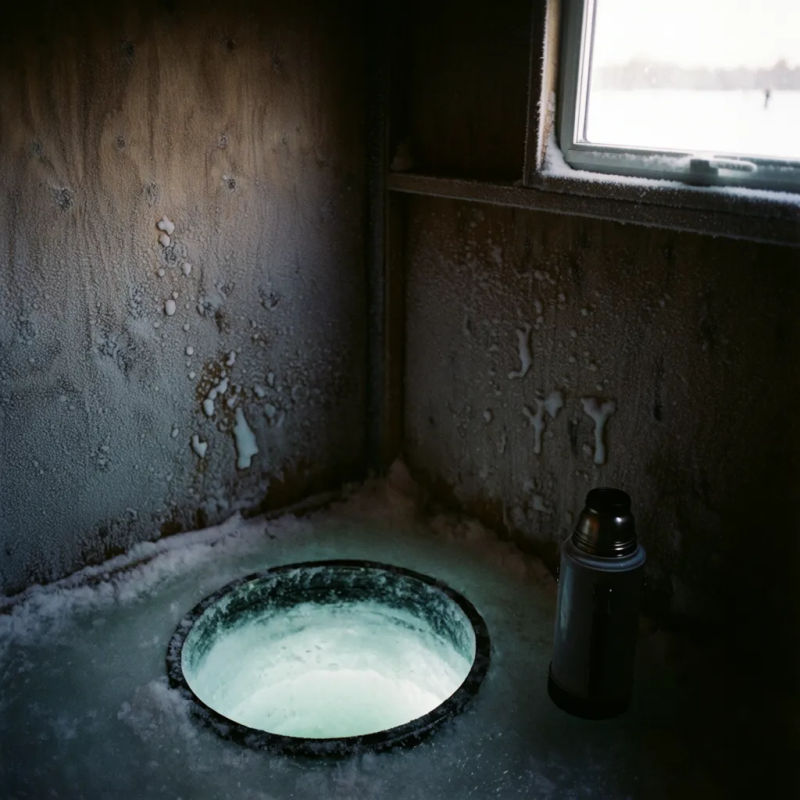
Filmfotografie
Ruhige Küche im Morgengrauen auf 35-mm-Film, feines Korn, niedriger Dynamikumfang
Edit prompt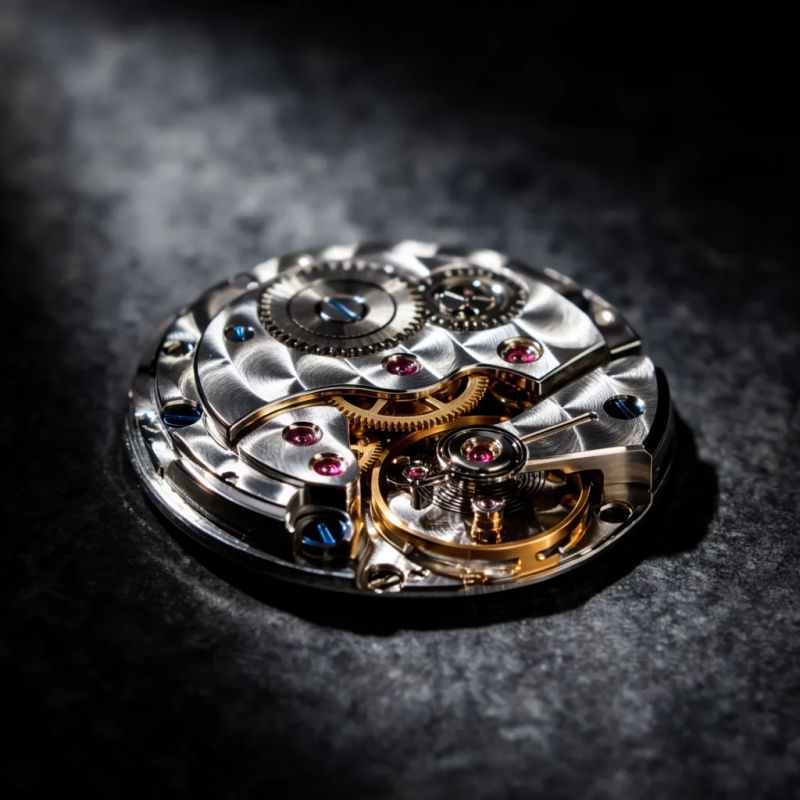
Studio-Produkt
Poliertes Parfümflakon aus Chrom auf Stein, hartes Führungslicht, klare Studioaufnahme
Edit prompt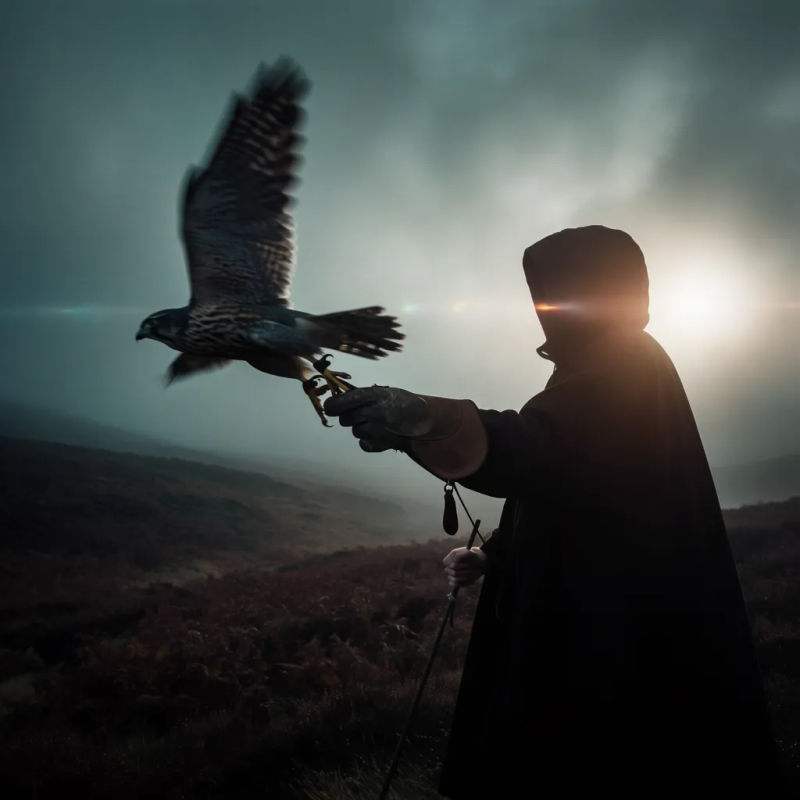
Filmisches Still
Einsamer Radfahrer auf einer Küstenstraße in der Abenddämmerung, Lens Flare, sanfte Bewegungsunschärfe
Edit prompt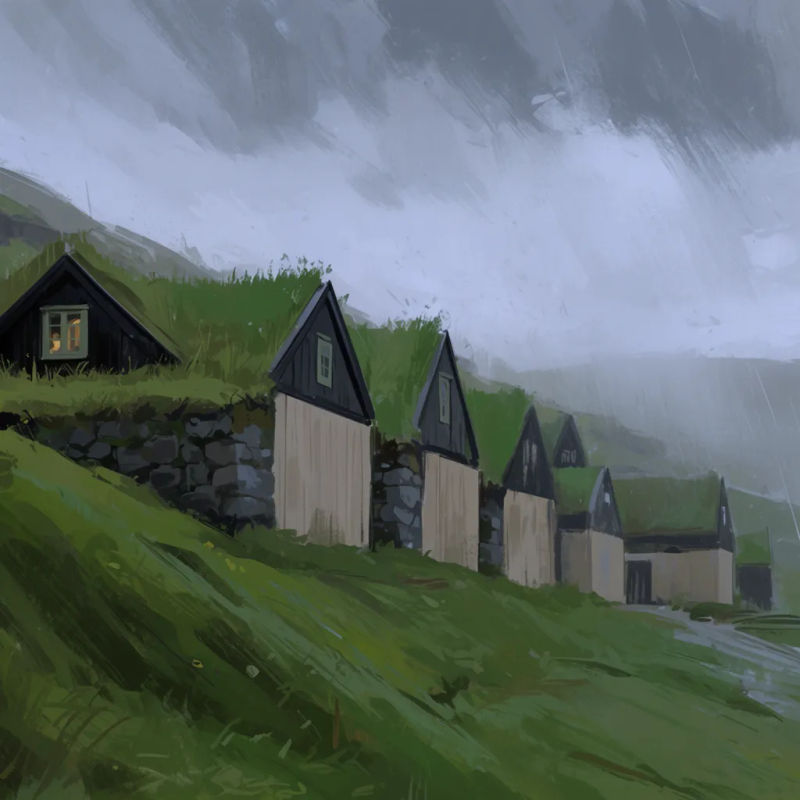
Digitale Malerei
Ausdrucksstarke digitale Malerei einer Marktstraße, lockerer Pinselduktus, warme Farbpalette
Edit prompt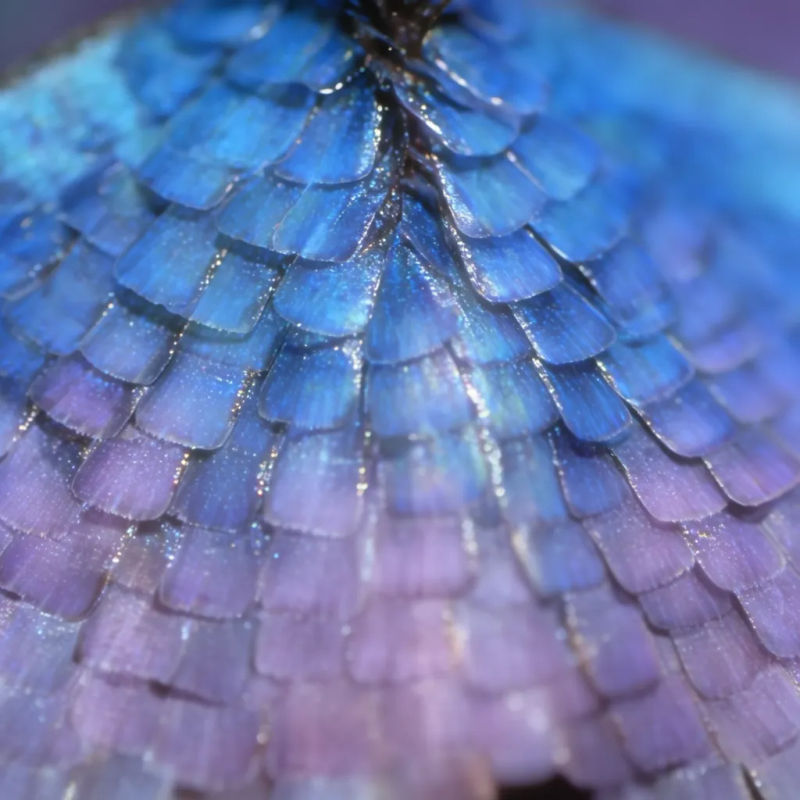
Makrodetail
Makroaufnahme eines taubenetzten Blütenblatts, schillernder Glanz, feine Glitzer-Highlights
Edit prompt
Übersicht
Krea 2 ist Krea AIs erstes Foundation-Bildmodell, komplett von Grund auf entwickelt und auf Ästhetik und kreative Kontrolle ausgerichtet. Die meisten Bildmodelle sind gut darin, zu verstehen, was Sie in einem Bild wollen. Krea 2 ist auf den zweiten Teil ausgelegt: wie Sie es aussehen lassen wollen. Es rendert eine breite Palette an Stilen, von körniger Filmfotografie über klare Studioaufnahmen bis zu filmischen Stills, Illustrationen, digitaler Malerei und experimentelleren Richtungen.
Was Krea 2 anders macht
Stil ist kein einzelnes Wort im Prompt. Laden Sie ein oder mehrere Referenzbilder in Krea 2 hoch, und das Modell liest deren Stilkomponenten aus und wendet sie auf die Ausgabe an – mit Kontrolle darüber, wie stark jede Referenz zählt, und der Möglichkeit, mehrere gleichzeitig zu kombinieren. Moodboards erweitern das auf eine ganze Bildsammlung, die eine Richtung teilt, sodass das Modell mit Farbpaletten, Themen und Motiven arbeitet statt mit einem einzelnen Bild. Ein Kreativitätsregler, von Raw bis High, bestimmt, wie wörtlich Krea 2 dem Prompt folgt und wie viel ästhetische Tiefe es hinzufügt, und ein separater Variationsregler hält einen Batch eng zusammen oder öffnet ihn für eine breitere Streuung.
Krea 2 auf Morphic
Auf Morphic steht Krea 2 in der Bildmodell-Auswahl neben Nano Banana Pro, GPT Image, Recraft und dem Rest des Bildkatalogs. Öffnen Sie Copilot oder Canvas, beschreiben Sie das Bild, fügen Sie Referenzen oder ein Moodboard hinzu, stellen Sie den Kreativitätsregler ein, und generieren Sie. Wechseln Sie zwischen Krea 2 und jedem anderen Bild- oder Videomodell, ohne den Workflow zu verlassen.
Einfache Preise
Starten Sie noch heute kostenlos, mit der Option, jederzeit zu upgraden oder zu kündigen.
Basic
2400 monatliche Credits
1 Nutzer
Alle Modelle
Workflows
Standard
3625 monatliche Credits
1 Nutzer
Alle Modelle
Workflows
Pro
6350 gemeinsame monatliche Credits
1 Nutzer
Alle Modelle
Workflows
Max
24650 gemeinsame monatliche Credits
1 Nutzer
Alle Modelle
Workflows
Enterprise
Für höhere Limits
Individuell
Preis- und Abrechnungsbedingungen

Free
Zum Ausprobieren
$0
dauerhaft kostenlos
Häufig gestellte Fragen
Seed Audio 1.5
ByteDance
ByteDances Szenen-Audiomodell. Dialog, Musik und Effekte als getrennte Spuren.
FLUX Video Upscale
Black Forest Labs
Der Video-Upscaler von Black Forest Labs. Bis 4K, mit neu aufgebauten Details und erhaltenem Ton.
Ideogram Vector
Ideogram
Ideograms Modell für Vektorgrafik. Logos, Icons und Illustrationen als SVG-Dateien.
FLUX 3 Max
fal.ai
Das nachtrainierte FLUX 3 von fal. Getrimmt auf Drehbuchtreue und Tempo.