Make a listener turn to check behind them
Three knocks placed right behind the head make a headphone horror short or a VR game jump, with nothing on screen to explain them.
Prompt bearbeiten
Scissors snipping in a slow circle around your head, footsteps crossing from one ear to the other and knocks right behind you. Describe the binaural sound your scene needs and Morphic generates it clean.
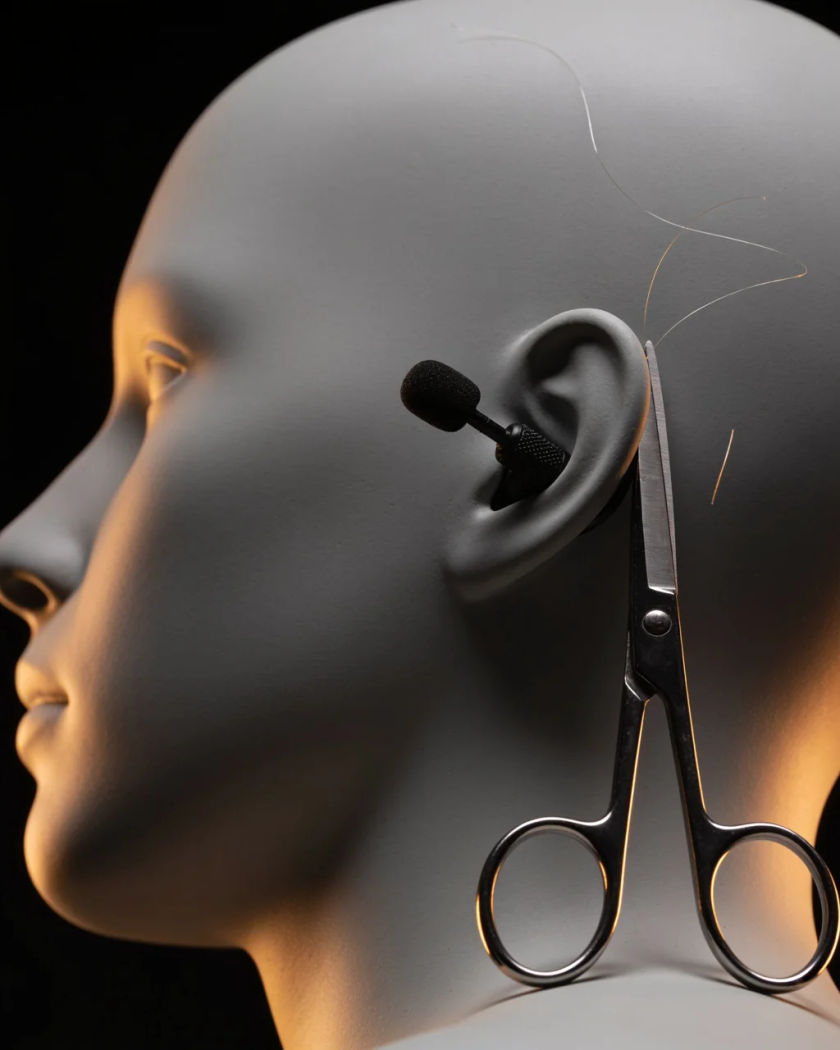
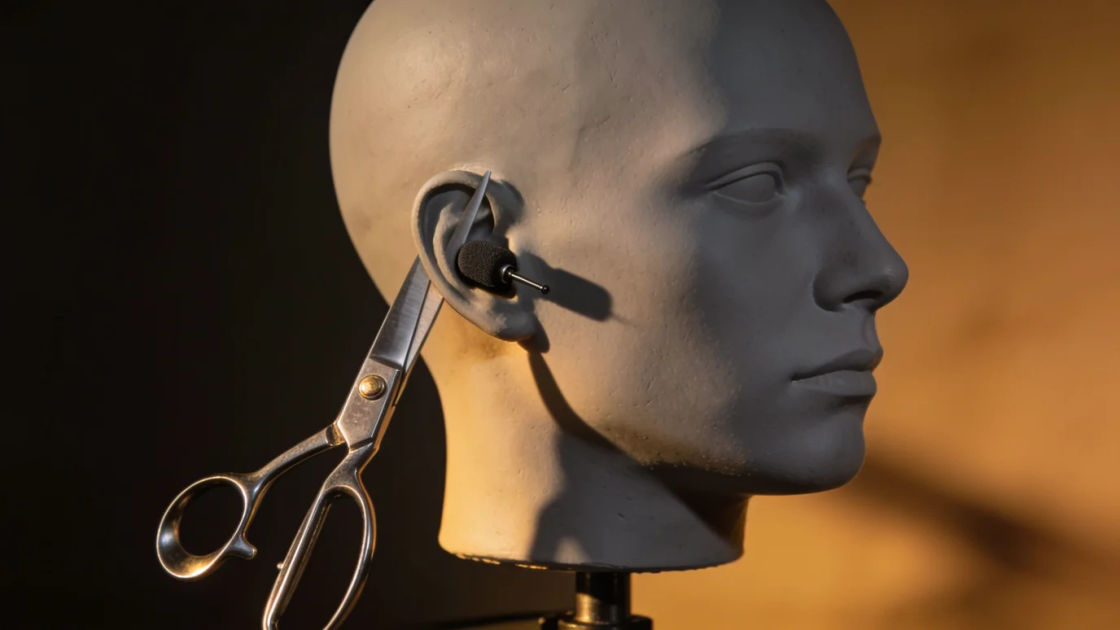
Snips that travel slowly around your head from ear to ear, the classic headphone test and a calm relaxation clip.
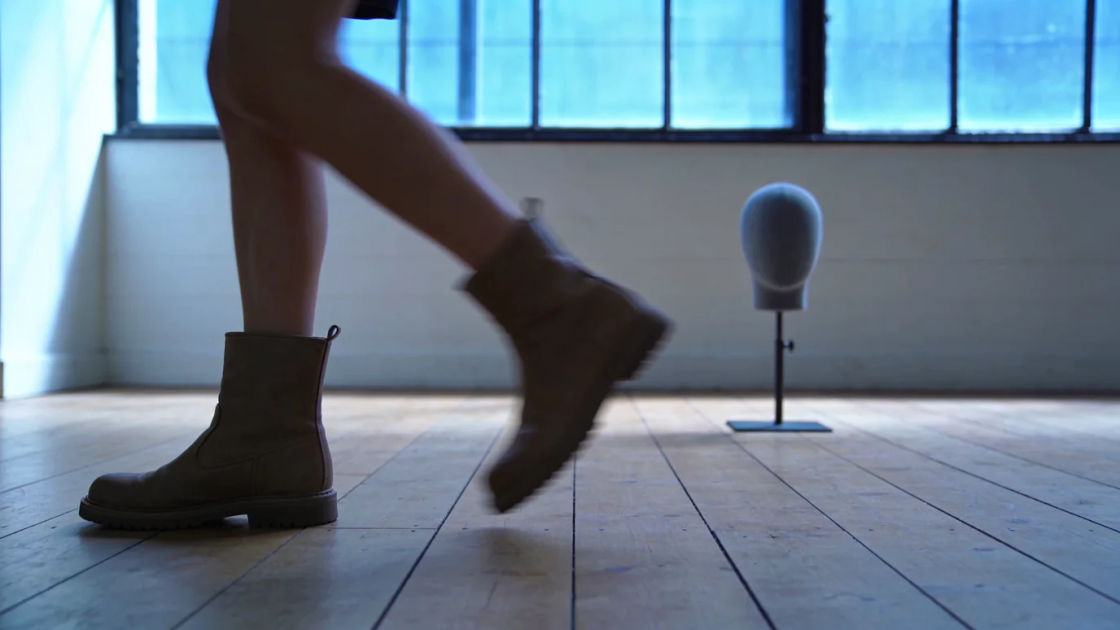
Steps on a wooden floor walking past from left to right, so the listener feels someone cross the room beside them.

A buzzing fly swinging from one ear to the other, for an itch-inducing gag, a VR test or a restless night scene.
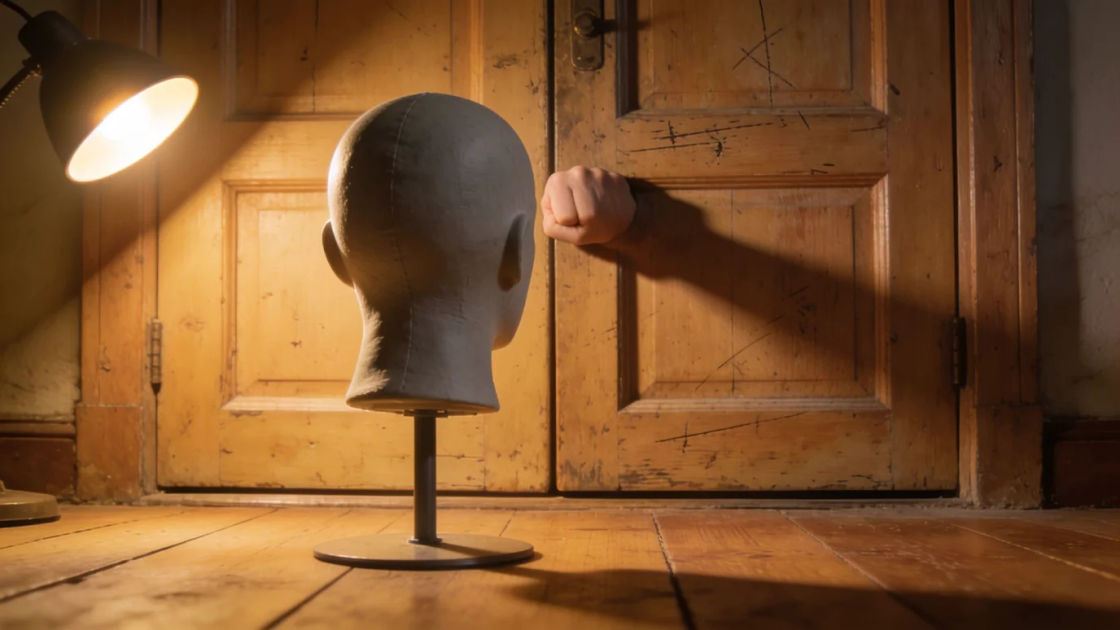
Three loud knocks on a door right behind the head, the jolt that makes a headphone listener want to turn around.

A sheet of paper crinkled at the left ear and then the right, a crisp texture test for headphones and calm videos.

A crackling wood fire held off to the left, a warm bed that keeps its place in space while the rest of the scene moves.
Wählen Sie einen Ausgangspunkt, passen Sie ihn beliebig an und erzeugen Sie ihn in Morphic.
Three knocks placed right behind the head make a headphone horror short or a VR game jump, with nothing on screen to explain them.
Prompt bearbeitenA fire crackling off to one side carries a long, still shot, keeping a relaxation video, a podcast break or a cosy game scene steady.
Prompt bearbeiten
Scissors circling the head tell the audience they are sitting for a haircut, in a first-person video, an audio story or a VR scene.
Prompt bearbeiten
Footsteps crossing from one ear to the other place a person in the room who is never shown, useful in audio drama, games and horror video.
Prompt bearbeiten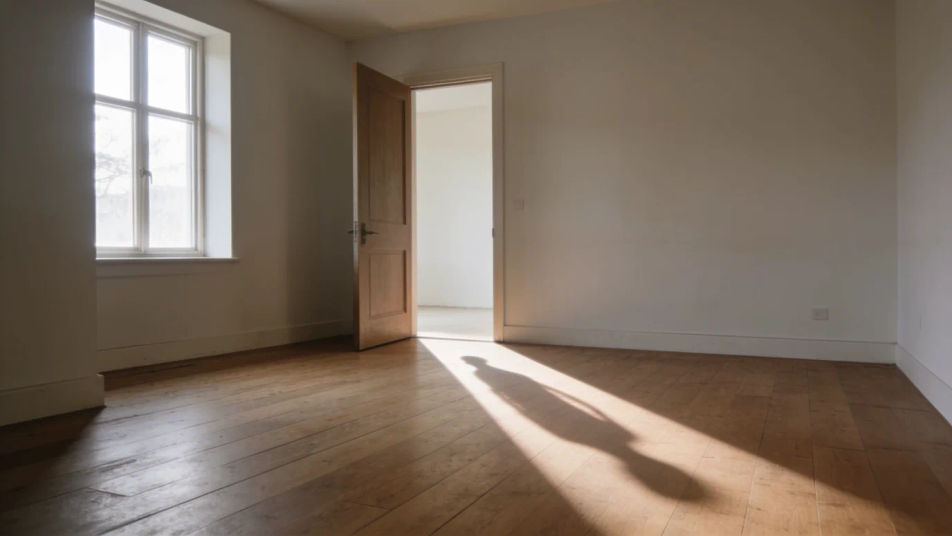
Chatter sound effects
Generate chatter sound effects with AI on Morphic. Describe the sound, pick a variation, and download MP3 or WAV for your video, game or podcast.
Chinese sound effects
Generate Chinese sound effects with AI on Morphic. Describe the sound, pick a variation, and download MP3 or WAV for your video, game or podcast.
Christ sound effects
Generate Christ sound effects with AI on Morphic. Describe the sound, pick a variation, and download MP3 or WAV for your video, game or podcast.
Church ambience sound effects
Generate church ambience with Morphic. Set the reverb, the congregation, and the organ or bells you need, then get a clean bed for your scene.
Starten Sie noch heute kostenlos, mit der Option, jederzeit zu upgraden oder zu kündigen.
Basic
2400 monatliche Credits
1 Nutzer
Alle Modelle
Workflows
Standard
3625 monatliche Credits
1 Nutzer
Alle Modelle
Workflows
Pro
6350 gemeinsame monatliche Credits
1 Nutzer
Alle Modelle
Workflows
Max
24650 gemeinsame monatliche Credits
1 Nutzer
Alle Modelle
Workflows
Enterprise
Für höhere Limits
Individuell
Preis- und Abrechnungsbedingungen

Free
Zum Ausprobieren
$0
dauerhaft kostenlos