


Website hero image
A composed, confident image for the top of your homepage that signals credibility in a second, before a visitor reads a single word.
Prompt bearbeiten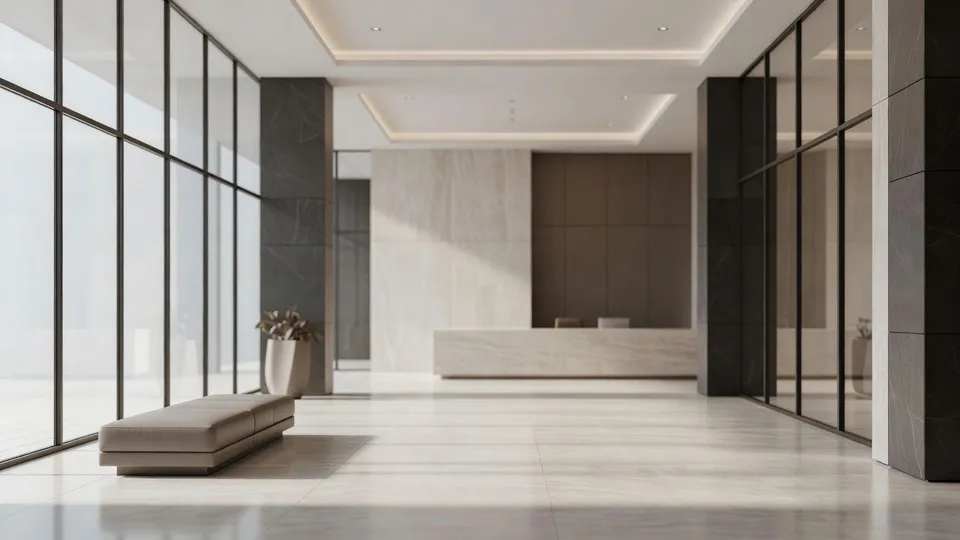
Whether you run a solo practice or a full partnership, describe the image your firm needs and get back a refined, tasteful visual for your website, articles, and social feeds. No stiff handshake stock, no cheesy gavel shots, no photographer to book.
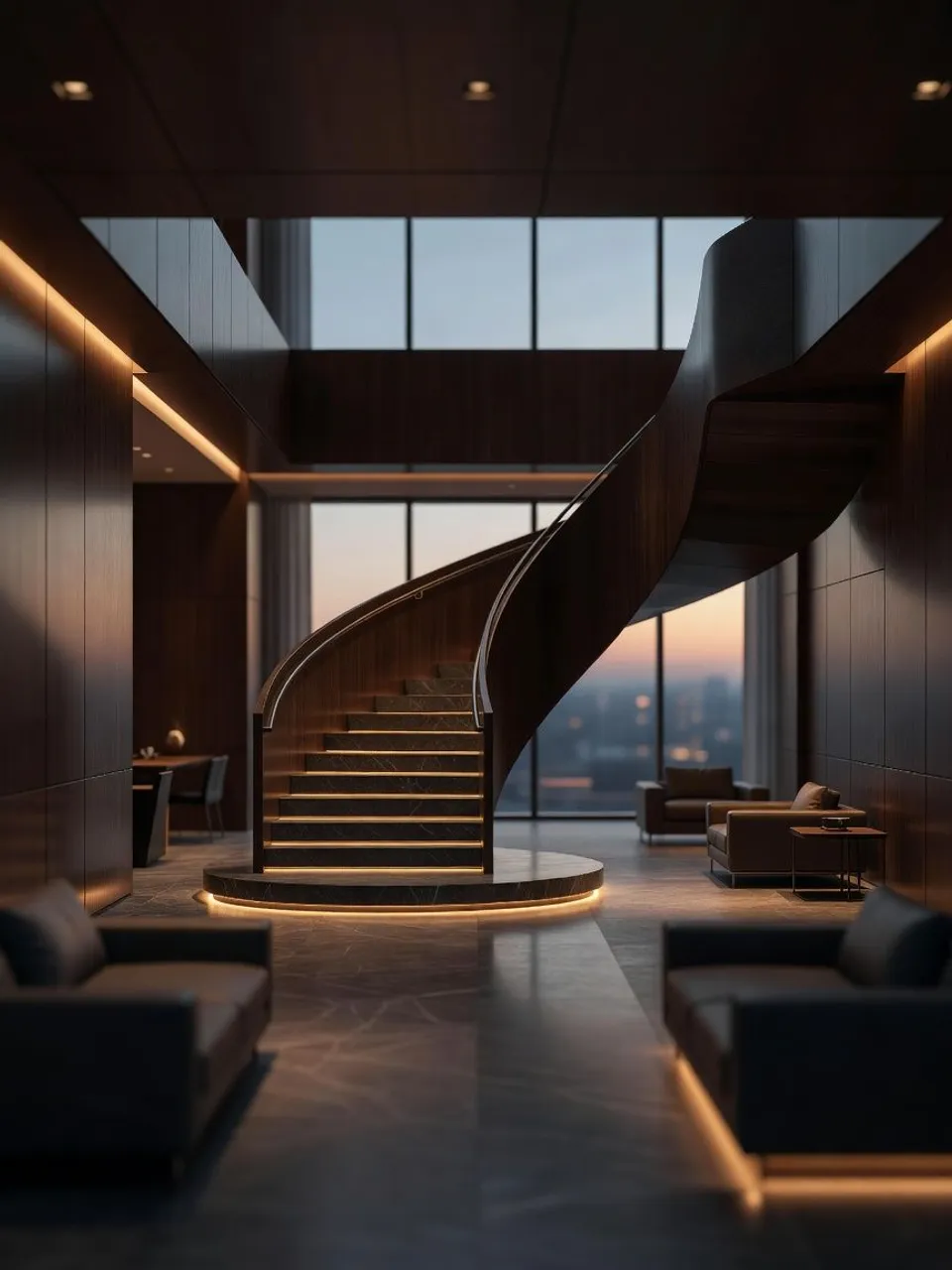
Type what you need in one plain sentence: the setting, the mood, and the message. A restrained office at dusk reads very differently from a bright, welcoming lobby.
Ask for understated and professional, warm and approachable, or clean and modern. Nudge the wording and run it again until it matches how your clients should feel about you.
Get a set of variations at full resolution, ready to drop onto your homepage, an article header, or a social post, after a quick review.
Every surface your firm shows up on, from a homepage hero to a quiet practice-area scene, made from a single plain sentence and kept dignified enough for a serious professional practice to stand behind.
A composed, confident image for the top of your homepage that signals credibility in a second, before a visitor reads a single word.
Prompt bearbeitenA clean, on topic banner for a legal insight or update, so your articles look considered rather than padded with a random stock photo.
Prompt bearbeiten
A restrained, on-brand graphic for LinkedIn or an announcement, polished enough to post and calm enough to fit a serious practice.
Prompt bearbeiten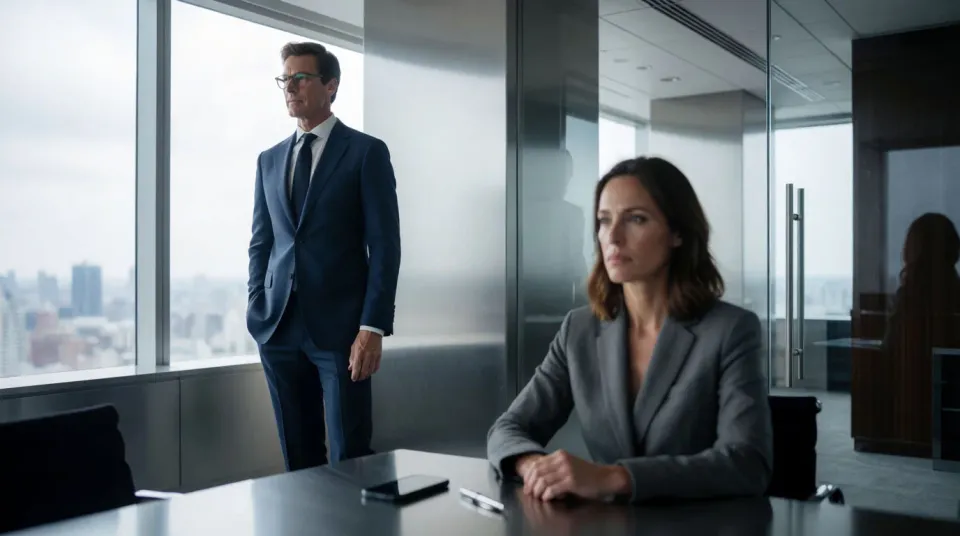
A setting that quietly signals a specific area of law, from a family practice to corporate work, without leaning on tired courtroom cliches.
Prompt bearbeiten
AI covers most of the visual work here. A few things still want a legal eye before anything goes public, from advertising compliance to the claims an image can quietly imply, so here is where each one sits.

Dramatic 5-second product reveal video with audio.

Generate a female AI influencer. Vertical output, ready for socials.

One product shot becomes a full campaign pack with hero shots, angles, and format variations.
Multi-shot product pitch video from a still, a person, and a script.
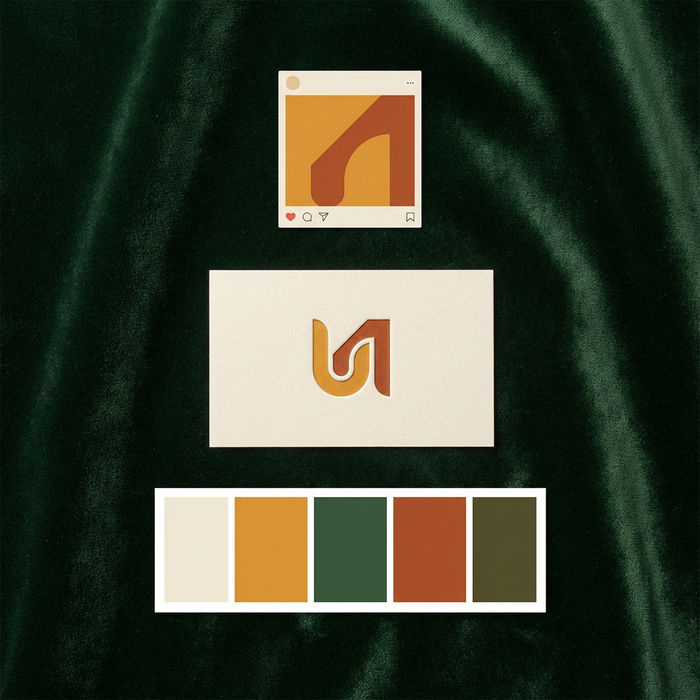
Get logo concepts, social media templates, color palettes, and marketing collateral in one go.

Dramatize any text conversation into a cinematic multi-shot video.
Starten Sie noch heute kostenlos, mit der Option, jederzeit zu upgraden oder zu kündigen.
Basic
2400 monatliche Credits
1 Nutzer
Alle Modelle
Workflows
Standard
3625 monatliche Credits
1 Nutzer
Alle Modelle
Workflows
Pro
6350 gemeinsame monatliche Credits
1 Nutzer
Alle Modelle
Workflows
Max
24650 gemeinsame monatliche Credits
1 Nutzer
Alle Modelle
Workflows
Enterprise
Für höhere Limits
Individuell
Preis- und Abrechnungsbedingungen

Free
Zum Ausprobieren
$0
dauerhaft kostenlos